Road To Arkhangelsk – Project Russia Addon v1.2 for ETS2
Changelog for v1.2
Updated to the new Project Russia
Fixed various bugs
Description
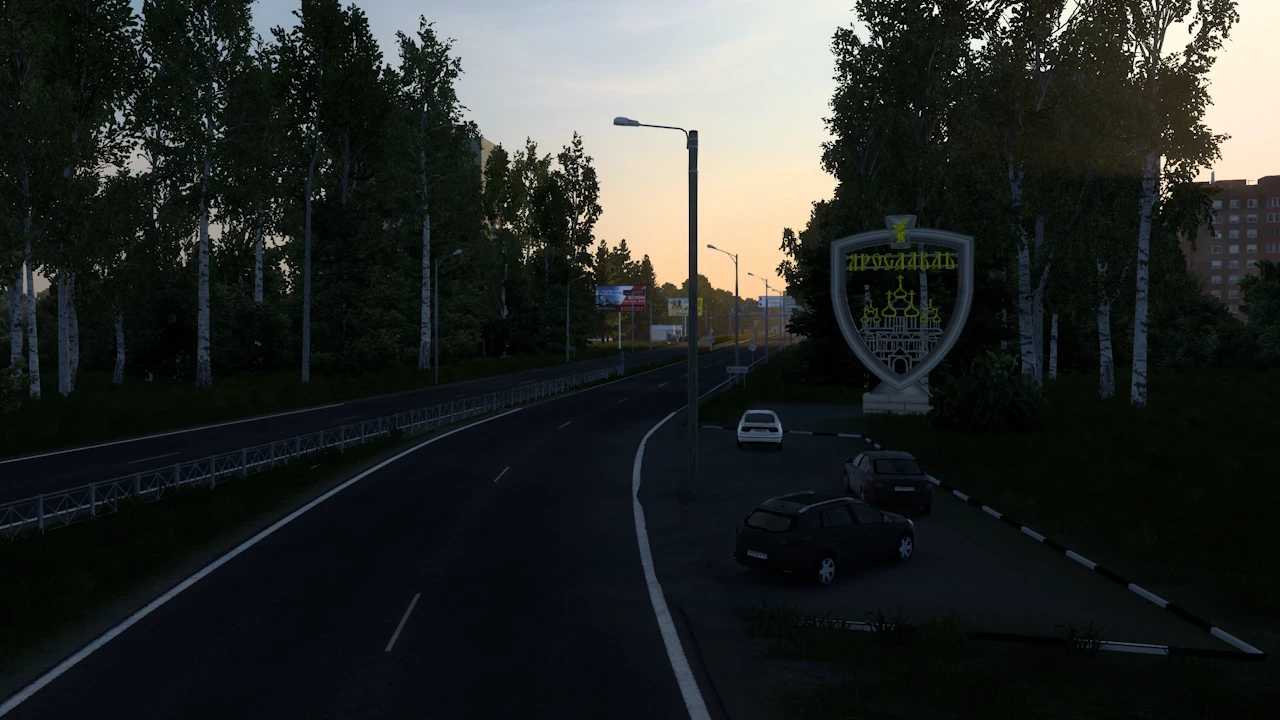
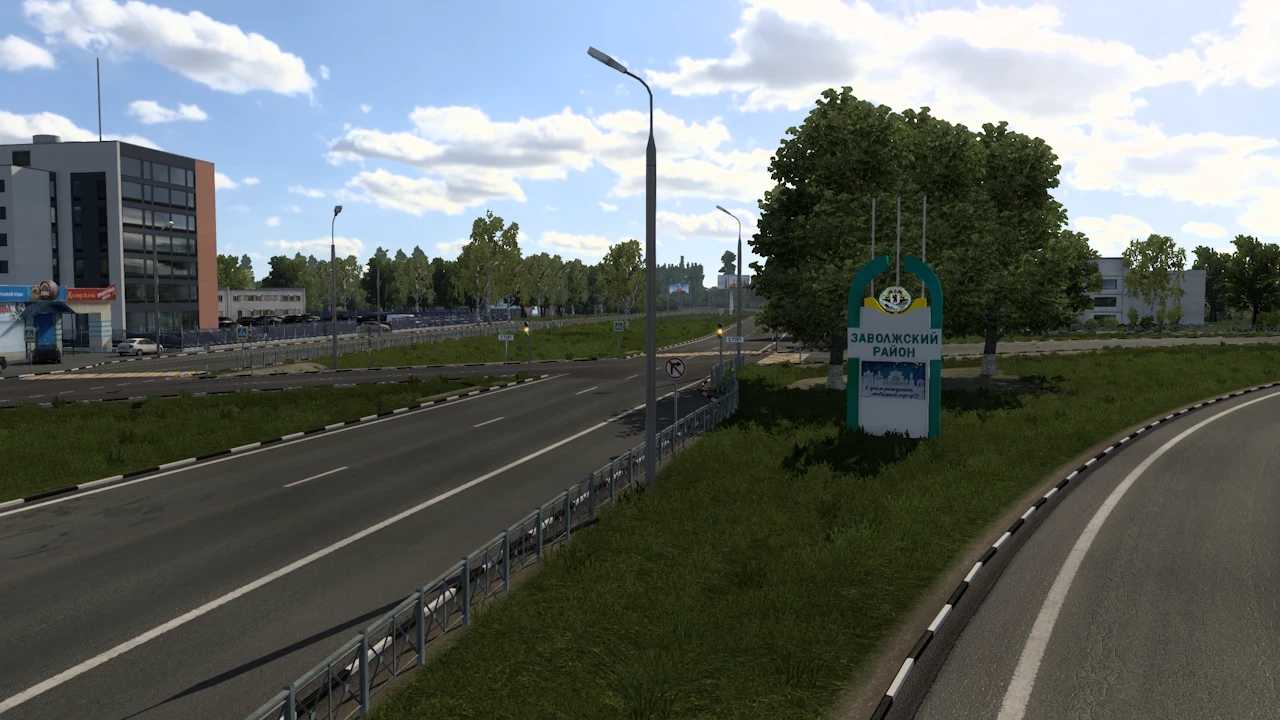
This mod reintroduces a section of the M8 highway from the standalone version of Project Russia and integrates it with the adaptation and overall mod compilation.
New Features:
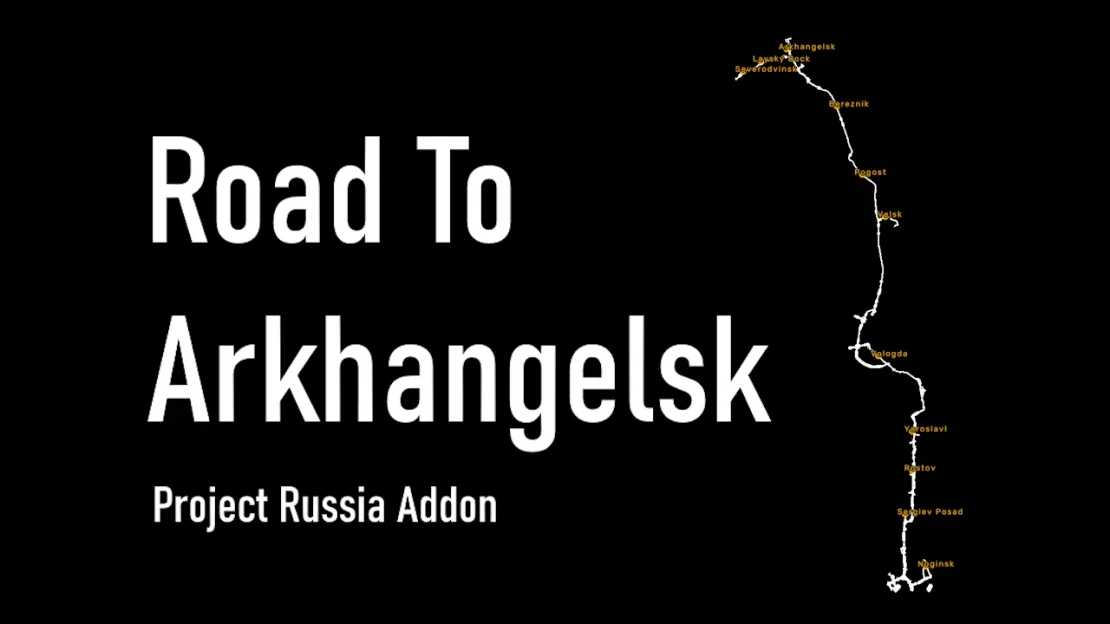
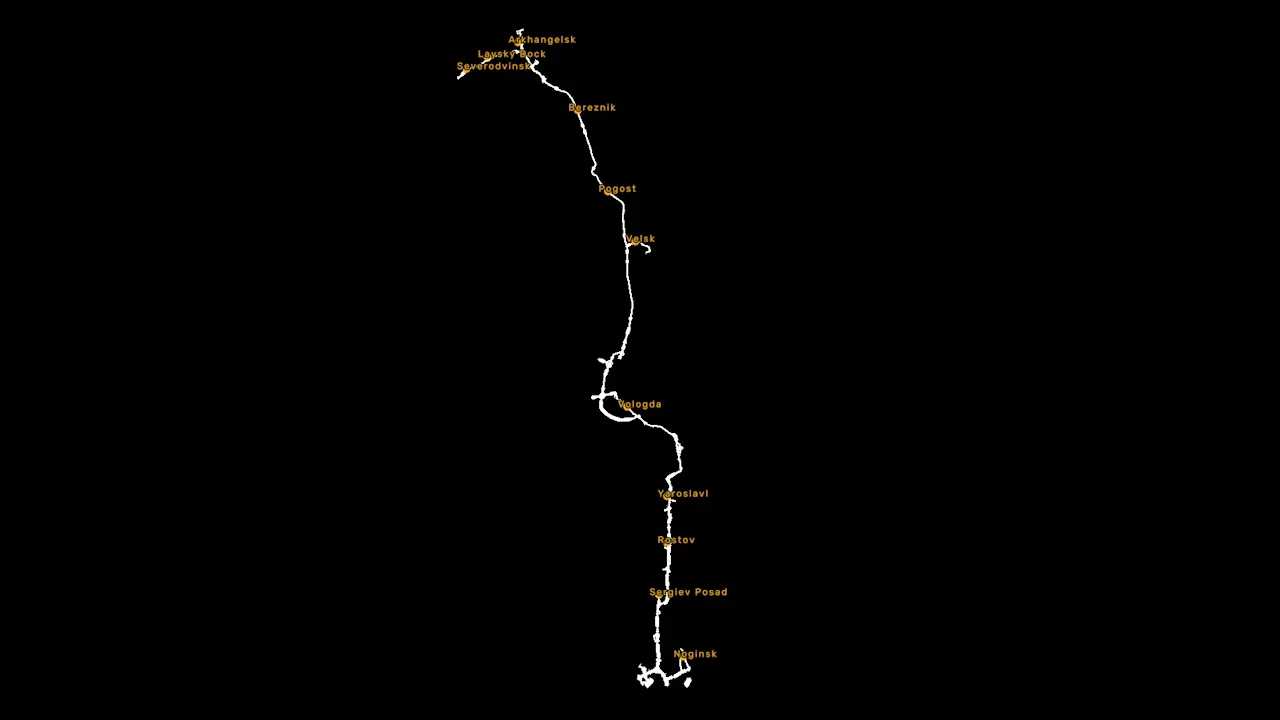
M8 highway from Moscow to Arkhangelsk accurately positioned
Includes cities: Severodvinsk, Laysky Dock, Arkhangelsk, Bereznik, Pogost, Velsk, Vologda, Yaroslavl, Rostov, and Sergiev Posad
Compatible with VK and truck-sim.club RusMap as well as the complete assembly of Russian maps
Requirements:
Project Russia
RusMap (for correct connections)
Load Order:
Place this mod above Project Russia and RusMap
Additional Notes:
If using CentralRussia, position this map above it.
If using Trans-Siberian Truckway, place it below Project Russia to prevent model conflicts.
Credits: Vern37
Instructions for Installing ETS2 or ATS Mods
Installing mods in Euro Truck Simulator 2 is straightforward. Simply download the mod from the link, and copy/unzip the files into: “My Documents\Euro Truck Simulator 2\mod” folder. For American Truck Simulator, place the mods in: “My Documents\American Truck Simulator\mod” folder. You can use tools like WinRAR or 7zip to unzip the files. Afterward, remember to activate the mods you wish to use.