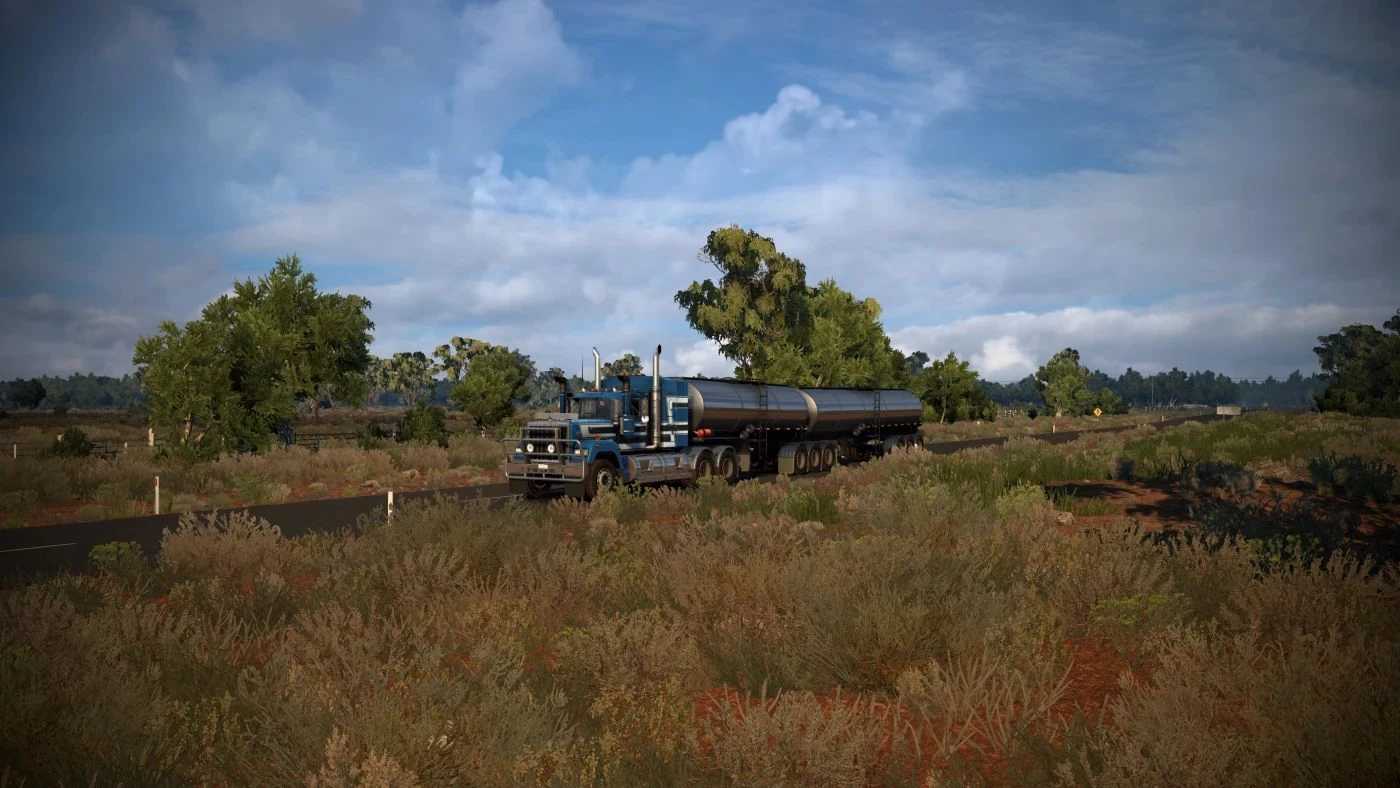
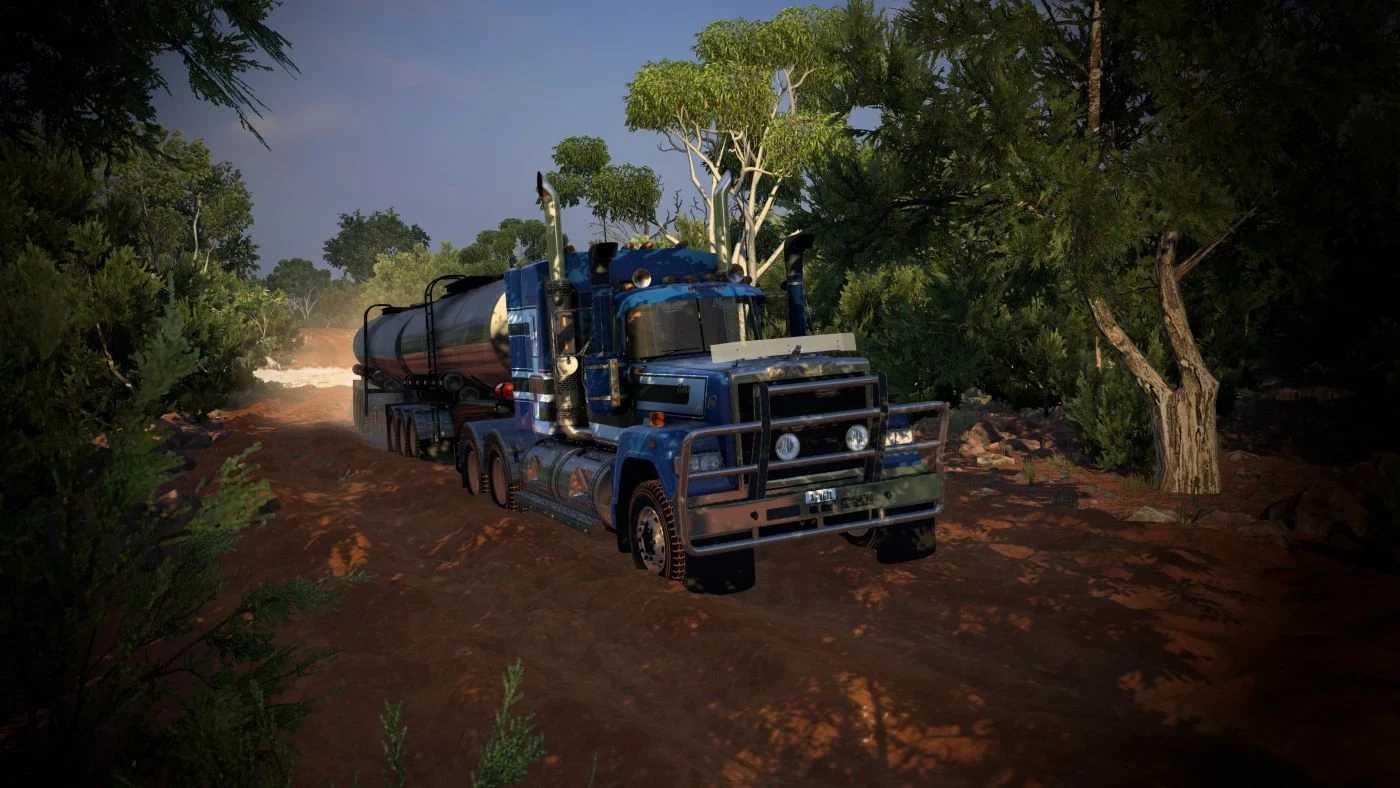
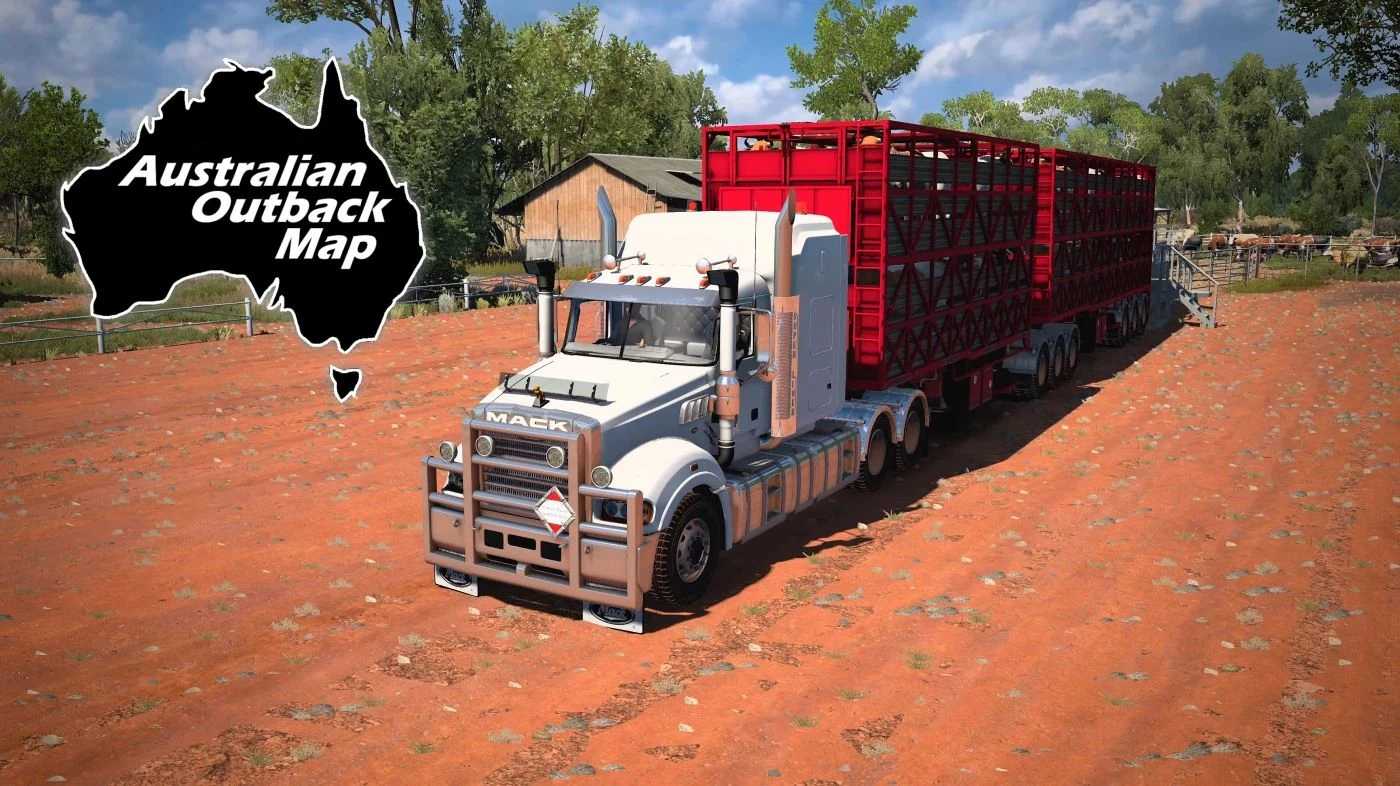
Australian Outback Map v5.2 for ETS2
– Scaled at 1:2
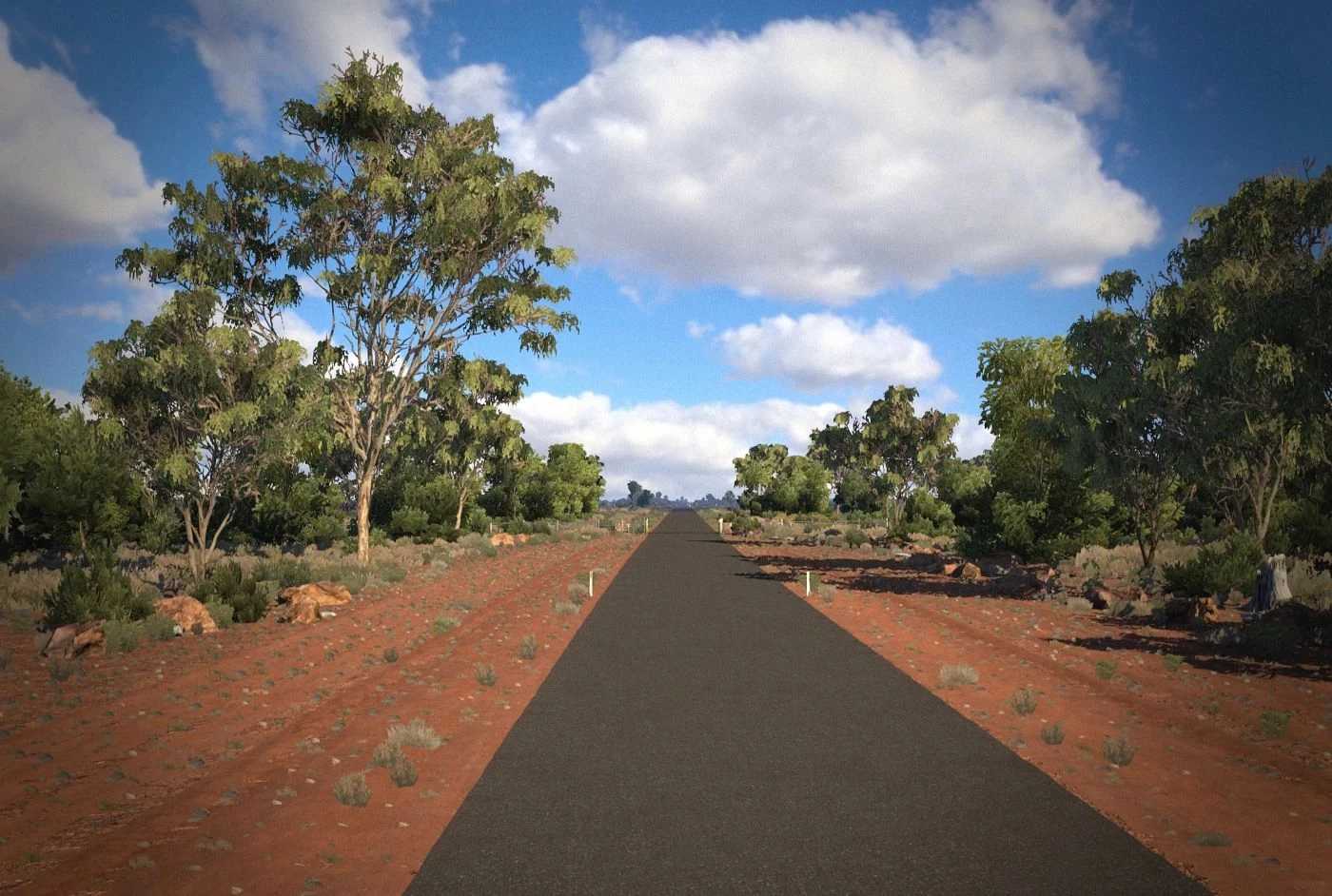
– Features 3D roads in the outback, enhancing the driving experience with realistic interactions, including cracks, bumps, holes, and assorted variations on bitumen and dirt.
– 3D asphalt roads maintain a common width of 3.5 meters.
– AI traffic follows the left-hand driving characteristic of Australia.
– Includes custom garages.
– Tailored companies.
– Unique vegetation.
– Customized truck dealerships (some placeholders until larger cities can be accurately established).
– Diverse and detailed locations.
– Accurate road and navigation signage.
– Wildlife encounters (cows, kangaroos, camels, and koalas).
– Infrastructure for railroad and water crossings.
– Compatibility with various trailer modifications.
Updated to version 1.53
Credits: Rob Viguurs
Instructions for Installing ETS2 or ATS Mods
Installing mods in Euro Truck Simulator 2 is straightforward. Download the mod from this source, then copy or unzip the files into the “My Documents\Euro Truck Simulator 2\mod” directory. If you’re playing American Truck Simulator, place the mods in the “My Documents\American Truck Simulator\mod” directory. Use WinRAR or 7zip for unzipping files. After that, activate the desired mods for gameplay.