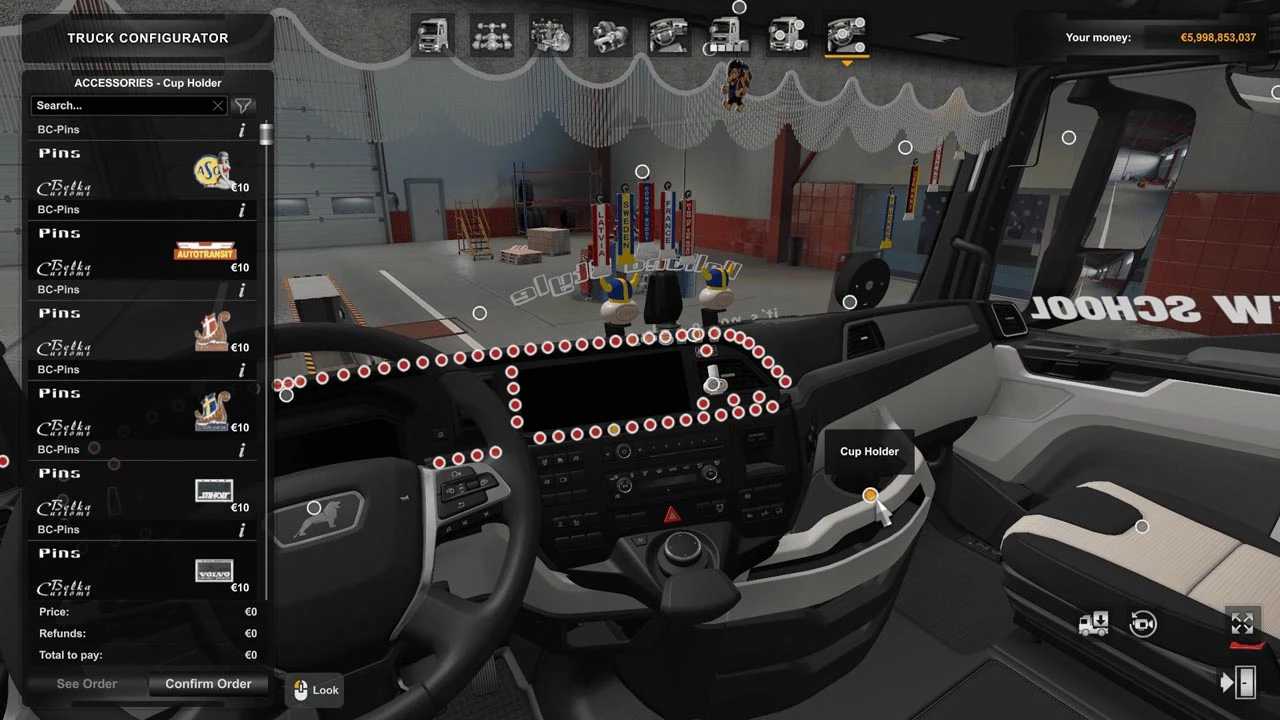
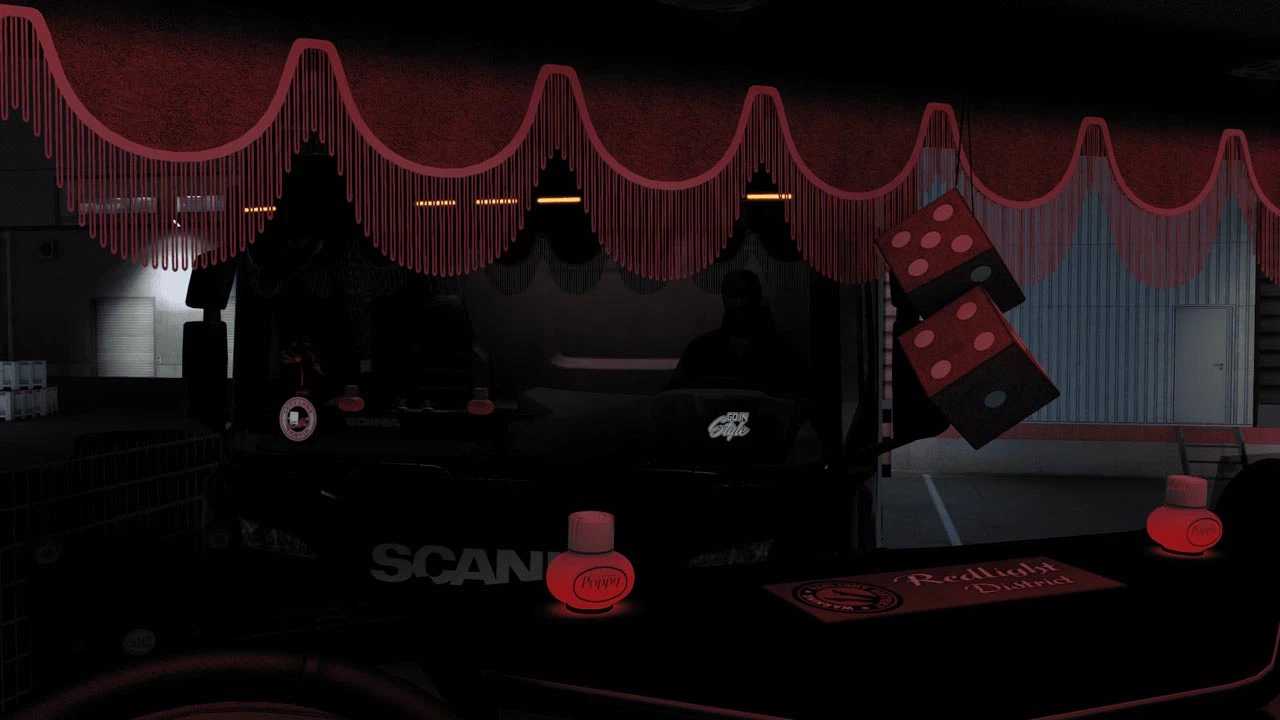
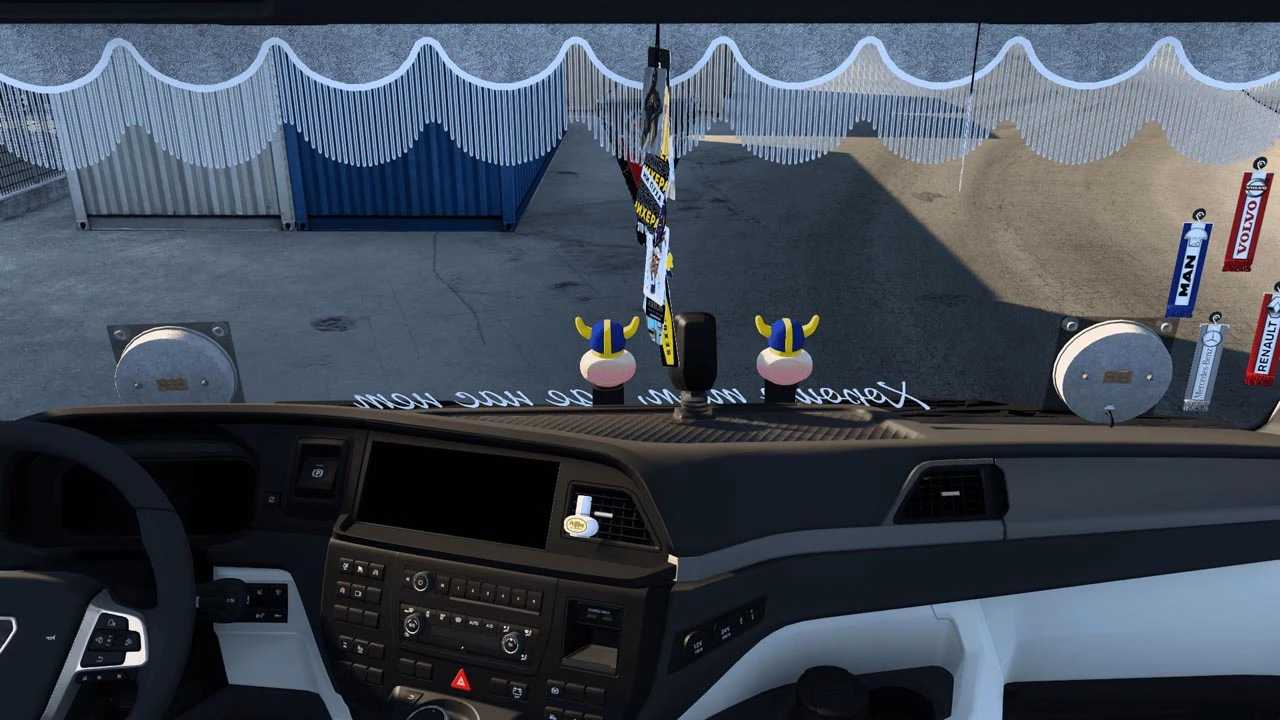
BC-Interior Belka Accessory v0.7.3 for ETS2
Updates in v0.7.3:
Revamped side window stickers
Reconfigured slots for side window stickers
Resolved issue with Areon X-Version hanging air fresheners
Introduced “pack” options featuring three types of air fresheners
Implemented basic compatibility for Man TGX E6 by Gloover
Implemented basic compatibility for Man TG3 2020 by Gloover
Fully tested for version 1.53
Credit to: Belka647
Installation Guide for ETS2 and ATS Mods
Installing mods in Euro Truck Simulator 2 is straightforward. Simply download the mod from this page and copy/unzip the files into the “My Documents\Euro Truck Simulator 2\mod” directory. If you are using ATS, place the mods in the “My Documents\American Truck Simulator\mod” directory. You can use software like WinRAR or 7zip to extract files. After extraction, activate the mods you wish to use in the game.