Beyond Bosphorus v0.2 1.57 ETS2
New Features:
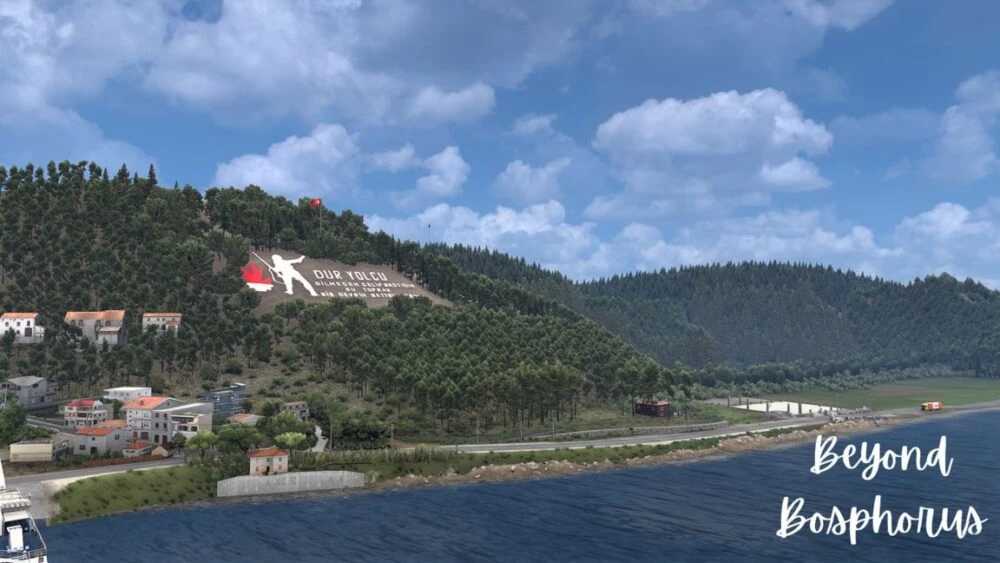
– Canakkale Martyrs’ Memorial: An essential monument and scenic destination now included on the map.
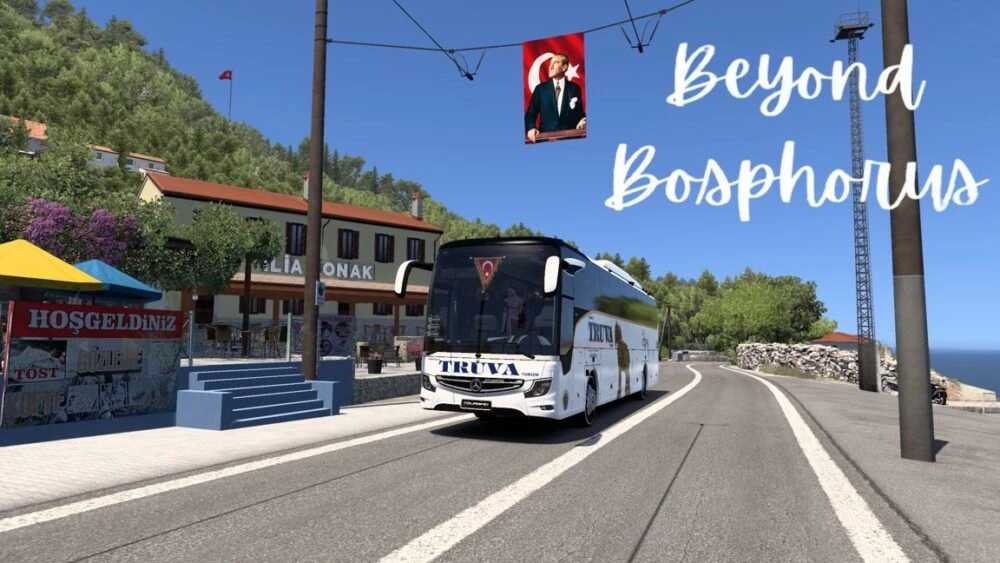
– Kılıkbahir: This residential zone along the Bosphorus, along with its port and adjacent roads, has been incorporated into the map.
– Eceabat: Fully featured, showcasing residential sections, nearby roads, the coastline, and related infrastructure.
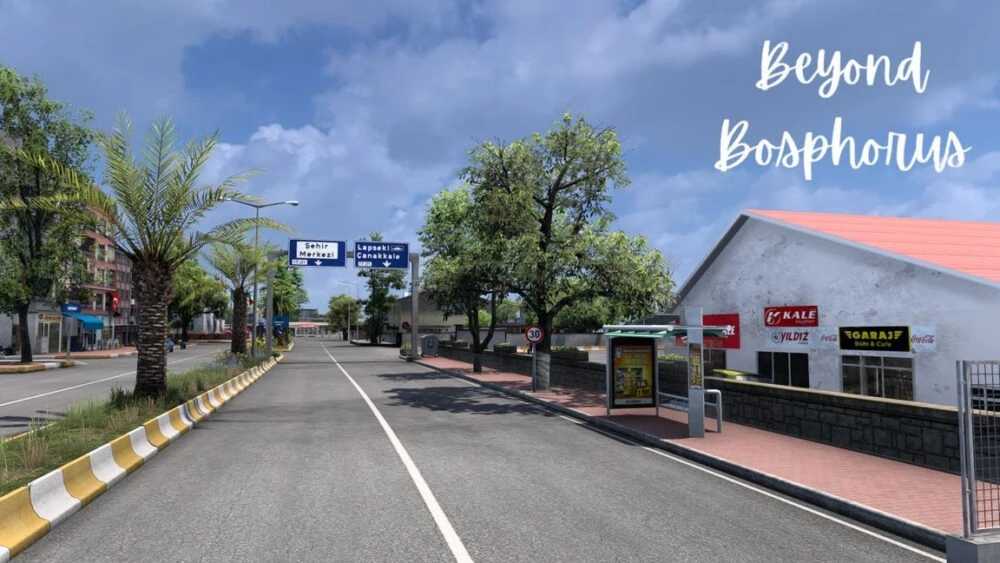
– Beykoz: Added on the Anatolian side of Istanbul, offering a new connecting route along the Bosphorus.
Details on Content:
– New paths & connections: Enhanced the coastal routes and ferry links in these locations.
– Visual improvements in residential areas: Significant enhancements in architectural detail, environmental textures, and traffic flow for areas like Kilitbahir, Eceabat, and Beykoz.
– Scenic enhancements: Improved driving experience features around landmarks such as the Canakkale Martyrs’ Memorial.
– Extended map and travel experience: This update enhances driving routes along the Istanbul/Çanakkale-Bosphorus line, facilitating new cities and connections for extended journeys.
Access Code: 84B6853416F7A17E322D8C96214EA
Installation Guidance: Ensure the correct order for “Map Def,” “Model,” and “AI Vehicles” in the game’s mod management section.
Compatibility: Version 1.57
Performance: New regions and features might demand additional system resources—particularly graphics and traffic density.
Credits: Hakan, Lars, Ali Hamza, Earl, DelbyBW, Bast51
Instructions for Installing ETS2 or ATS Mods
Installing mods in Euro Truck Simulator 2 is simple. Download the mod from the provided link, then copy or unzip the files into: “My Documents\Euro Truck Simulator 2\mod” folder. For ATS, place mods in: “My Documents\American Truck Simulator\mod” folder. You can use WinRAR or 7zip to unzip files. After that, activate the desired mods for use.