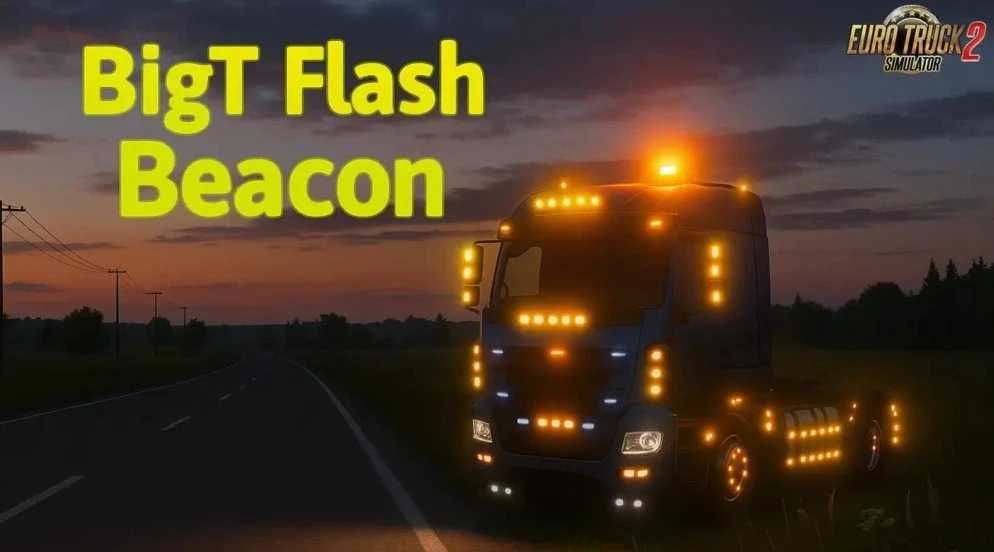
BigT Flash Beacon v1.56 ETS2
Updates:
– Updated for game version 1.56
Highlights:
– Approximately 100 different variants
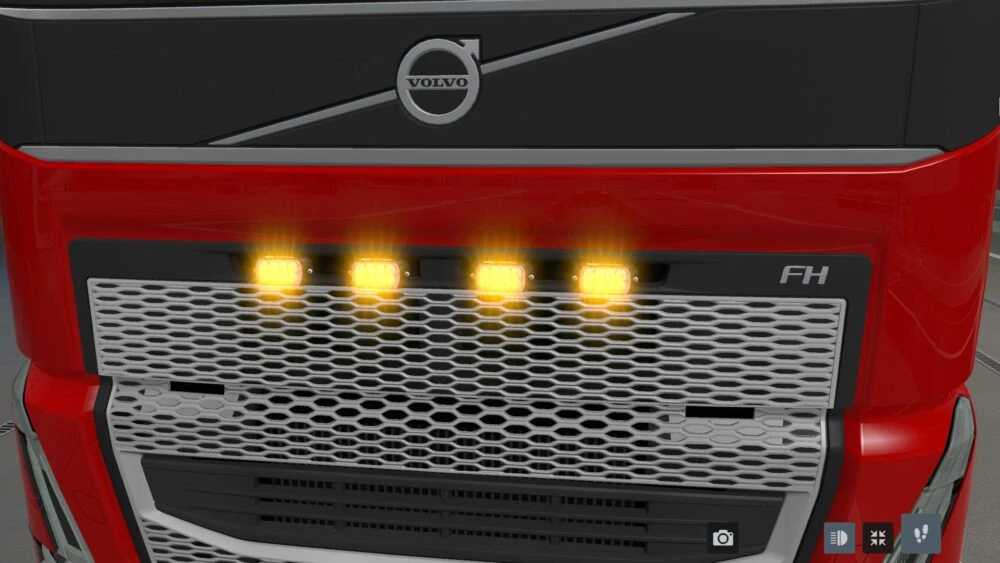
– Available in various shapes, sizes, and colors
– Equipped with unique glow settings
– Installed in the lighting equipment slots
– Compatible with all SCS trucks and select mods
– Functional in “Convoy” mode
Credits: Author: BigT Updated for 1.56: Maxim Barinov
Installation Instructions for ETS2 Mods or ATS Mods
Installing mods in Euro Truck Simulator 2 is simple. You only need to download the mod from this link, and then copy or unzip the files into: “My Documents\Euro Truck Simulator 2\mod” folder. If you are playing ATS, place the mods in: “My Documents\American Truck Simulator\mod” folder. To unzip files, you may use tools such as WinRAR or 7zip. Afterward, activate the mods you wish to use.