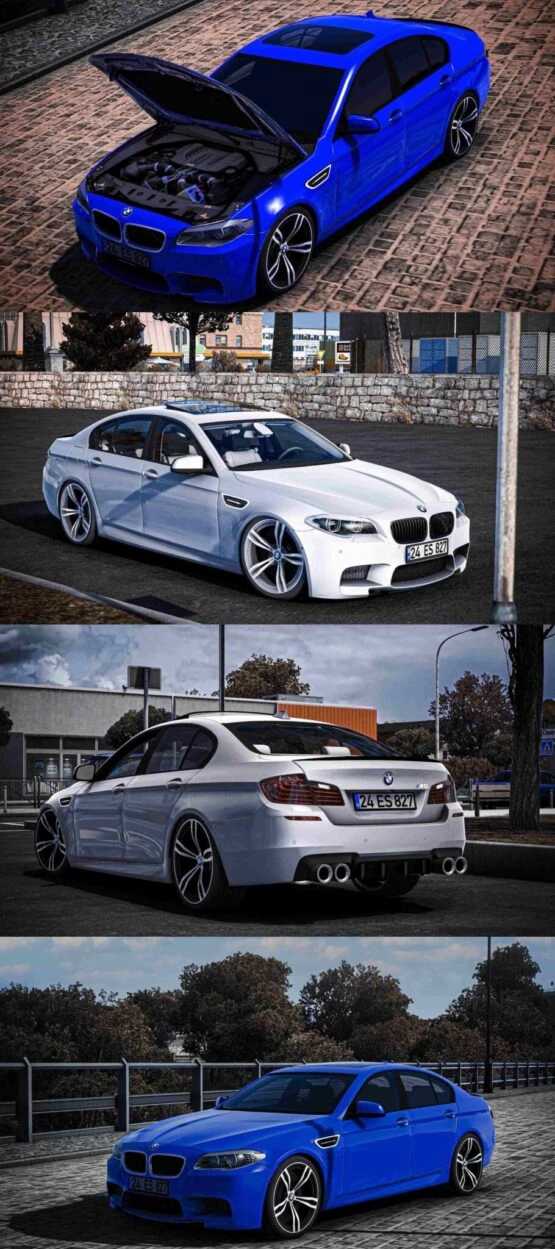
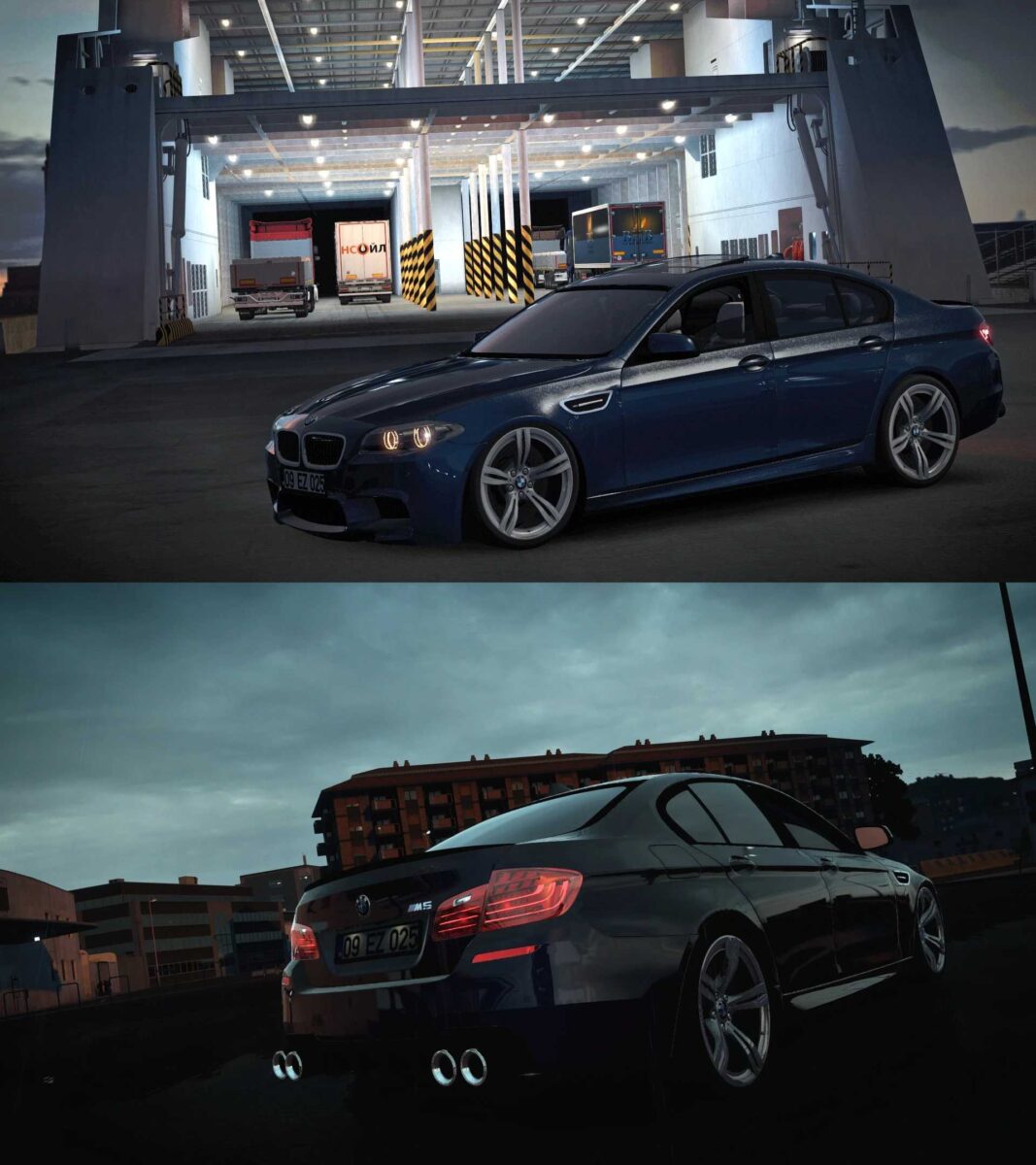
Bmw M5 F10 1.54-1.55 ETS2
CHANGELOG:
Updated for game versions 1.54-1.55
HQ Model Features:
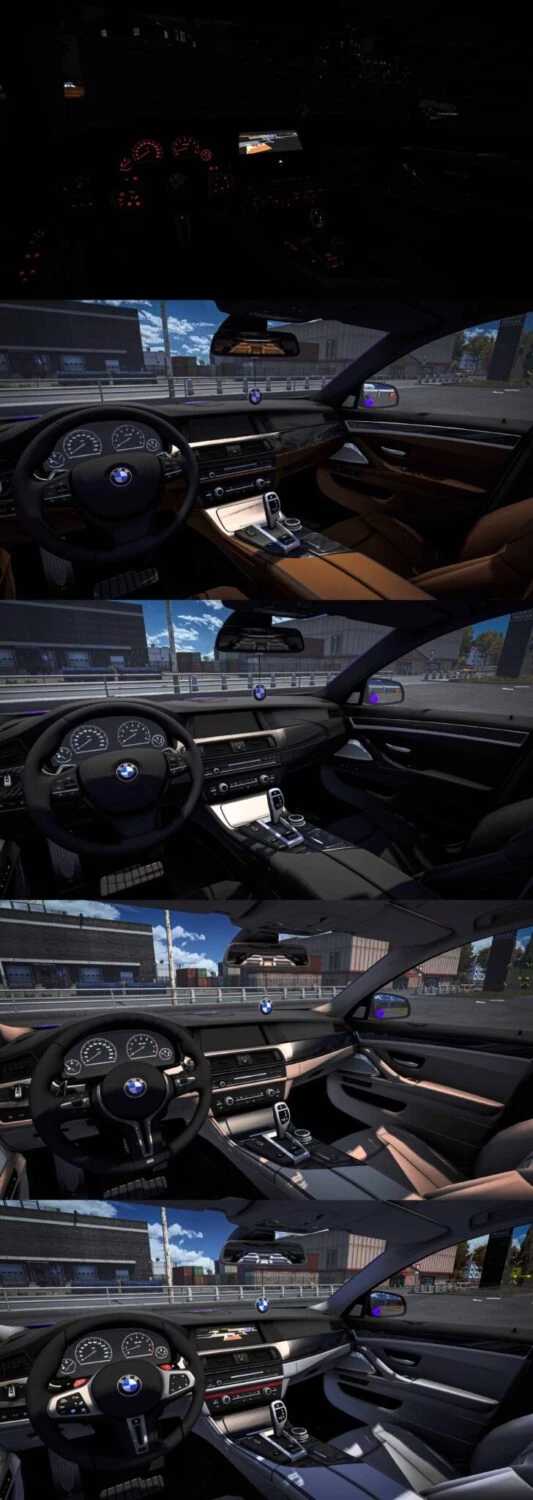
– 4 Cabin Options
– 2 Chassis Types (Low-Normal)
– Realistic Audio
– High-Quality Interior
– 2x Ankara-Erzincan Plates
– 2x Front-Intake Grills
– 3x Front-Intake Frames
– 5x Rim Designs
– 4x Seat Options
– 3x Ceiling Designs
– 3x Cockpit Styles
– 2x Gear Options
– 3x Steering Wheel Types (Drum-M4, Sport-M8)
– Exterior Steering Wheel Animation
– Scent Ornament Animation
– Bonnet Animation
Credits: Mert İrşi, Hüseyin Beşparmak, Halil Yavuz Sound, Nimit
How to Install ETS2 or ATS Mods:
Installing mods in Euro Truck Simulator 2 is straightforward. Download the mod from the site, then copy/unzip the files to: “My Documents\Euro Truck Simulator 2\mod” folder. For American Truck Simulator, place mods in: “My Documents\American Truck Simulator\mod” folder. Use tools like WinRAR or 7zip to unzip files. Following that, activate the mods you wish to use.