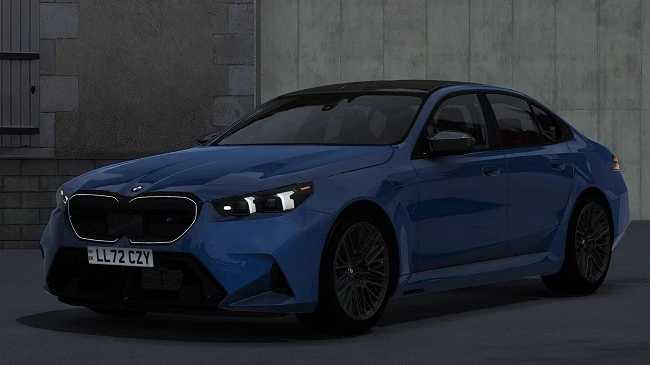
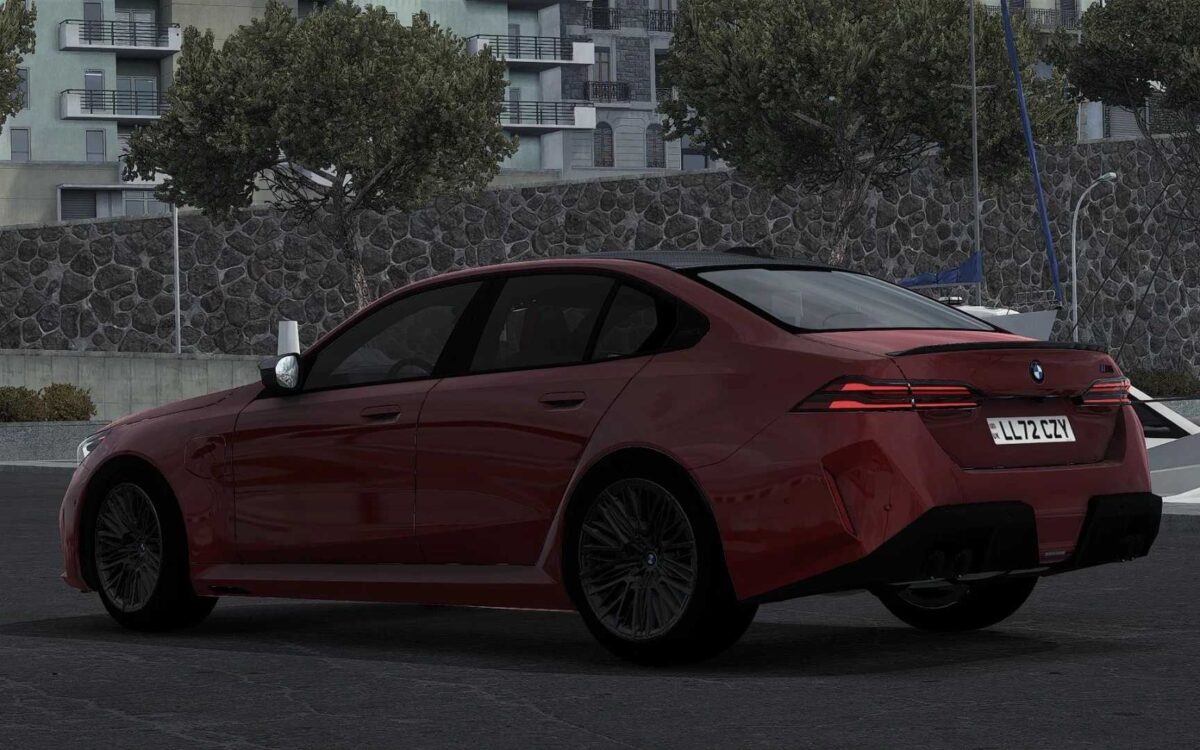
BMW M5 G90 2025 v1.1 ETS2
– Exceptional exterior and interior quality
– Digital speedometer and functional information on the user interface
– Superb handling characteristics
– Front windows that can be opened
– Fully operational windshield wipers
– Animated turn signals, wiper arms, and handbrake button
– Realistic engine and gearbox setup
– Two choices for interior color (black and red)
Updated for version 1.55
Credits: DN Modding, Nimit, Slav Jerry
Installation instructions for ETS2 or ATS mods
Installing mods in Euro Truck Simulator 2 is straightforward. Simply download the mod from here, unzip files, and place them into: “My Documents\Euro Truck Simulator 2\mod” folder. For American Truck Simulator, put them in: “My Documents\American Truck Simulator\mod” folder. You can use tools like WinRAR or 7zip to extract files. Don’t forget to activate the mods you want to use afterward.