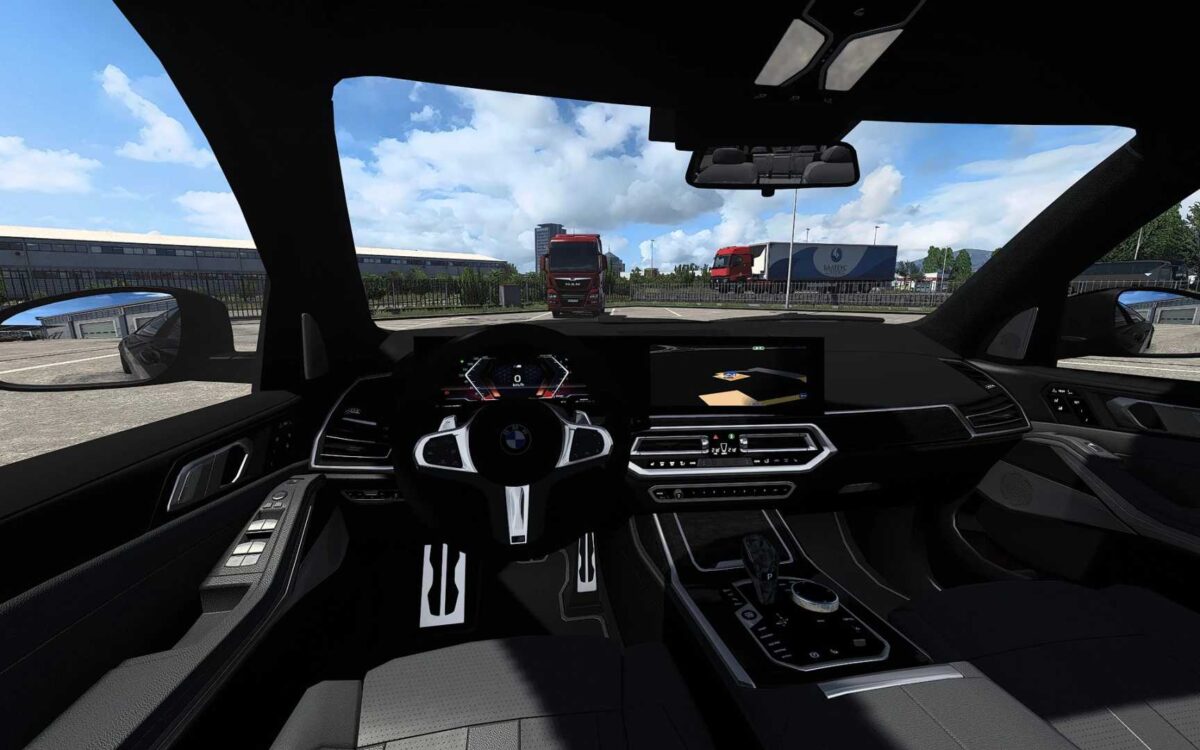
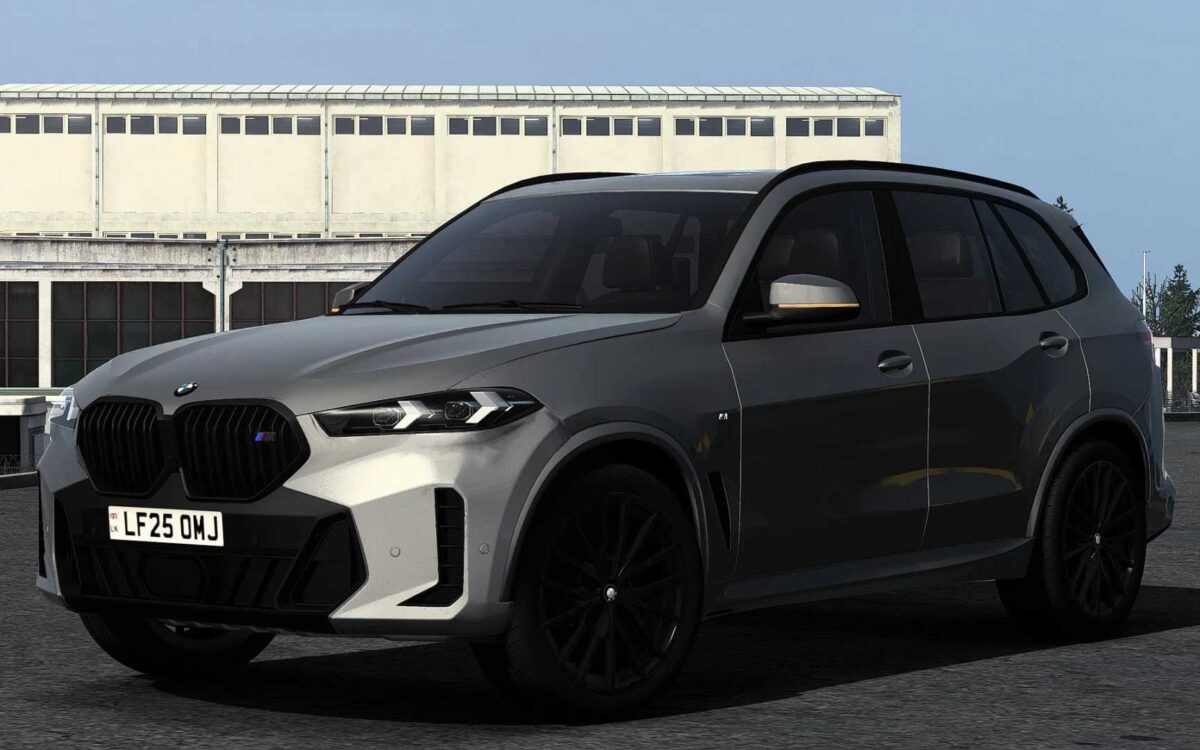
BMW X5 G05 2024 v1.2 ETS2
– Exceptional interior & exterior quality
– Customized UI featuring a digital speedometer & functional information displays
– Superb driving experience
– Front windows that can be opened
– Accurate wiper functionality
– Animated indicator, wiper stalk, and handbrake button
– Authentic engine & transmission settings (with 0-100, 0-200 & 0-250 km/h times closely mirroring the real vehicle)
– Two interior color choices (Black & Brown)
Updated for game version 1.56
Credits: DN Modding, Nimit, Slav Jerry
How to install ETS2 or ATS Mods
Installing mods in Euro Truck Simulator 2 is straightforward. Simply download the mod from here and copy/unzip the files into: “My Documents\Euro Truck Simulator 2\mod” folder. If you’re playing ATS, install mods in: “My Documents\American Truck Simulator\mod” folder. To unzip files, you can use: WinRAR or 7zip. Then, remember to activate the mods you wish to use.