Bulgaria Rebuild v1.1 for ETS2 1.55
Changelog 1.1
Added Pazardzhik
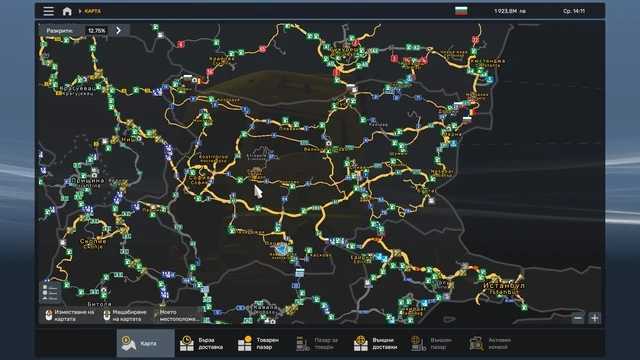
Connected Sofia to Plovdiv via Pazardzhik (thanks to Lyonzyi_Leonid5 for the assistance)
Description:
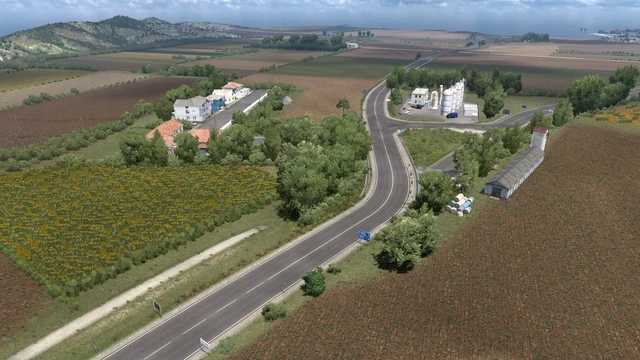
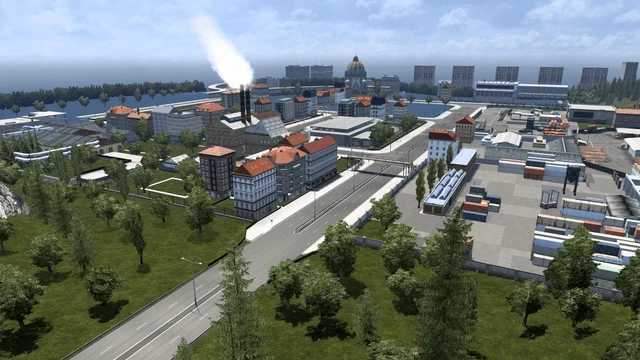
This mod enhances Bulgaria and revamps certain regions.
New cities added:
Haskovo, Sliven, Asenovgrad, Zlatitsa, Etropole, Nesebar, Kostinbrod, Pazardzhik
Load order:
Bulgaria Rebuild 1.1
Bulgaria if Focus 1.32
ProMods 2.75 – Definition Package
ProMods 2.75 – Map Package
ProMods 2.75 – Assets Package
ProMods 2.75 – Models 1 Package
ProMods 2.75 – Models 2 Package
ProMods 2.75 – Models 3 Package
ProMods 2.75 – Media Package
ProMods 2.75 – DLC Support Package (optional)
Credits: Burlaka
How to install ETS2 or ATS mods
Installing mods in Euro Truck Simulator 2 is straightforward. Simply download the mod from the provided link, then copy or unzip the files into: “My Documents\Euro Truck Simulator 2\mod” folder. For American Truck Simulator, place the mods in: “My Documents\American Truck Simulator\mod” folder. Use tools like WinRAR or 7zip to unzip files. Afterward, activate the mods you wish to use.