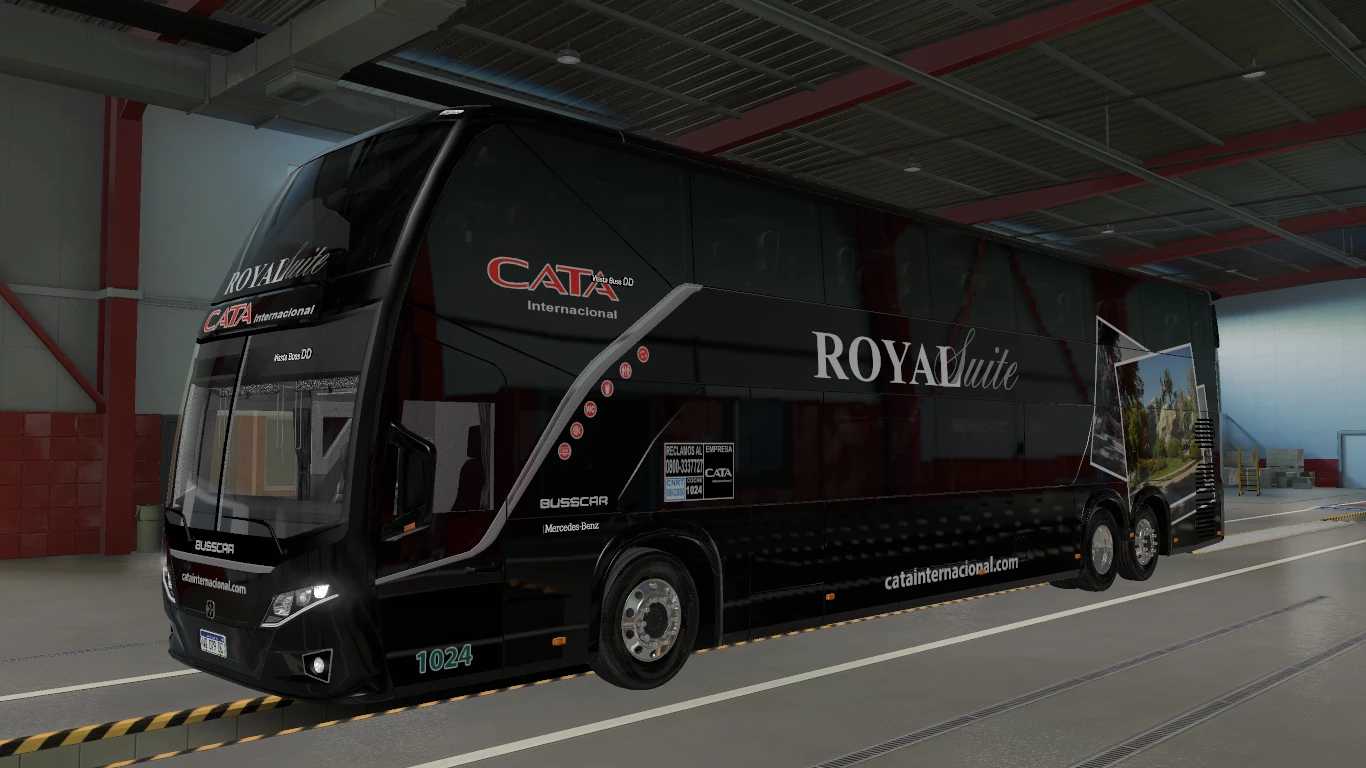
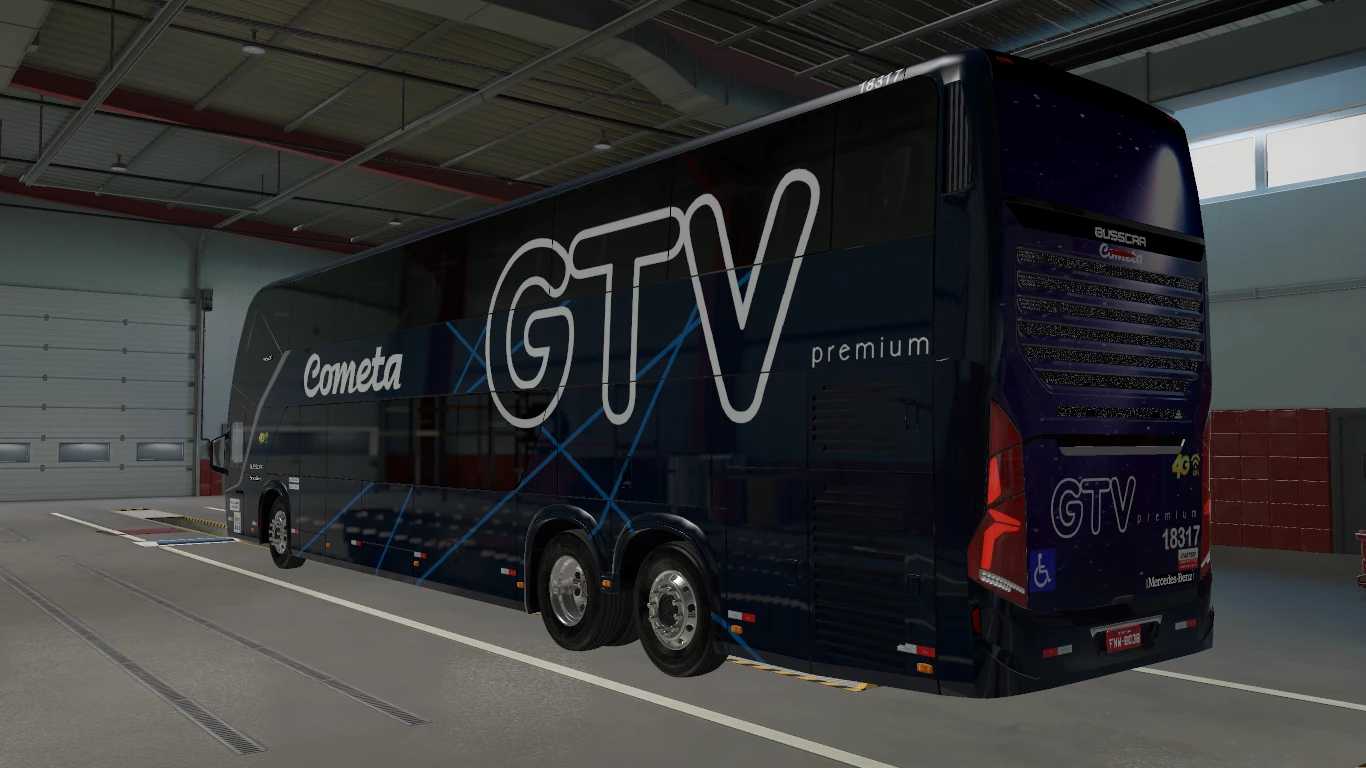
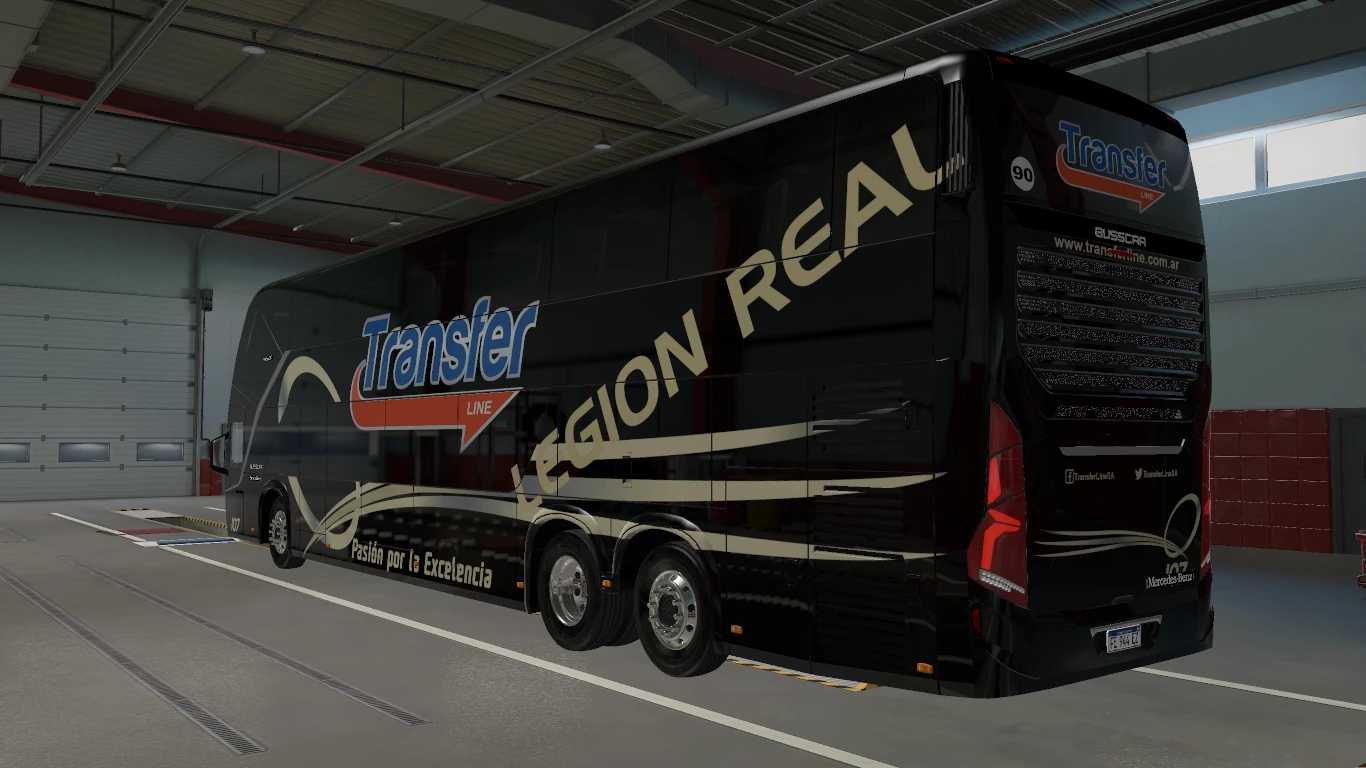
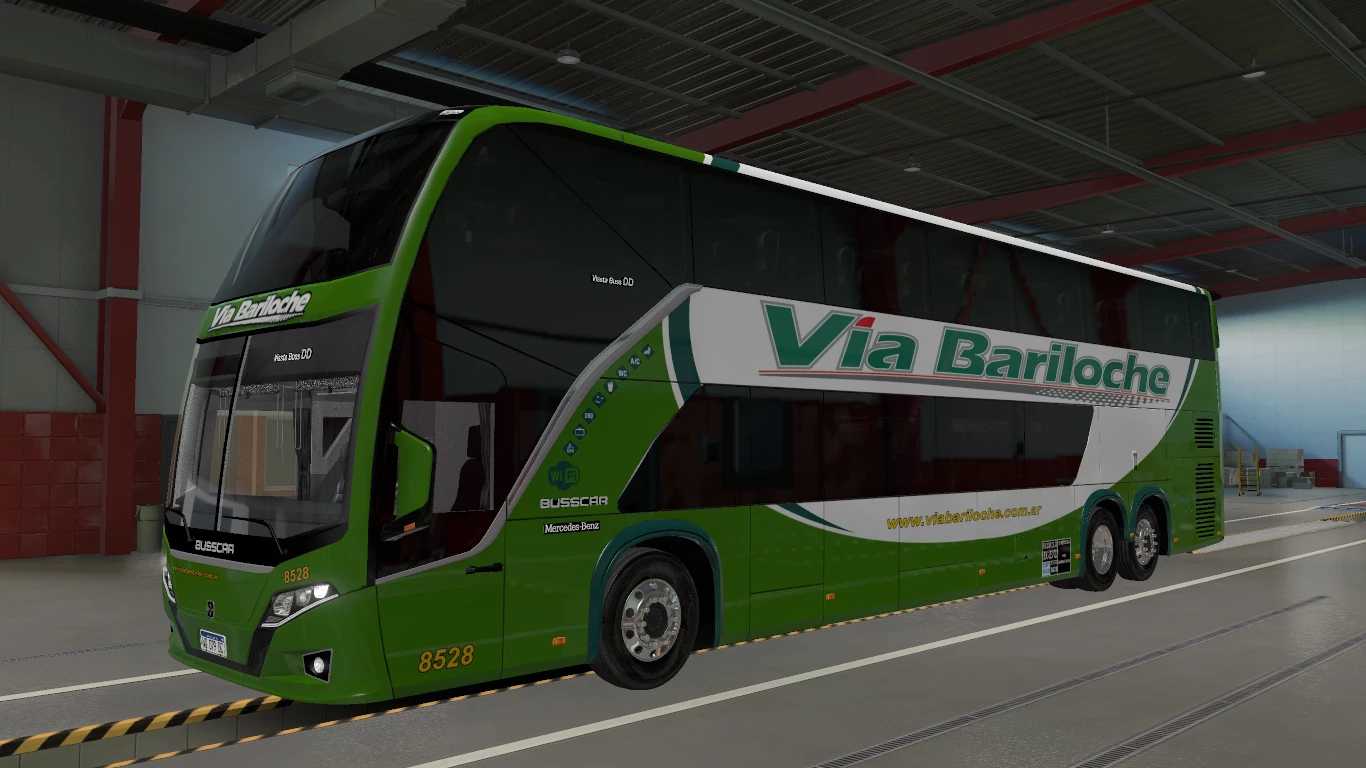
Busscar VisstaBuss DD Multichasis v1.4 1.56 ETS2
Features:
1. Fully animated for exterior view (like doors, baggage compartment, and windows).
2. Fully animated for interior view (including gas and handbrake, as well as windows and doors).
3. Animated suspension supported.
4. Stable physics performance.
5. Includes interior lighting (press ‘O’ to activate).
6. Custom sound (MB O500RSD) included, with support for Convoy Multiplayer.
7. Standalone mod.
Credits: caets2
How to install ETS2 or ATS mods
Installing mods in Euro Truck Simulator 2 is straightforward. Download the mod from this site and copy/unzip the files into the “My Documents\Euro Truck Simulator 2\mod” folder. If you’re using ATS, place the mods in “My Documents\American Truck Simulator\mod” folder. Use software like WinRAR or 7zip to unzip the files. After that, activate the mods you wish to use.