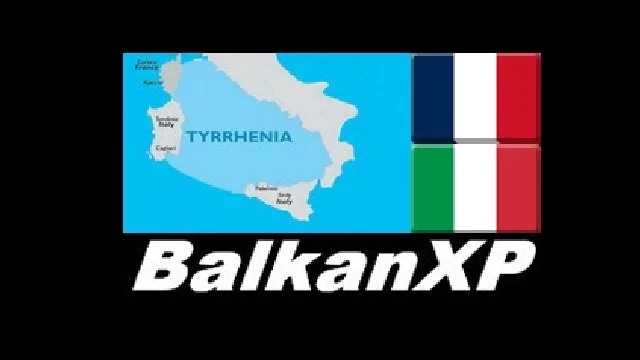
BXP Tyrrhenia v1.50.0 ETS2
What’s new in version 1.50.0:
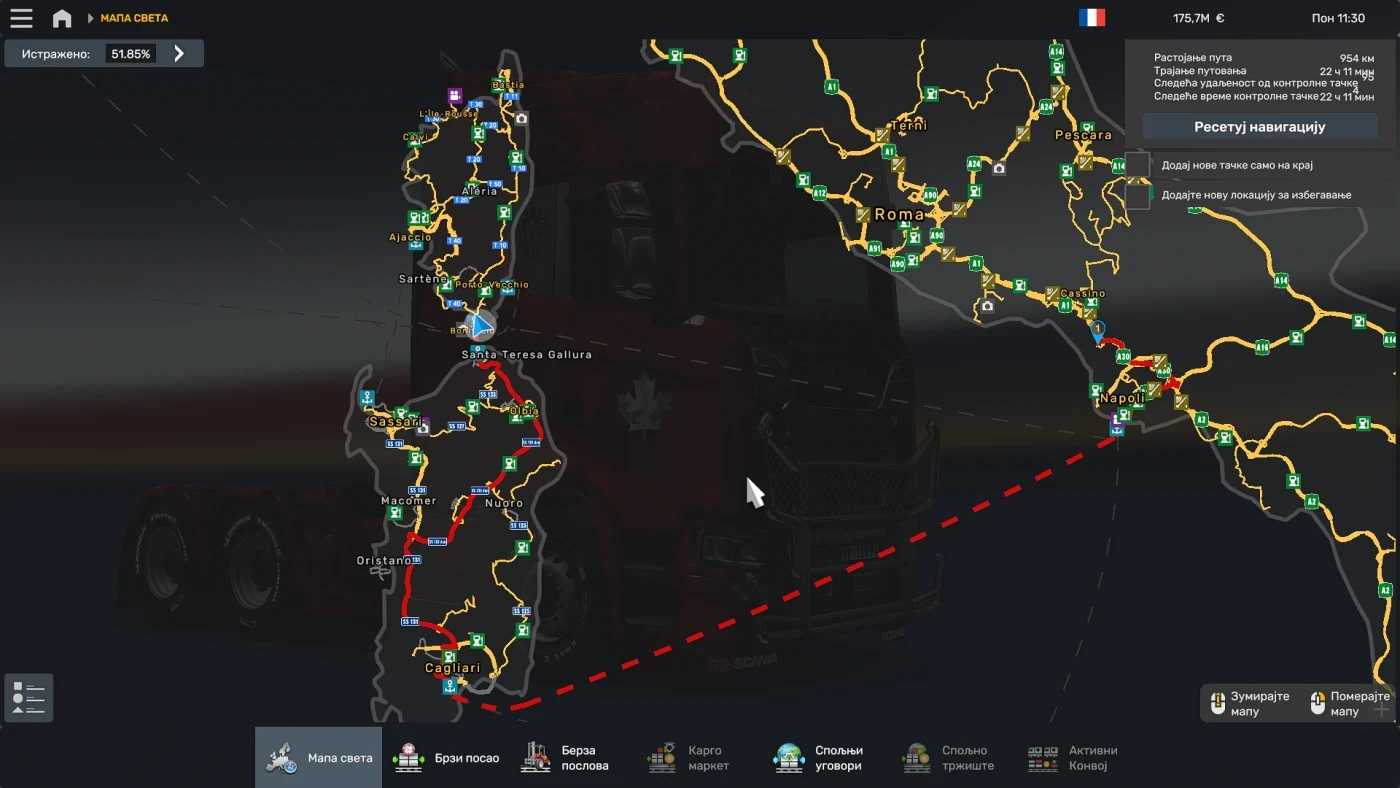
– FRA (Corsica): introduced Aleria and Sartene
– FRA (Corsica): enhanced the Bonifacio to Sartene – Porto Vecchio route
– FRA (Corsica): added several new roads across the island
– ITA (Sardinia): included Santa Teresa Gallura, Macomer, Oristano, Nuoro
– ITA (Sardinia): expanded road networks in Olbia, Sassari, and Cagliari
– ITA (Sardinia): various additional roads added throughout the island
BXP Tyrrhenia Details:
– expansion of the Corsica and Sardinia maps
– compatible as an SCS map add-on with ProMods
– supports FLD prefabs when ProMods is not in use
Credits: BalkanXP
How to install ETS2 or ATS mods
Installing mods for Euro Truck Simulator 2 is straightforward. Simply download the mod from here, then copy or unzip the files into the “My Documents\Euro Truck Simulator 2\mod” folder. For American Truck Simulator (ATS), place the mods in “My Documents\American Truck Simulator\mod” folder. You can use WinRAR or 7zip for unzipping files. After that, activate the mods you wish to use.