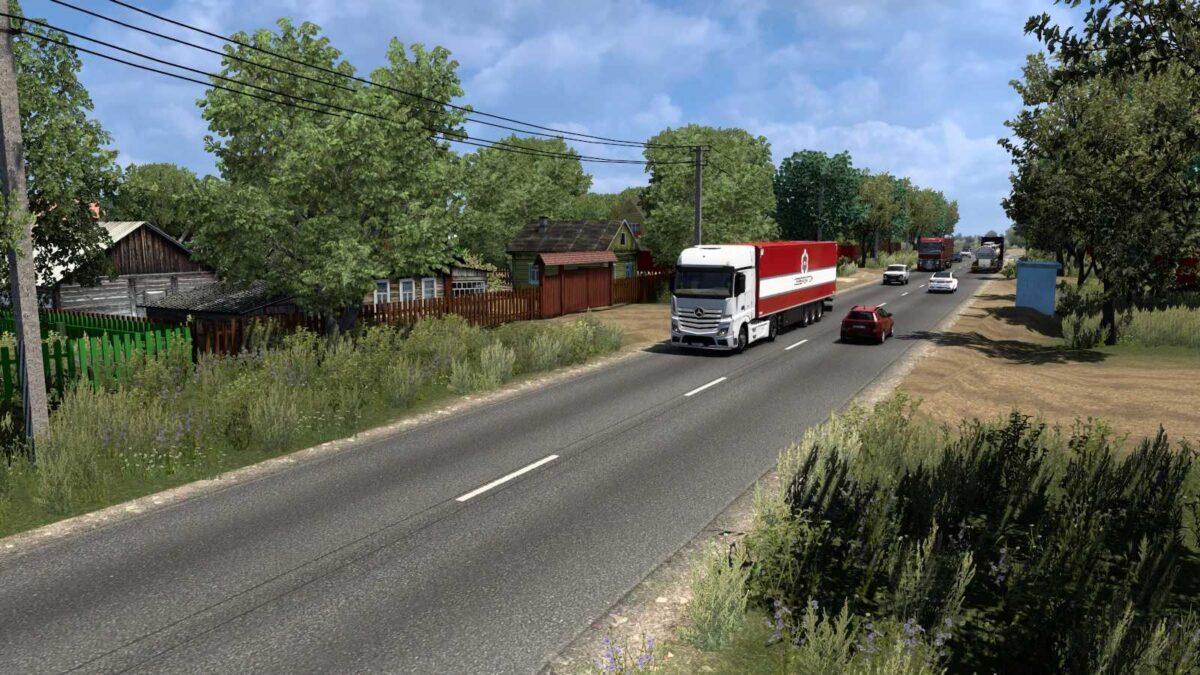
Road to Caucasus Beta v0.8 ETS2
– Integrated with the SRMap to Project Caucasus connector mod by MCY.
– Features 16 locations: Zelenokumsk, Budyonnovsk, Neftekumsk, Kochubey, Artezian, Lagan, Astrakhan, Krasny Yar, Akkystau, Kizlyar, Babayurt, Makhachkala, Kaspiysk, Izberbash, Derbent, Khachmaz.
– Includes 27 companies.
– Connectivity with SRMap and The Great Steppe maps.
Installation Instructions:
– Road to Caucasus Beta Version 0.6
– SRMap 13.0 (mandatory)
– The Great Steppe (mandatory)
Beta Version 0.8:
Added 5 new towns: Yuzhno Suhokumsk, Komsomolskiy, Lenino, Zagan Aman, Zubovka
Added 6 new companies
Bug fixes implemented
Please note: This map is not compatible with the Caucasus Project.
Credits: MCY
How to Install ETS2 or ATS Mods
Installing mods in Euro Truck Simulator 2 is straightforward. Simply download the mod from here and copy/unzip the files into the “My Documents\Euro Truck Simulator 2\mod” folder or, for American Truck Simulator, use the “My Documents\American Truck Simulator\mod” folder. You can use WinRAR or 7zip to unzip files. Afterward, activate the mods you wish to use.