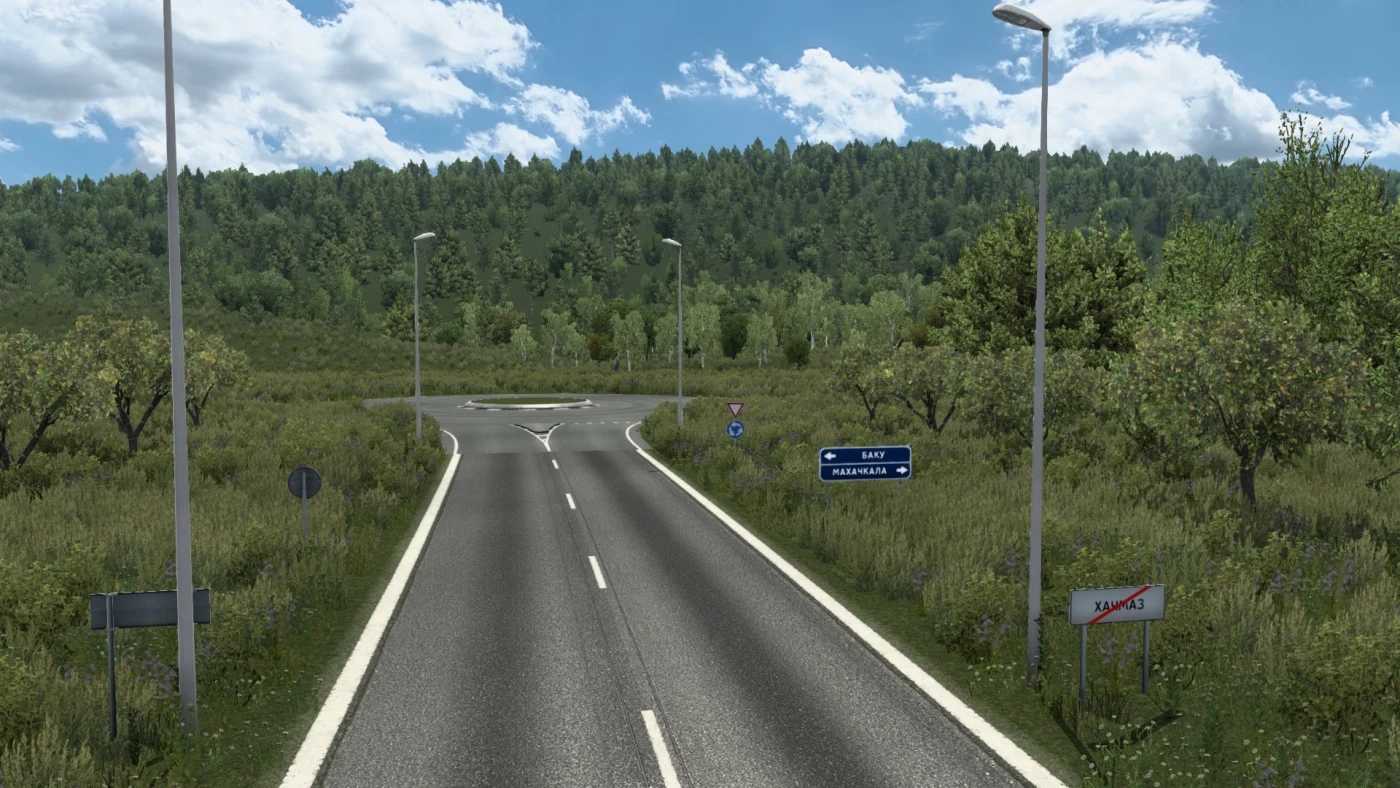
Road to Caucasus v0.7 for ETS2
Explore the new Caspian Coast Road Map
Required Content: Southern Region Map
Compatibility: version 1.53
Credits: Yuriko
Installation Guide for ETS2 Mods or ATS Mods
Installing mods in Euro Truck Simulator 2 is straightforward. Simply download the mod from here, then copy/unzip the files into the “My Documents\Euro Truck Simulator 2\mod” folder. For American Truck Simulator users, place the mods in the “My Documents\American Truck Simulator\mod” folder. You can use WinRAR or 7zip to unzip files. After that, remember to activate the mods you wish to use.