Road to Caucasus v1.8 1.54 ETS2
Beta Version 1.8:
– Reconstructed Achikulak & Kochubey
– Introduced a new company in Kochubey
– Resolved various bugs
Description:
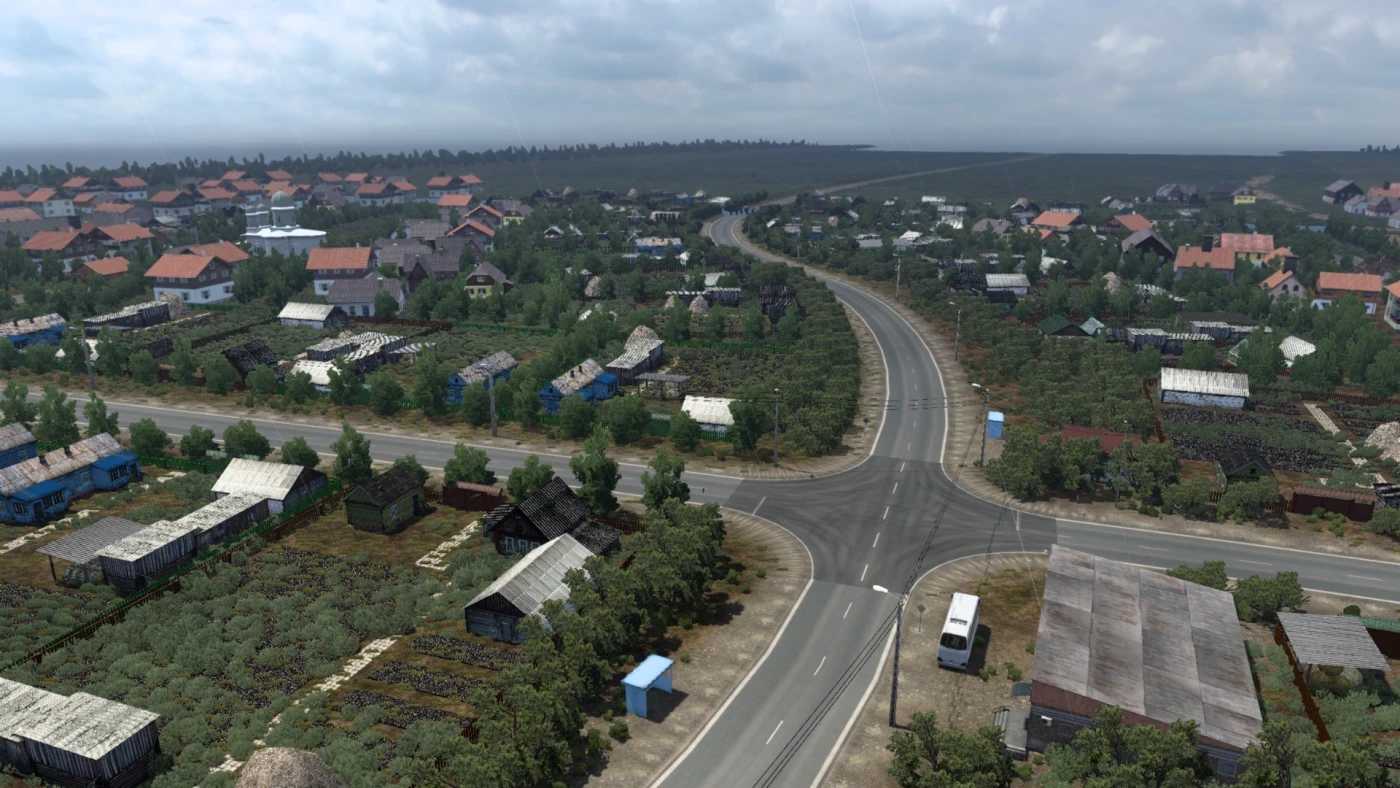
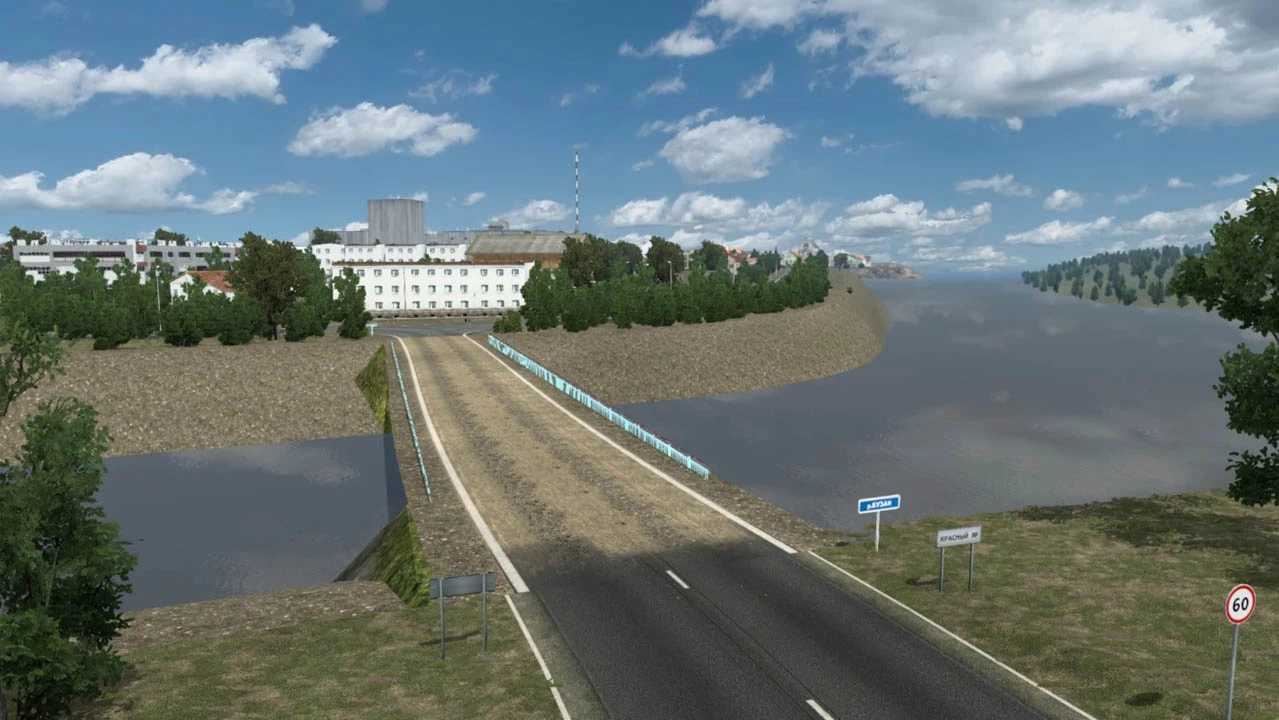
This region boasts stunning landscapes across various climatic zones, including deserts, steppes, hills, and mountains. The map incorporates these diverse terrains.
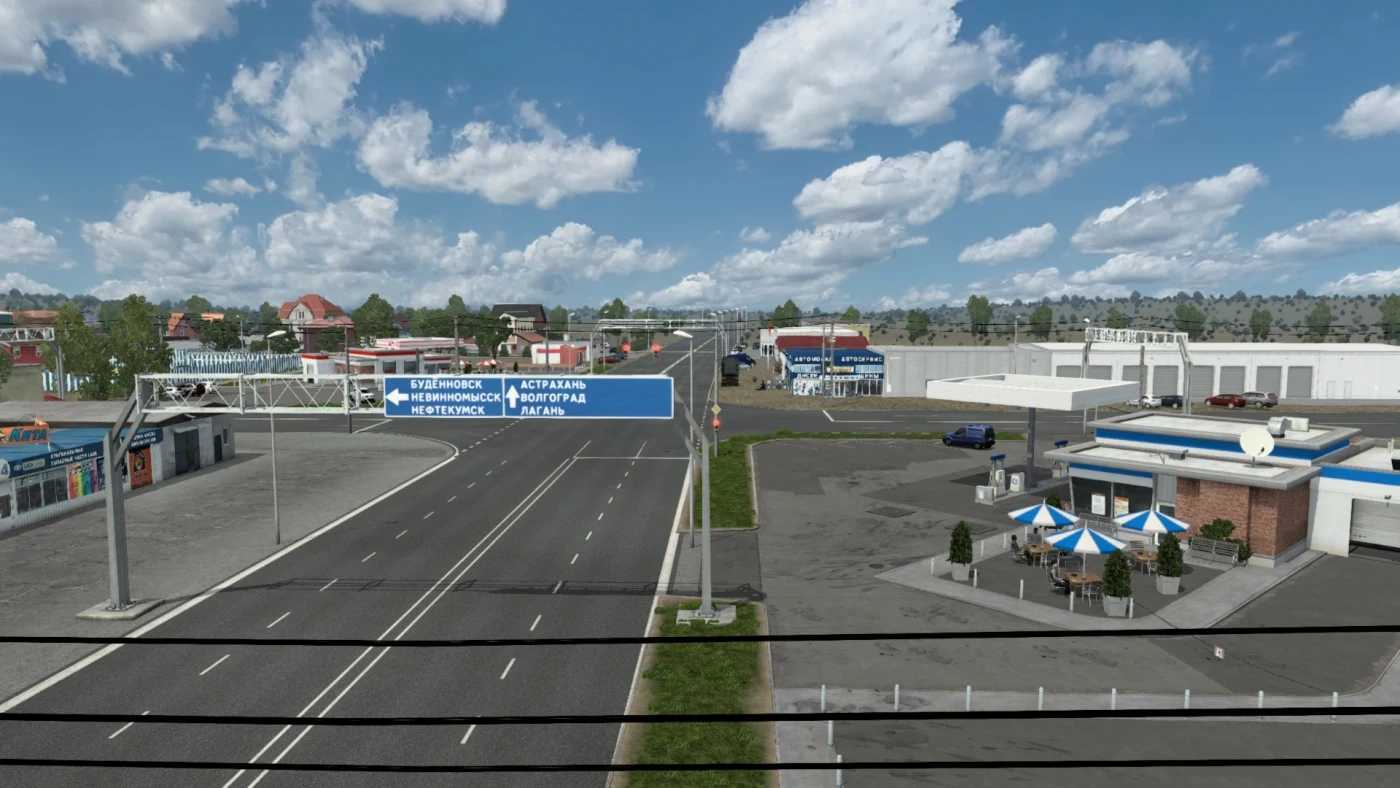
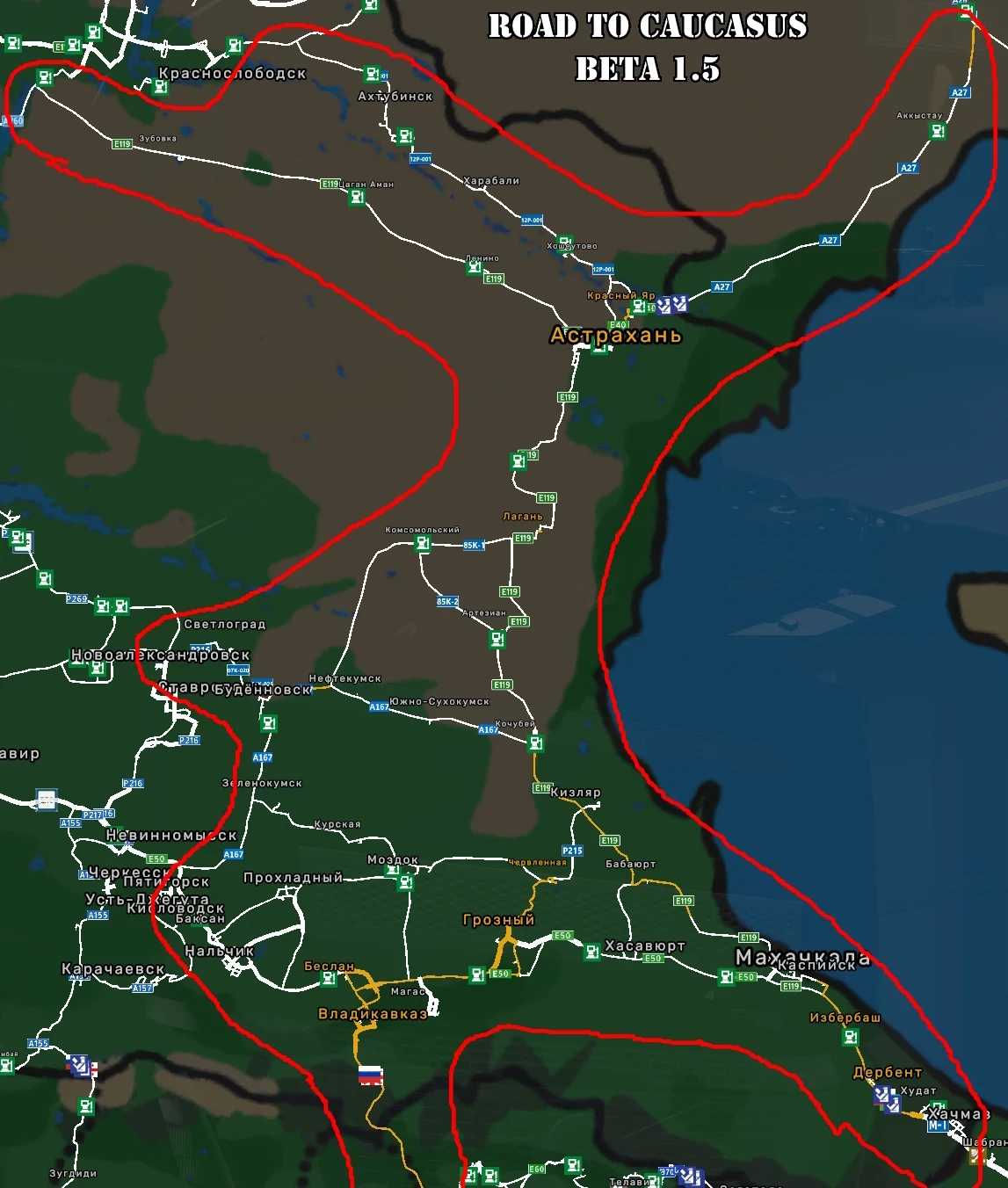
Explore numerous cities, towns, and villages, with many companies available. The initial development featured 16 settlements: Zelenokumsk, Budyonnovsk, Neftekumsk, Kochubey, Artezian, Lagan, Astrakhan, Krasny Yar, Akkystau, Kizlyar, Babayurt, Makhachkala, Kaspiysk, Izberbash, Derbent, Khachmaz, along with 27 companies.
The map seamlessly integrates with SRMap at the Nevinnomyssk region and connects with The Great Steppe maps in Atyrau.
Required Content: Southern Region Map
Compatibility: 1.54
Credits: Yuriko (MCY)
How to install ETS2 mods or ATS Mods
Installing mods in Euro Truck Simulator 2 is straightforward. Simply download the mod from here, and copy/unzip the files into the “My Documents\Euro Truck Simulator 2\mod” folder. For American Truck Simulator, place the mods in the “My Documents\American Truck Simulator\mod” folder. Use WinRAR or 7zip to unzip files. Afterward, activate the desired mods you wish to use.