Road to Caucasus v2.1.2 ETS2
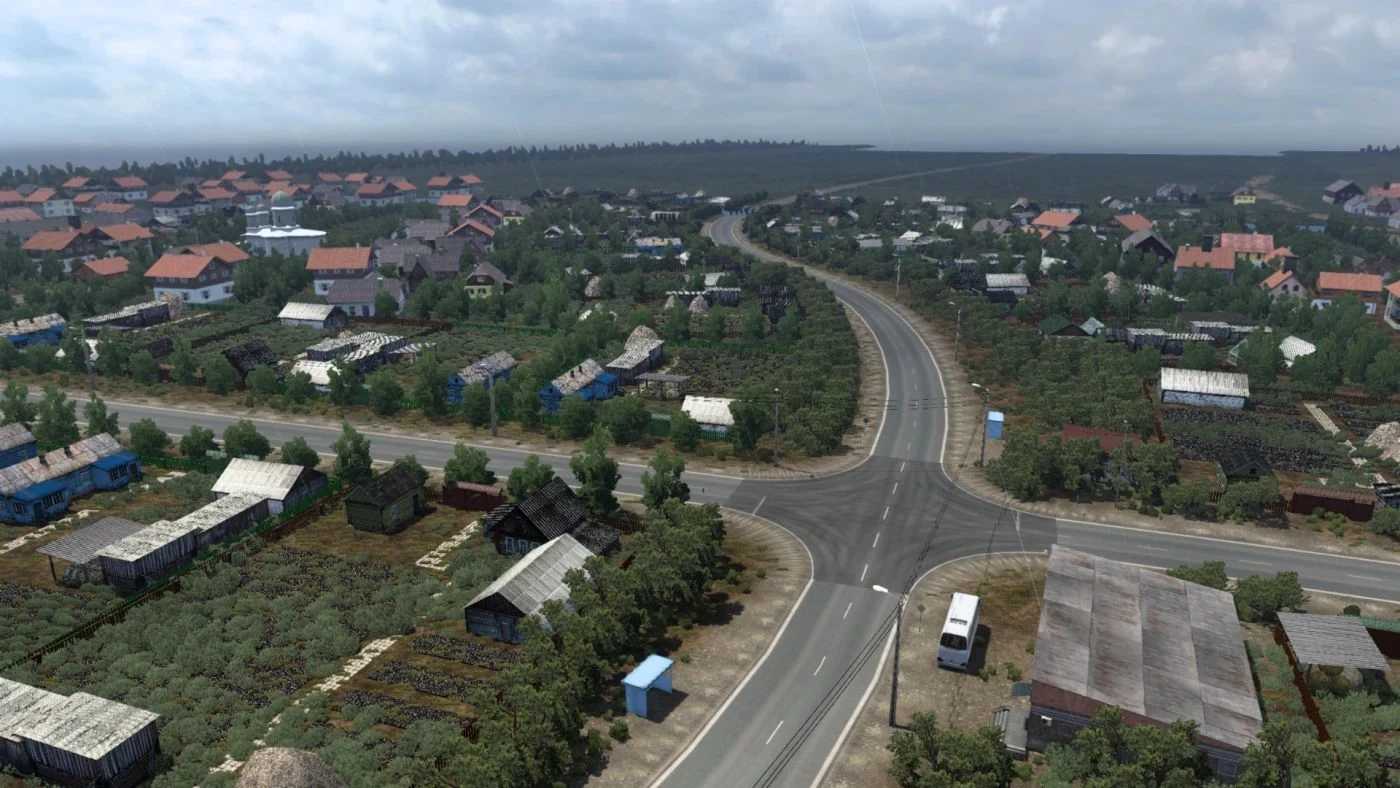
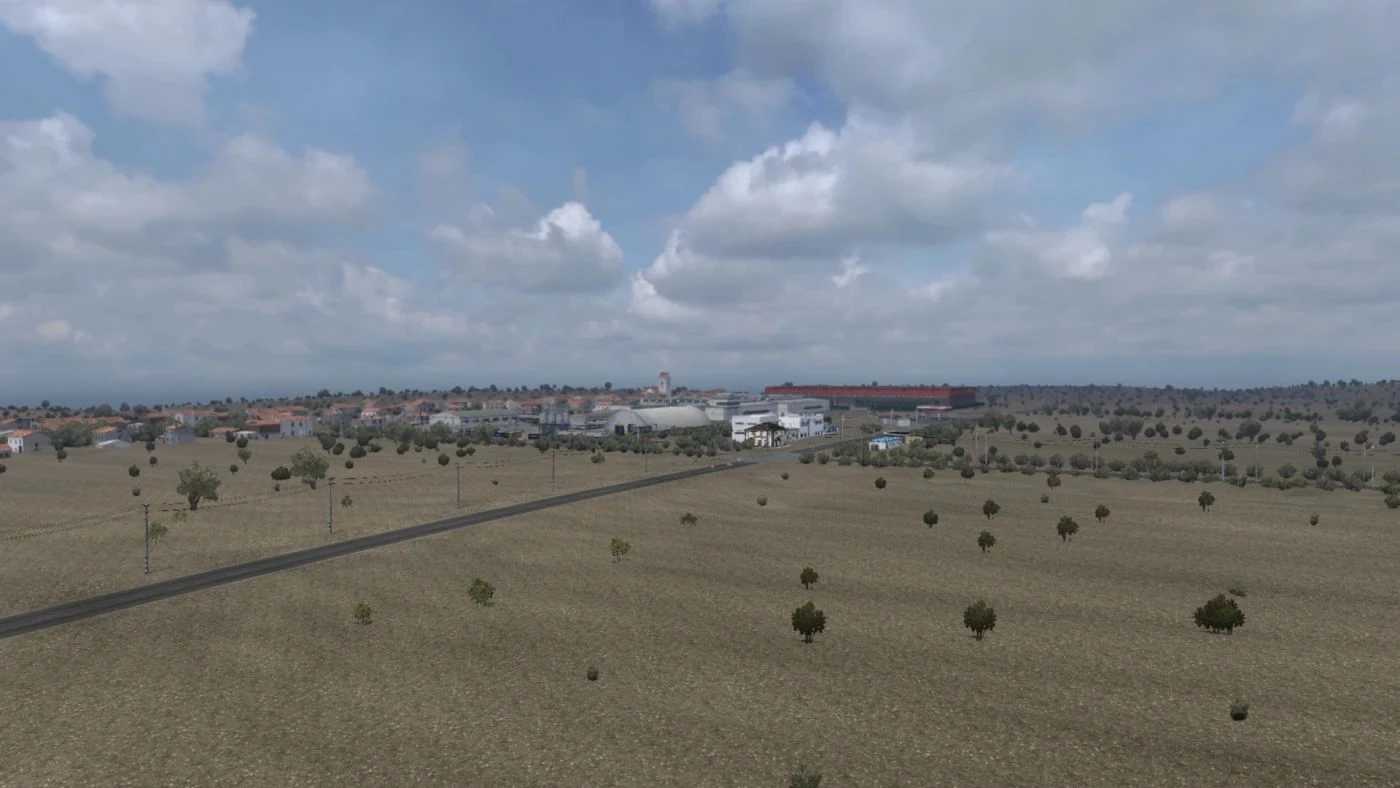
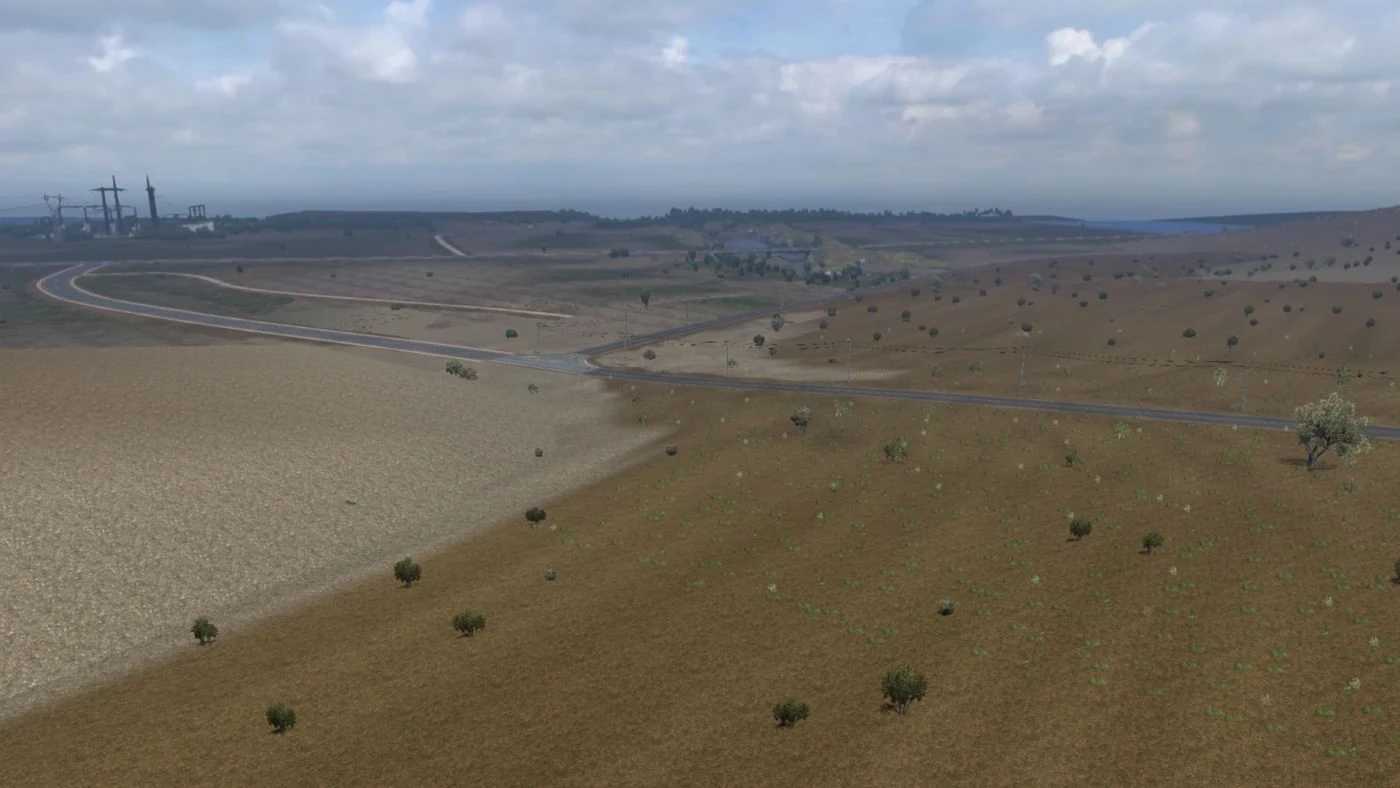
Explore diverse terrains including deserts, steppes, hills, and mountains.
At the time of the map’s release, there were 16 settlements: Zelenokumsk, Budyonnovsk, Neftekumsk, Kochubey, Artezian, Lagan, Astrakhan, Krasny Yar, Akkistau, Kizlyar, Babayurt, Makhachkala, Kaspiysk, Izberbash, Derbent, and Khachmaz, along with 27 enterprises.
The map is integrated with the SRMap in the Nevinnomyssk region.
– Resolved a significant crash issue in the Krasnogvardeysky and Stavropol regions, when using the Rusmap connector.
– Corrected a crash in Nevinnomyssk. The route from Stavropol to Nevinnomyssk has been temporarily omitted.
Credits: MCY
How to install ETS2 mods or ATS Mods
Installing mods for Euro Truck Simulator 2 is straightforward. Simply download the mod from this location, then copy or unzip the files into the “My Documents\Euro Truck Simulator 2\mod” folder. For American Truck Simulator, place the mods in: “My Documents\American Truck Simulator\mod” folder. You can use WinRAR or 7zip to extract files. Afterward, you need to enable the mods you wish to utilize.