Road to Caucasus v2.3 for ETS2
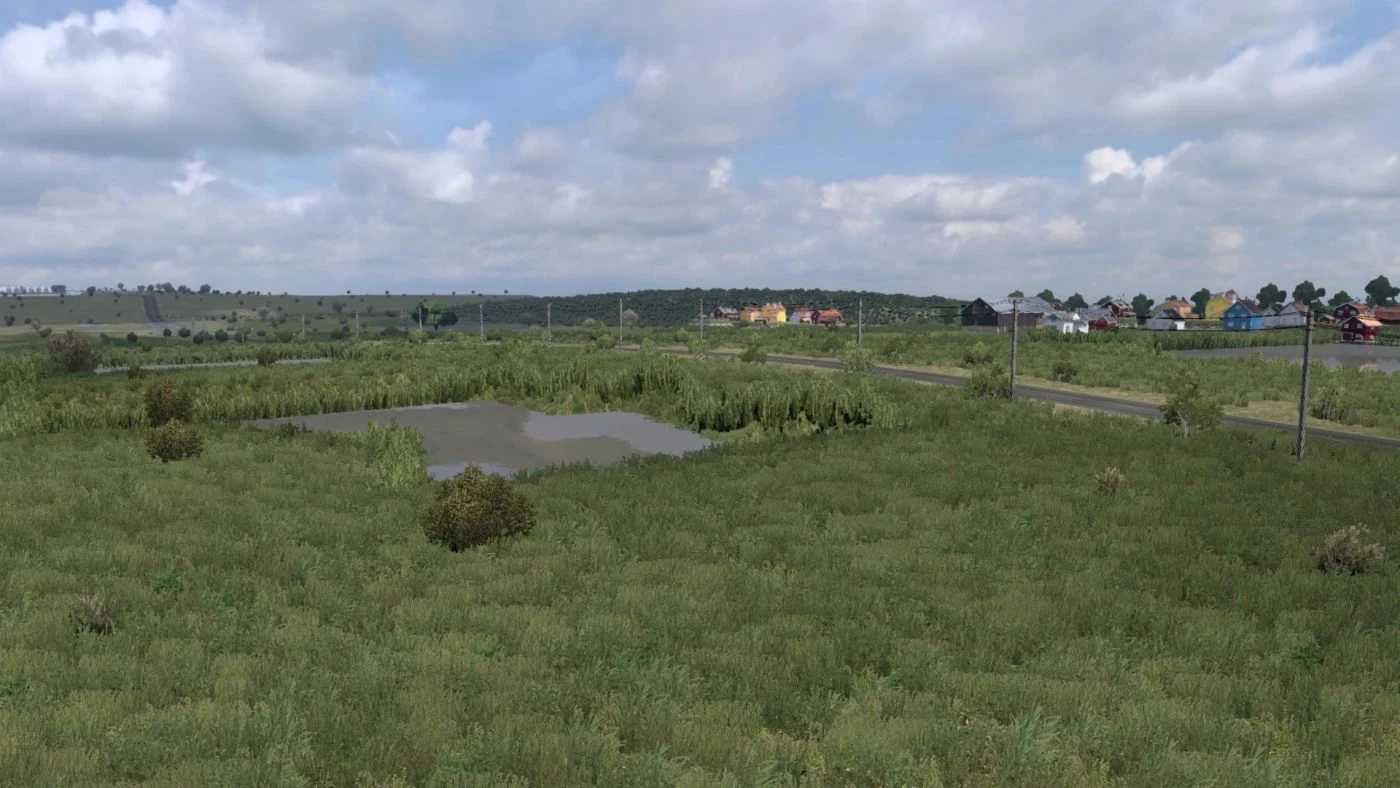
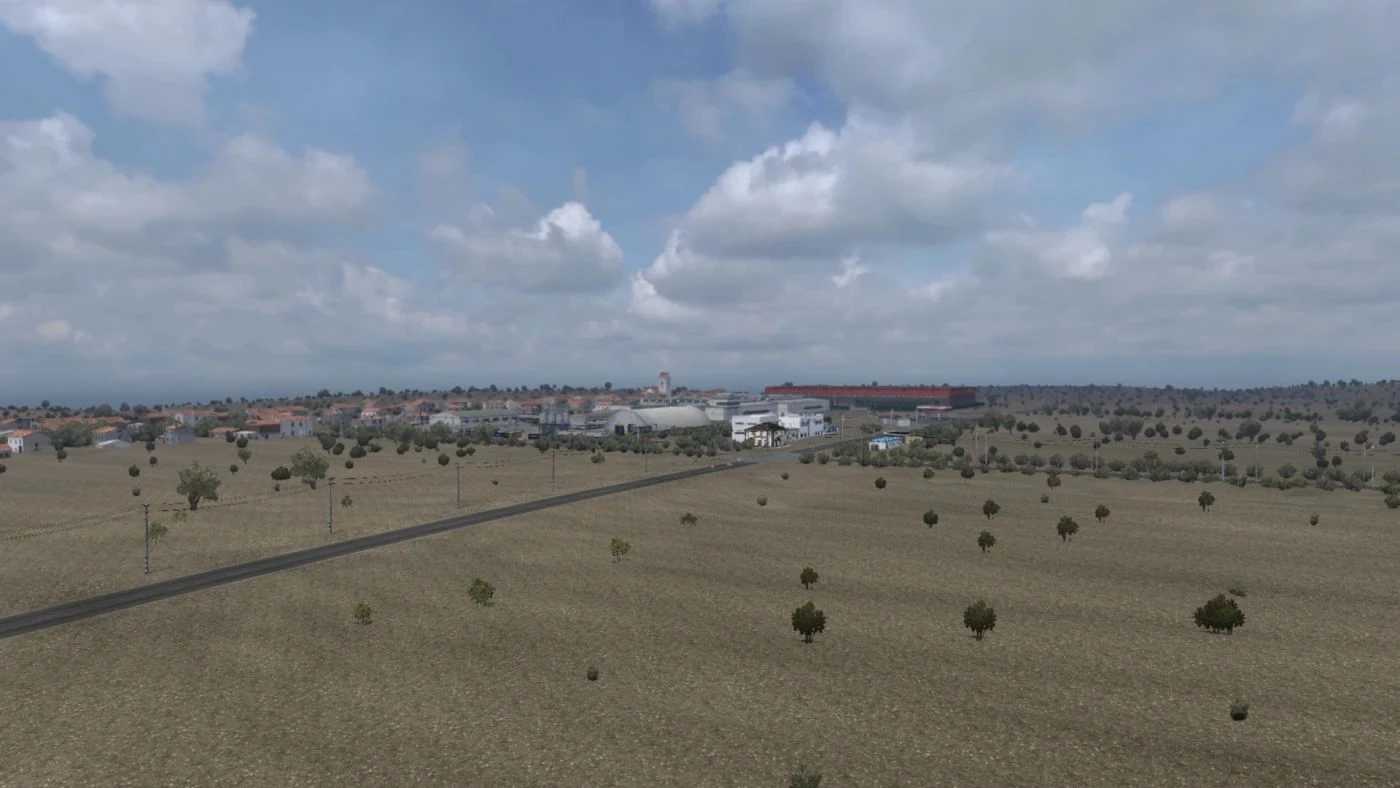
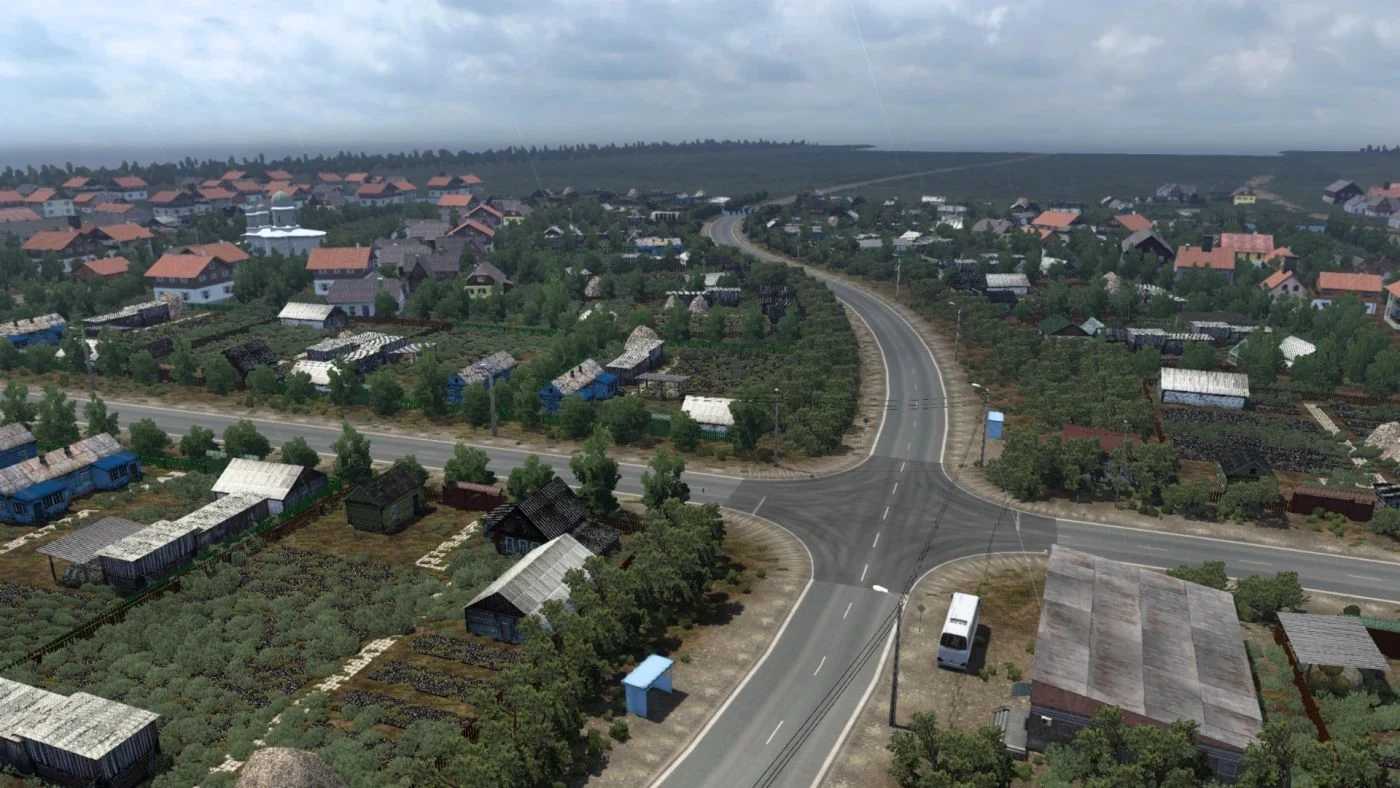
A stunning map featuring southern Russia, along with a minor section of Azerbaijan. It includes the Republic of Kalmykia, Dagestan, Chechnya, North Ossetia, Ingushetia, and Kabardino-Balkaria.
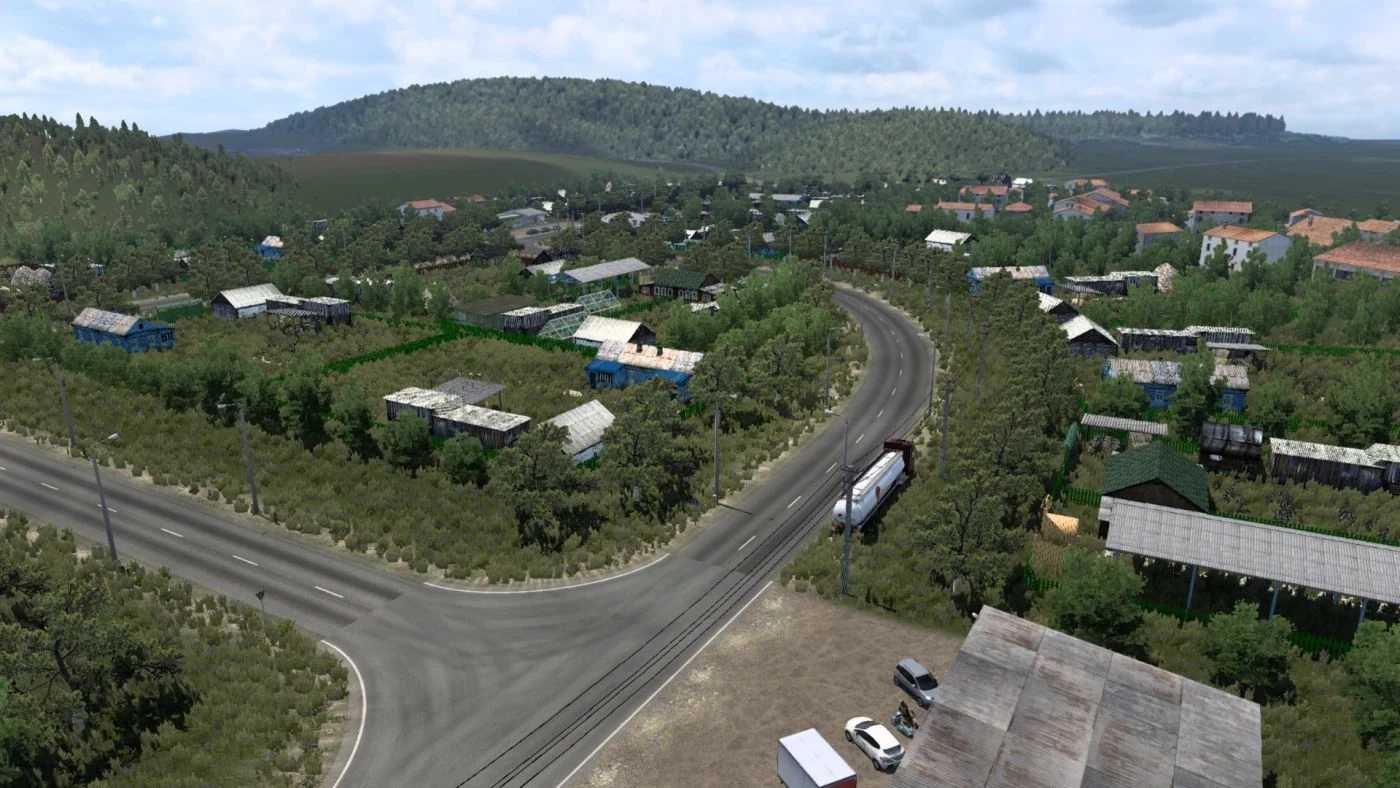
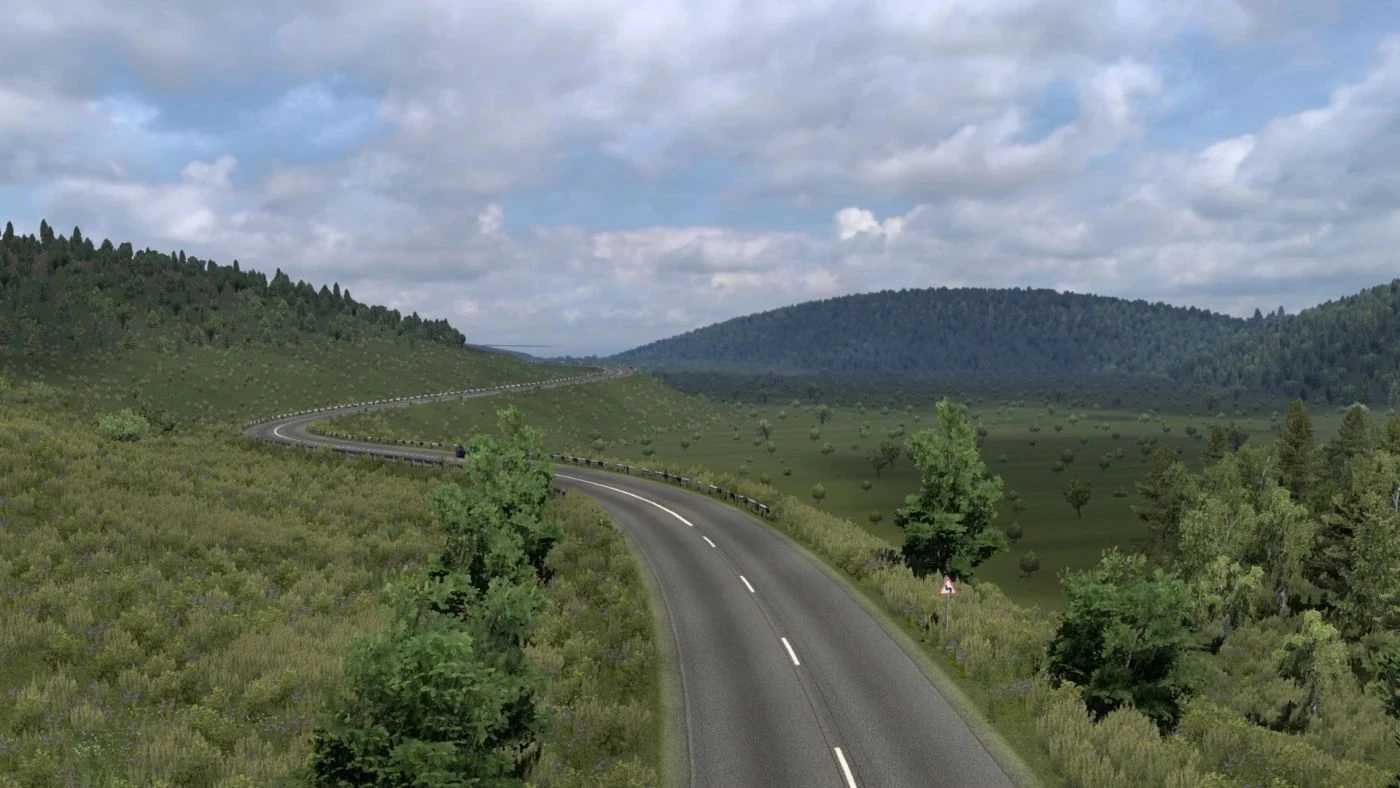
Expect a variety of landscapes, including roads, fields, forests, and bodies of water.
And naturally, plenty of roads to explore.
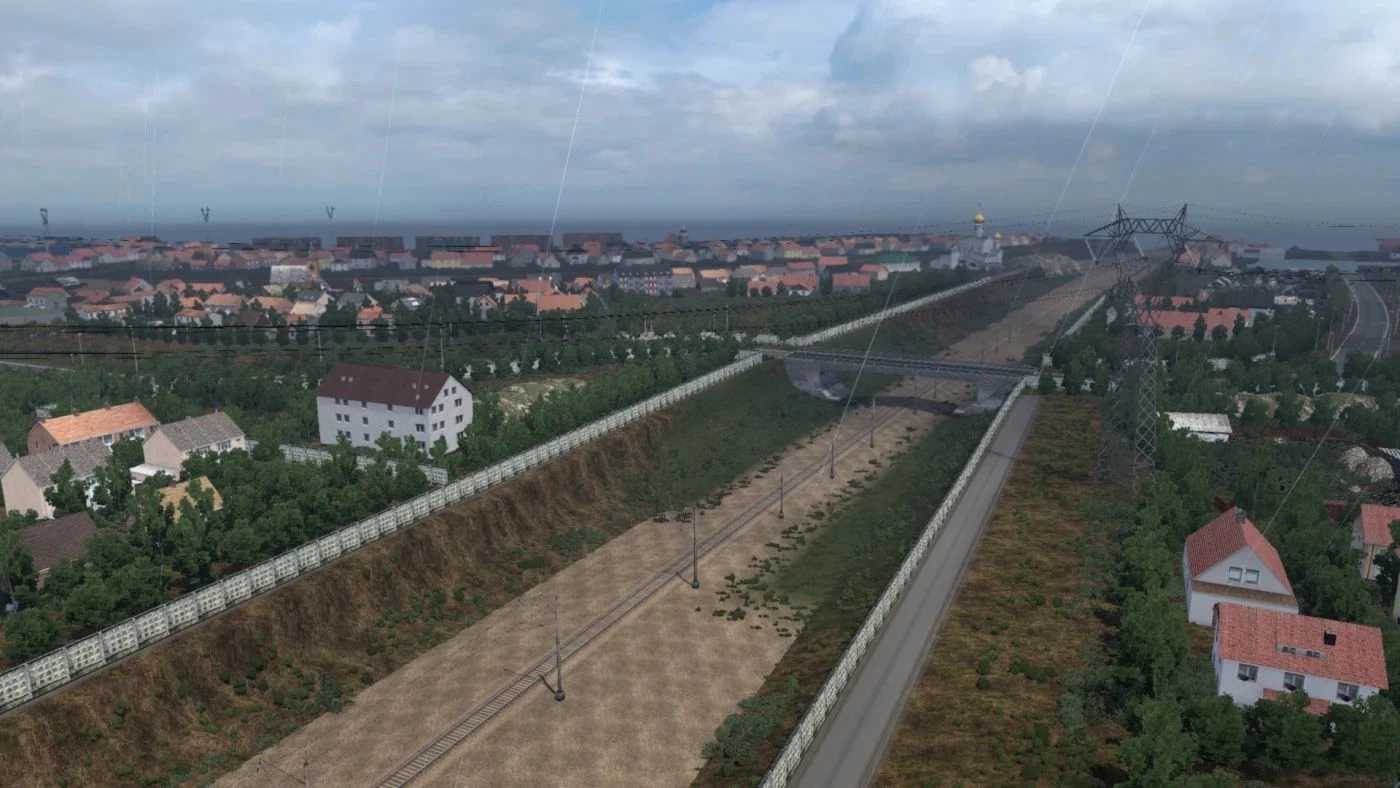
– The towns and villages of Svetlograd, Budyonnovsk, Zelenokumsk, Neftekumsk, Yuzhno-Suhokumsk, Komsomolskiy, Hosheutovo, Harabali, Achtubinsk, Tukuy-Mekteb, Terekli-Mekteb, and Kisljar have been revamped.
– Numerous intersections and roads have undergone reconstruction.
– Multiple bugs have been addressed.
Credits: MCY
How to install ETS2 or ATS Mods
Installing mods in Euro Truck Simulator 2 is straightforward. Simply download the mod from this site and place the files in the “My Documents\Euro Truck Simulator 2\mod” folder. For American Truck Simulator, use the “My Documents\American Truck Simulator\mod” folder. To extract files, you can use WinRAR or 7zip. Once completed, activate the mods you wish to use.