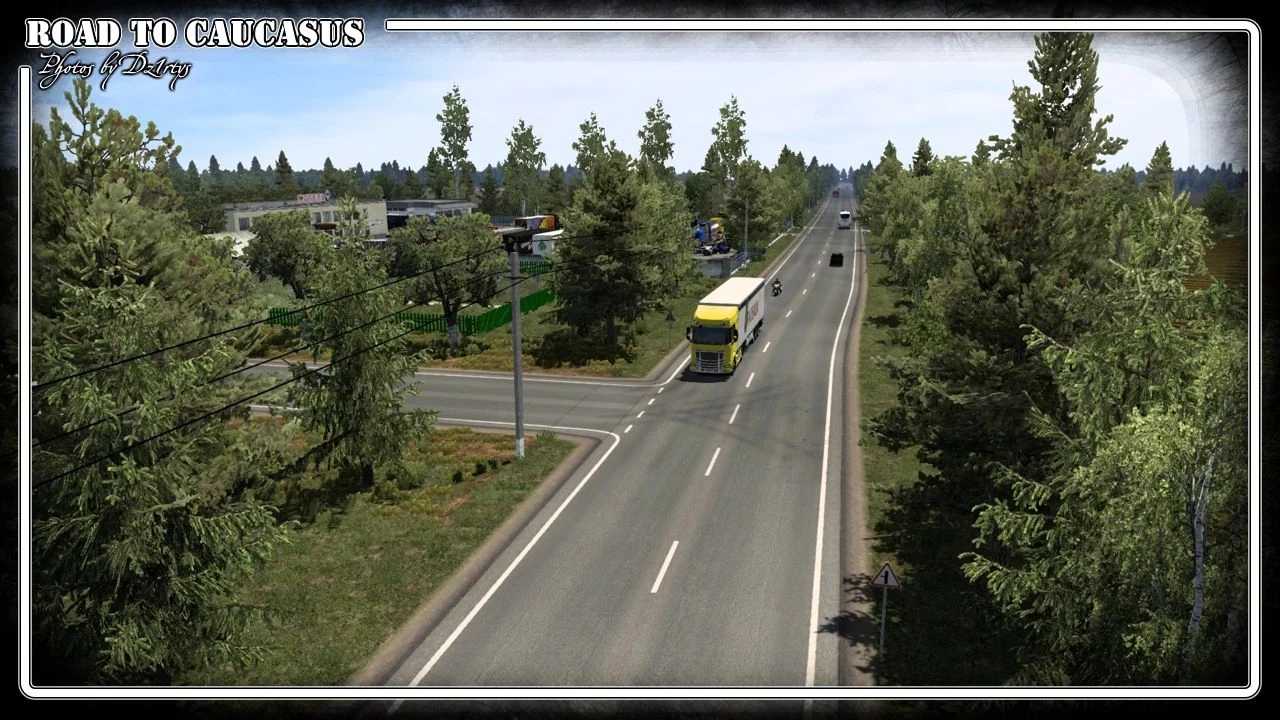
Road to Caucasus v2.4 ETS2
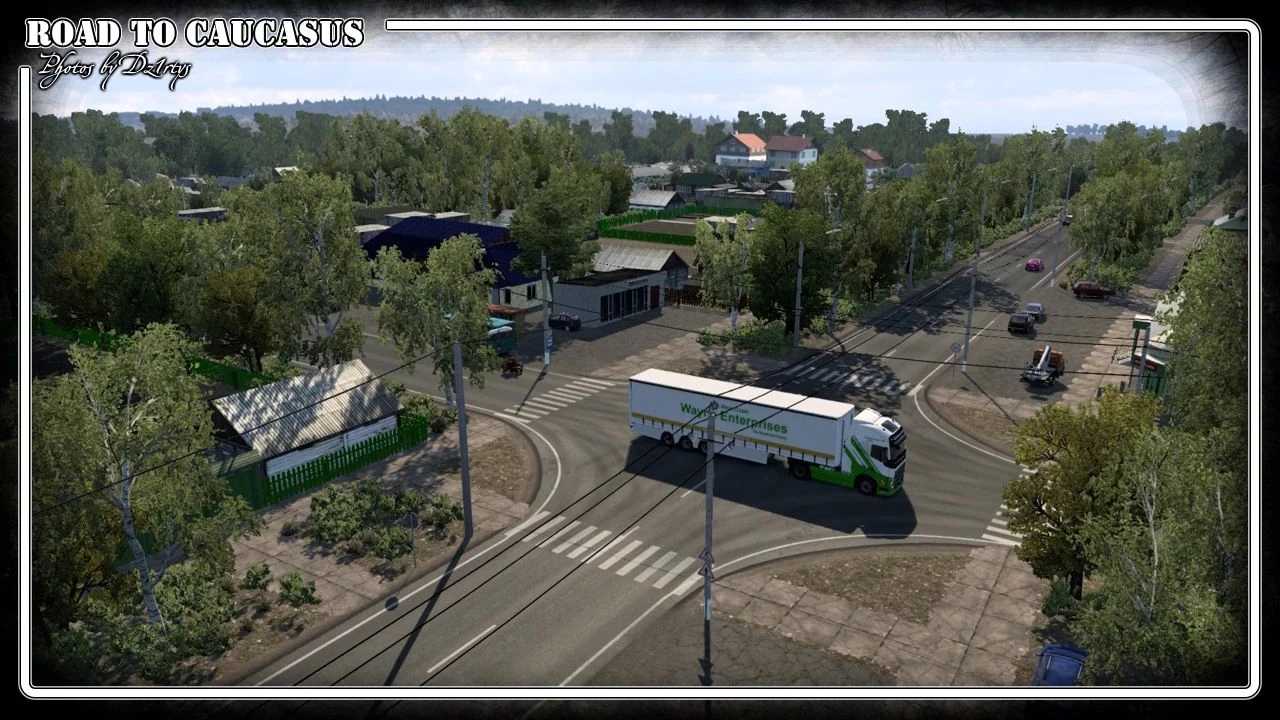
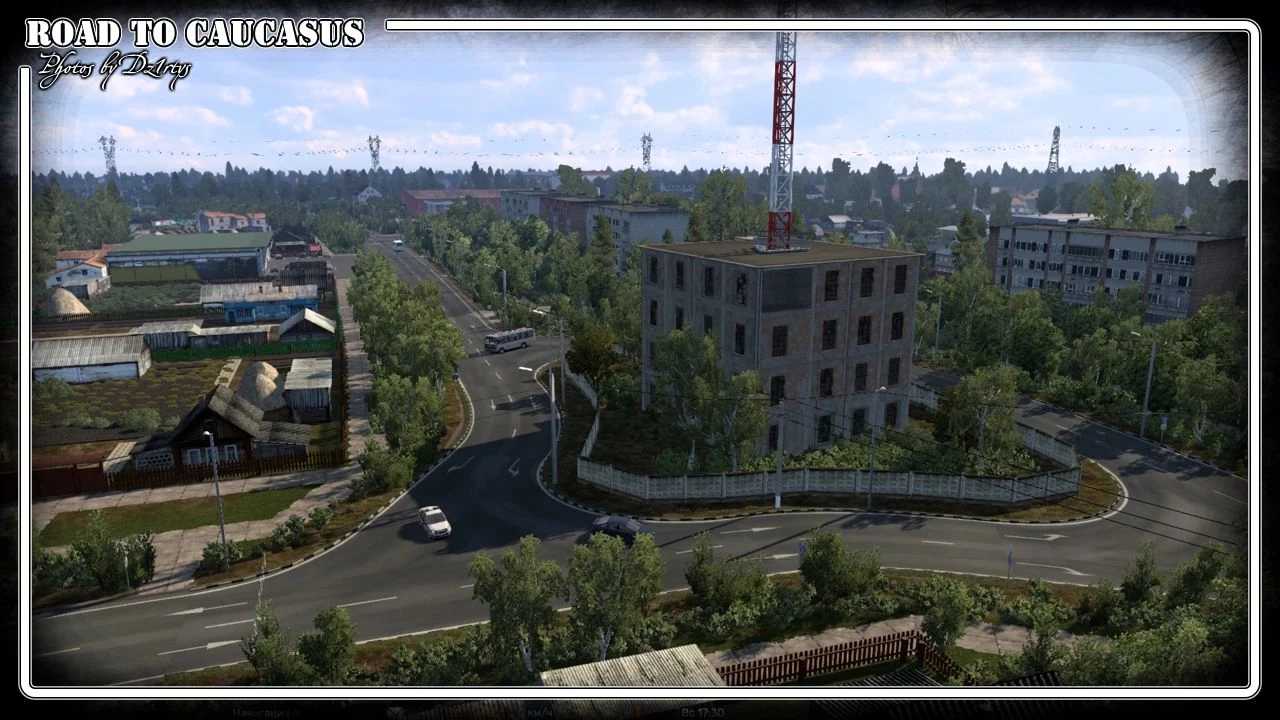
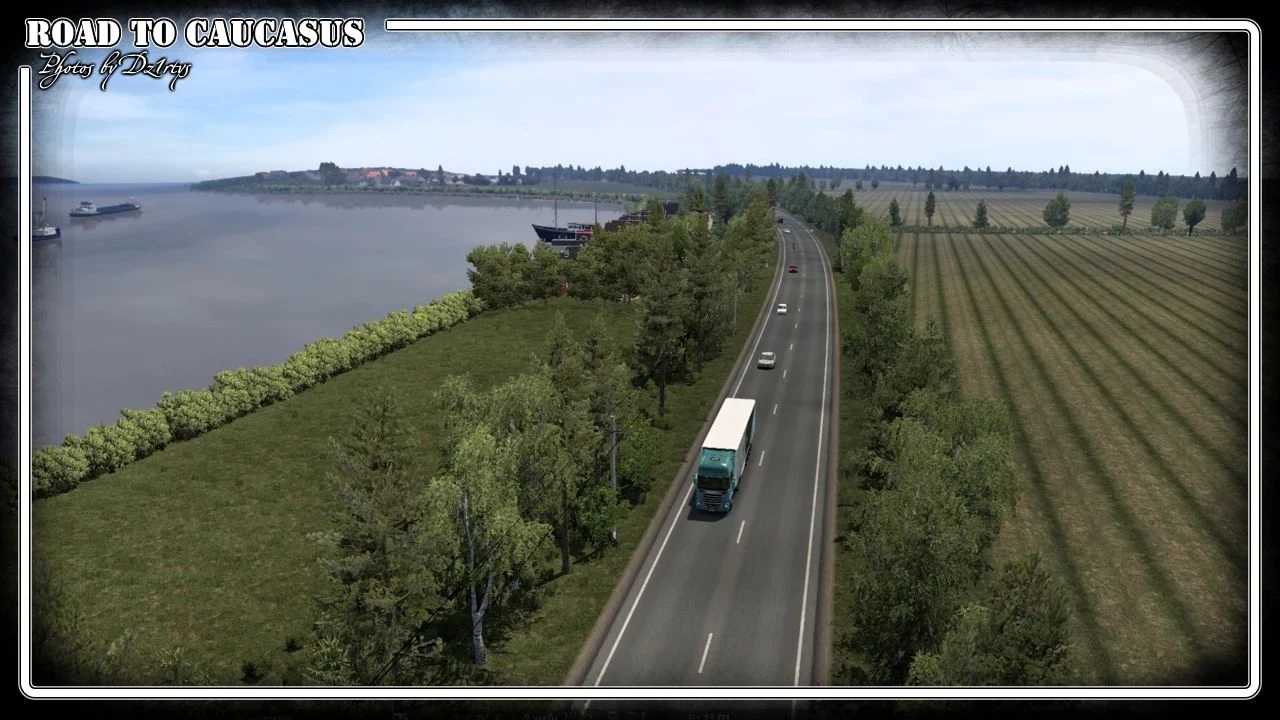
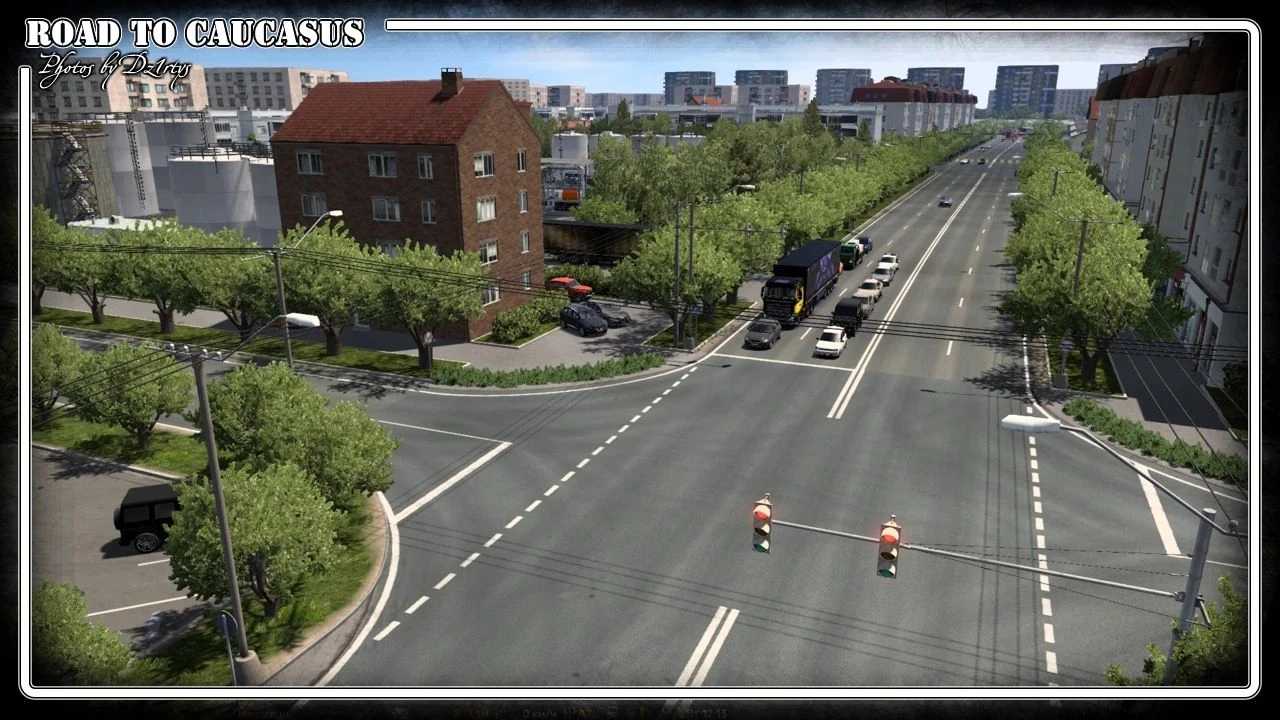
This stunning map features regions of southern Russia, along with parts of Azerbaijan, the Republic of Kalmykia, Dagestan, Chechnya, North Ossetia, Ingushetia, and Kabardino-Balkaria.
Enjoy driving through roads, fields, forests, and waterways.
We highly recommend taking a drive here.
– Optimized for version 1.57
– Redesigned the villages of Babayurt, Kurskaya, and Chervlennaya.
– Numerous intersections and roads have been reconstructed.
– Several bugs have been addressed.
Credits: MCY
Installing ETS2 mods or ATS Mods
Installing mods in Euro Truck Simulator 2 is simple. Download the mod from here and copy/unzip the files into: “My Documents\Euro Truck Simulator 2\mod” folder. For American Truck Simulator, place mods in: “My Documents\American Truck Simulator\mod” folder. You can use tools like WinRAR or 7zip to unzip the files. Afterward, activate the mods you wish to use.