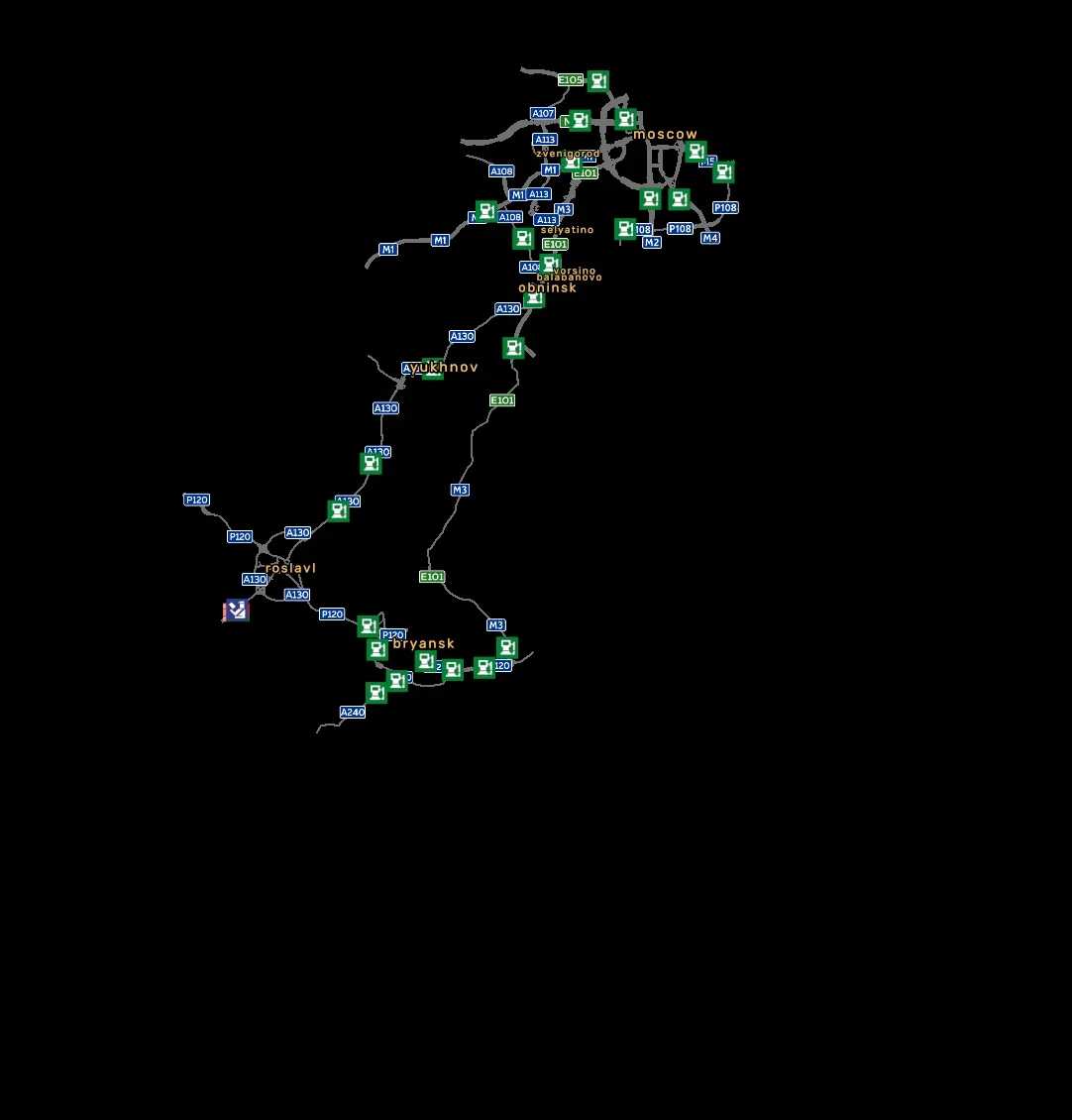
Central Russia v1.2.1 for ETS2
Update: v1.2.1
– Minor fix in Roslavl
– Updated for version 1.55
Description:
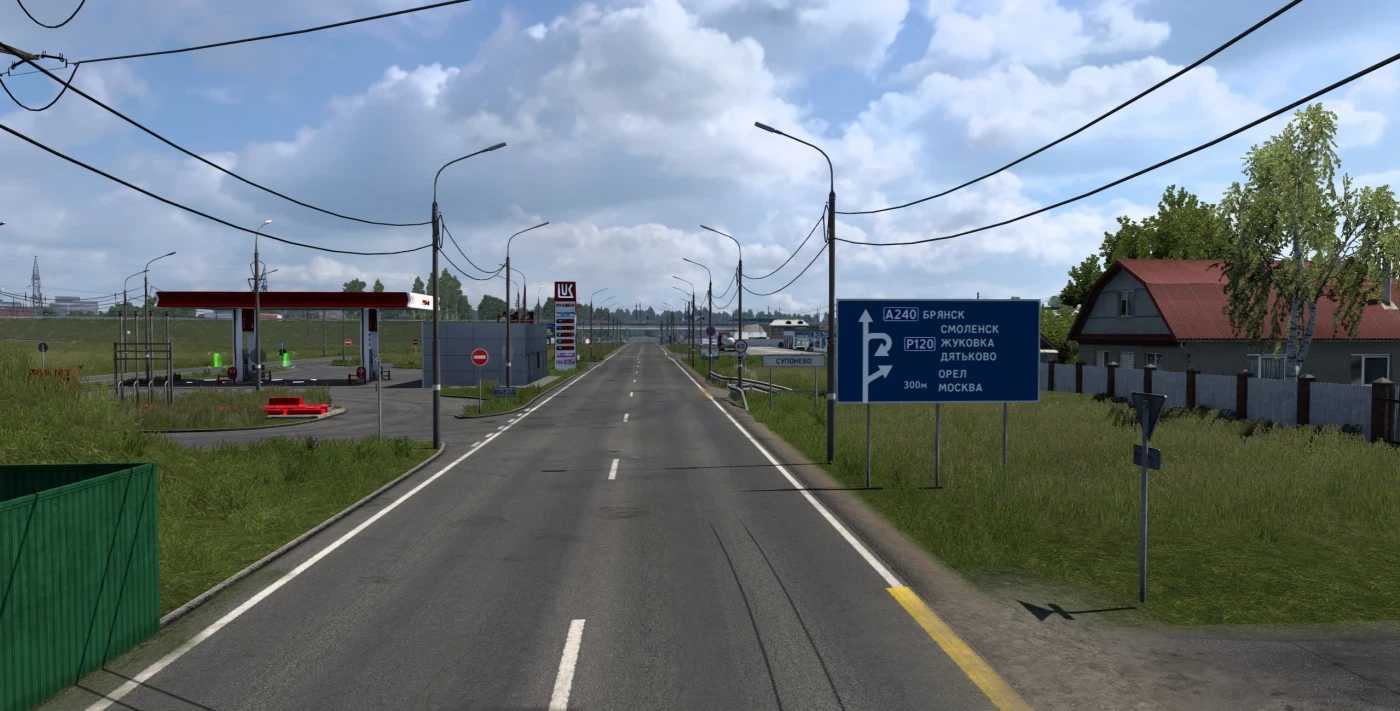
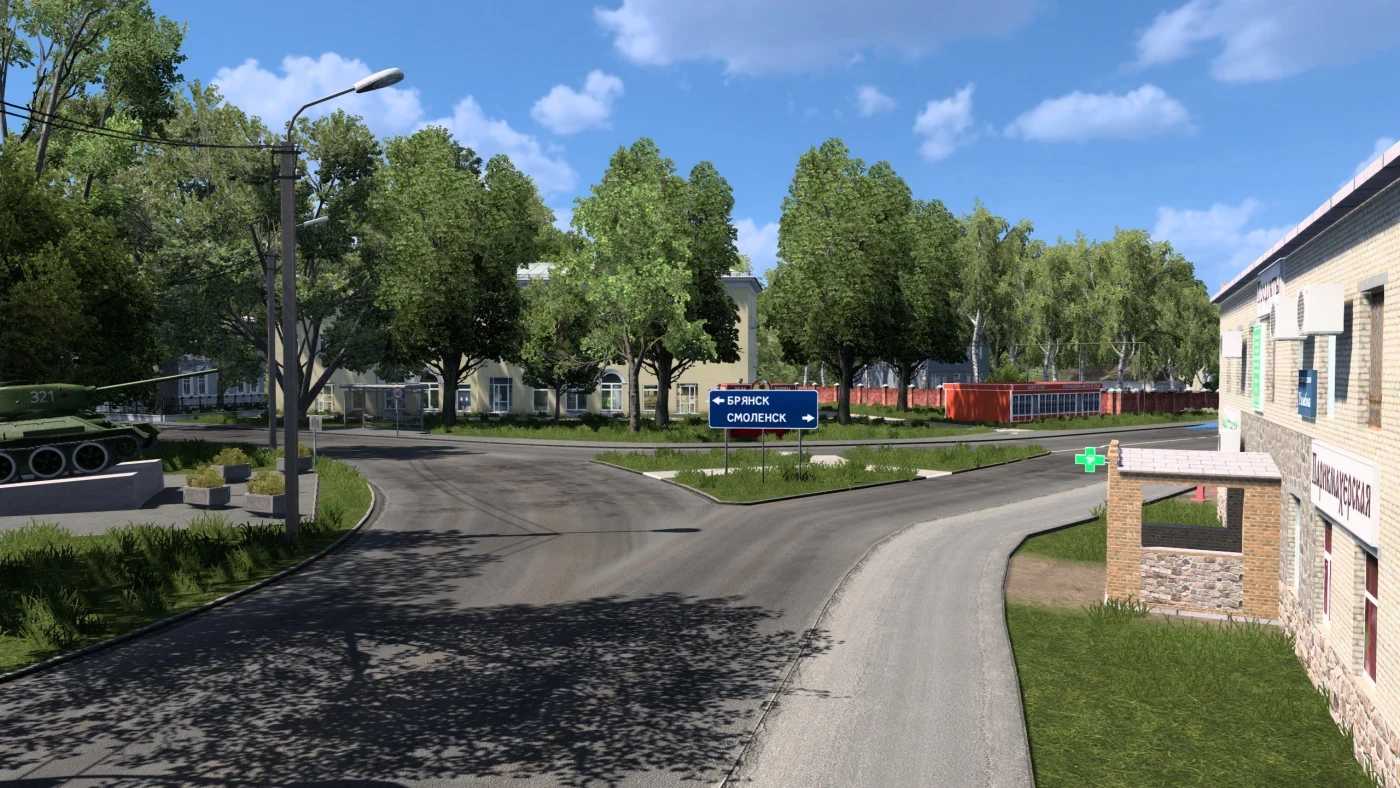
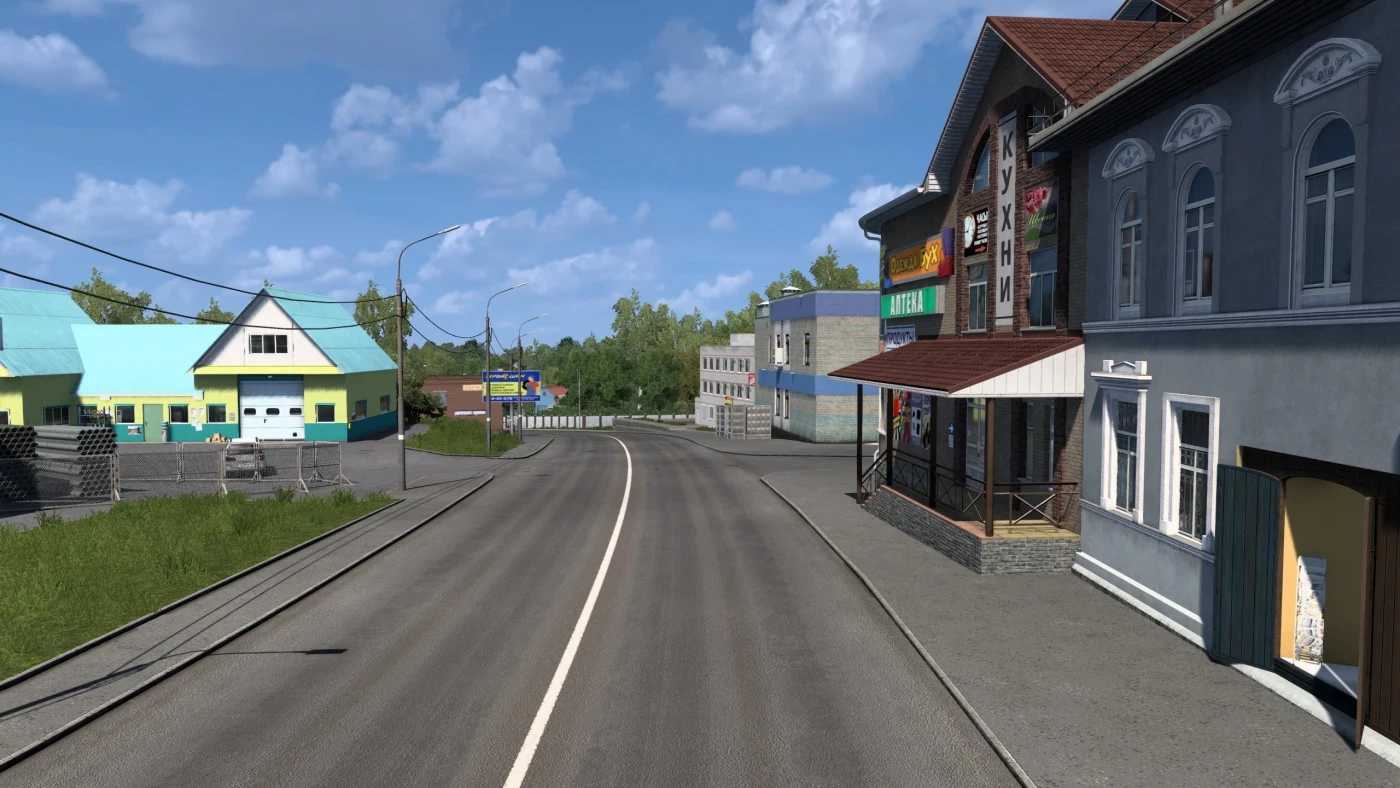
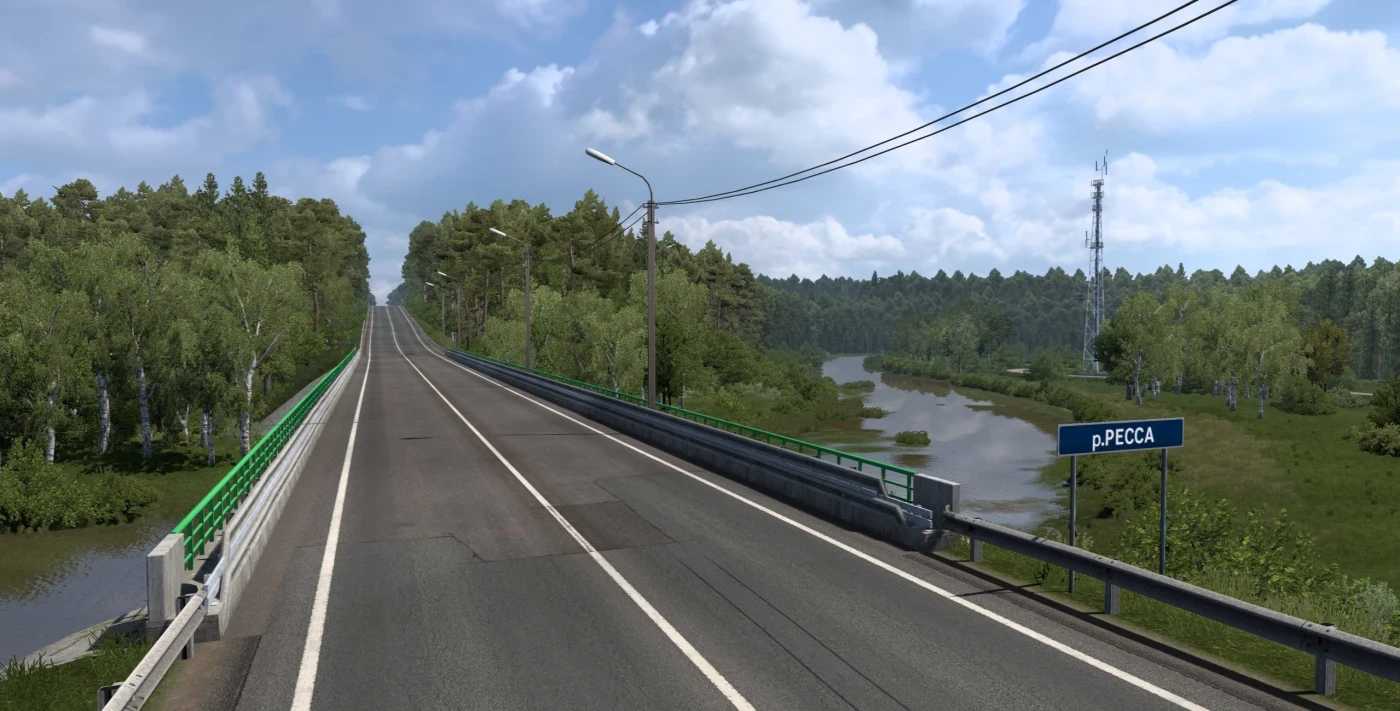
Central Russia – an add-on for Rusmap, featuring rebuilt sections of M3, part of A108, and a small portion of M9 and M1. New cities added include: Zvenigorod, Selyatino, Balabanovo, and Vorsin.
Compatibility: 1.55
Credits: DanSlash
How to Install ETS2 or ATS Mods:
Installing mods in Euro Truck Simulator 2 is straightforward. Simply download the mod from the provided link and copy/unzip the files into the “My Documents\Euro Truck Simulator 2\mod” directory. For American Truck Simulator (ATS), place the mods in the “My Documents\American Truck Simulator\mod” folder. You can use tools like WinRAR or 7zip to unzip files. After this, activate the mods you want to use.