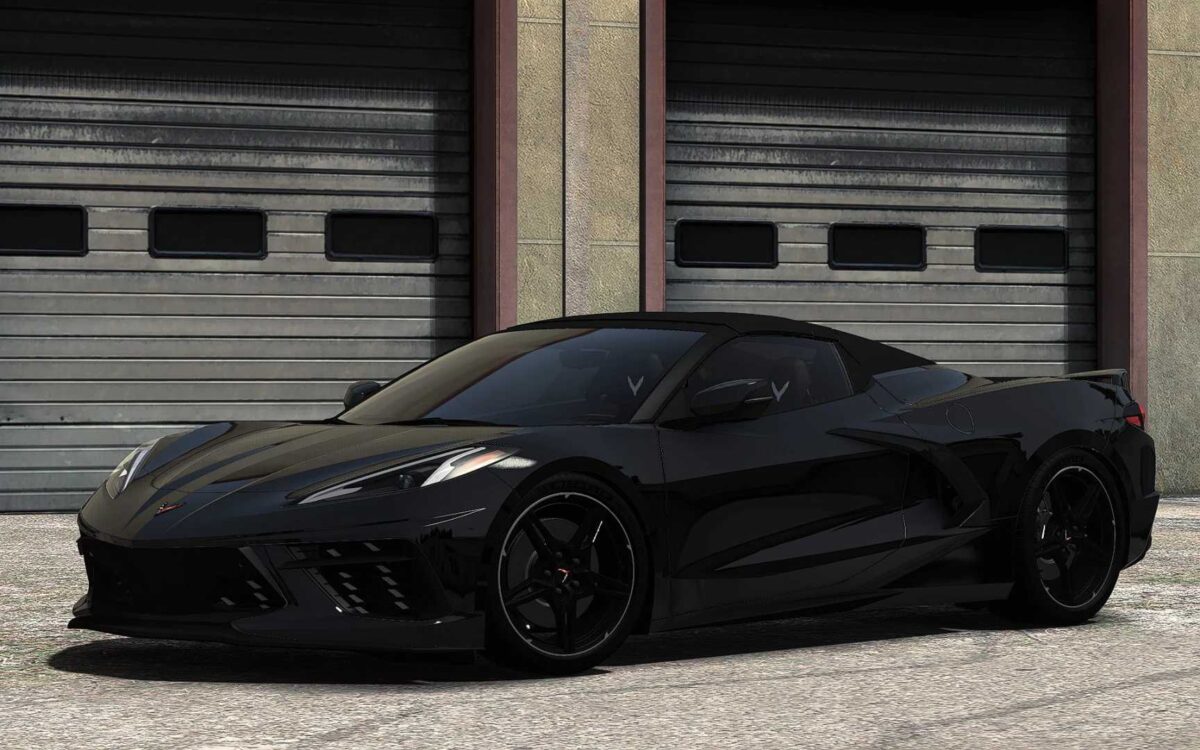
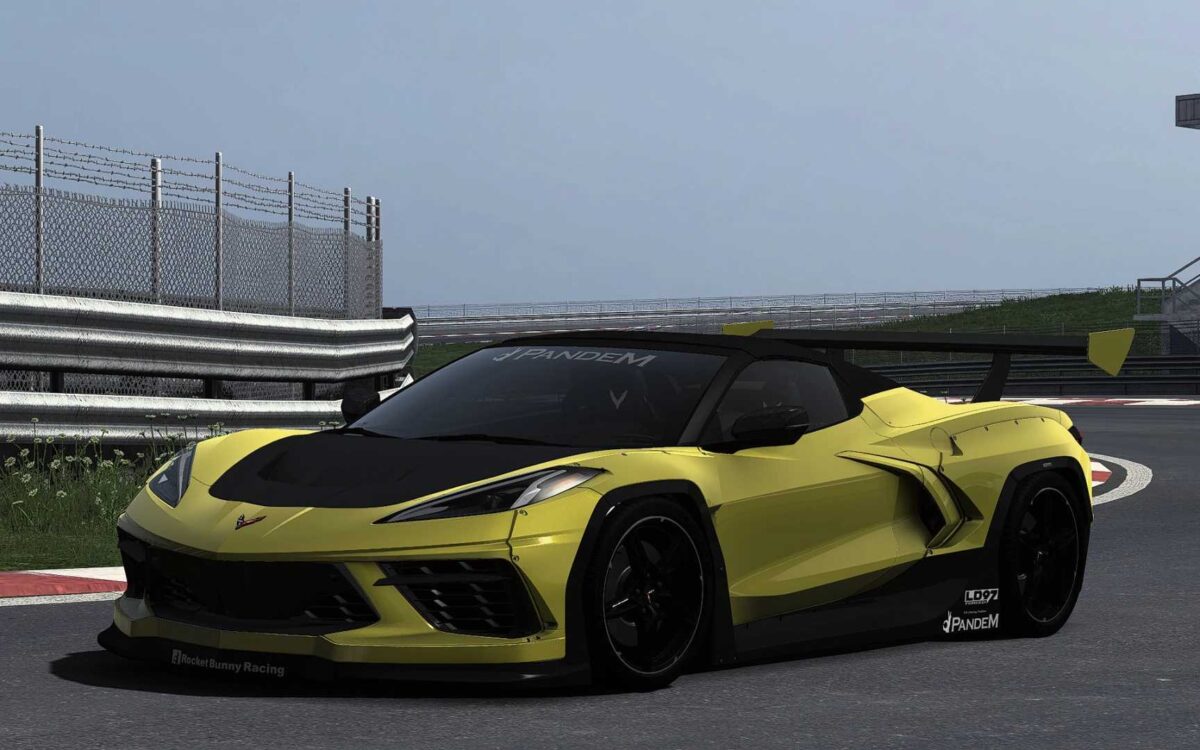
Chevrolet Corvette C8 v1.2 for ETS2
Featuring an exceptional quality in both exterior & interior
– A custom UI equipped with a digital speedometer & partially functional information
– Remarkable drivability
– Front windows that can be opened
– Accurately functioning wipers
– Animated indicators, wiper stalks, and handbrake button
– Realistic engine & transmission setup (performance timings for 0-100, 0-200, 0-250, and 0-300 km/h closely reflect real-life stats)
– Three exhaust configuration options
– Three configurations for the rear-view mirror cover
– Five chassis options available (Bodykit included)
– Five configurations for the hood
– Eight options for the spoiler
Updated to game version 1.56
Credits: DN Modding, Nimit, Slav Jerry
How to install ETS2 or ATS mods
Installing mods in Euro Truck Simulator 2 is straightforward. Simply download the mod from here and copy/unzip the files into: “My Documents\Euro Truck Simulator 2\mod” folder. For American Truck Simulator, place the mods in: “My Documents\American Truck Simulator\mod” folder. Use WinRAR or 7zip for unzipping files. Afterward, activate the desired mods for use.