Coca Cola Skin for Scania R & S V1.0 ETS2
Introduce the world’s most recognizable brand to your Euro Truck Simulator 2 journey!
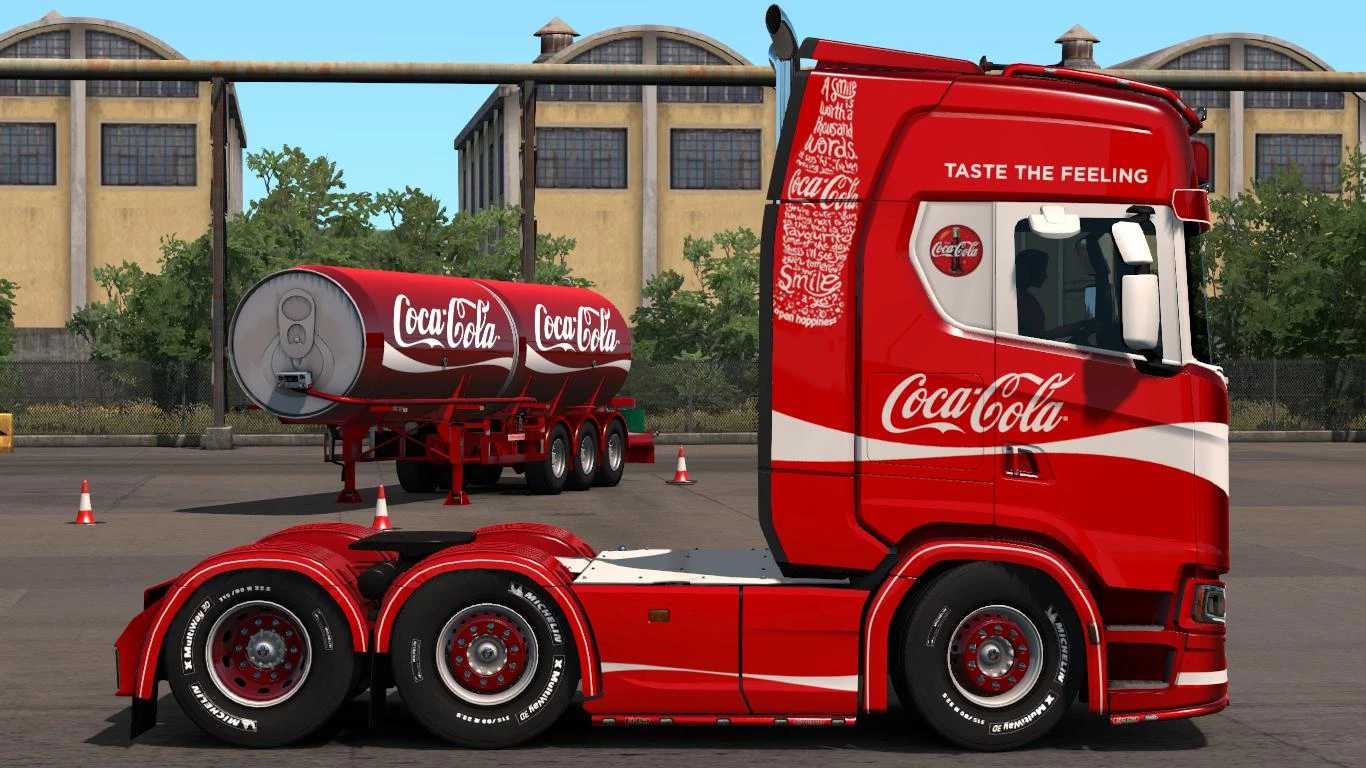
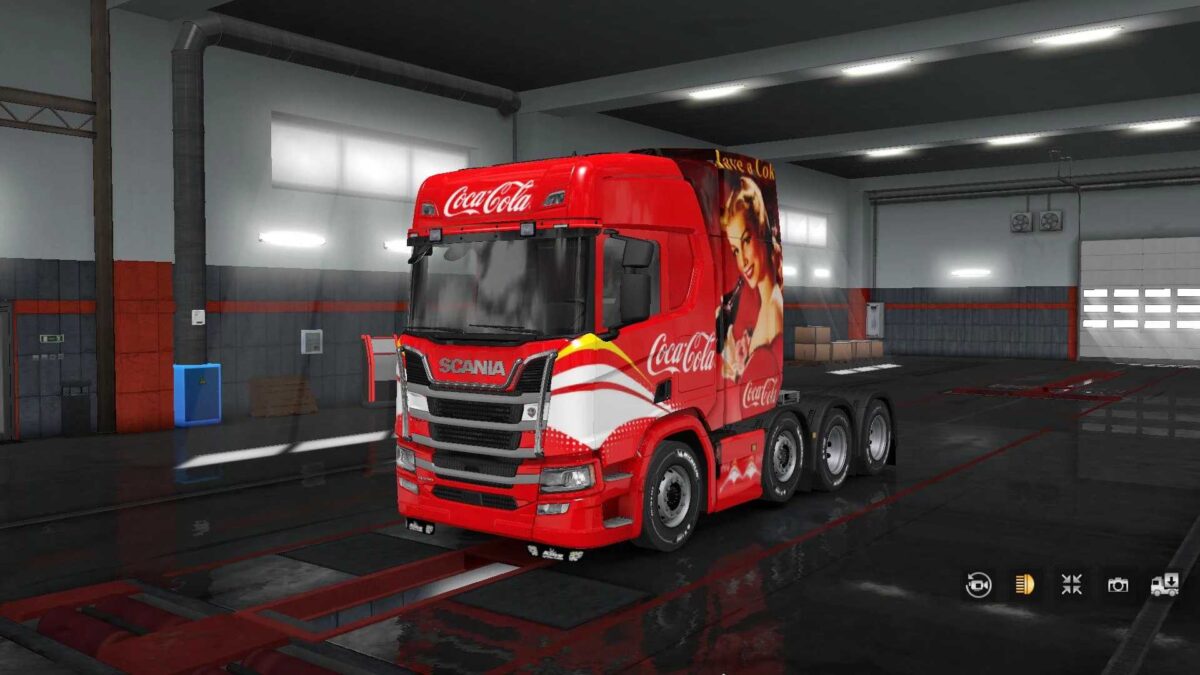
This modification offers a premium Coca-Cola themed skin for your truck (Scania S High Roof or any truck you have customized) and trailer. Adorned with the classic Coca-Cola red (RGB: 228, 0, 43) and iconic branding, this skin is sure to make your rig pop on every delivery.
Compatible with: Scania R & S series
Tested on game version 1.53+
Standalone skin – does not replace any default skins
Lightweight, ensuring no drop in performance
Ideal for aficionados of realistic company skins or anyone wishing for their truck to shine in authentic Coca-Cola fashion!
Credits: Skin Design: j3ff games
Installation Guide for ETS2 Mods or ATS Mods
In Euro Truck Simulator 2, installing mods is straightforward. Simply download the mod from the provided link, then copy/unzip the files into the “My Documents\Euro Truck Simulator 2\mod” folder. For American Truck Simulator, place the mods in the “My Documents\American Truck Simulator\mod” folder. You can use WinRAR or 7zip to unzip files. Finally, activate the mods you wish to use.