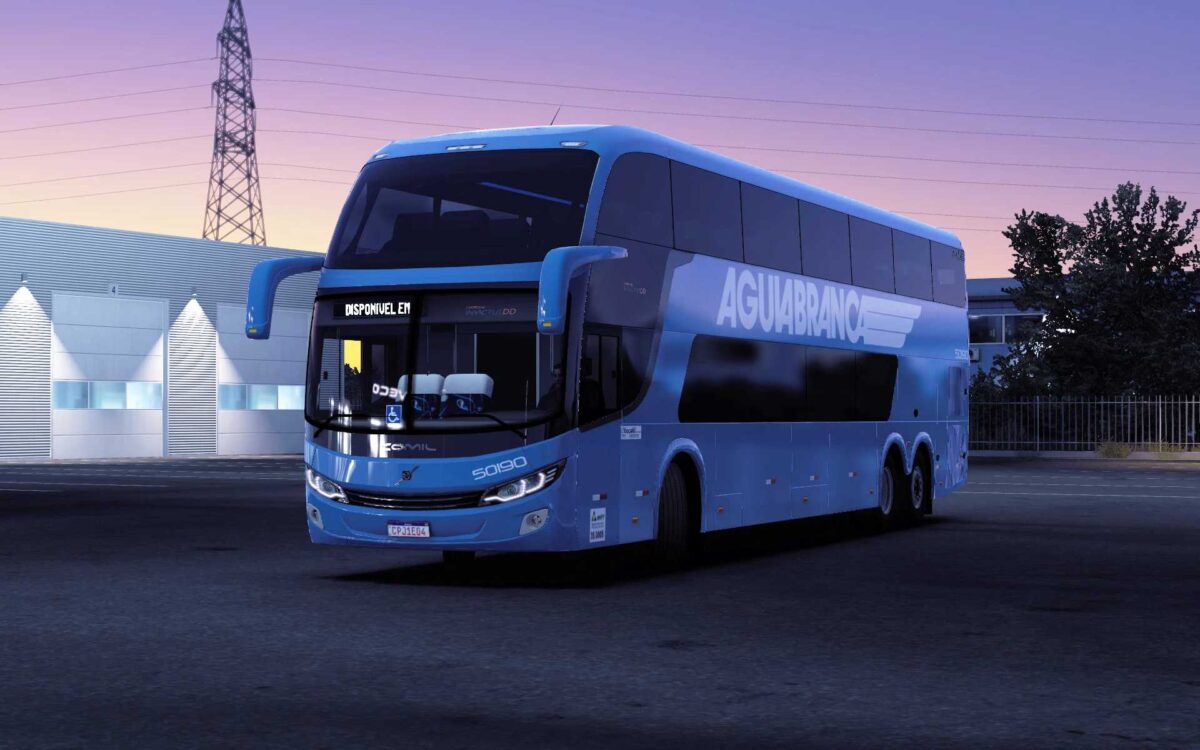
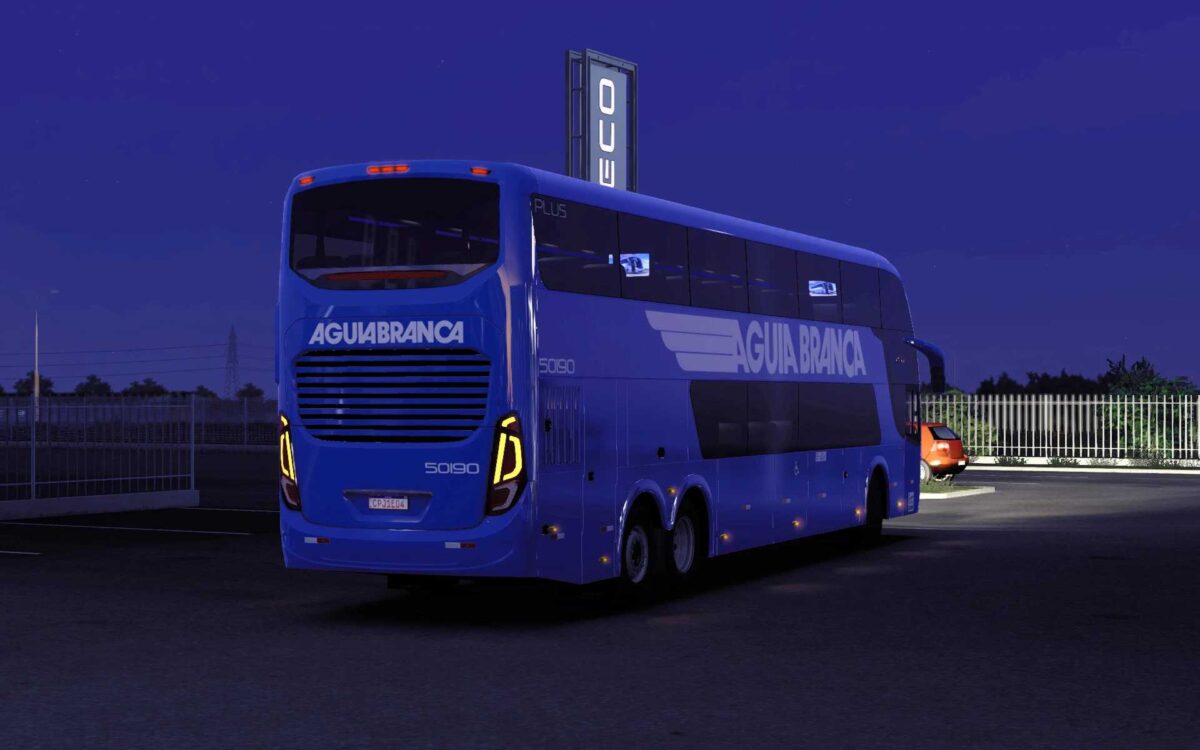
Comil Invictus DD Volvo v2.7 1.55-1.56 ETS2
– Chassis options: 6×2 and 8×2
– Designed with a focus on realism in simulation, featuring accurate technical specifications;
– Highly realistic suspension and authentic engines with Real Ishift transmission;
– Premium quality sound recordings from an actual model;
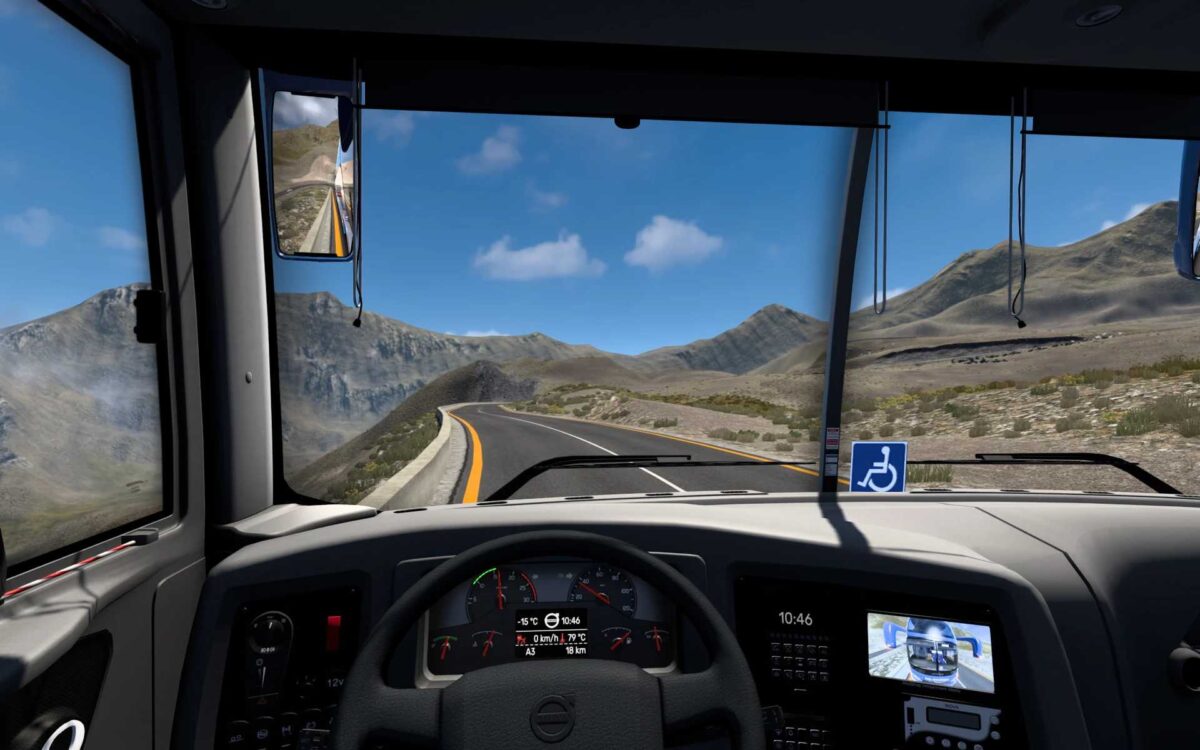
– Cabin dimensions and positioning optimized for an exceptional driving experience and ergonomics, using high-quality materials for an aesthetically pleasing cabin;
– Various interior and exterior accessories available.
– A selection of liveries representing various regions of Brazil…
– Engaging animations include:
– Fully functional instrument panel;
– Illuminated tachometer with green and red indicators activating upon ignition;
– Subtle blue and red lighting for instrument displays;
– Animated light switch;
– Animated alert button;
– Animated automatic transmission;
– Animated cabin lighting;
– Interior compatible with SCS cabin DLC;
– Daytime Running Light (DRL) system for front headlights activating on startup as per real-life functionality.
Credits: FAHIDMCG
How to install ETS2 mods or ATS Mods
Installing mods in Euro Truck Simulator 2 is straightforward. Simply download the mod from this site, and copy/unzip the files into the “My Documents\Euro Truck Simulator 2\mod” folder. For American Truck Simulator, place the mods in “My Documents\American Truck Simulator\mod” folder. Use tools like WinRAR or 7zip to unzip files. Once done, activate the desired mods for use.