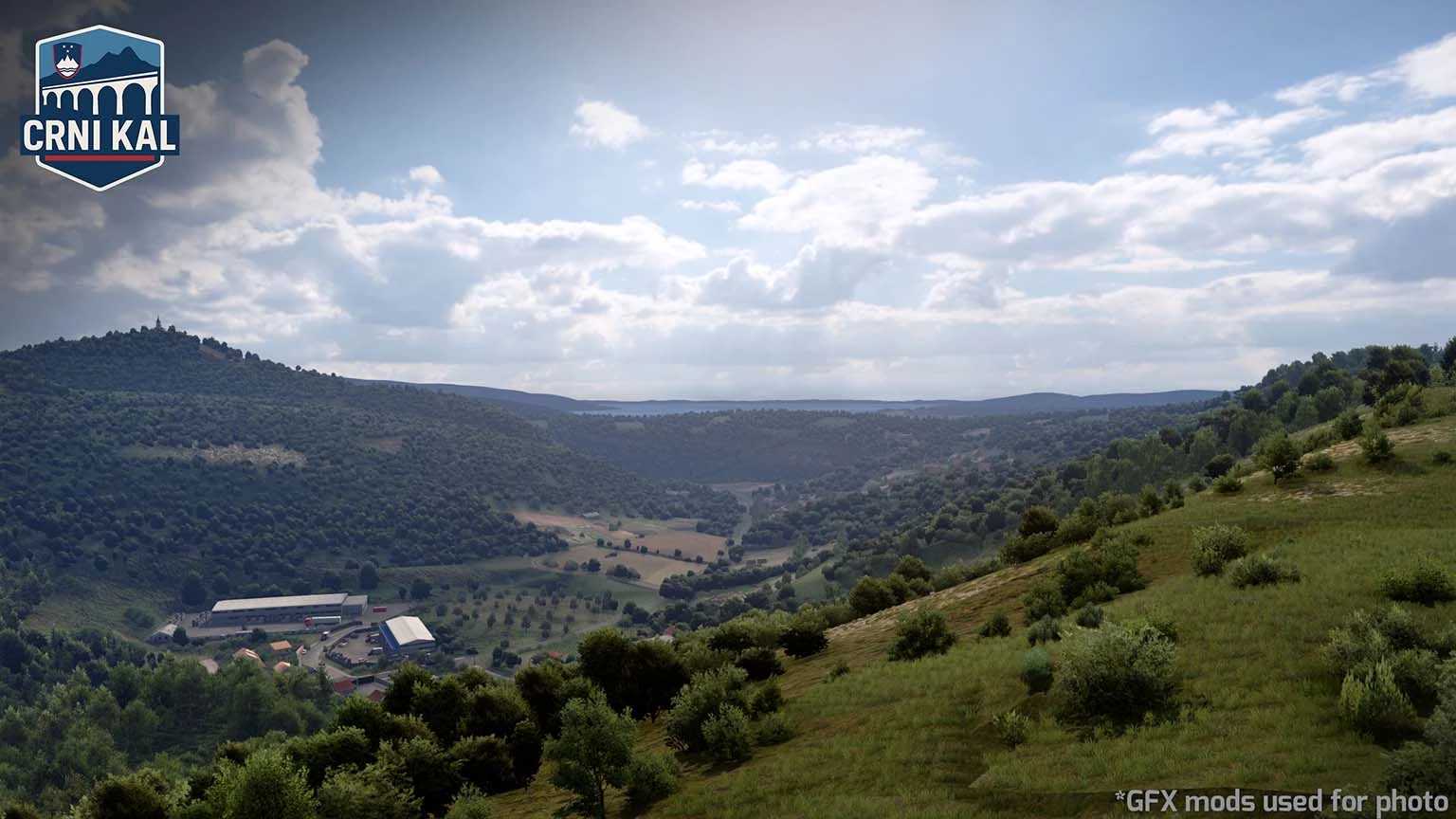
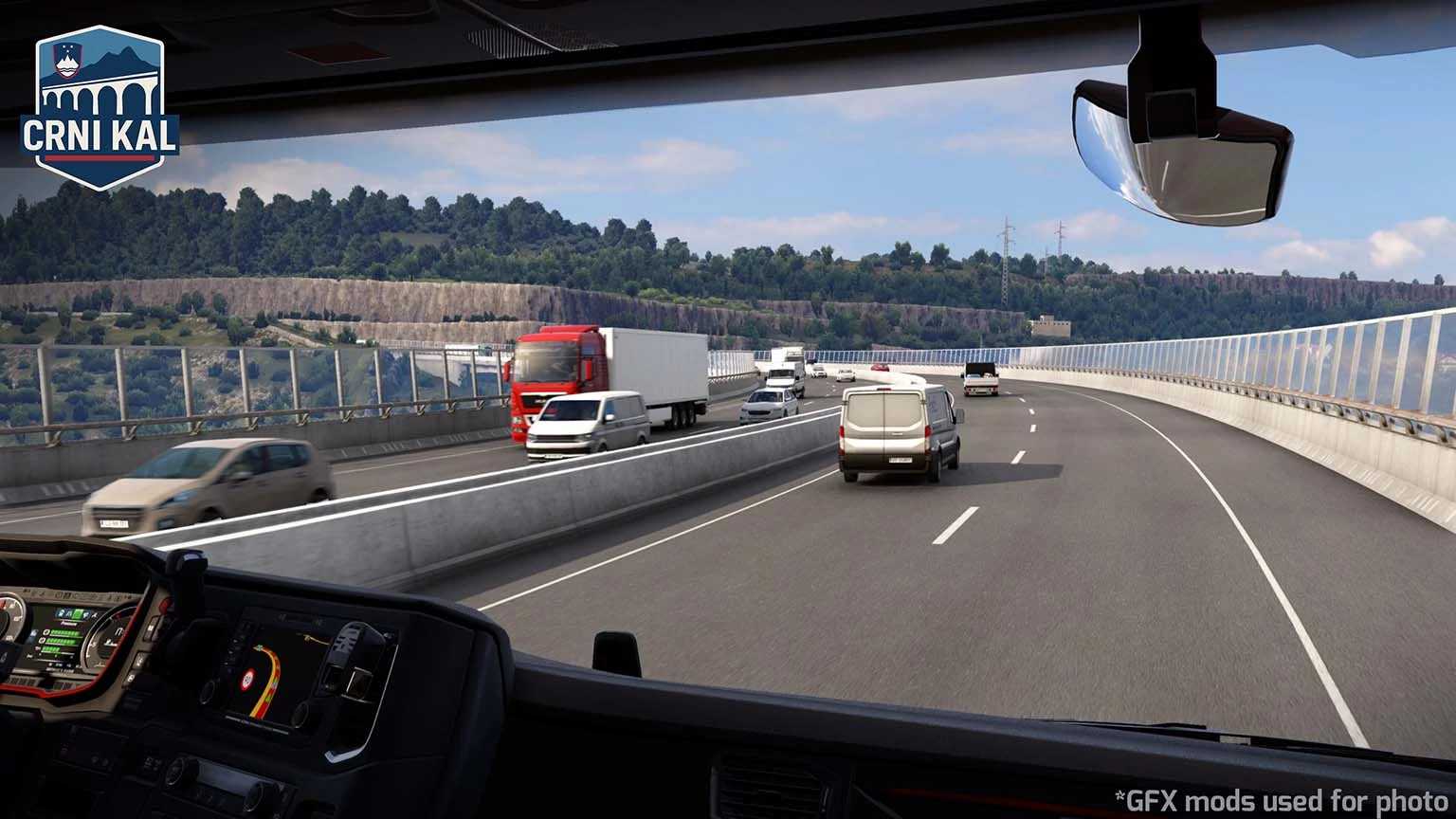
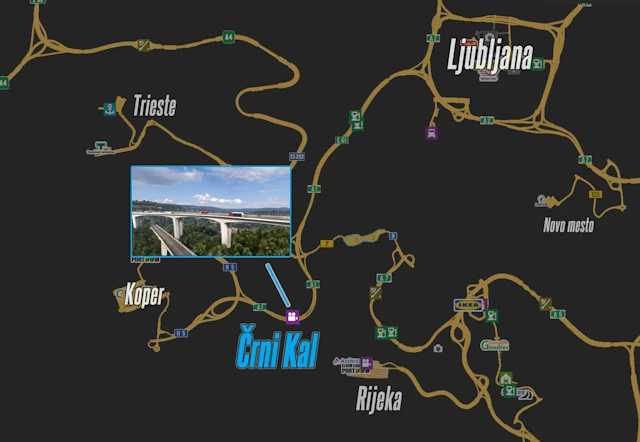
Črni Kal (Koper + A1 Rework) v1.1 1.56 ETS2
Version 1.56 (Promods 2.76)
– Realistic new pillars added for the Črni Kal Viaduct by Indian56
– Reskin of the A1 Highway and Koper (by me)
– New garage and area in Koper (by Grega)
– Parts of Koper reworked (by Grega)
– Enhanced A1 interchanges (by Grega)
– Various bug fixes
Credits: Kispál Marcell
How to install ETS2 mods or ATS Mods
Installing mods in Euro Truck Simulator 2 is straightforward. Simply download the mod from this page, and copy/unzip the files into the “My Documents\Euro Truck Simulator 2\mod” folder. If you’re playing ATS, place the mods into the “My Documents\American Truck Simulator\mod” folder. You can use WinRAR or 7zip to unzip the files. After that, activate the mods you wish to use.