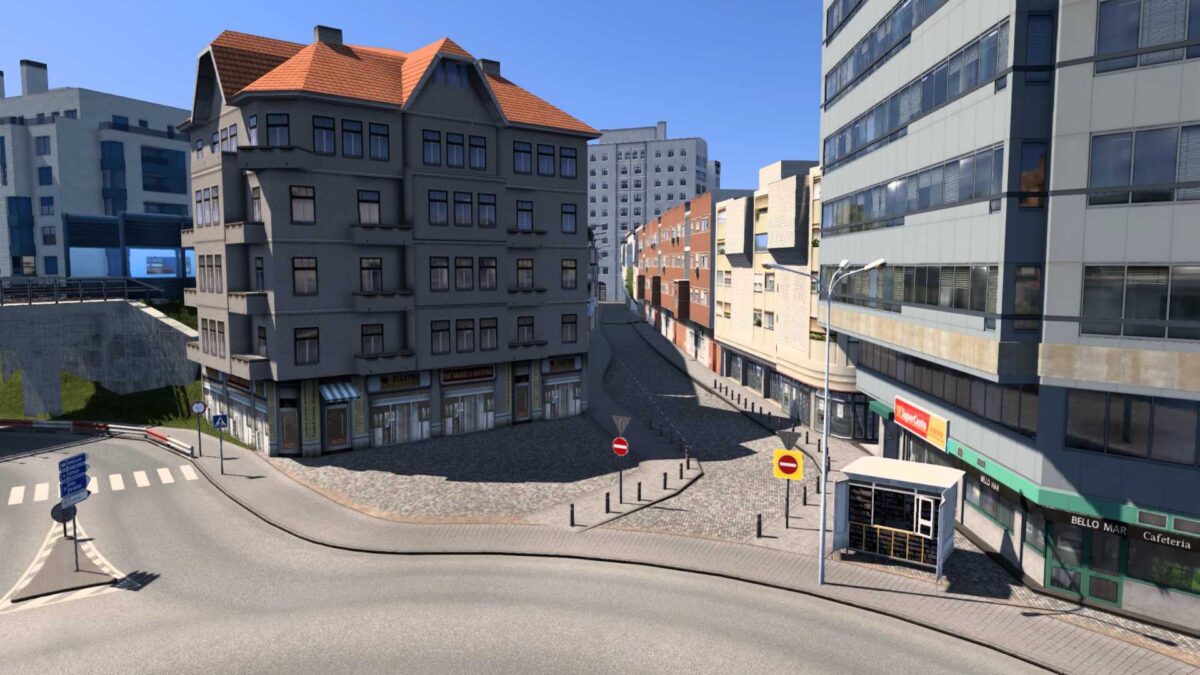
Projekt Cesko Bus Crash Fix v1.0 1.55 ETS2
This mod provides a straightforward solution to eliminate buses from Projekt Cesko that cause crashes to desktop (CTD), particularly in Promods combinations experiencing this problem. (Compatible versions: Projekt Cesko – 2.45 & future versions will require individual testing)
The mod specifically removes all zProjektCesko2_45assets.scs/model/bt-model/roadhunter/bus/bus.pmd models from the map!
Minimum ETS2 Base Version required: 1.55 for proper functionality!
Important!
This mod is tailored for the OrangeLion889 Promods No Roex Map Combo and other affected combos. Please verify its necessity with other map combinations that may not experience the issue—test without the mod first! Note that this mod is a temporary measure until a more permanent fix is established that doesn’t involve removing these buses from the map!
Required mods:
– Poland Rebuilding
– Promods
Suggested Load Order:
Ensure you place the mod above the Projekt Česko – ProMods – Poland Rebuilding RC. For assistance with load ordering, consult the mod description or review my Load Orders for potential proper placement:
Load Orders are based on time zones (GMT+01:00 Winter Time or GMT+02:00 Summer Time)!
Time Zone Information:
– 2024: Winter Time – October 29, 2023, to March 31, 2024; Summer Time – March 31 to October 27.
– 2025: Winter Time – October 27, 2024, to March 30, 2025; Summer Time – March 30 to October 26.
Additional Mods (Place Above Background Map):
Jerry’s Fullscreen Maps (ETS2) – (v1.55-1.0.0)
Jerry’s Original Loading Screen (ETS2) – (v1.55-1.0.0)
Credits: OrangeLion889
How to Install ETS2 or ATS Mods
Installing mods for Euro Truck Simulator 2 is a straightforward process. Simply download the mod from this site and copy/unzip the files into: “My Documents\Euro Truck Simulator 2\mod” folder. For American Truck Simulator (ATS), place the mods in: “My Documents\American Truck Simulator\mod” folder. Use WinRAR or 7zip to unzip files. After that, activate the mods you want to use.