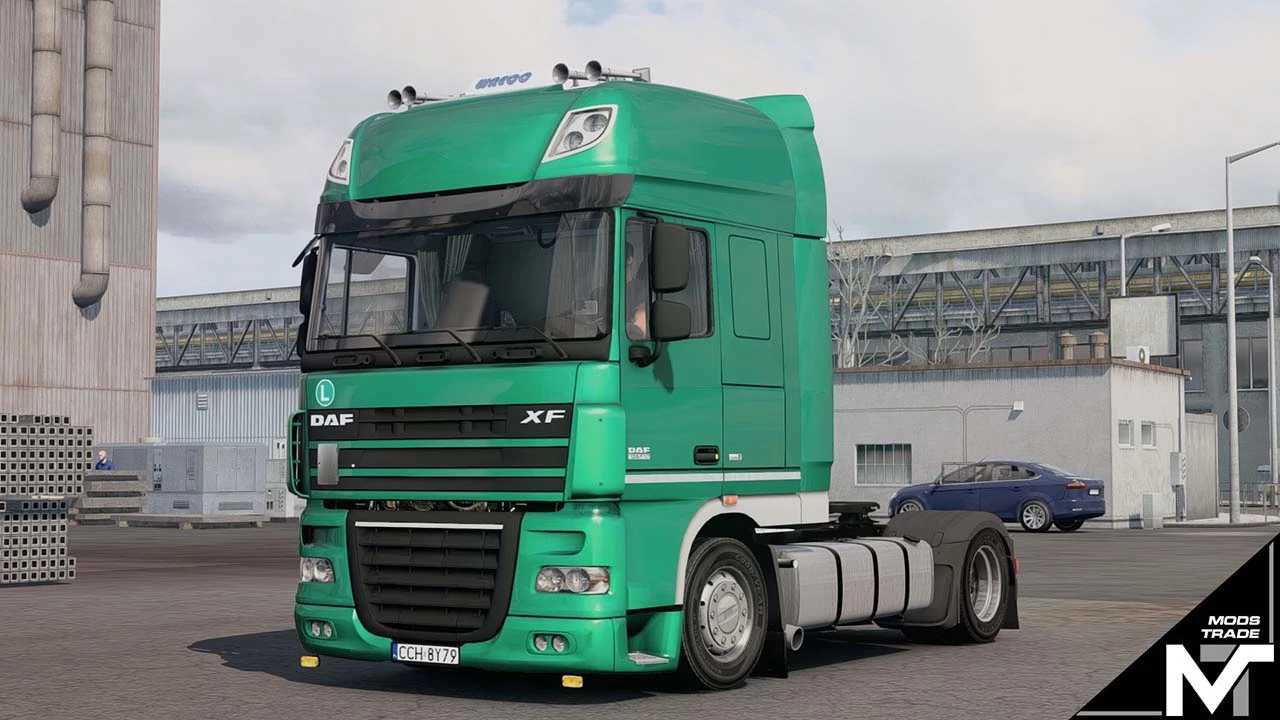
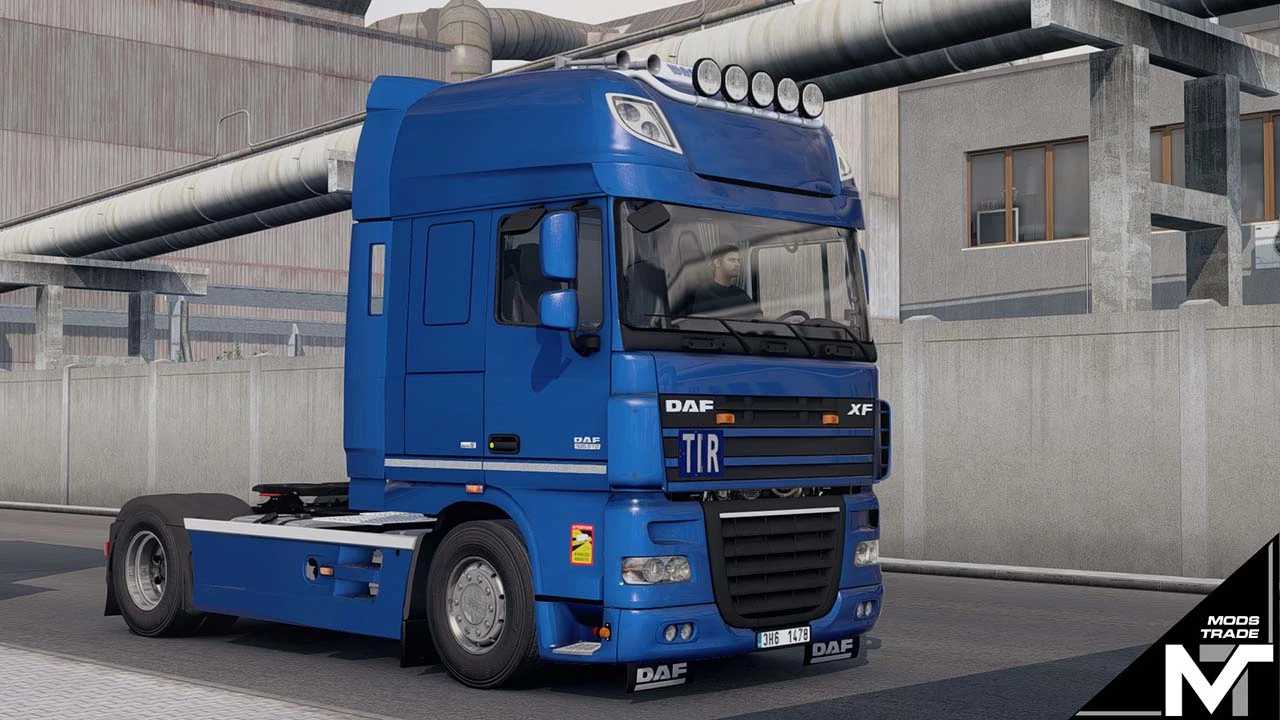
DAF XF 105 SSC Euro 5 v1.53 for ETS2
This truck features:
– Template
– Custom skins
– Fully standalone
– Complete lightmask
– Unique flarepack
– 4×2 FT chassis
– Standard and low deck fuel tanks
– Custom sound engine Paccar MX375 510
– ZF transmission options
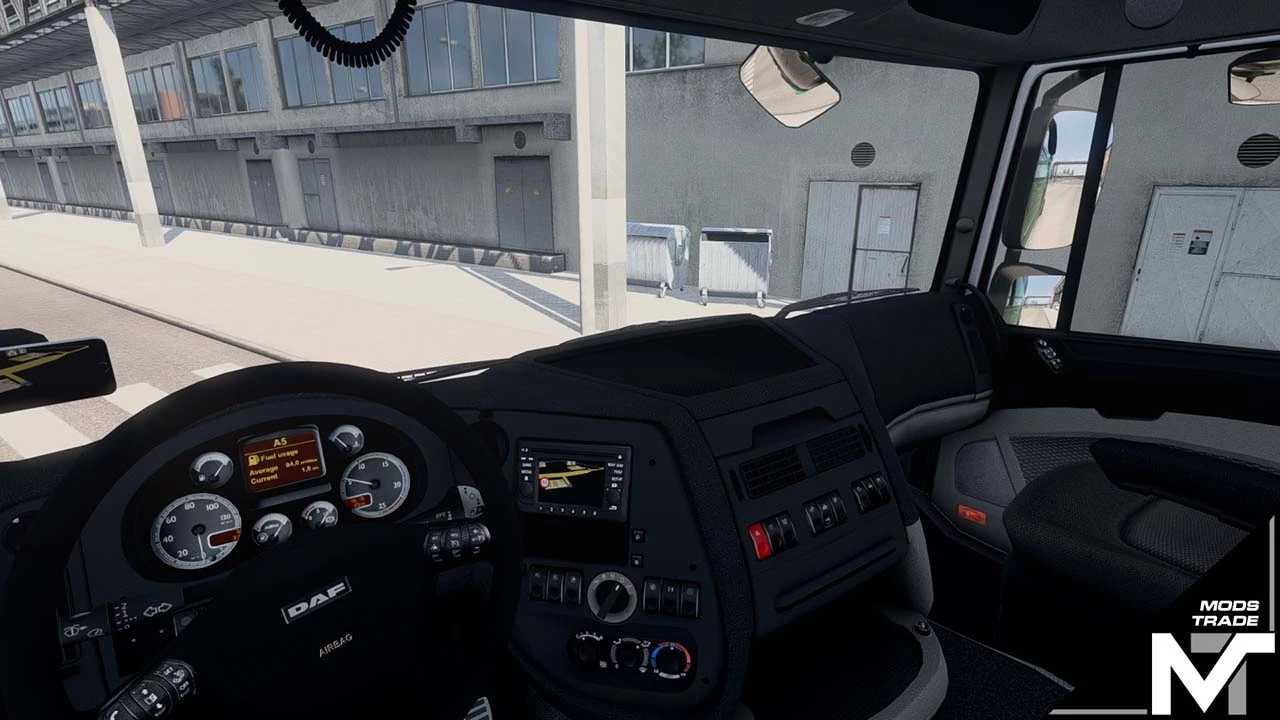
– Custom interior
– Reflective graphics
– TIR plates (Open/Closed), ADR, and Oversize signs
– Numerous custom tuning parts
– License plates included in template
– Functional window animations
– Improved shadow effects
– Functional truck cables
Updated and compatible with versions 1.50 through 1.53.x
Credits: ModsTrade
How to install ETS2 or ATS mods
Installing mods in Euro Truck Simulator 2 is straightforward. Simply download the mod from here, then copy or unzip the files into the “My Documents\Euro Truck Simulator 2\mod” folder. For American Truck Simulator, place mods in the “My Documents\American Truck Simulator\mod” folder. You can use WinRAR or 7zip to unzip files. Afterward, activate the mods you wish to use.