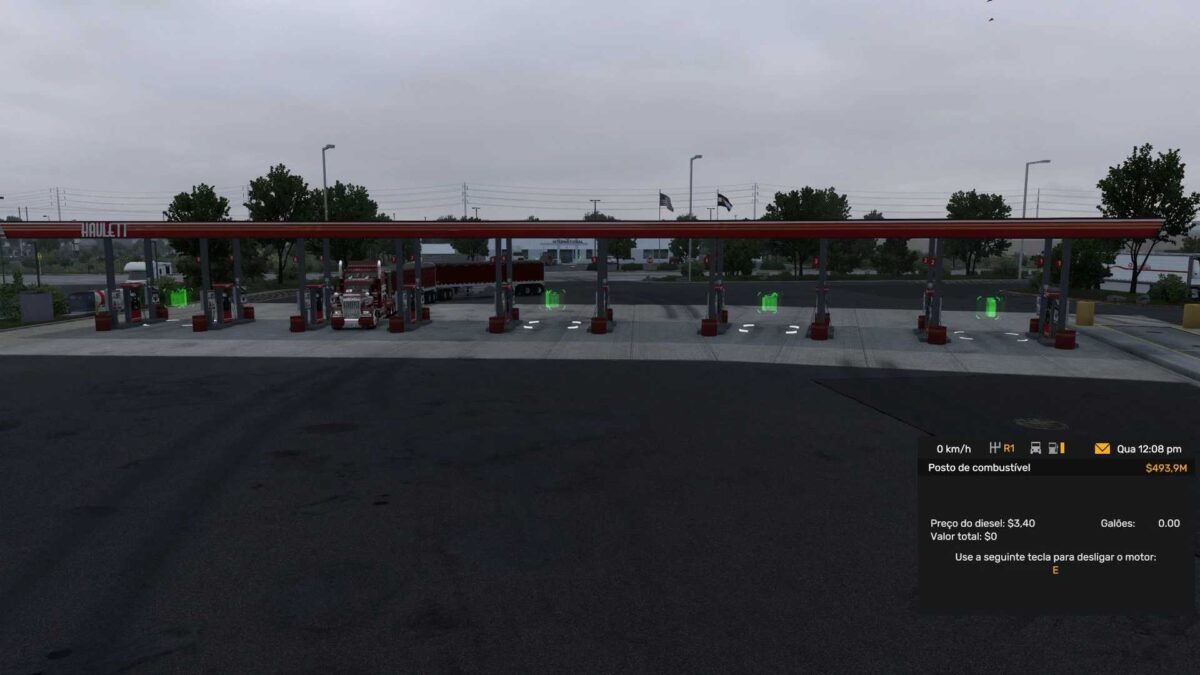
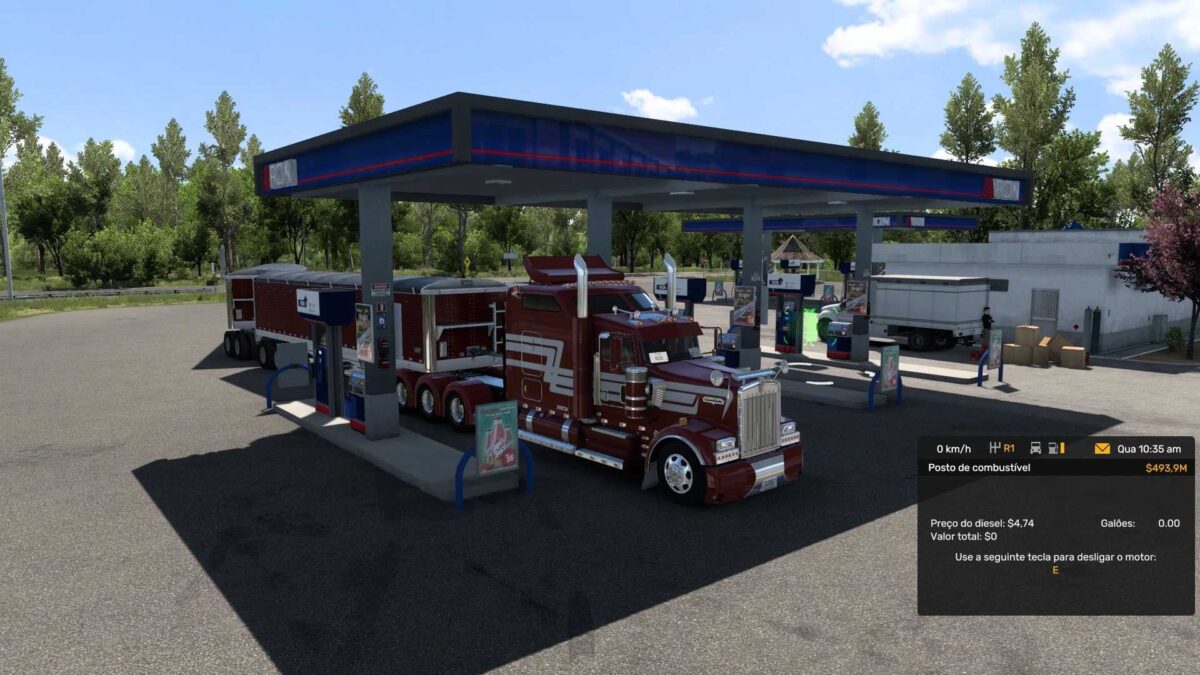
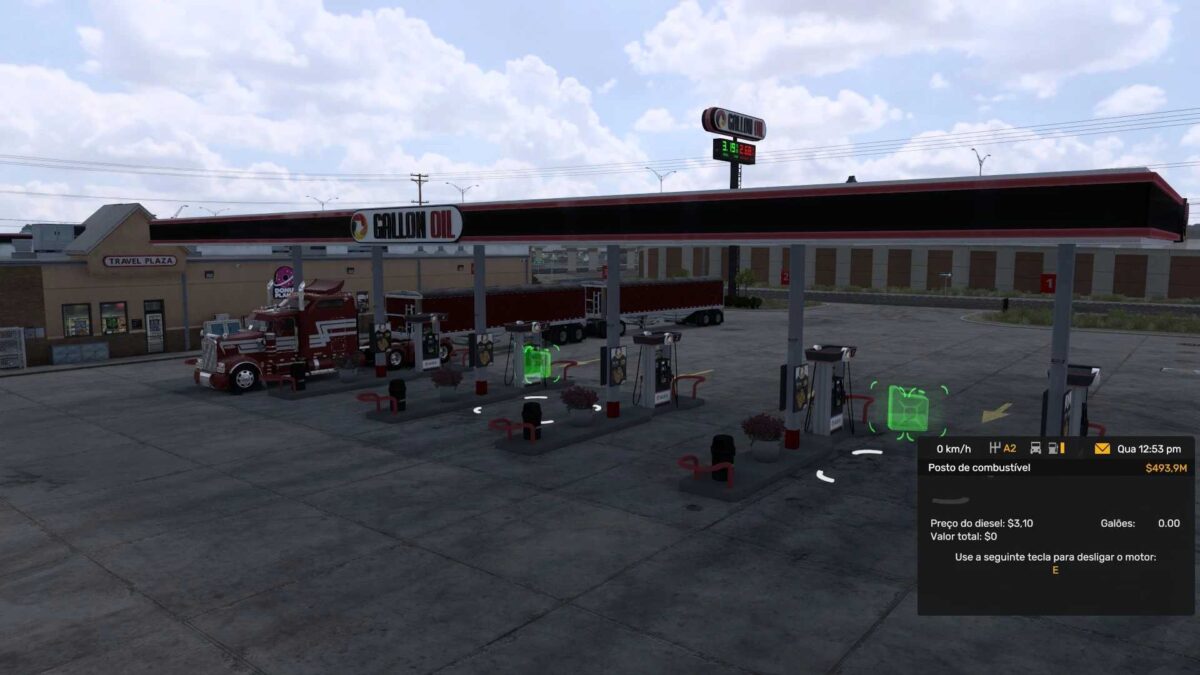
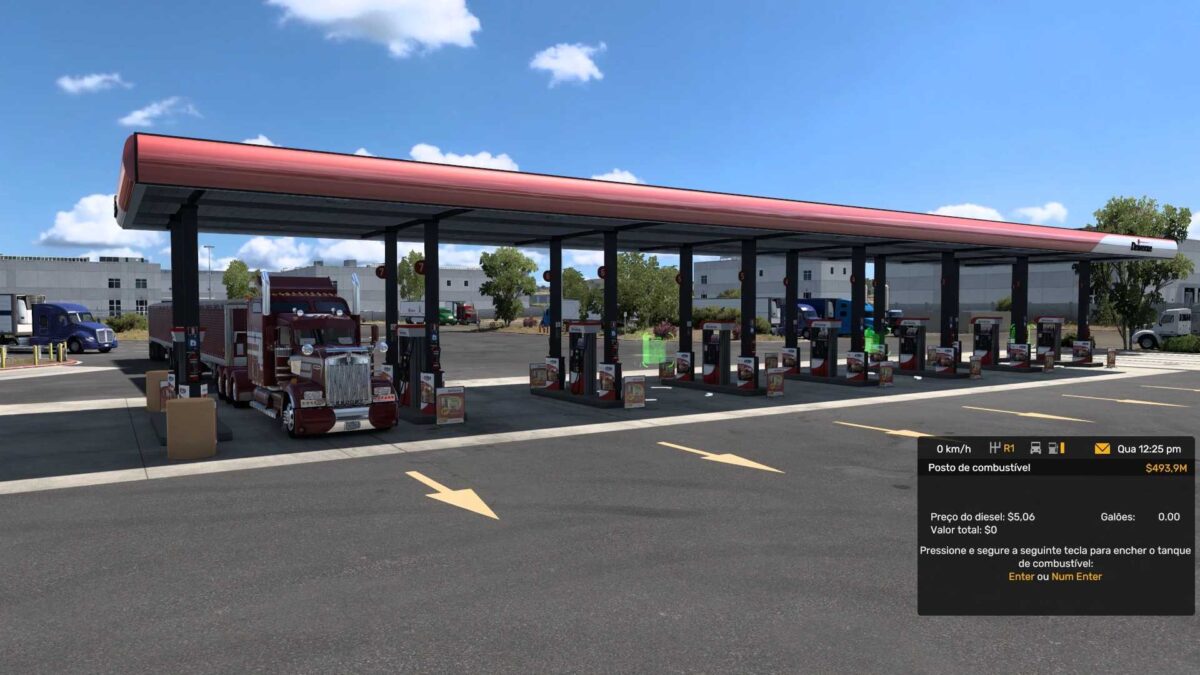
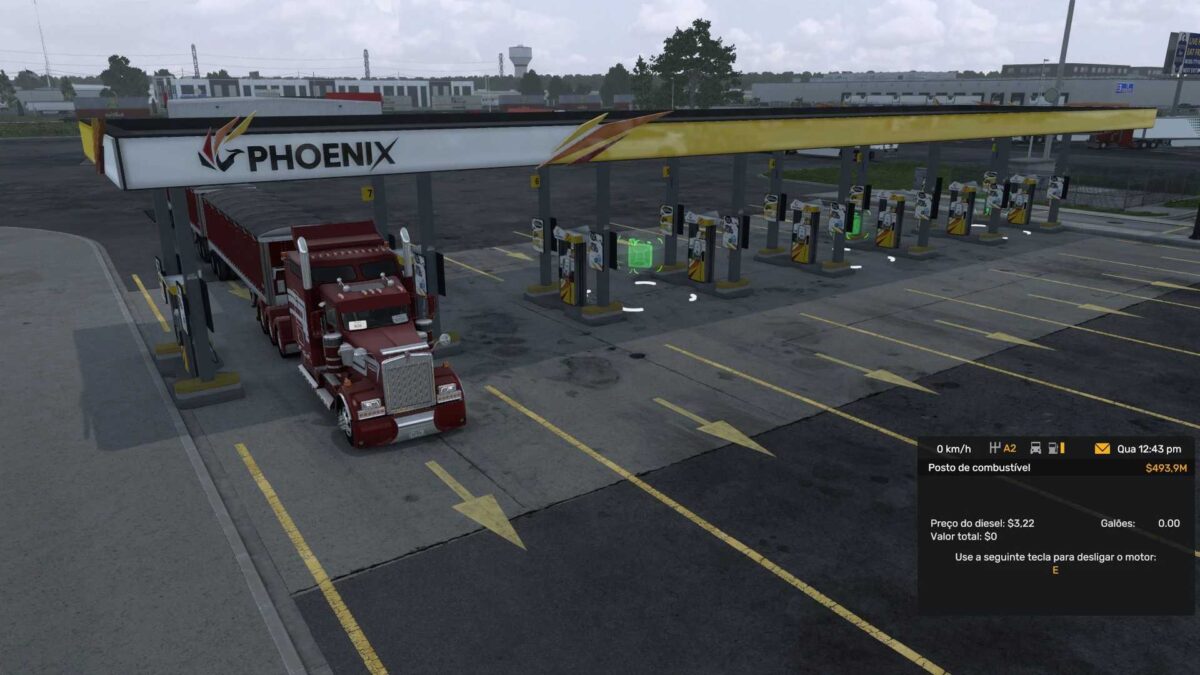
DIESEL PRICE ATS 11 09 2025 1.0 1.50 1.56 ETS2
DIESEL PRICE ATS BY RODONITCHO MODS 1.0 1.50 1.56 11 09 2025
ARIZONA 3,669
ARKANSAS 3,368
CALIFORNIA 5,161
COLORADO 3,554
IDAHO 3,819
IOWA 3,538
KANSAS 3,440
MISSOURI 3,411
MONTANA 3,647
NEBRASKA 3,423
NEVADA 3,971
NEW MEXICO 3,567
OKLAHOMA 3,295
OREGON 4,503
TEXAS 3,217
UTAH 3,664
WASHINGTON 5,060
WYOMING 3,616
Credits: RODONITCHO MODS
How to install ETS2 mods or ATS Mods
Installing mods in Euro Truck Simulator 2 is straightforward. Simply download the mod from here and copy/unzip the files into: “My Documents\Euro Truck Simulator 2\mod” folder if you’re playing ETS2, or “My Documents\American Truck Simulator\mod” folder for ATS. You can use WinRAR or 7zip to unzip files. After that, activate the mods you want to use.