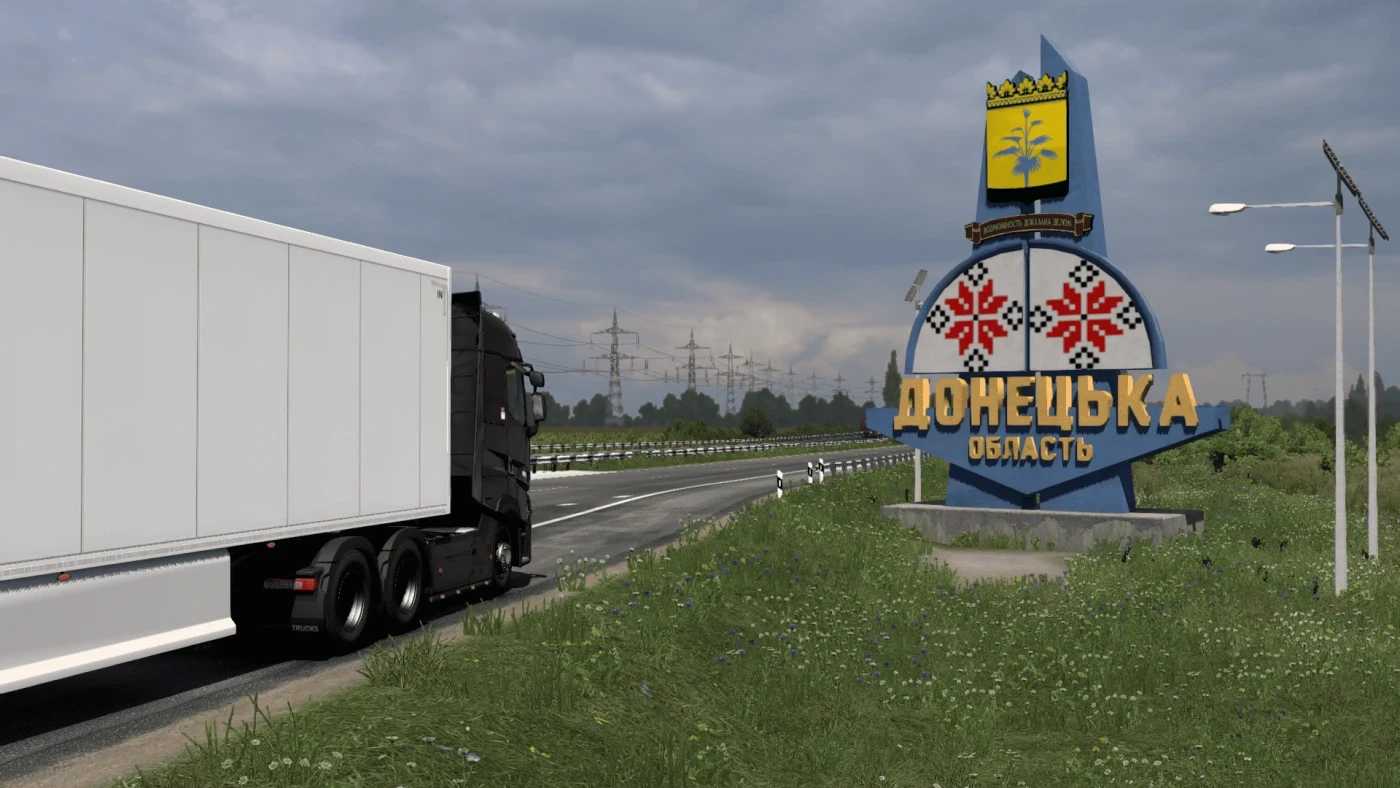
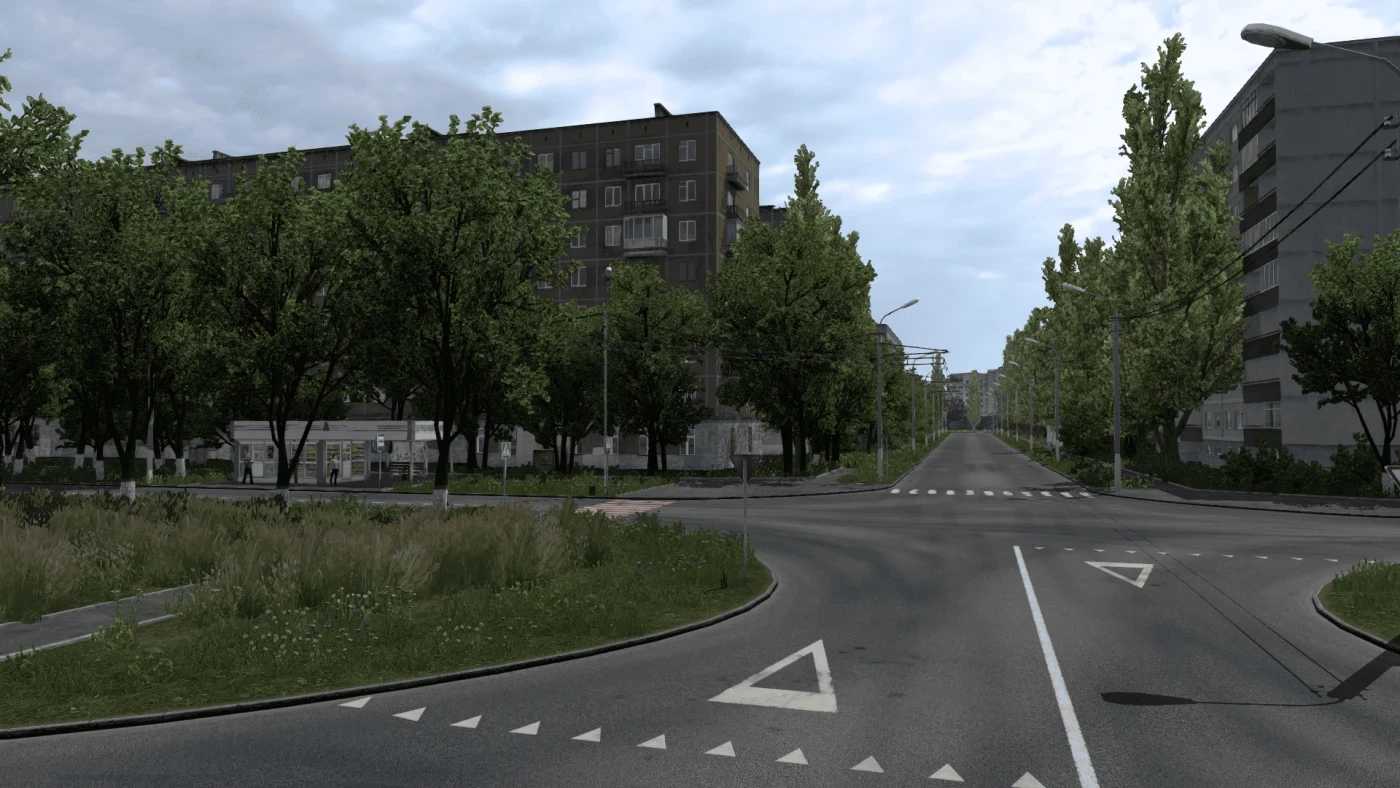
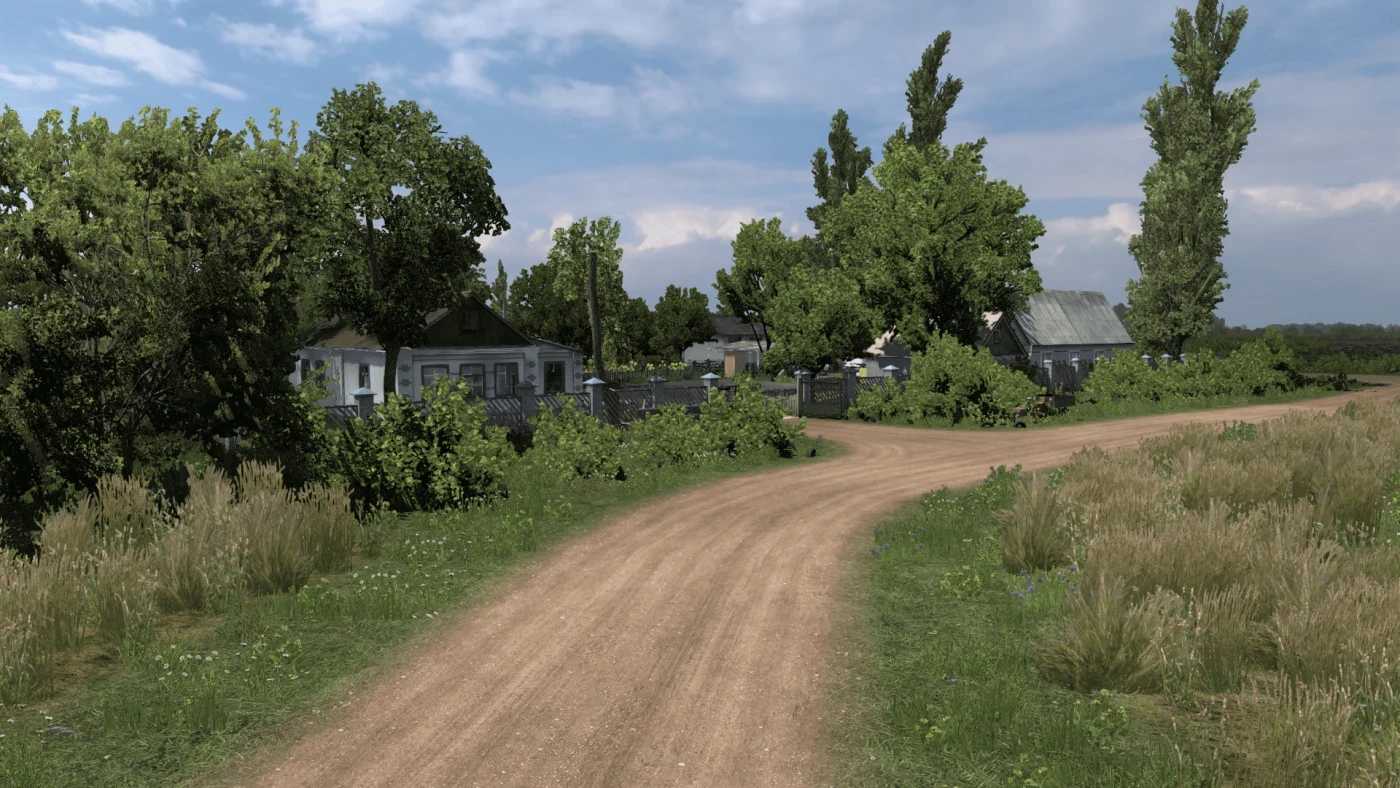
Donbass Map v1.54 for ETS2
The map showcases 19 cities, including Donetsk, Mariupol, Makiivka, Novoazovsk, Bezymennoye, Khartsyzk, Melitopol, Yasinovataya, Horlivka, Yenakiieve, Luhansk, Konstantinovka, Kharkiv, Kramatorsk, Pokrovsk, Dnipro, Zaporizhzhia, Berdyansk, and Vasylivka.
Updates:
– Added Zaporizhzhia, Berdyansk, and Vasylivka
– Compatible with version 1.54
– Resolved issues with signs
– Introduced a ferry in Berdyansk
– Revamped the Melitopol – Mariupol route
Installation instructions:
Ensure that donbass_map 1 54 has higher priority than the db_model 1.54 file.
Required DLC maps: all.
Credits: BorisBritva
Instructions for installing ETS2 or ATS Mods
Installing mods in Euro Truck Simulator 2 is straightforward. Simply download the mod, then copy/unzip the files into the “My Documents\Euro Truck Simulator 2\mod” folder. For American Truck Simulator, place them in: “My Documents\American Truck Simulator\mod” folder. You can use WinRAR or 7zip to unzip the files. After that, activate the mods you wish to use.