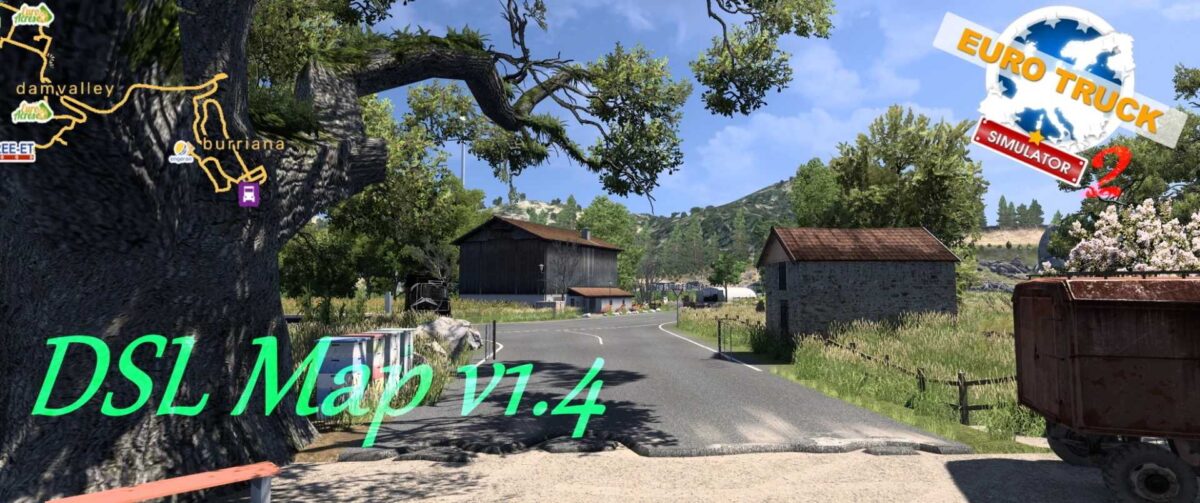
DSL Map v1.4 ETS2
What’s new:
– One city revamped (Burriana)
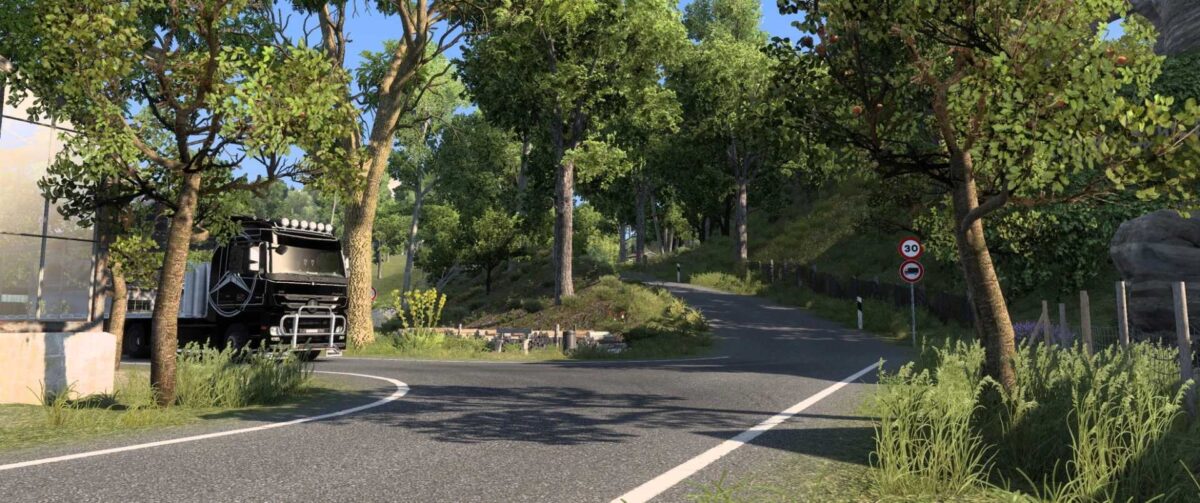
– Landscape enhancements between Burriana and Barros
– Introduction of a new city (Dam Valley)
– Added a new background map
– Ambient sounds integrated (only in reworked areas)
– Bug fixes implemented
About the map:
The DSL Map is a fictional creation and does not represent any real-world location. The scale of the map is set at 1:3.
INSTALLATION:
1. Extract the DSL Map v1.4.rar using WinRAR.
2. Transfer the 4 SCS files into your mod folder.
3. Launch your game and set up a new Profile.
4. Navigate to the mod manager and activate the 4 files
(DSL Map.scs, Model 1.scs, and Model 2.scs).
5. Start your new profile.
If you previously played the DSL Map, please remove the old 3 files and replace them with the 4 new ones in the mod folder.
(You can still use your former DSL Map mod profile.)
THE SEQUENCE OF THE 4 FILES IS NOT IMPORTANT!!
IMPORTANT!!
– One additional file is required for activation (Model 3).
– This map is built on a completely new foundation and is incompatible with other map mods (like Pro Mods…).
– Ensure you have all SCS map DLCs except for the Greece DLC.
Compatible with version 1.55**
Credits: Black Dragon
How to install ETS2 mods or ATS Mods
Installing mods in Euro Truck Simulator 2 is straightforward. Simply download the mod from here and place/unzip the files into the “My Documents\Euro Truck Simulator 2\mod” directory. For American Truck Simulator (ATS), do the same in “My Documents\American Truck Simulator\mod” folder. Use tools like WinRAR or 7zip for extraction. After that, remember to activate the mods you wish to use.