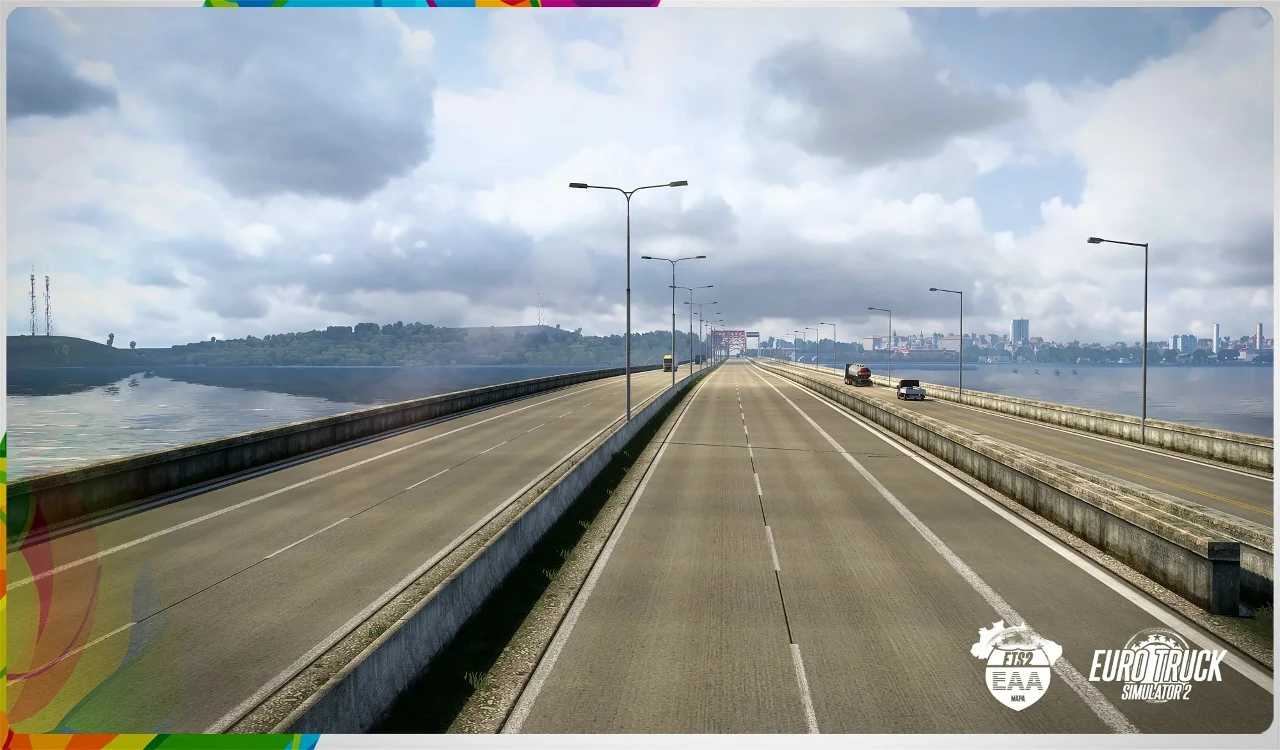
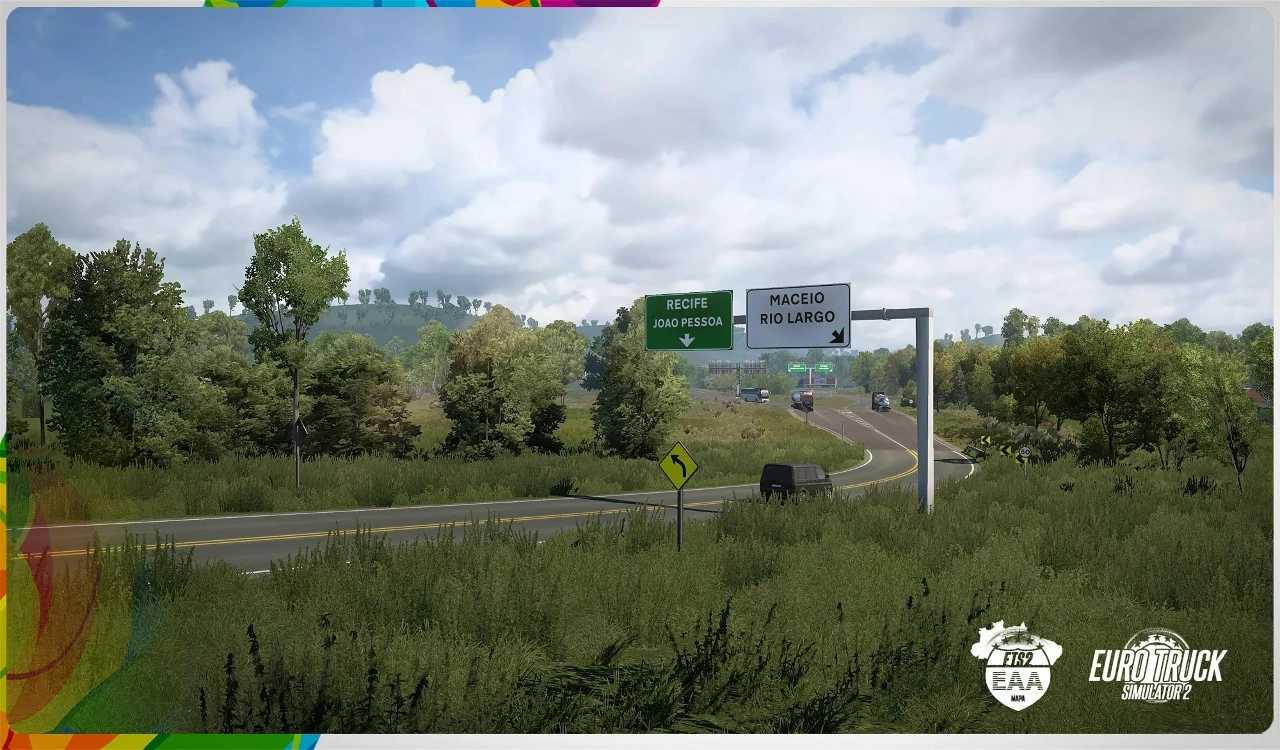
EAA Brasil Map v7.2 ETS2
High-resolution textures across roads, fields, grass, and terrain.
Dynamic grey sky featuring foggy mornings, overcast days, and gentle sunlight.
Newly designed tree models.
Enhanced rain effects that provide realistic precipitation and wheel splashes.
Lowered HDR glow for more subtle lighting realism.
Seasonal adjustments to daylight and temperature suitable for late autumn.
Compatible with ProMods, RusMap, TSM, MHA, and all map-related DLCs.
Changes in version 7.2:
– updated for the latest game patch 1.56.
– additional modifications.
Credits: EAA Team
How to install ETS2 mods or ATS Mods
Installing mods in Euro Truck Simulator 2 is straightforward. Simply download the mod from this site, copy/unzip the files into the “My Documents\Euro Truck Simulator 2\mod” folder or, if you’re using ATS, place them in the “My Documents\American Truck Simulator\mod” folder. You can use WinRAR or 7zip for extracting files. Afterward, activate the mods you wish to use.