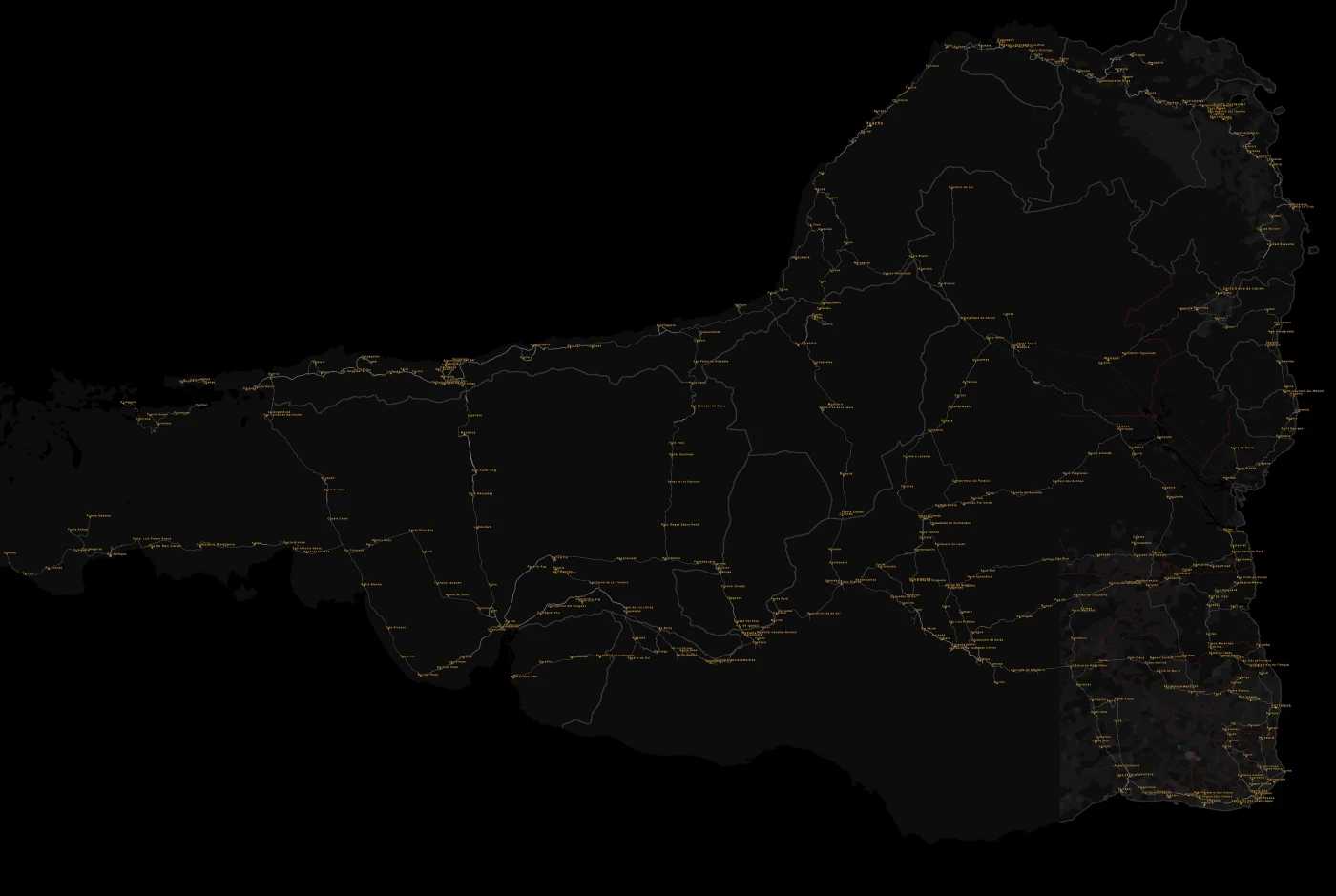
EAA Rescaled v1.5 for ETS2
Update Version: 1.5
– Resolved definition issues
– Upgraded to the latest EAA version
– Fixed multiple bugs
– Rescaled additional cities in northern Brazil
Description:
This mod realigns and rescales EAA to its correct position in the background, addressing various issues encountered when integrating EAA with other maps. Note that some regions of Brazil have not yet been shifted due to the extensive time and complexity involved, but these may be included in future updates.
Loading Order:
EAA Rescaled
EAA Map Semeuropa
EAA Base
EAA Base Share
For those using this in a map combination, ensure EAA is positioned at the very bottom of your loading sequence.
Credits: SaltySeeds06
Installation Instructions for ETS2 or ATS Mods
Installing mods in Euro Truck Simulator 2 is straightforward. Simply download the mod from this site, then copy or unzip the files into the “My Documents\Euro Truck Simulator 2\mod” folder. If you are playing American Truck Simulator, place the mods in the “My Documents\American Truck Simulator\mod” folder. You can use WinRAR or 7zip to extract the files. After that, remember to activate the mods you wish to use.