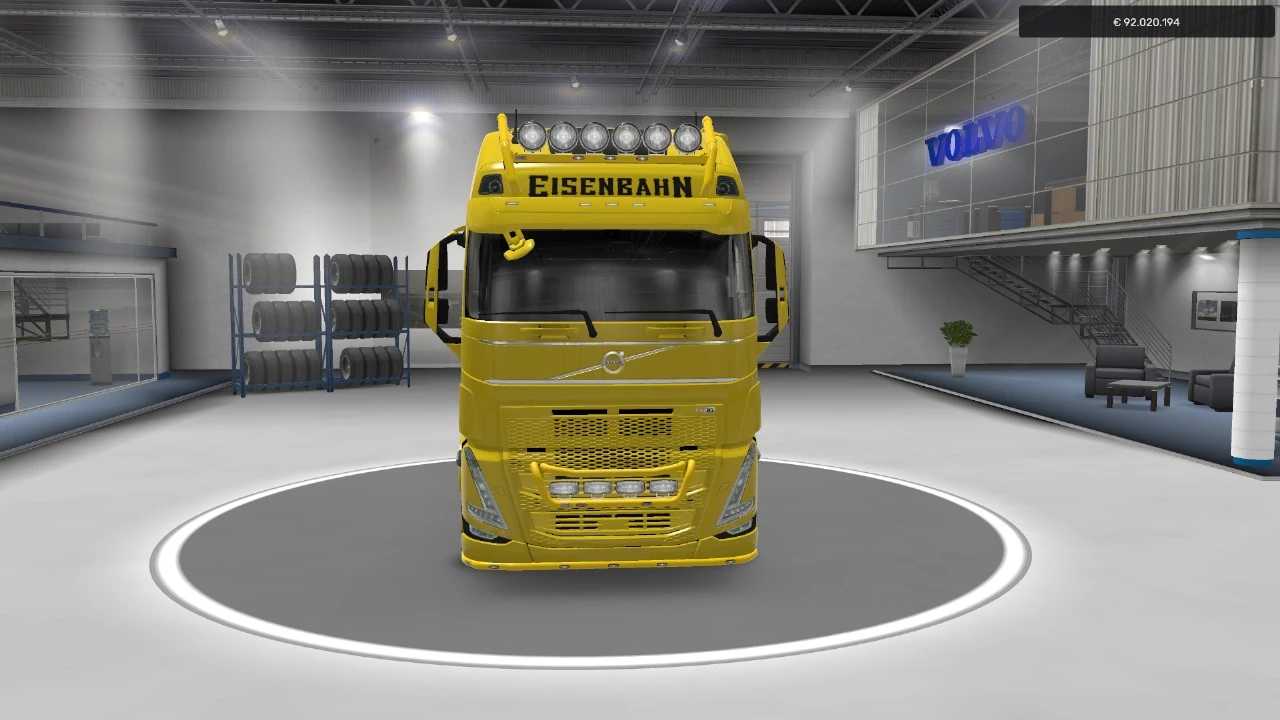
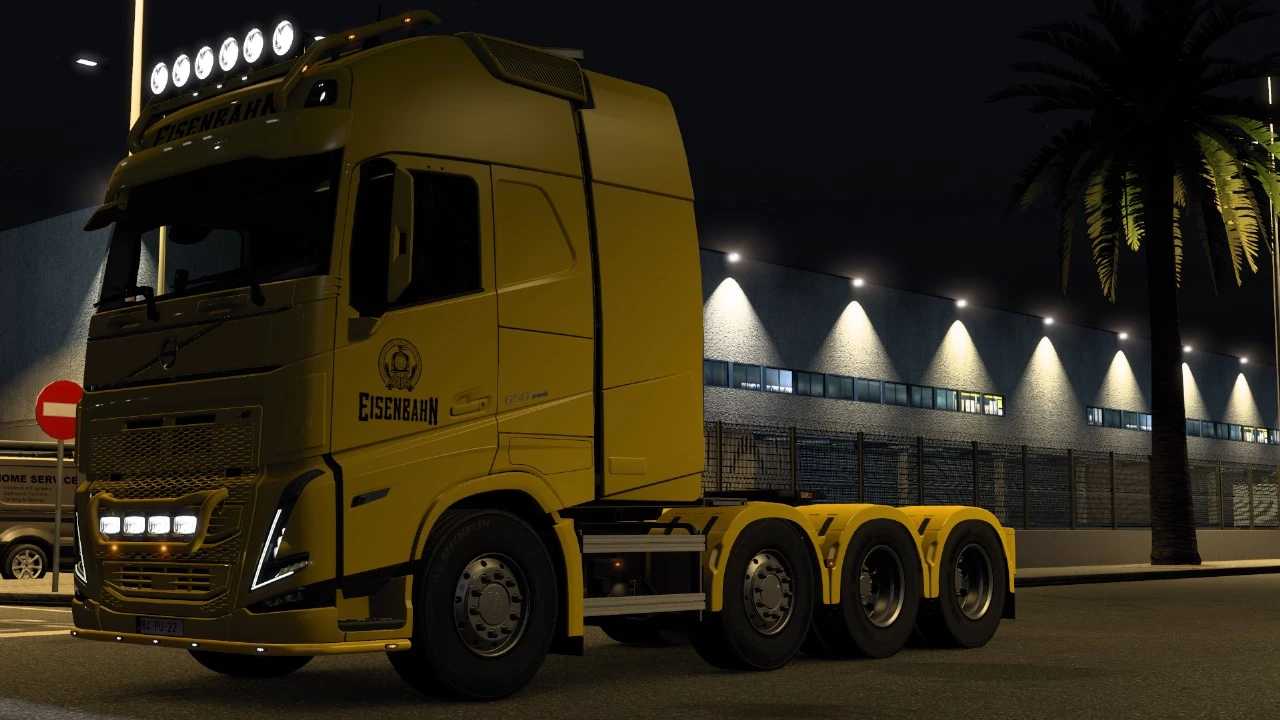
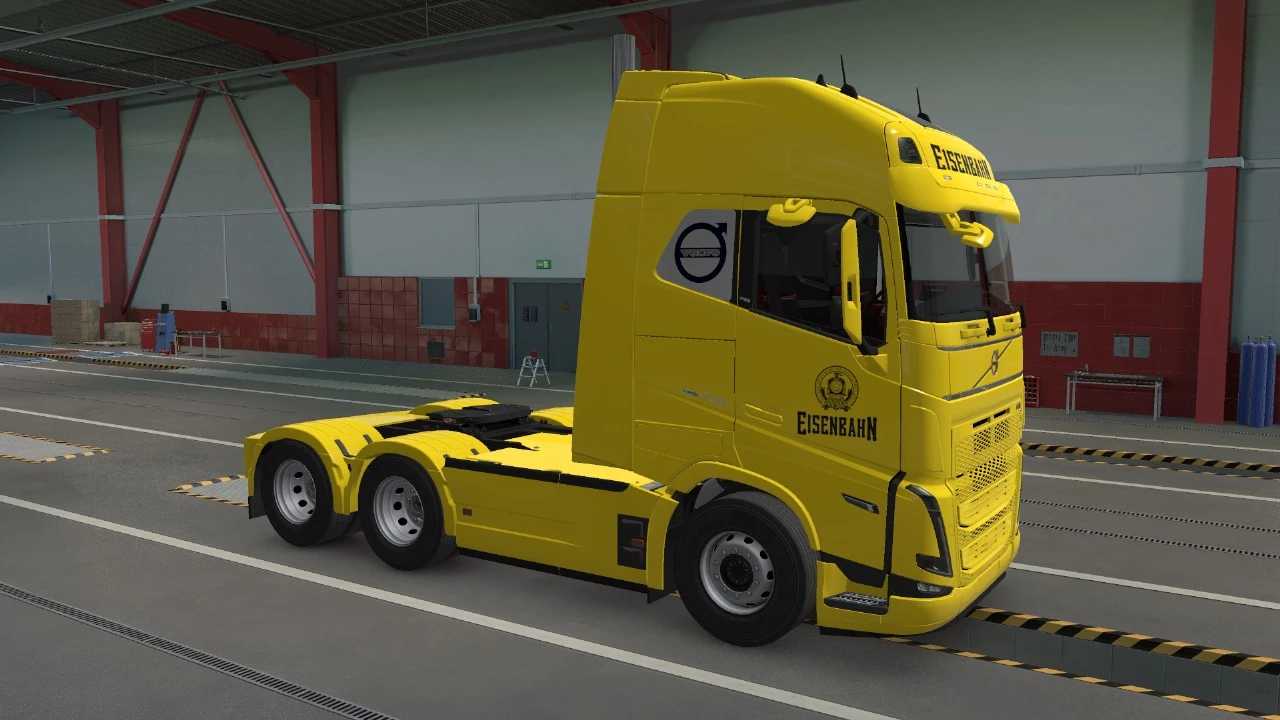
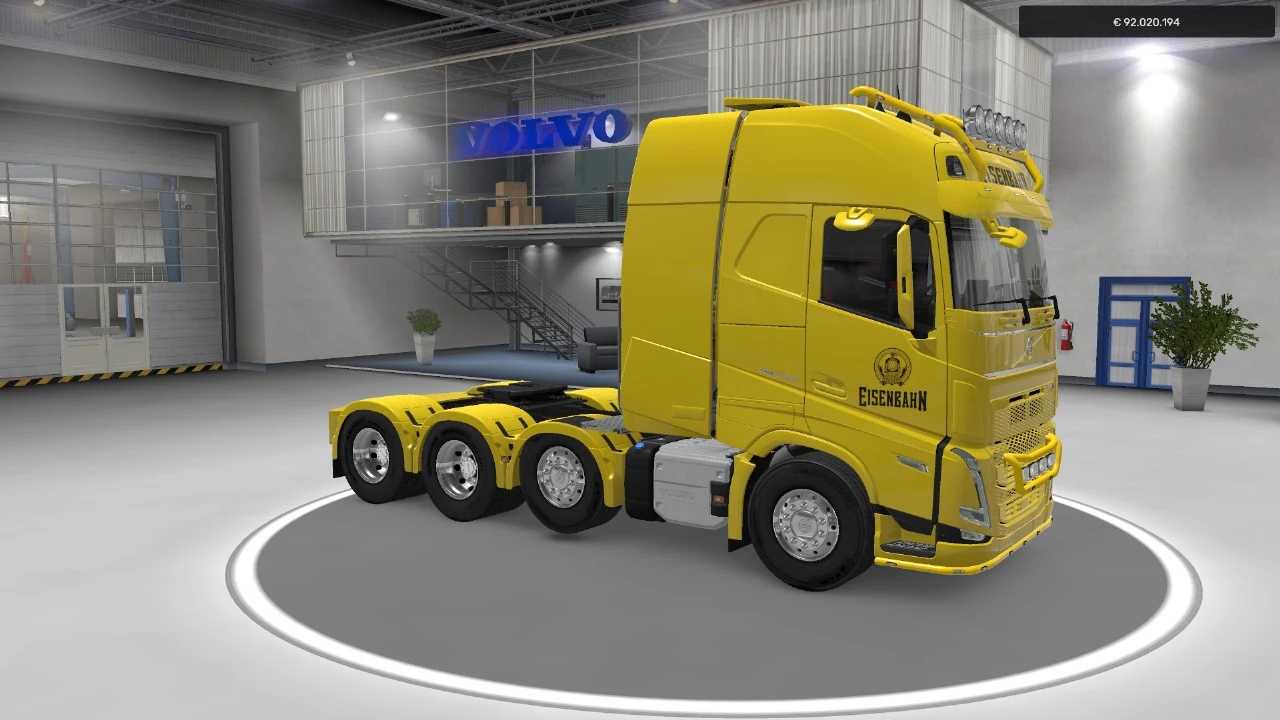
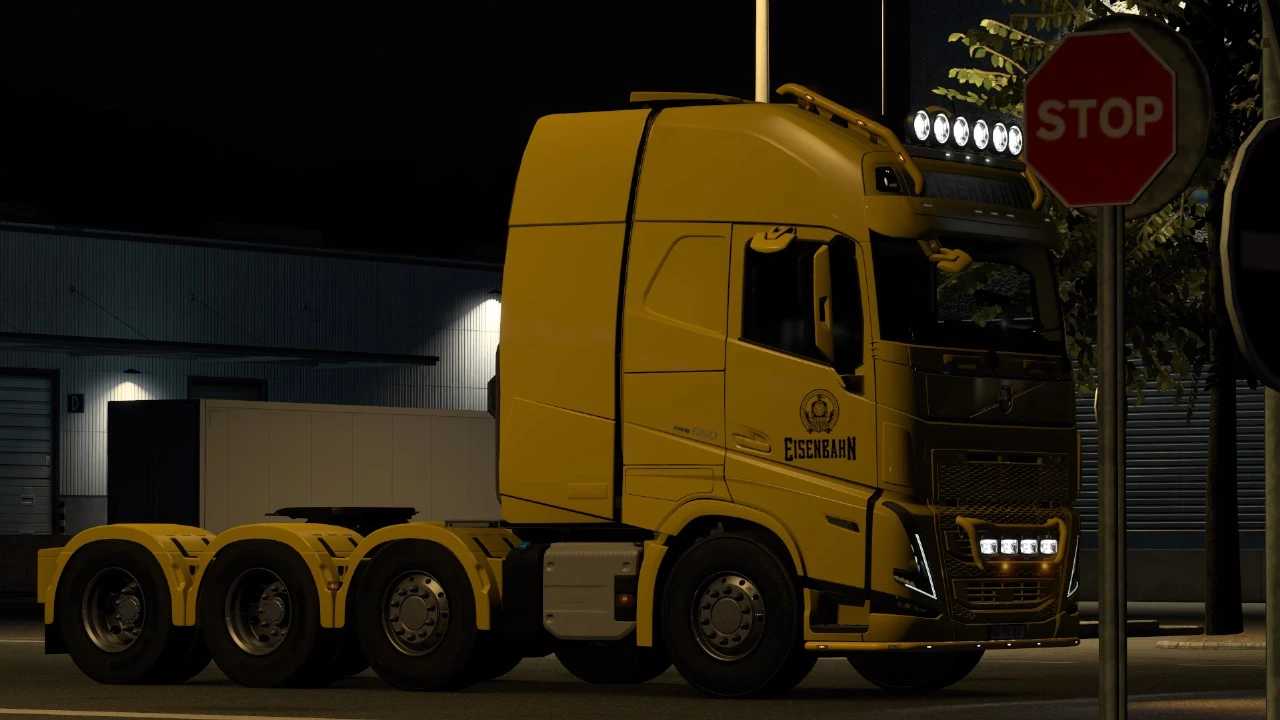
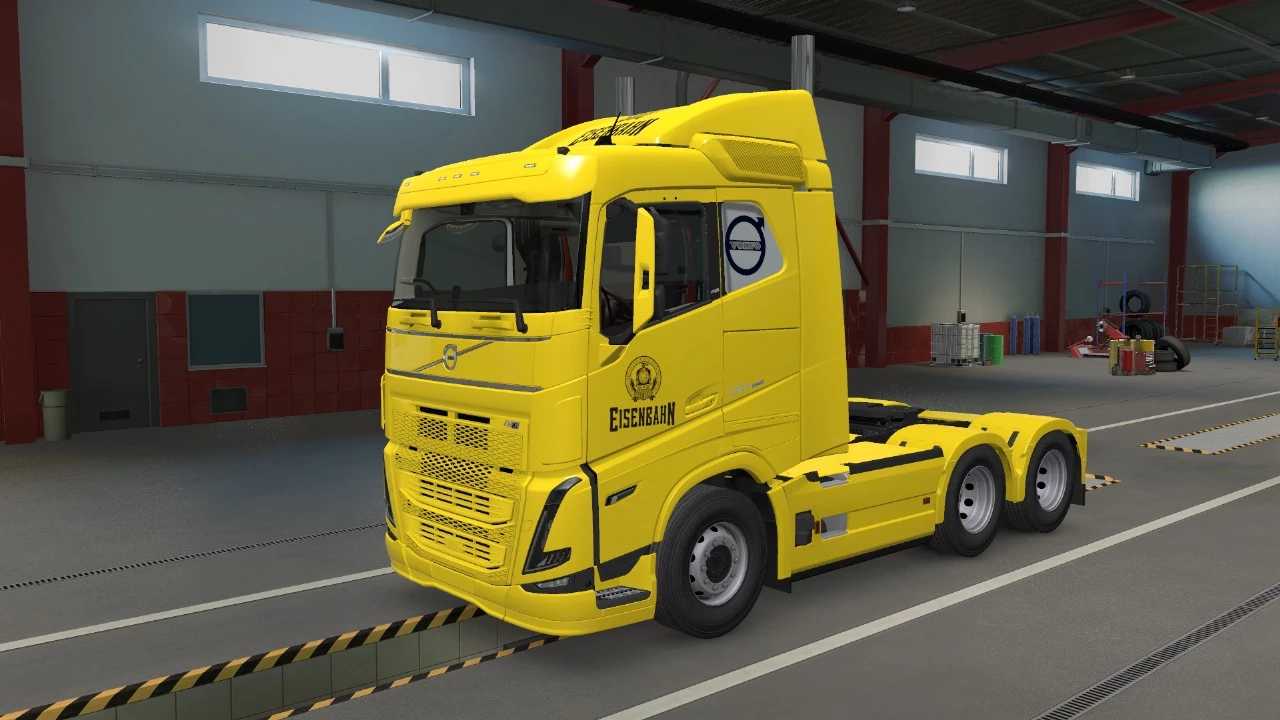
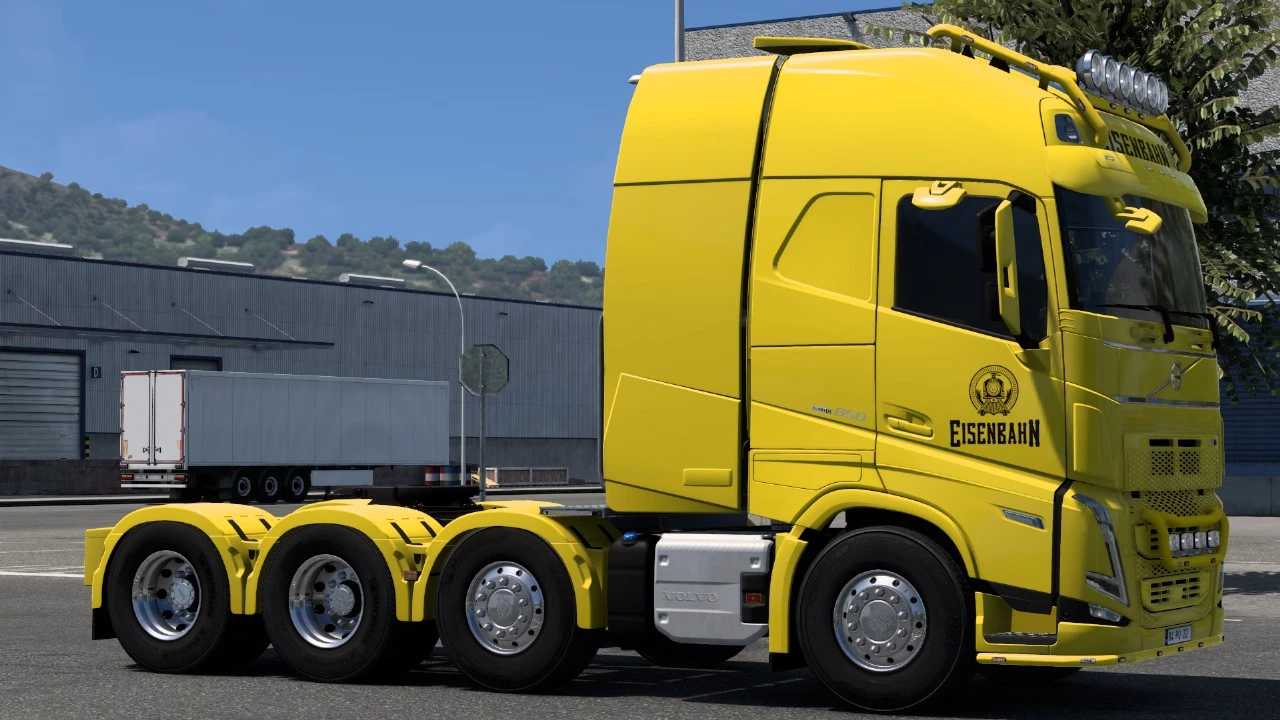
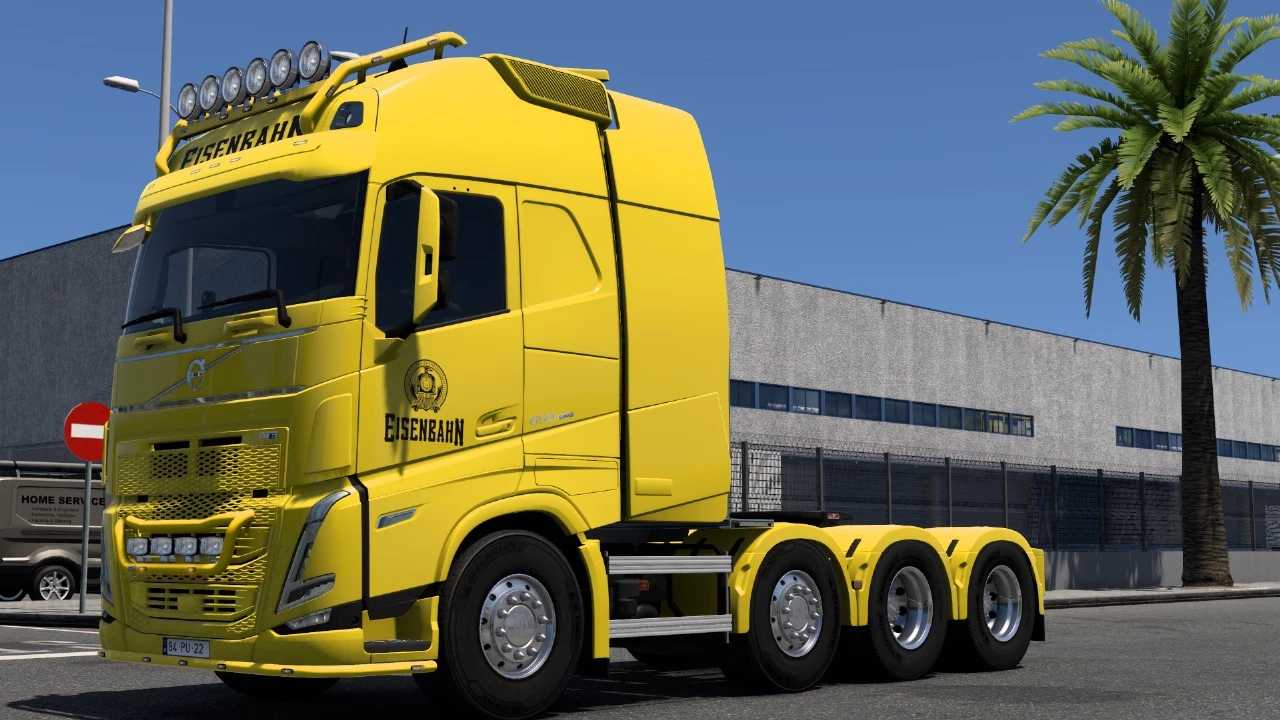
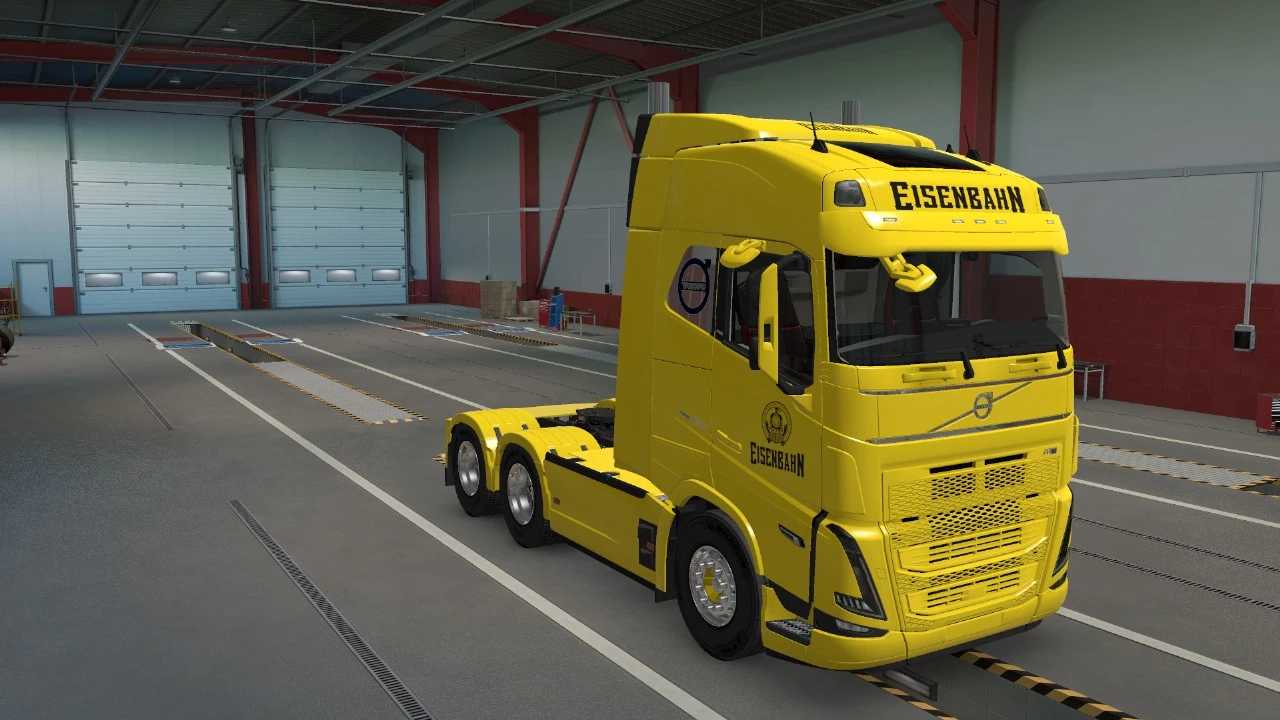
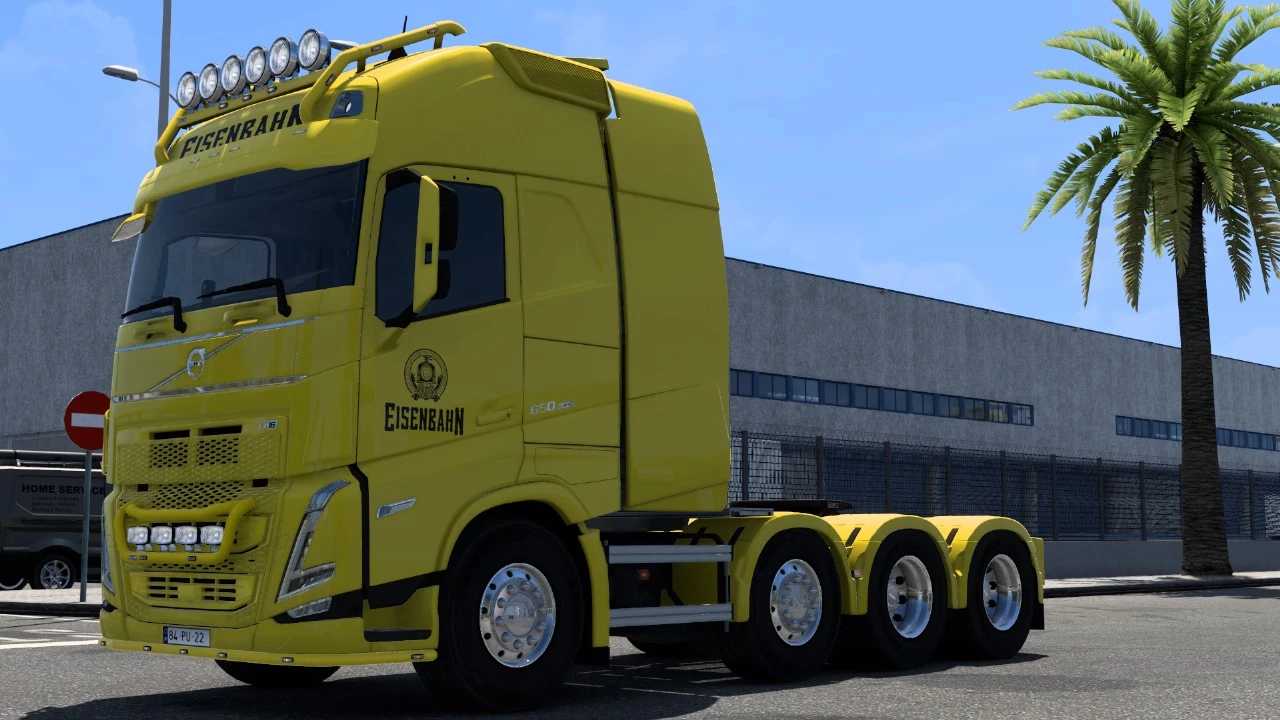
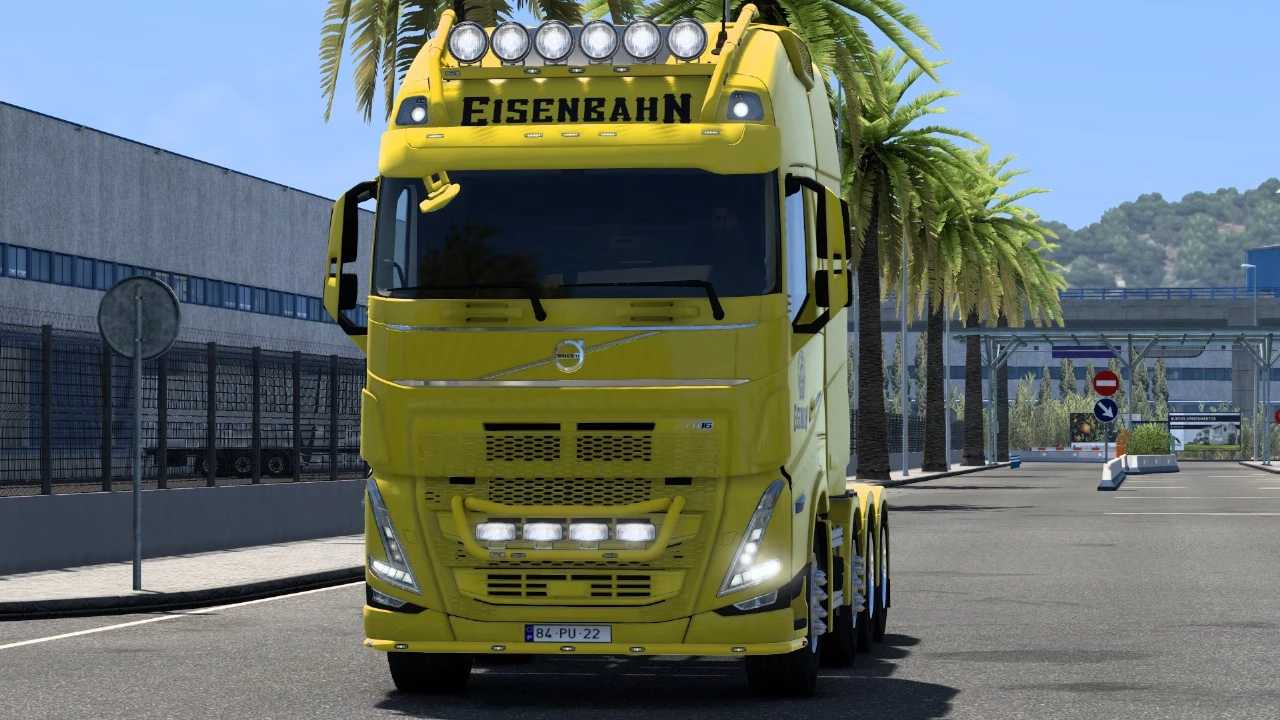
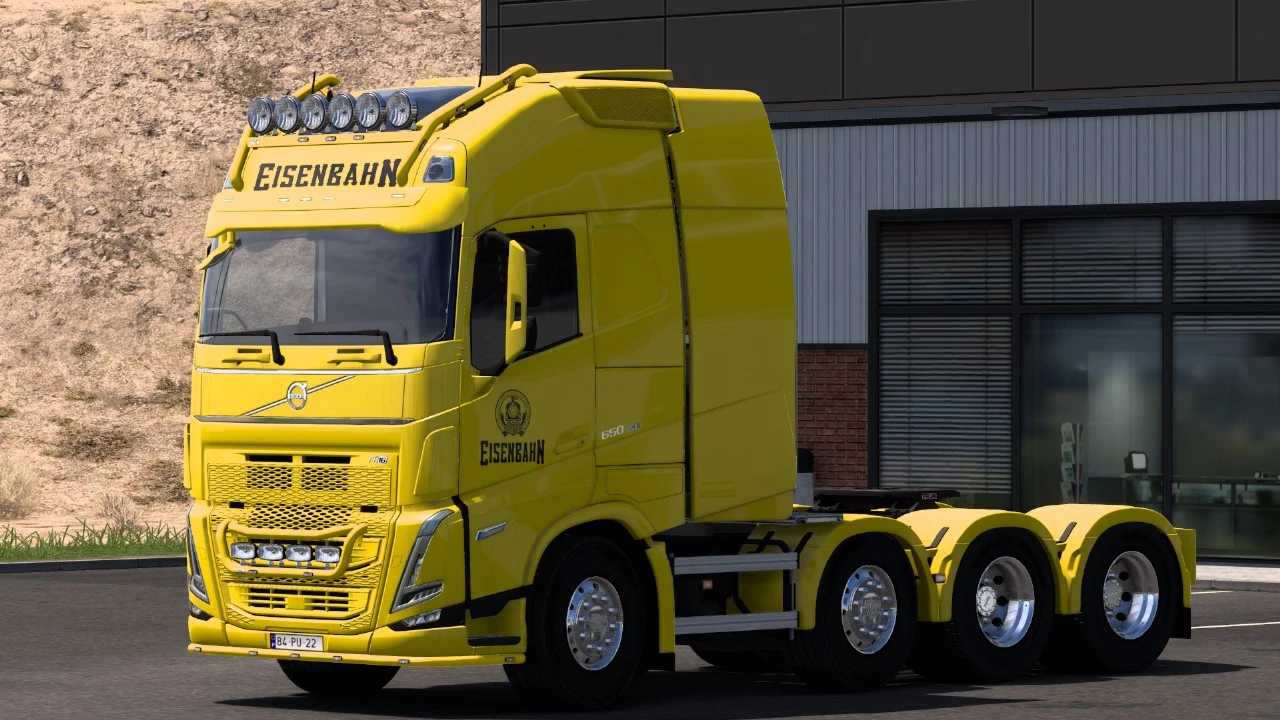
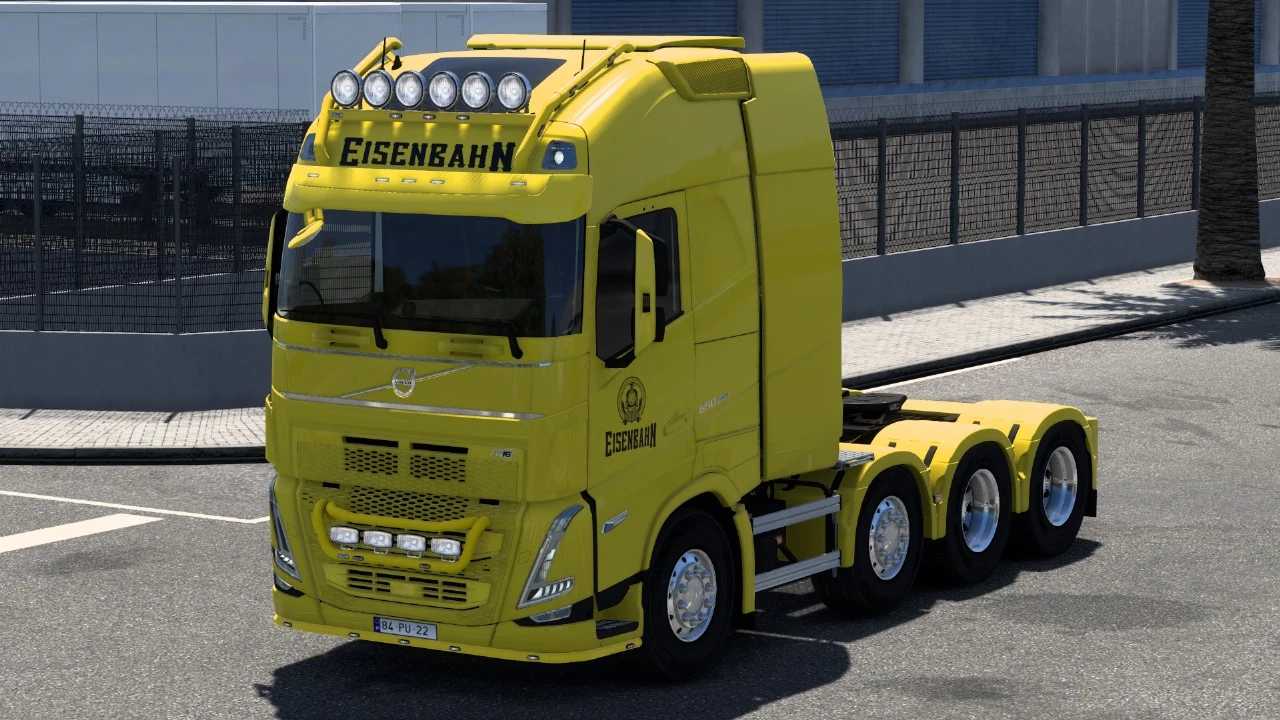
EISENBAHN VOLVO FH5 31 08 2025 v2.0 1.55 1.56 ETS2
EISENBAHN VOLVO FH5 BY RODONITCHO MODS 2.0 1.55 1.56 31 08 2025
8K QUALITY SKIN
COMPATIBLE WITH 4 CABINS
SLEEPER
GLOBETROTTER
GLOBETROTTER XL
GLOBETROTTER XL 8X4
Credits: RODONITCHO MODS
How to install ETS2 mods or ATS Mods
Installing mods in Euro Truck Simulator 2 is straightforward. Download the mod from here and copy/unzip files into: “My Documents\Euro Truck Simulator 2\mod” folder. For ATS, place them in: “My Documents\American Truck Simulator\mod” folder. You can use WinRAR or 7zip to unzip files. Afterward, activate the mods you’d like to use.