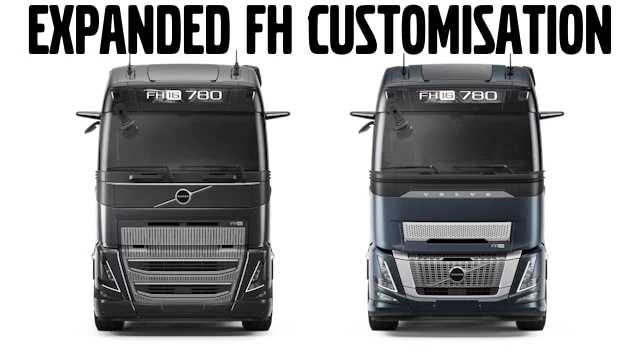
Expanded FH Customization 1.55 ETS2
This modification primarily enhances the tuning options available for the SCS Volvo FH6, while also introducing new components for the FH5 and FH4 models.
– Fully chrome door handles from the FH4 have been added to the FH5 and FH6.
– Half chrome door handles from the FH5/6 are now available for the FH4.
– FH5 skylights from the FH tuning pack have been integrated into the FH4.
– FH4 skylights from the FH tuning pack can now be found in the FH5.
– FH tuning pack stacks have been included for the FH6.
– Certain HS Schoch items are now unlocked for the FH5.
– HS Schoch components have been added to the FH6.
– FH4 paints are now accessible for the FH5 and FH6.
– FH5 paints can be used on the FH4 and FH6.
– FH6 paints are available for the FH4 and FH5.
– FH16 window trim has been added to the FH4.
– 2020 tables are now included for the FH4.
Credits: Snarfv
How to Install ETS2 or ATS Mods
Installing mods in Euro Truck Simulator 2 is straightforward. Simply download the mod from this site, then copy or unzip the files into the “My Documents\Euro Truck Simulator 2\mod” folder. If you are playing ATS, place the mods in the “My Documents\American Truck Simulator\mod” folder. To extract files, you can use tools like WinRAR or 7zip. After that, activate the mods you wish to use.