Large Lightbox for SCS Volvo FH4/5/6 v1.0 ETS2
Overview:
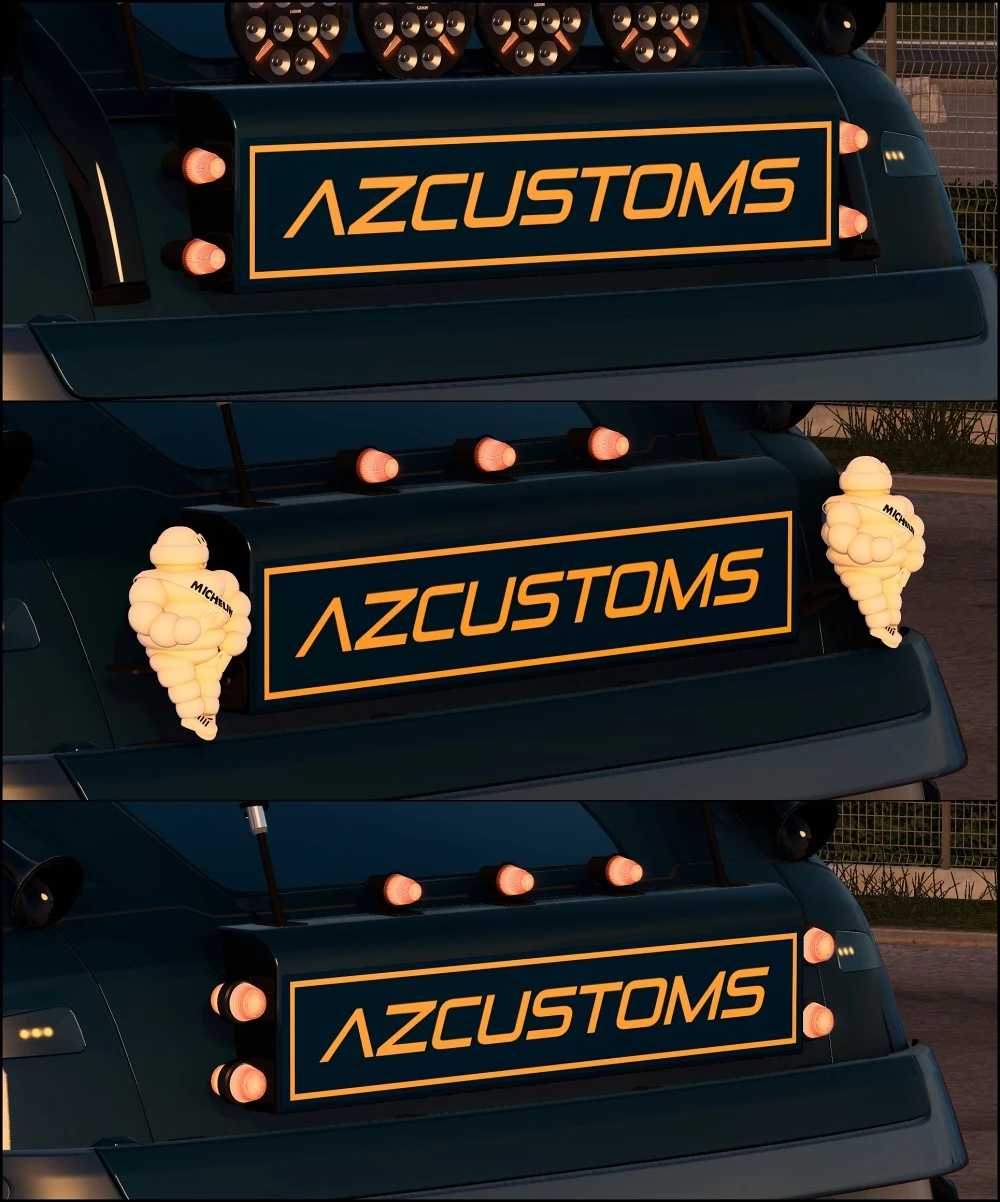
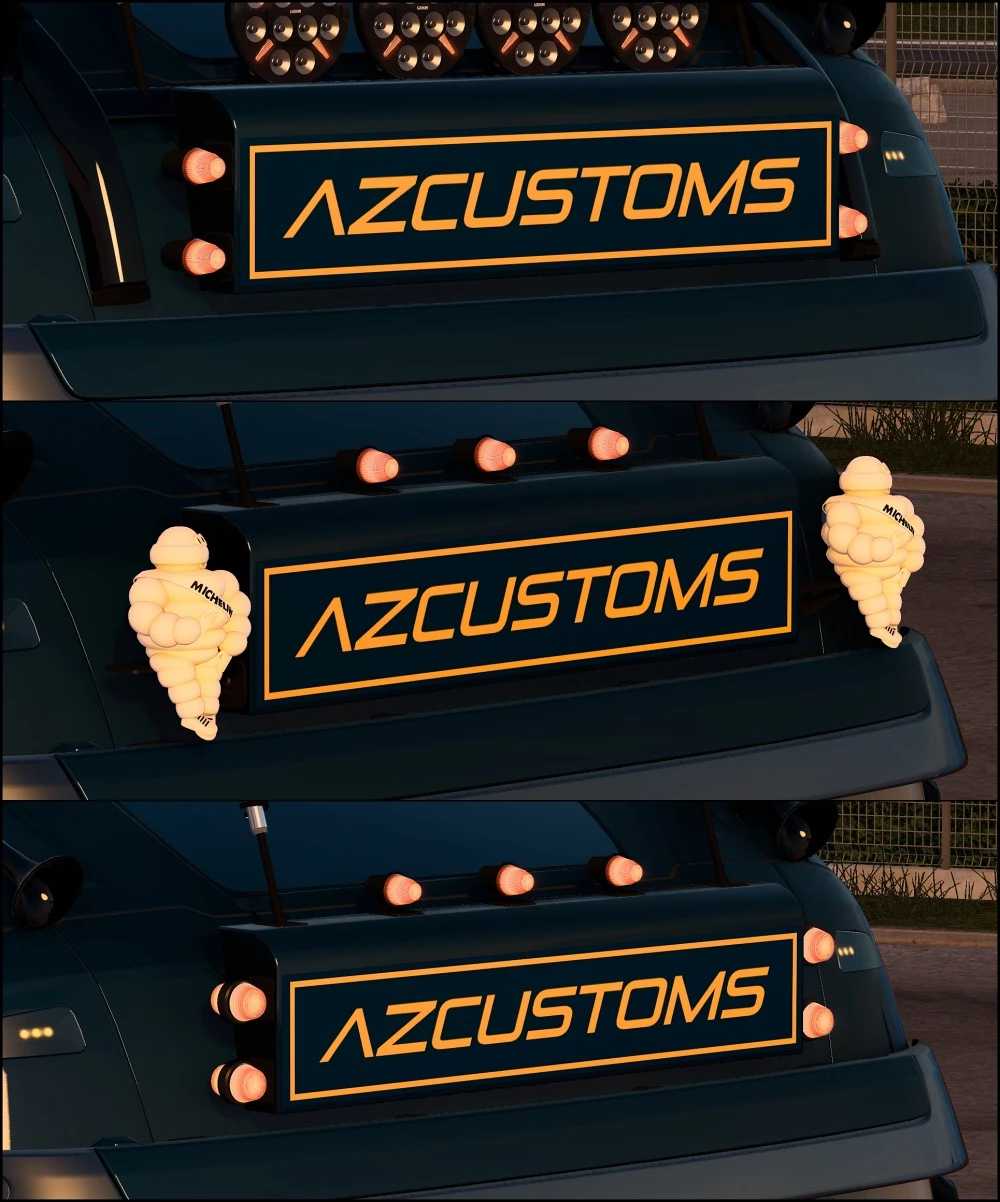
– This modification introduces a detailed large overhead lightbox for the Volvo FH4, FH5, and FH6 models.
– The lightbox is compatible with Globetrotter XL Cabins (FH4, FH5, FH6) and Globetrotter XXL Cabins (FH6), offering options to skin and paint it, along with several slots for add-ons and accessories.
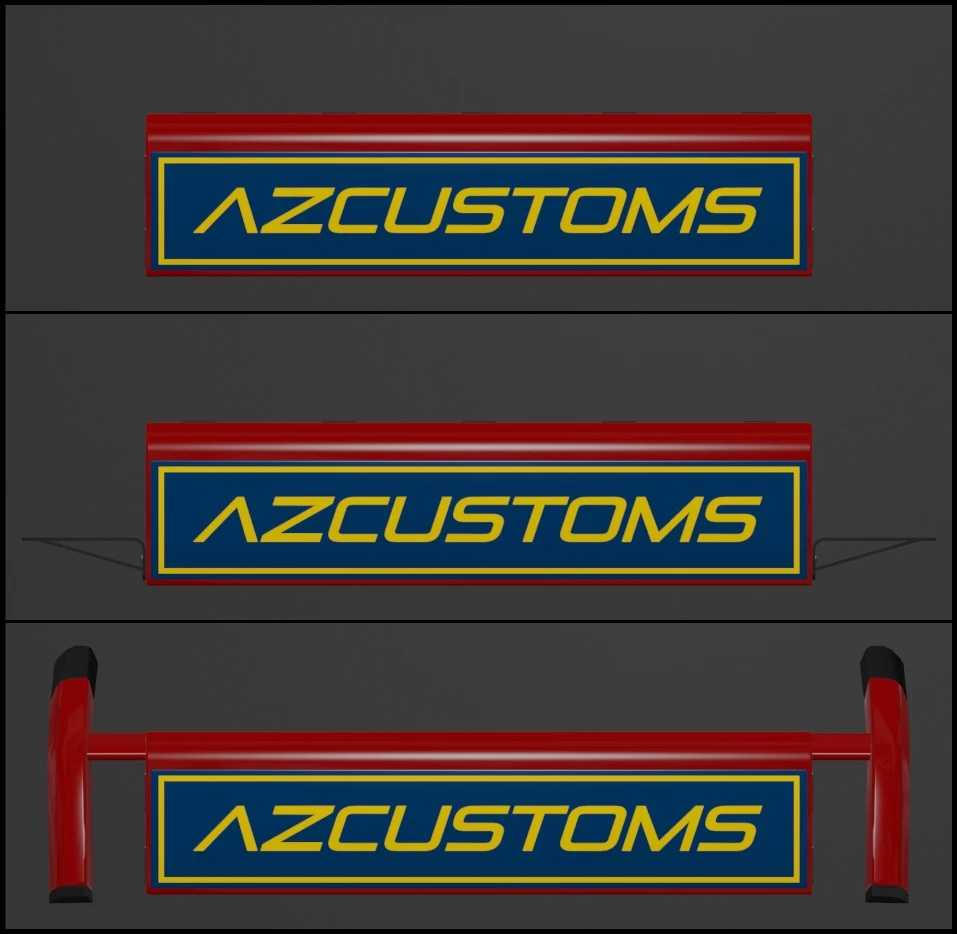
– There are three variants of the lightbox available for each truck: one without side brackets, one with side brackets, and one with a paintable roof bar.
– This lightbox and its components are completely custom-built.
– The roof bar is based on an SCS model but has been re-textured and made available for painting.
Accessory identifiers for skinning:
acc_list[]: “r_grill.az_lt_box1” (lightbox without side brackets)
acc_list[]: “r_grill.az_lt_box2” (lightbox with side brackets)
acc_list[]: “r_grill.az_lt_box3” (lightbox featuring roof bar)
Additional Information:
– Compatible with version 1.53.x
– The lightbox illuminates when the parking lights are activated.
Credits: jake_azazel83
Instructions for installing ETS2 or ATS Mods
Installing mods in Euro Truck Simulator 2 is straightforward. Simply download the mod from here, then copy or unzip the files into the “My Documents\Euro Truck Simulator 2\mod” folder. For American Truck Simulator, place the mods in the “My Documents\American Truck Simulator\mod” folder. You can use tools like WinRAR or 7zip for unzipping the files. After this step, activate the mods you wish to use.