Enhanced Low Beam & Reverse Lights v1.53.250313 for ETS2
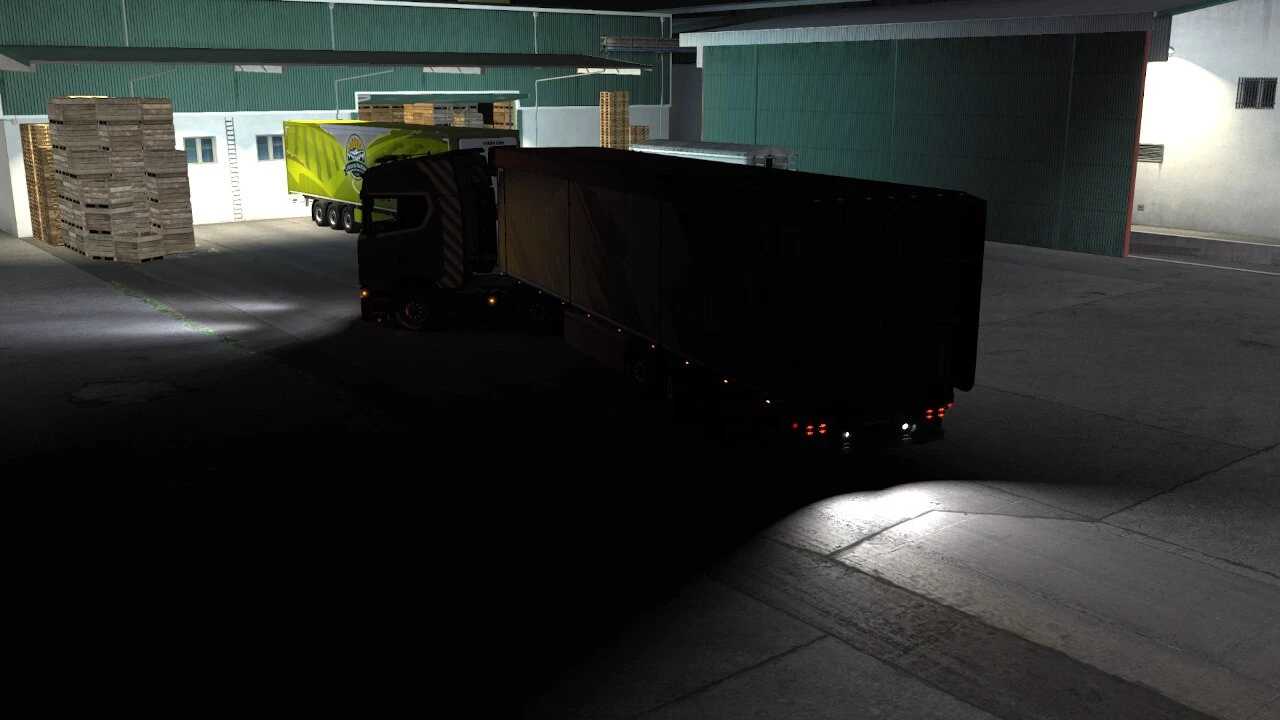
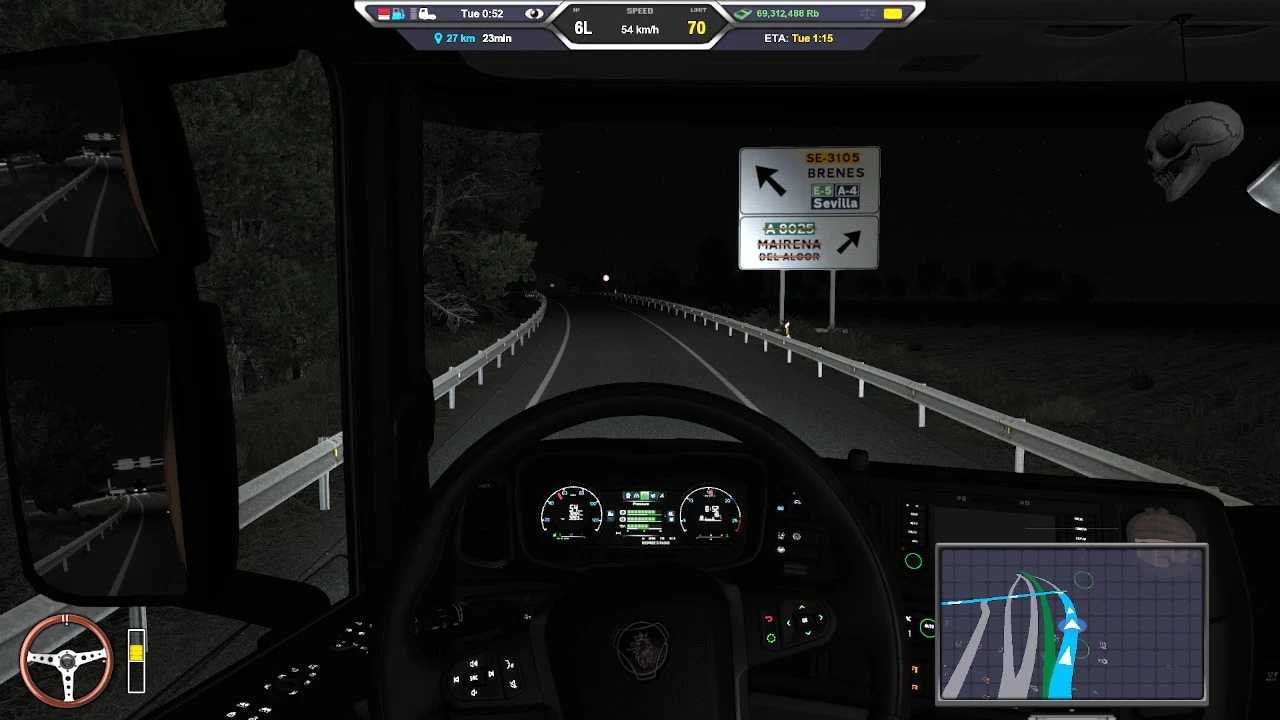
Experience brighter and wider low beam lights.
Enjoy improved reverse/backing lights that are longer and brighter.
Low beam lights produce larger flares, making them more visible from a distance.
Brakes, turn signals, and rear lights are more prominent from afar.
Reduced intensity of light sources for brakes, turn signals, and rear lights.
Roadside traffic signs reflect less under the default bloom settings.
Version 1.53.250313
– Added support for game version 1.54
– Enhanced headlight beams.
– Decreased eye glare from nearby objects.
Credits: Madman
Installation Guide for ETS2 and ATS Mods
Installing mods in Euro Truck Simulator 2 is straightforward. Simply download the mod from here, and copy/unzip the files into: “My Documents\Euro Truck Simulator 2\mod” folder. For American Truck Simulator, place the mods in: “My Documents\American Truck Simulator\mod” folder. You can use WinRAR or 7zip to unzip the files. After that, activate the mods you wish to use.