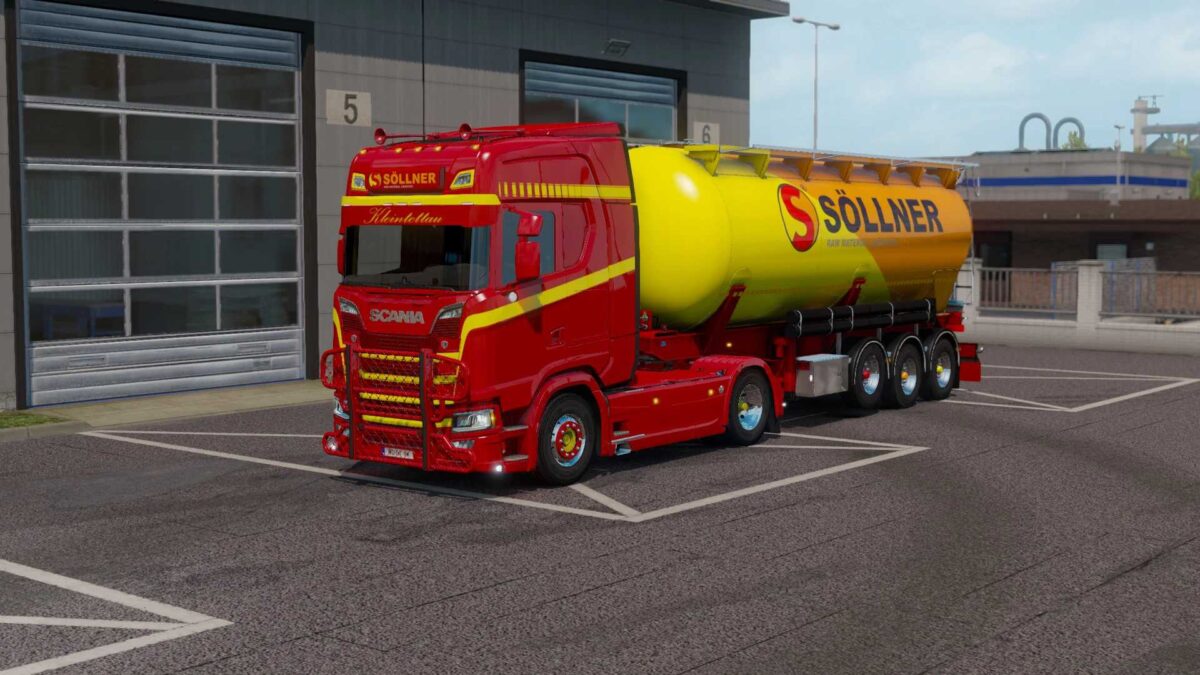
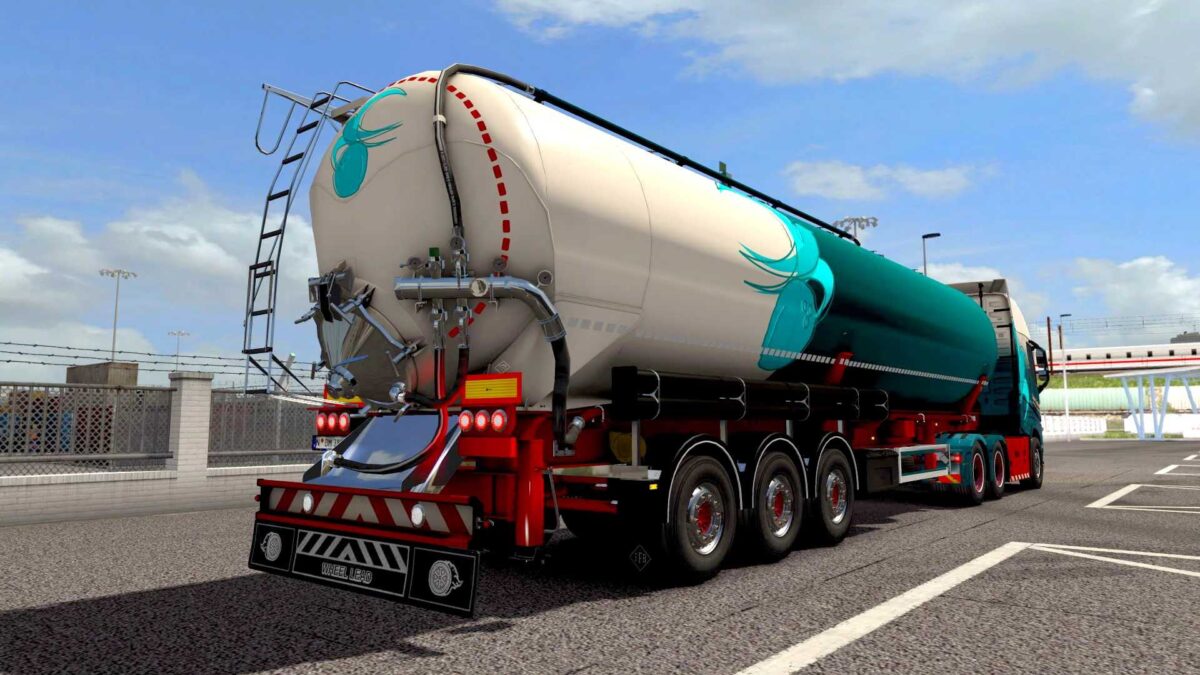
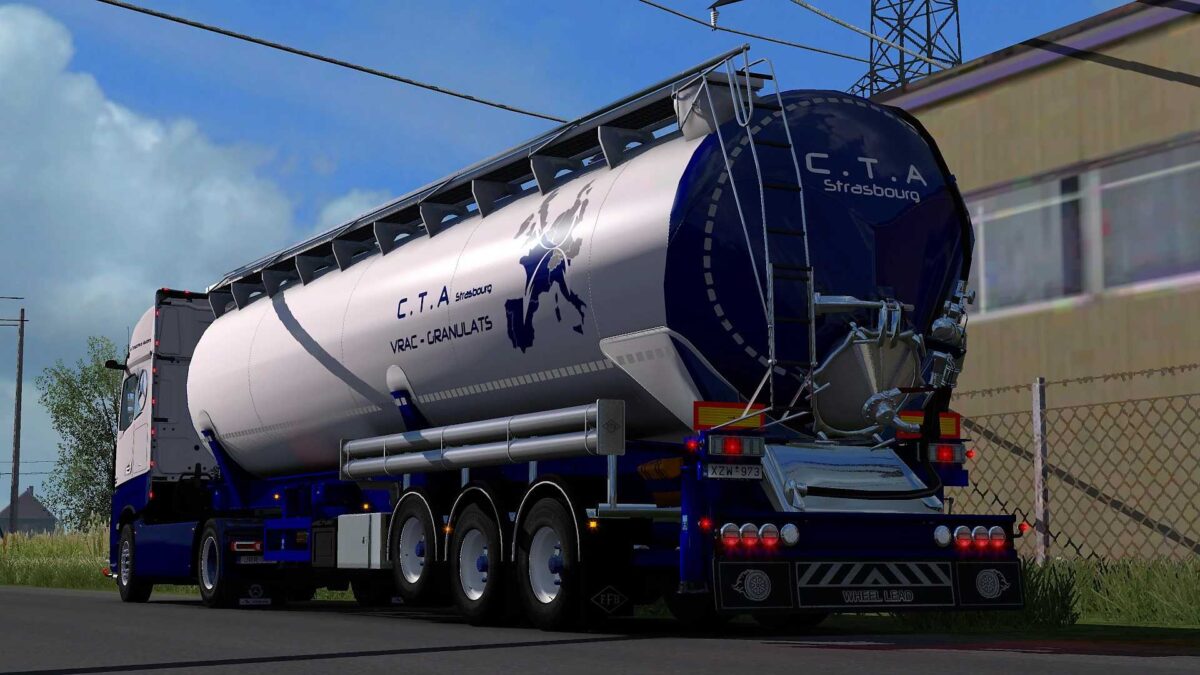
Feldbinder KIP trailer pack v8.0 1.56 – 1.57 ETS2
Changelog:
– Introduced B-Double configurations for Standard + ADR Trailers
– Included freight routes for select RPM companies
– Compatible with version 1.57
Features:
– Body sizes: 63m³, 52m³, and 42m³
– 60m³ ADR body option
– 63m³ ADR S+D body (vacuum silo)
– 30m³ tandem option available
– Usable as ownable trailer / in freight market / in AI traffic
– ADR freights include matching warning signs / ADR plates when loaded
– Compatible with SCS accessories (wheels, mudflaps)
– Reflective stripes on sides and rear available in 3 colors
– Paintable mudflap with a custom template
– Side protections in painted and steel variants, with various storage options
– Rear bumpers in ‘standard’, ‘luxury’, and ‘custom’ styles, with painted variants and templates
– Custom rear lights options (EP2, EP3, Vignal + Hella easyconn) for custom bumpers
– Additional rear and side lights options (compatible with various light packs)
– Side tubes in painted, plastic, and chrome variants, with customizable templates
– Custom license plate option available
– Slots for signs/stickers, including French ‘Angles morts’
Credits: LadenSwallow
Installation Guide for ETS2 or ATS Mods:
Installing mods in Euro Truck Simulator 2 is simple. Just download the mod from here, then copy/unzip the files into: “My Documents\Euro Truck Simulator 2\mod” folder. For ATS, you should place mods in: “My Documents\American Truck Simulator\mod” folder. To unzip files, you can use WinRAR or 7zip. After that, remember to activate the mods you wish to use.