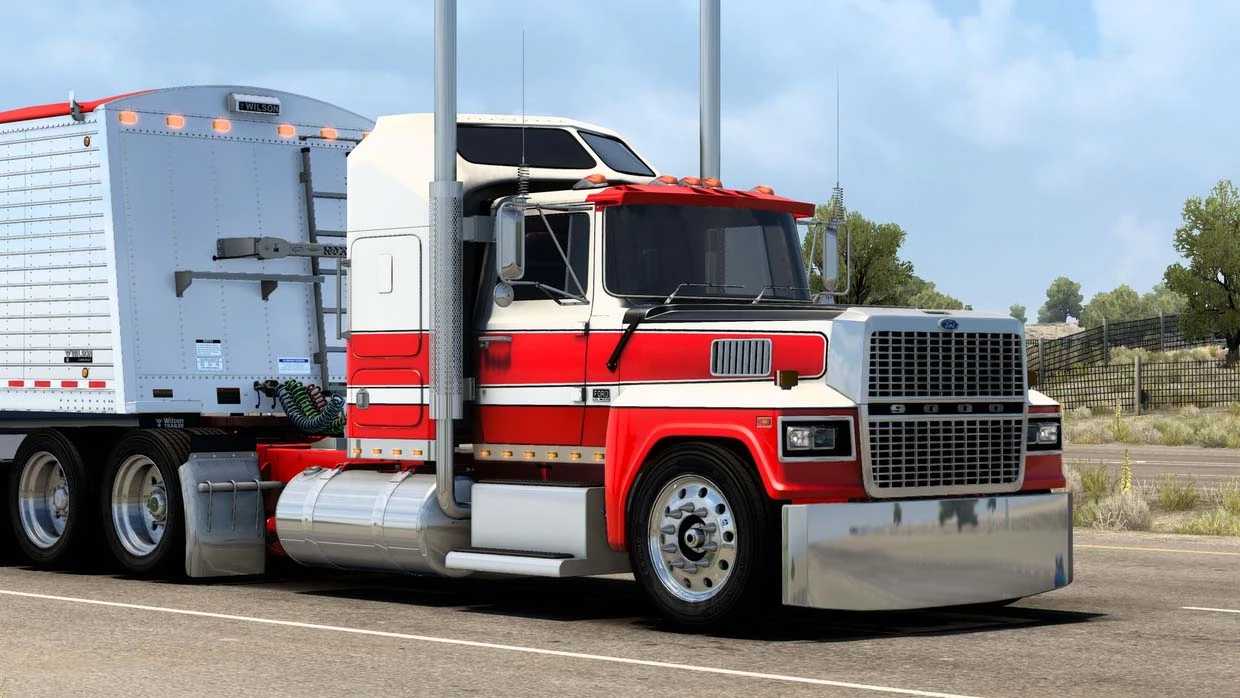
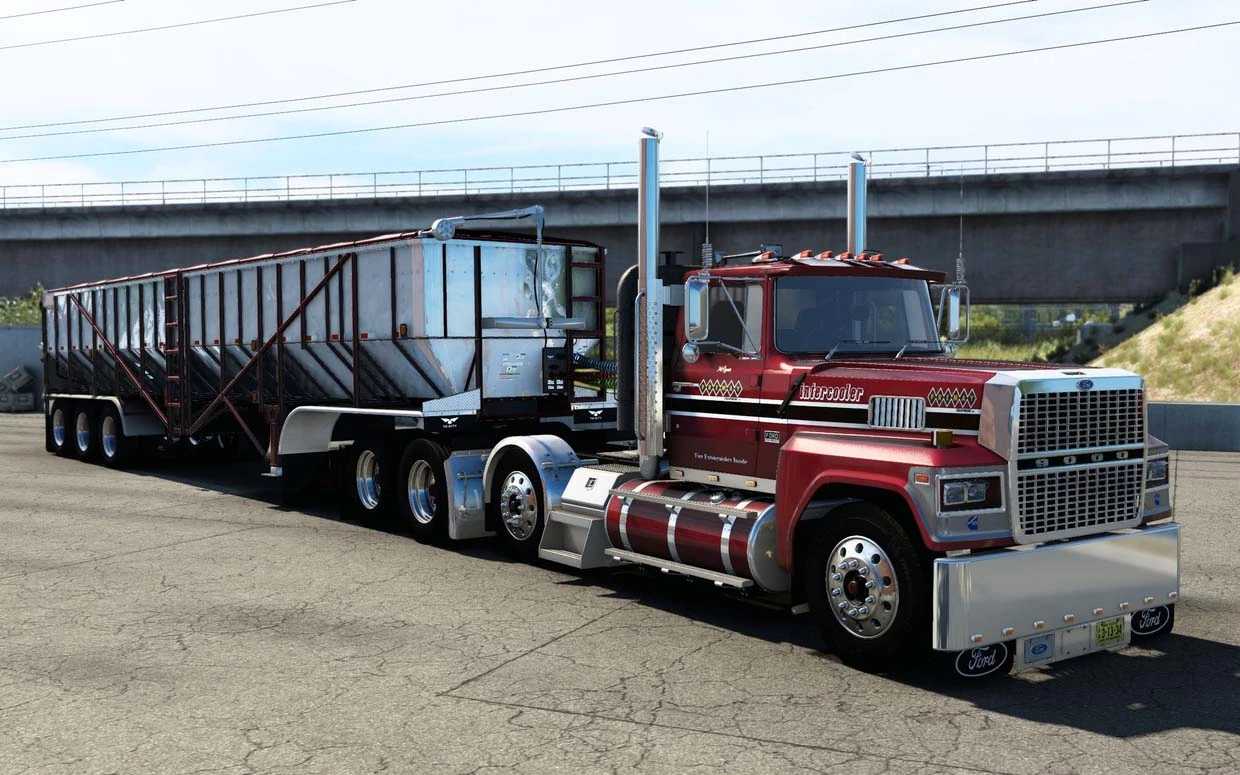
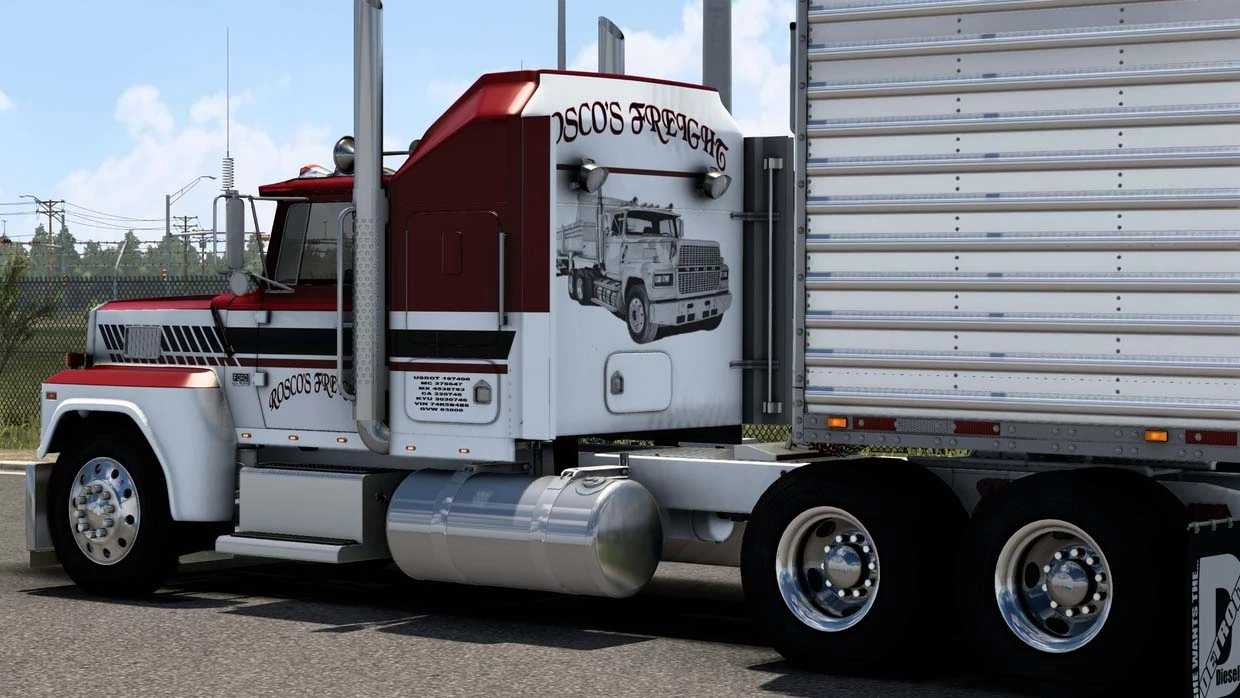
Ford LTL 9000 v7.0 1.55 ETS2
Changelog v7
– Interior shadows updated and refined
– Resolved various glitches and bugs
– Textures and materials updated
– 1.55 compatibility introduced
Includes:
Cabins: Flattop, Sleeper
2 Chassis
Engines: Cummins NTC/444/N14/L10, DD92, Cat 3406E/3406B/3406C
2 Interiors
Extensive customization/tuning options for both interior & exterior
Credits: Bladeshop
How to Install ETS2 Mods or ATS Mods
Installing mods in Euro Truck Simulator 2 is straightforward. Simply download the mod from here, then copy/unzip the files into the “My Documents\Euro Truck Simulator 2\mod” folder. For American Truck Simulator, place the mods in the “My Documents\American Truck Simulator\mod” folder. You can use WinRAR or 7zip to unzip files. After unzipping, activate the desired mods to enjoy them in-game.