Ford Trucks F-MAX v 2.6.7 for ETS2
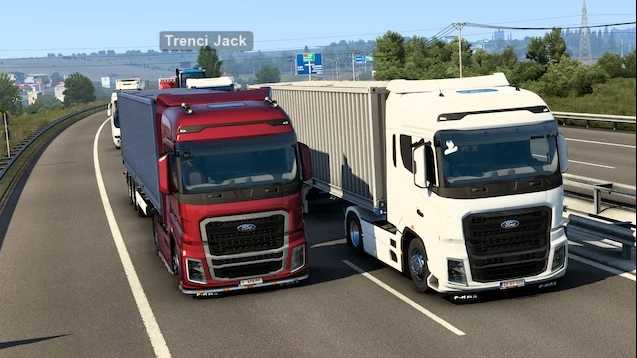
The Ford Trucks F-MAX v2.6.7 is here for Euro Truck Simulator 2, optimized for version 1.54. This standalone truck mod showcases exceptional Ford engineering, ensuring a blend of high realism, functionality, and customization.
Main Features:
Authentic Exterior & Interior Design – Precisely modeled after the original F-MAX.
Genuine Dashboard & Sounds – Incorporates real engine sounds from the Ford Cargo 1842T (courtesy of EngineVoiceRecords).
Standalone Truck – Does not interfere with any default game vehicles.
Available at FORD Trucks Dealer – Situated in Berlin or via Mod Dealer.
Fully Compatible with Standard Game Functions – Including Quick Jobs and New Profile options.
Specifications:
Chassis: 4×2 (Standard and LL)
Engine: EcoTorq 12.7L with 500 PS and 2500 Nm torque
Transmission: ZF 12TX2620 transmission
Fuel Capacity: 600L main plus an optional 450L auxiliary tank
Navigation: Built-in GPS system
Customization Features:
Interchangeable front grills (black or white)
Variable spoiler heights: Low (standard), Low 2, High, Very High, Mid High
Customizable sunshields, side skirts, and upper lighting bars
Optional animated mudflaps
Animated pedals and handbrake
Cabin lights in blue
Multiple navigation display formats (standard GPS, small GPS, multimedia)
Realistic license plate options (SCS Software or custom)
Includes a skin template for personalized paint jobs
DLC & Mod Compatibility:
SiSL’s Mega Pack (Cabin Accessories)
Turkish Paint Jobs Pack
Window Flags DLC
FIA European Truck Championship Paint Jobs
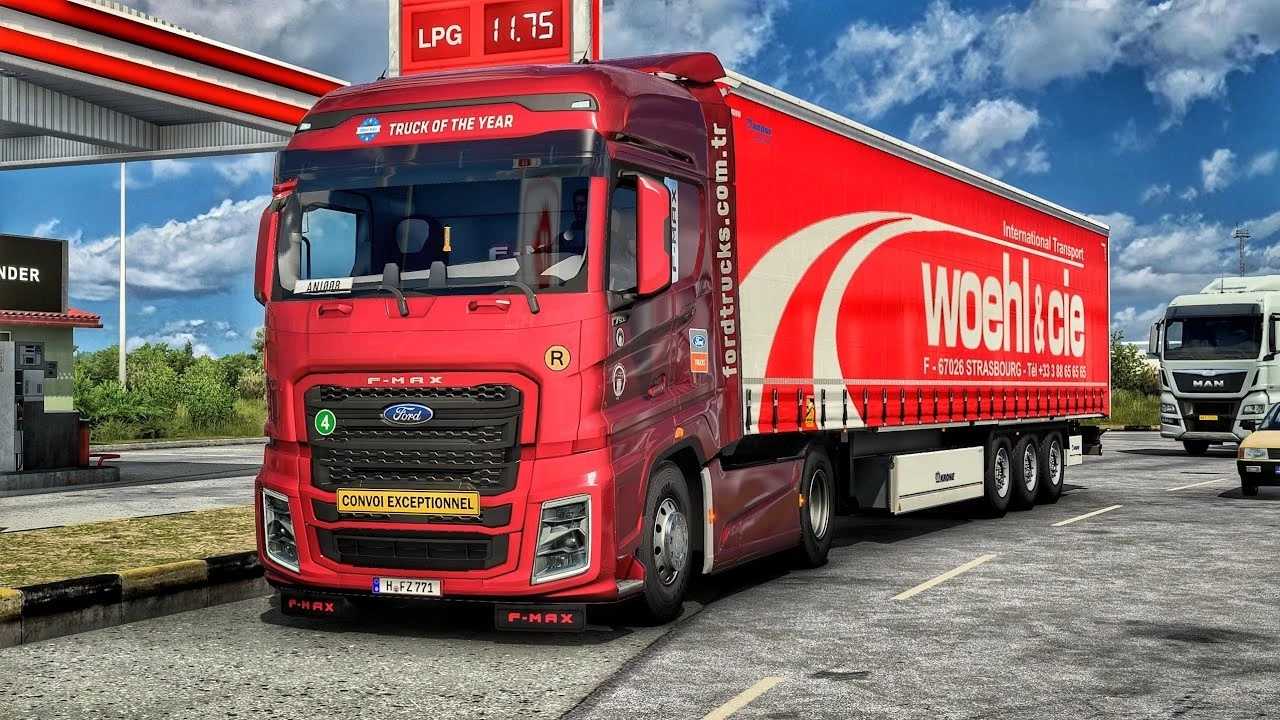
Truck of the Year Paint Job
European Logistics Companies Paint Jobs (Requires Mod)
This mod is perfect for players seeking an exceptional Ford experience in ETS2, with extensive customization and precise detailing.
Available at the Mod Dealer
Accessible for Quick Jobs
📦Start a New Profile with the F-MAX
Credits: Publisher: @simulation Hasan Elmaz Öfke – SimülasyonTÜRK
Installation Instructions for ETS2 or ATS Mods
Installing mods in Euro Truck Simulator 2 is straightforward. Download the mod from here, then copy/unzip the files into the “My Documents\Euro Truck Simulator 2\mod” folder. For American Truck Simulator, place the mods in “My Documents\American Truck Simulator\mod” folder. Use WinRAR or 7zip for unzipping files. After that, activate the mods you wish to use.