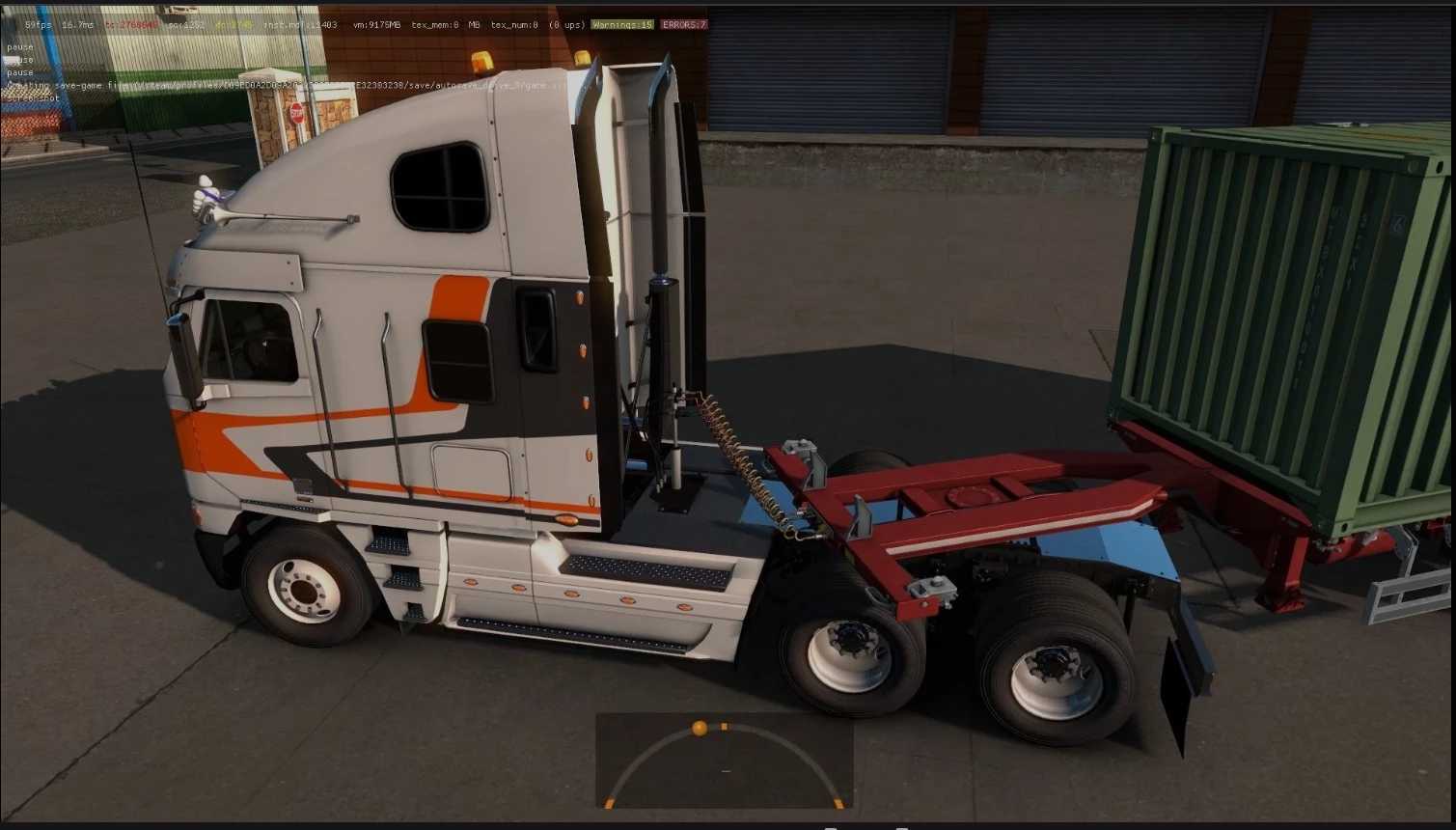
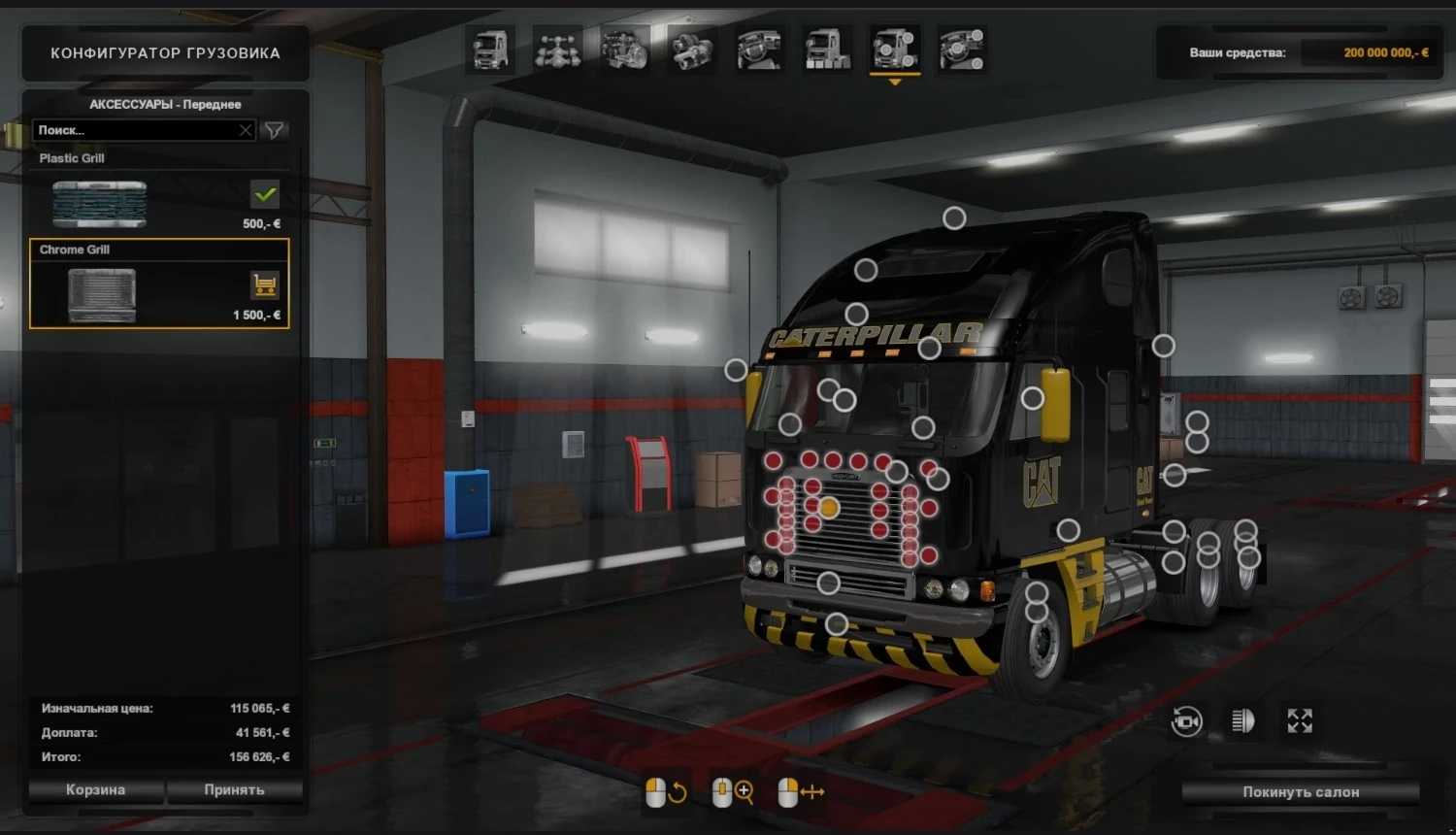
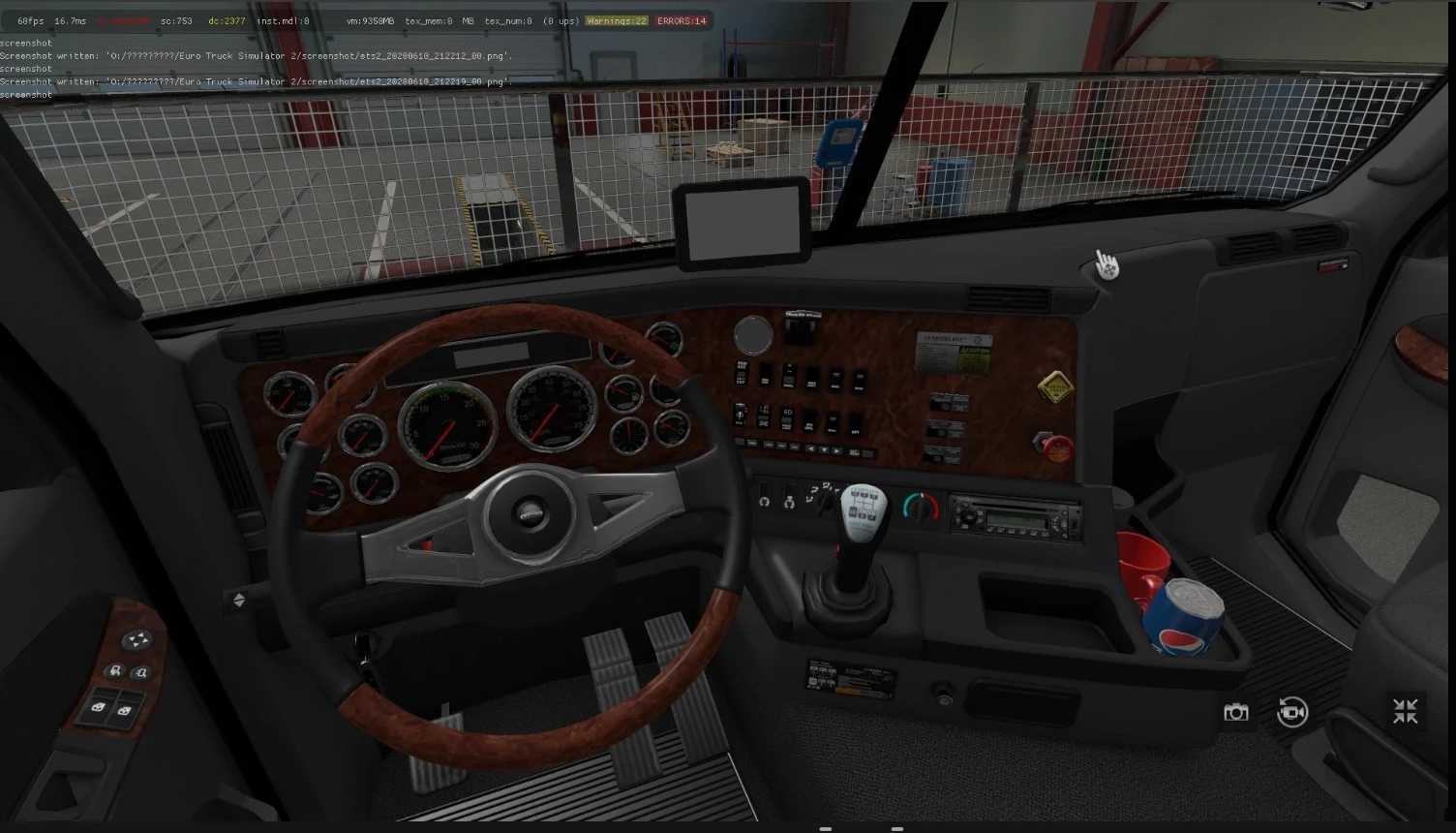
Freightliner Argosy v2.7.9.8 1.57x ETS2
Changelog v2.7.9.8
Updated to 1.57
Modifications from v2.6 as of 08.11.20
Added missing interior audio.
Updates in v2.6
Revision for 1.39
Audio enhancements
Modifications from v2.6 as of 08.11.20
Included missing interior audio.
Updates in v2.6
Revision for 1.39
Audio enhancements.
Improvements in v2.5
– Engine and interior sounds migrated to FMOD Sound System,
– Integrated openable windows,
– Enhanced internal animations (working analog clock, trailer air valve, etc.);
– Adjusted interior model to match truck specifications,
– Aligned interior model/view correctly,
– Unique external truck model,
– Merged both models with options in a single cabin.
– Calibrated idle/maximum speed for all engines,
– Incorporated GPS as a separate internal accessory,
– Included SCS stock, hanging decorations,
– Adjusted rolling shadow and UI shadows,
– Numerous corrections and optimizations,
– Custom skins.
– Standalone
– Available at Volvo Dealer
– Unique interior
– Custom audio (multiple options)
– Optional wheels
– Extensive tuning and accessories
– Metallic paint options
– Diverse skins
– Support for DLC Cabin Accessories
– Compatibility with advanced coupling
– Fast work enhancements.
Credits: Authors, SoftLab-NSK, odd_fellow, stas555, dmitry68, and FRANK_WOT.
How to Install ETS2 or ATS Mods
For Euro Truck Simulator 2, installing mods is straightforward. Simply download the mod from here and copy/unzip files into the “My Documents\Euro Truck Simulator 2\mod” folder, or for ATS, place mods in the “My Documents\American Truck Simulator\mod” folder. For unzipping files, you can use WinRAR or 7zip. After that, you need to activate the mods you wish to use.