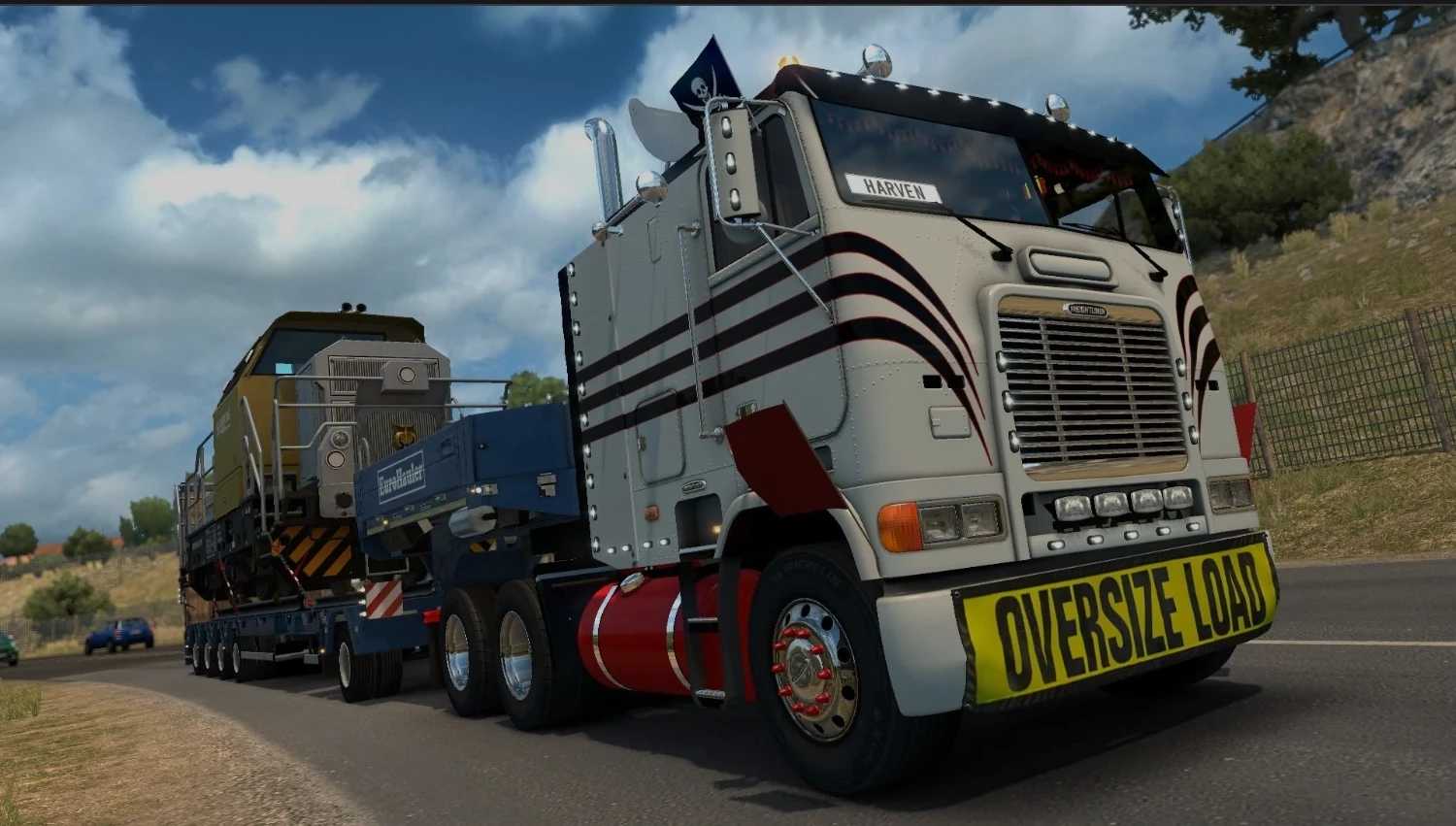
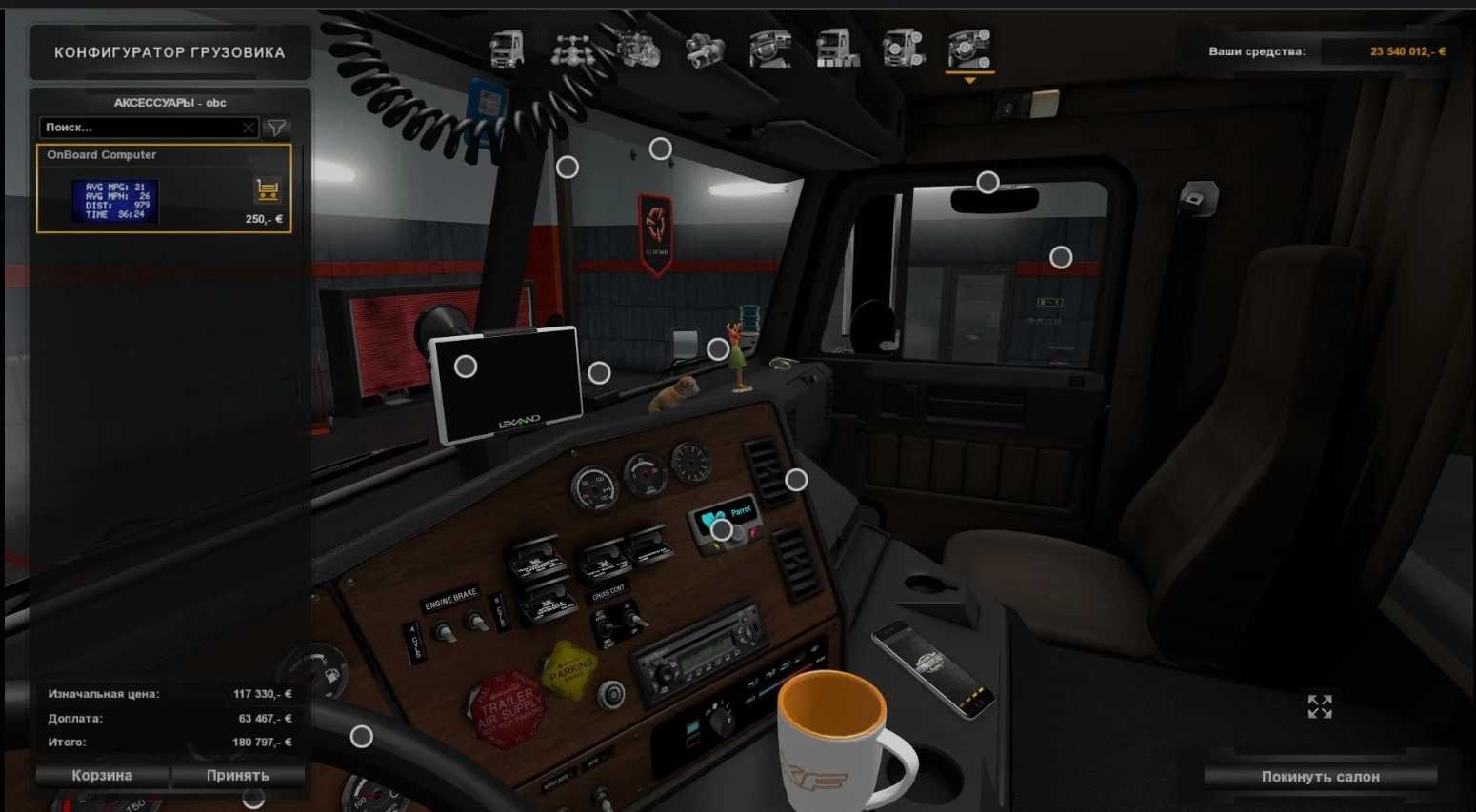
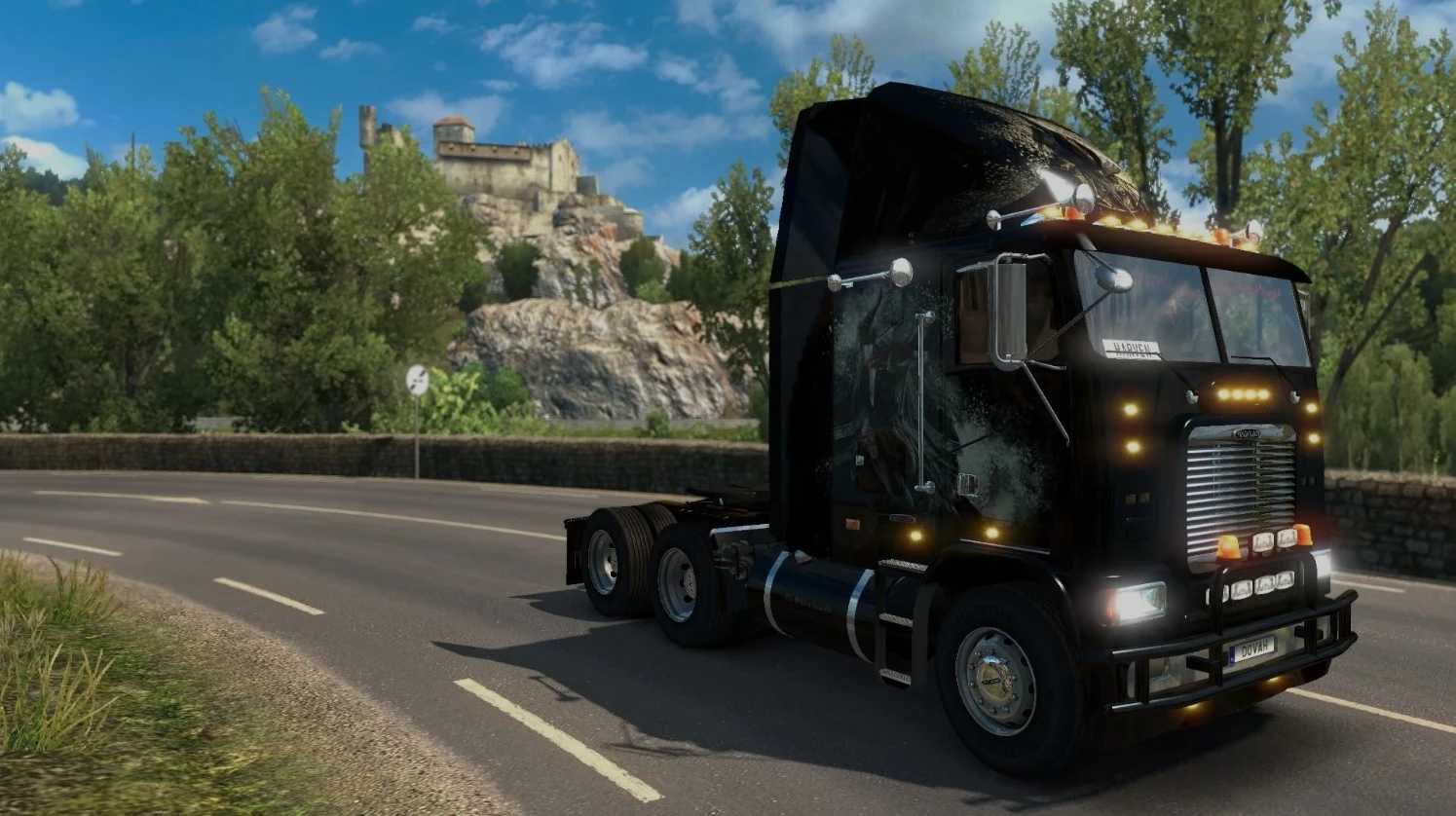
Freightliner FLB v2.0.23 for ETS2
Changelog v2.0.23
Updated to version 1.57
– Standalone
– Two cabin options
– Various chassis types
– Unique engines and transmissions
– Custom interiors
– Distinct sounds (Detroit Diesel 60, Cummins N14, CAT3406)
– Individual skins
– Extensive tuning options
Credits: Truck: Harven, Solaris36, Sliipais, SCS Software, odd_fellow, ventyres, vitalik062. Skin “ESO” by Harven’s Wife. Skins “Pure vintage” by Skiner. Skin “Terminator 2” by NZ_Truck_Modder. Interior assets by: SiSL & JeyJey. Sounds credited to the Great Kriechbaum and odd_fellow.
How to Install ETS2 or ATS Mods
Installing mods in Euro Truck Simulator 2 is straightforward. Simply download the mod from here, then copy/unzip the files into: “My Documents\Euro Truck Simulator 2\mod” folder. For ATS, place mods into: “My Documents\American Truck Simulator\mod” folder. You can use WinRAR or 7zip to unzip files. Once completed, make sure to activate the mods you wish to use.