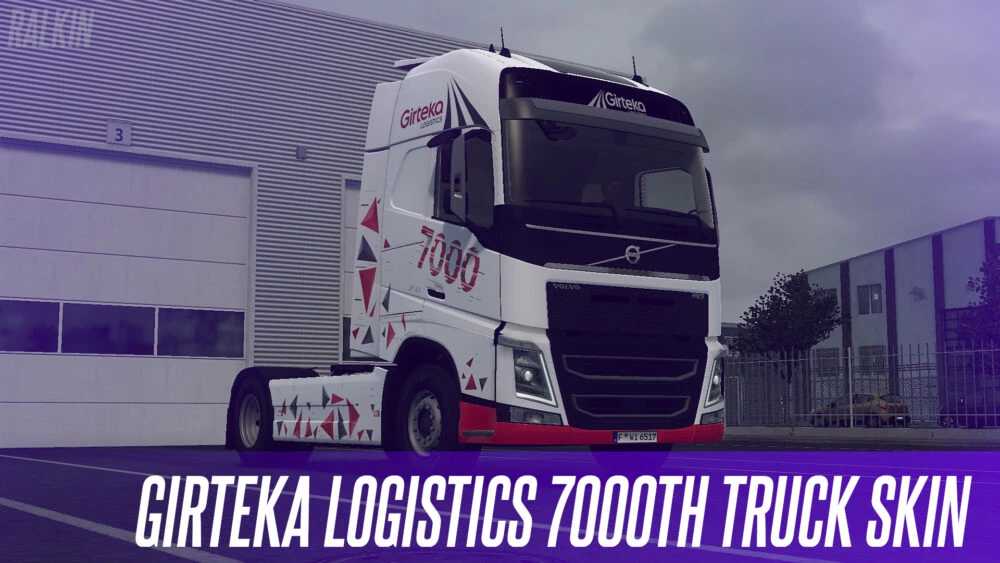
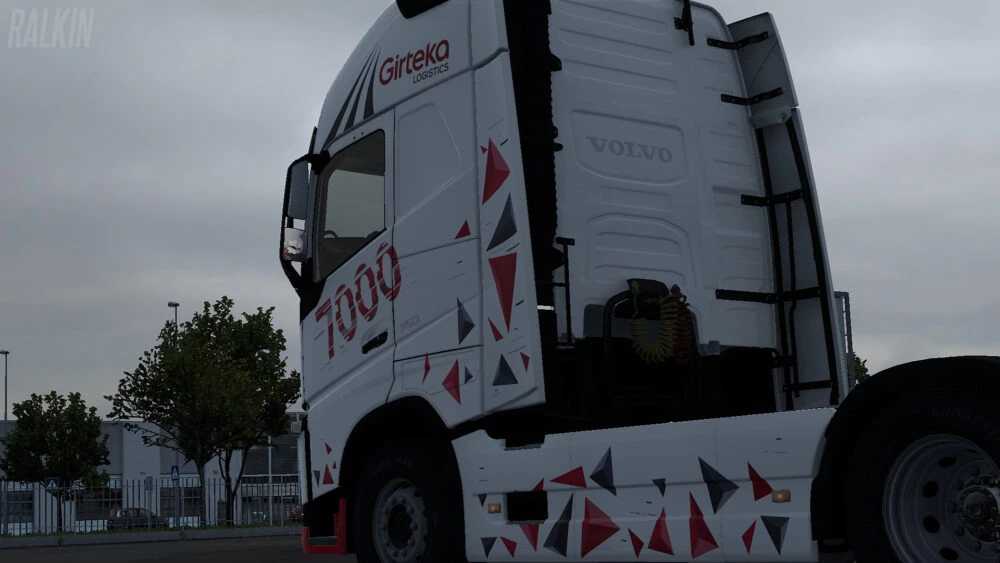
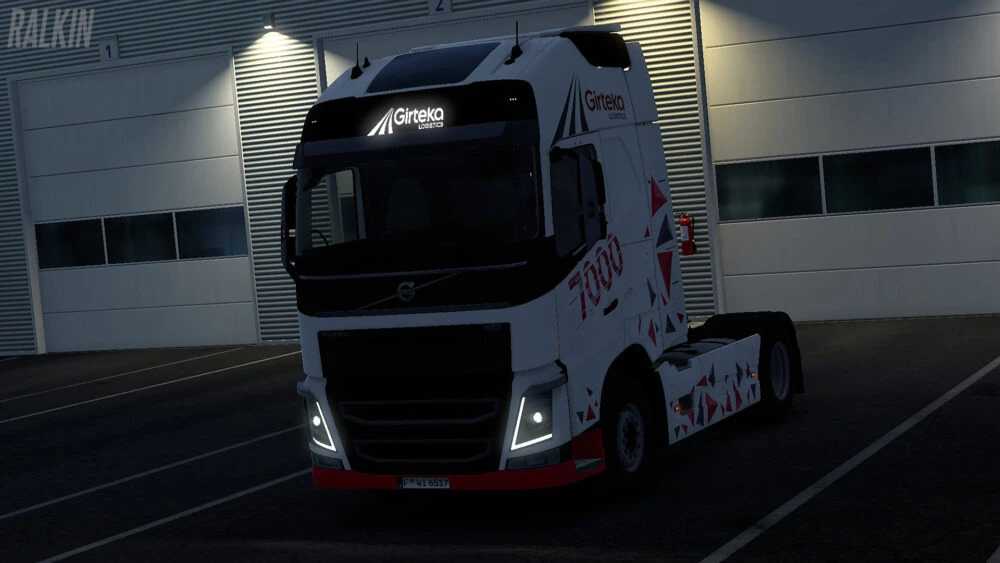
Girteka Logistics 7000th Truck Special Skin v1.0 1.56.x ETS2
Introducing the special paint job for the 7000th truck from Girteka Logistics, designed specifically for the SCS VOLVO FH4 2012.
Credits: Ralkin
Instructions for Installing ETS2 or ATS Mods
Installing mods for Euro Truck Simulator 2 is straightforward. Simply download the mod from here and copy/unzip the files into the “My Documents\Euro Truck Simulator 2\mod” folder. If you’re playing ATS, place the mods in the “My Documents\American Truck Simulator\mod” folder. Use WinRAR or 7zip to unzip files. After this, activate the mods you want to utilize.