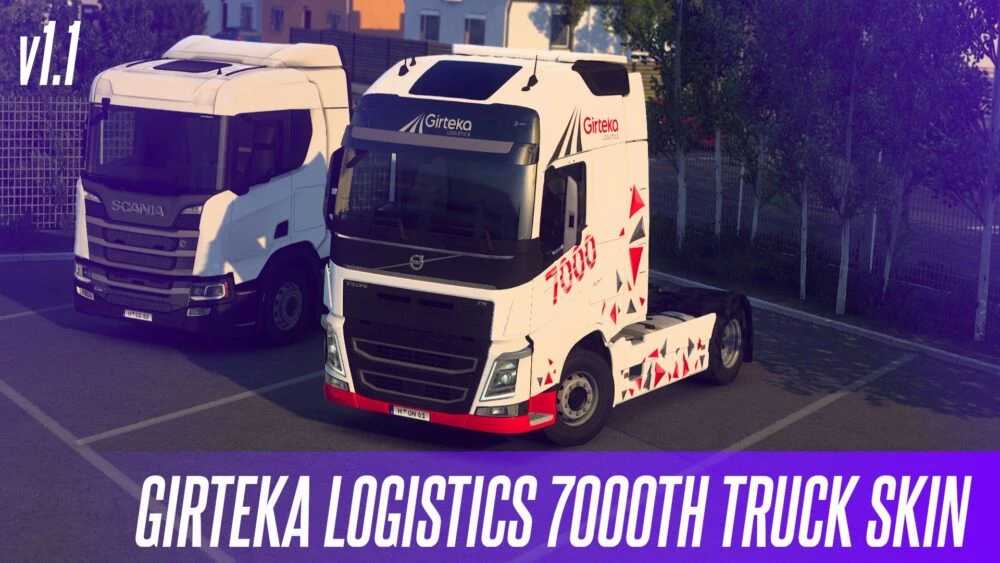
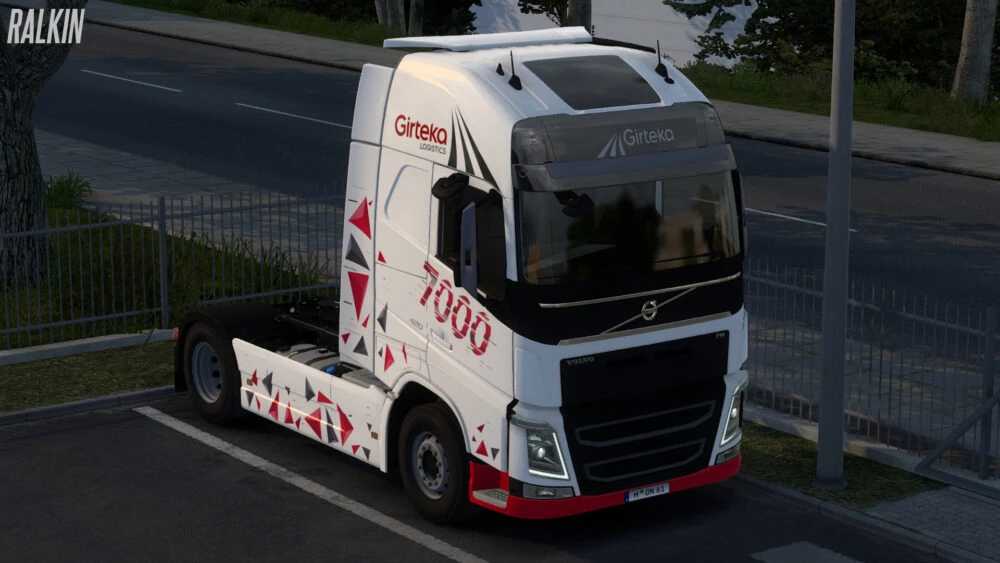
Girteka Logistics 7000th Truck Special Skin v1.1 1.57.x ETS2
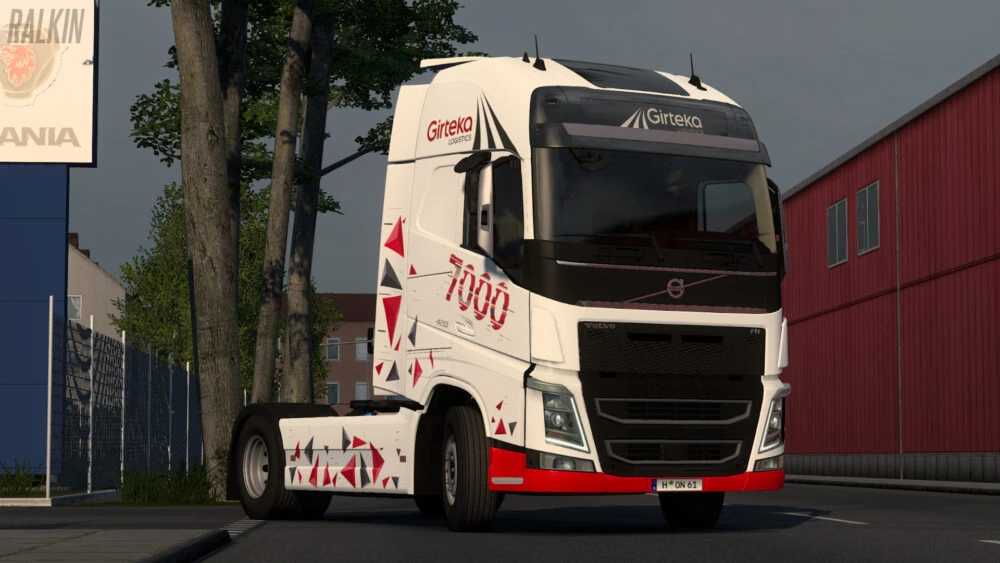
This special paintjob celebrates Girteka Logistics’ 7000th truck and includes a lightbox for the VOLVO FH4 2012 model.
Changelog (v1.1):
– Resolved compatibility issues and enhanced support for game version 1.57.
– Updated the lightbox design.
– Adjusted textures for various accessories (primarily for the Volvo Tuning Pack DLC, optional).
Credits: Ralkin
Installation Guide for ETS2 and ATS Mods
Installing mods in Euro Truck Simulator 2 is straightforward. Simply download the mod, then copy or unzip the files into the “My Documents\Euro Truck Simulator 2\mod” folder. For American Truck Simulator, place mods in the “My Documents\American Truck Simulator\mod” folder. You can use WinRAR or 7zip to unzip files. Finally, activate the mods you wish to use.