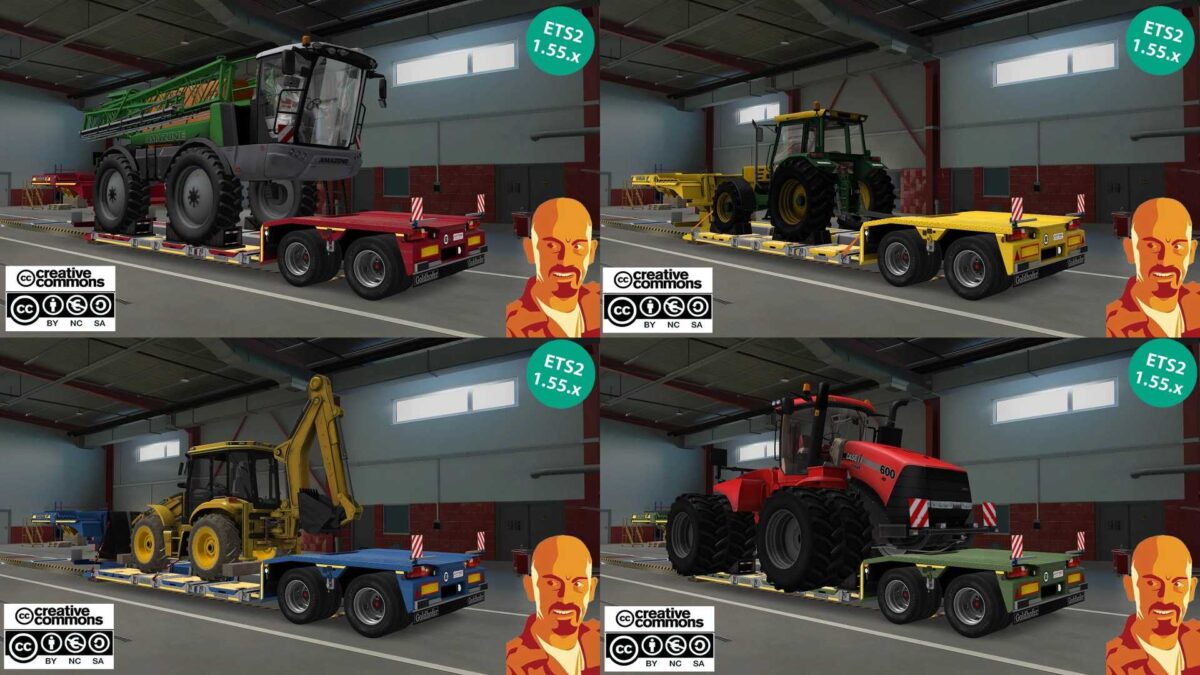
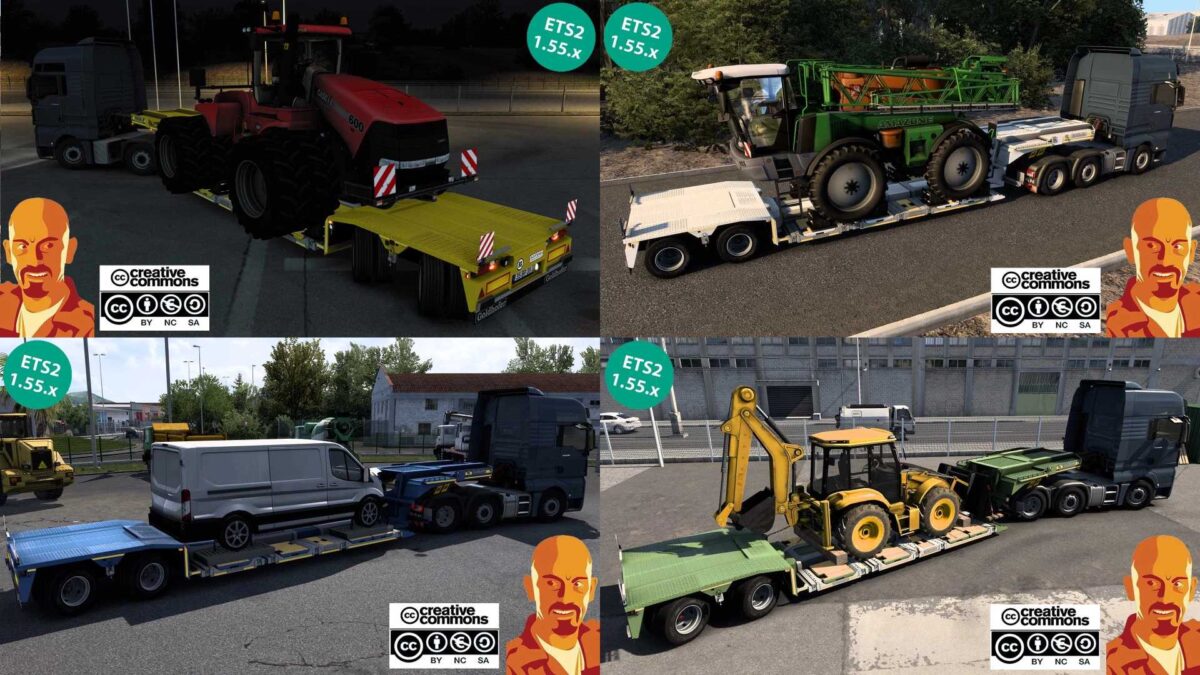
GOLDHOFER STZ-VL TRAILER v5.0 1.54-1.55.x ETS2
Changes in v5.0:
Compatibility updates for ETS2 1.54-1.55.x.
Modified for the new SCS cargo system.
Updated for the latest DLCs.
Complete overhaul of the mod.
Standalone trailer included.
Corrected strobe light issues.
Adjusted Ford Transit cargo coloring.
Reflex part intensity improved.
UI shadow corrections.
Wheel adjustments made.
Added previously missing reverse lights.
Hook position & height refined.
Axle height adjustments.
Six new color presets added.
Updated trailer browser inclusion.
New brand logo introduced.
Def file modifications.
Various minor fixes.
Credits: Cyrus, ModsTrade
Installation Guide for ETS2 or ATS Mods
Installing mods in Euro Truck Simulator 2 is straightforward. Simply download the mod from this site, copy/unzip the files into the “My Documents\Euro Truck Simulator 2\mod” folder. For American Truck Simulator, place mods in the “My Documents\American Truck Simulator\mod” folder. Use WinRAR or 7zip to extract files. Finally, activate the mods you’d like to use.