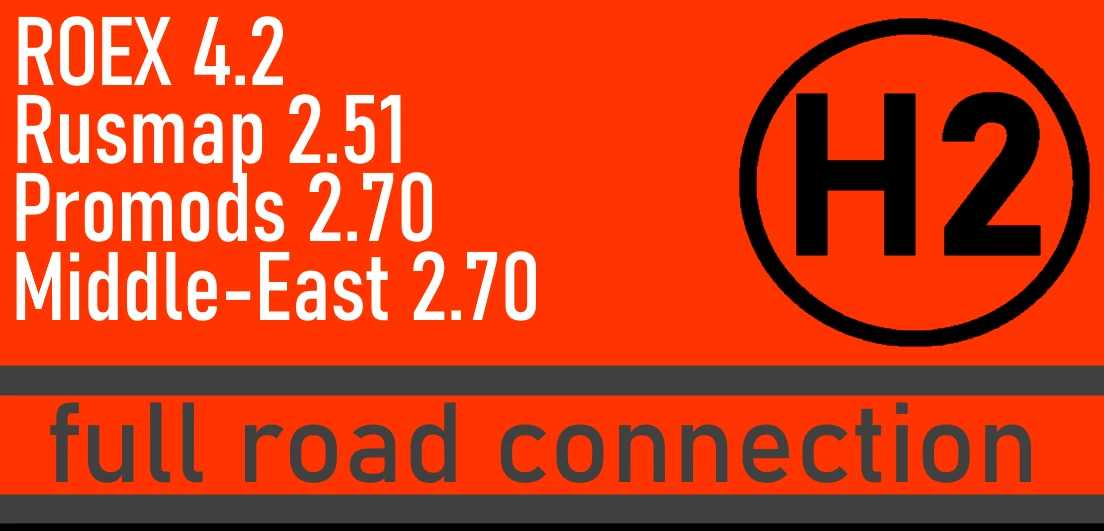
Hybrid Road Connection v4.0 for ETS2
Version 4 Updates
– Enhanced Road Connection for the new Rusmap 2.51
– Resolved gaps and corrected pink textures
HYBRID 1 – Roextended 4.2 – Rusmap 2.50 – Promods 2.70 —> Fully interconnected
HYBRID 2 – Roextended 4.2 – Rusmap 2.50 – Promods +Middle-East 2.70 —> Fully interconnected
The maps mentioned in the road connection title are REQUIRED for a FUNCTIONAL road connection
Ensure this file is placed above all map files in the mod manager.
If using AZGE, make sure it is ABOVE THESE FILES
For use with version 1.50.x only
Credits: Sergey, Arayas, PM
Instructions to install ETS2 or ATS Mods
Installing mods in Euro Truck Simulator 2 is straightforward. Simply download the mod from here and copy/unzip the files into: “My Documents\Euro Truck Simulator 2\mod” folder. For ATS, use the “My Documents\American Truck Simulator\mod” folder. You can use tools like WinRAR or 7zip to unzip files. After unzipping, activate the mods you wish to use.