Insanux Custom Interior for Scania NG 2016 & Smart Super Dash Fixed v1.2 ETS2
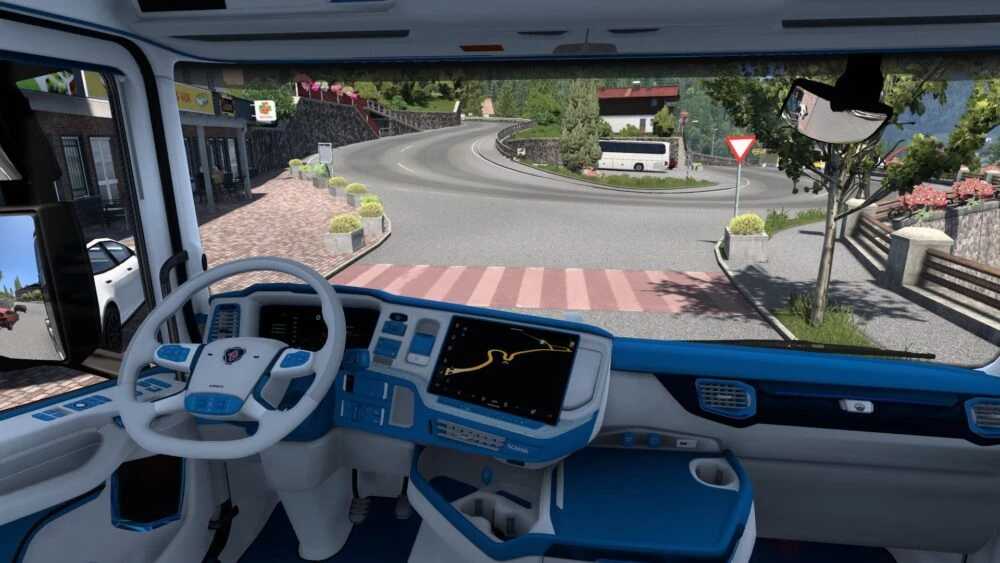
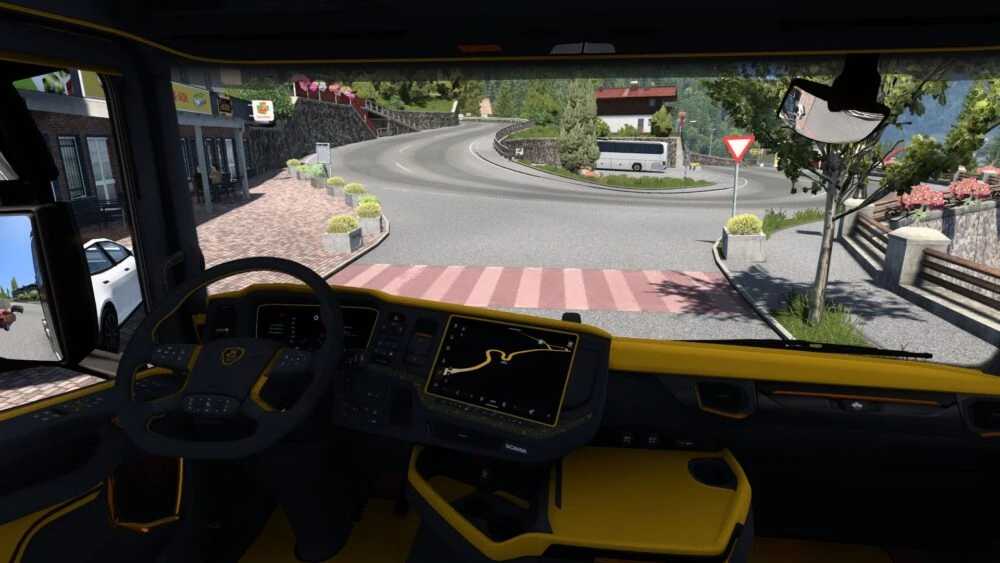
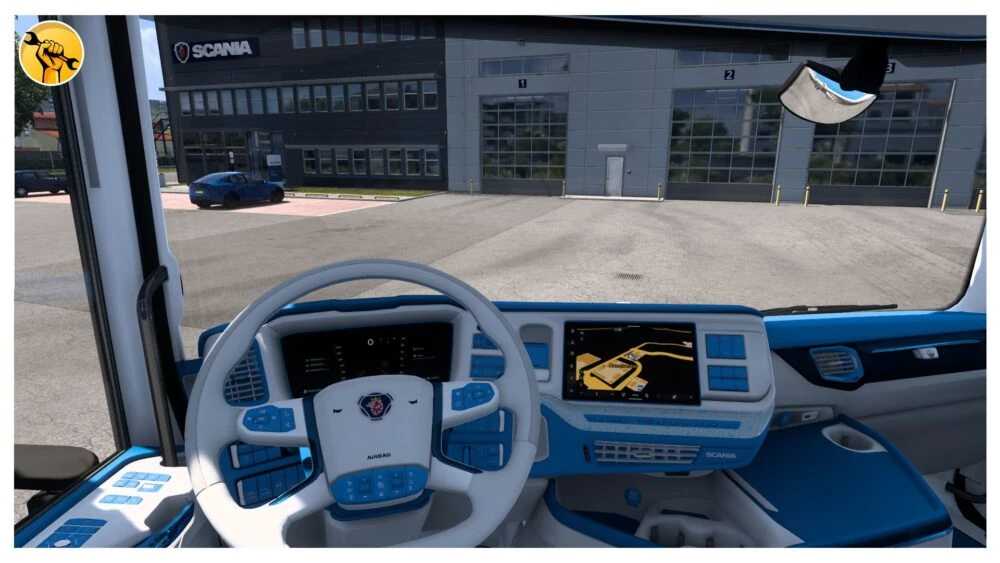
Insanux Custom Interior tailored for the Scania NG 2016 EU model & Super Smart Dash.
Available Variants:
Orange and Black
Blue and White
Credits: InsaneCallum
How to Install ETS2 or ATS Mods
Installing mods in Euro Truck Simulator 2 is straightforward. Download the mod from the link, then copy or unzip the files into the “My Documents\Euro Truck Simulator 2\mod” folder. For American Truck Simulator, place them in the “My Documents\American Truck Simulator\mod” folder. You can use WinRAR or 7zip to extract files. Finally, activate the mods you wish to use.