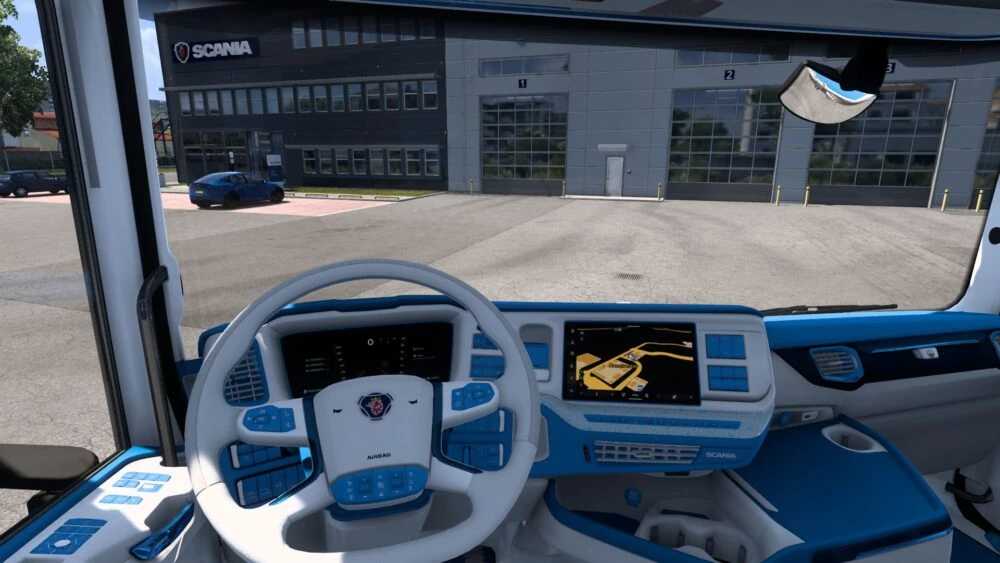
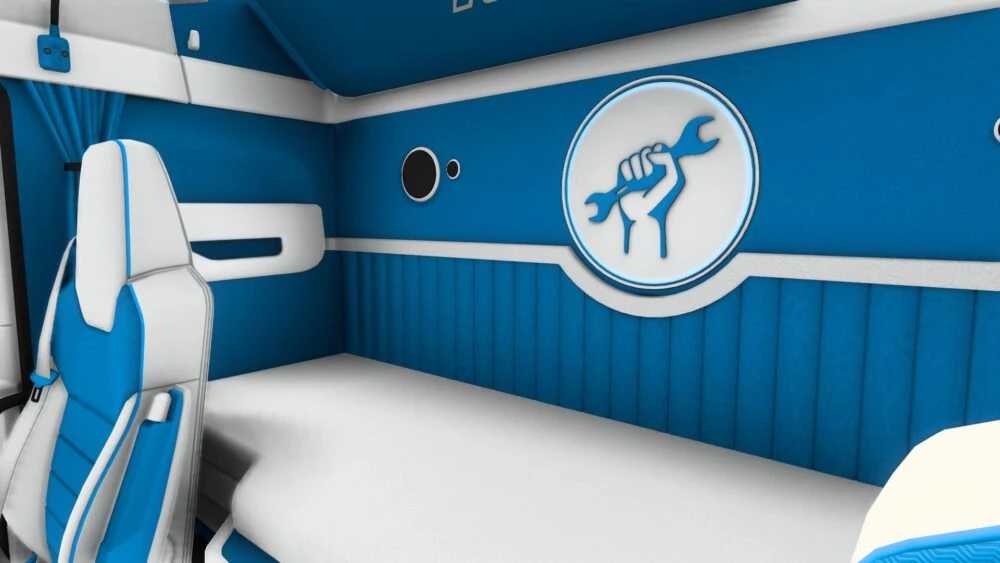
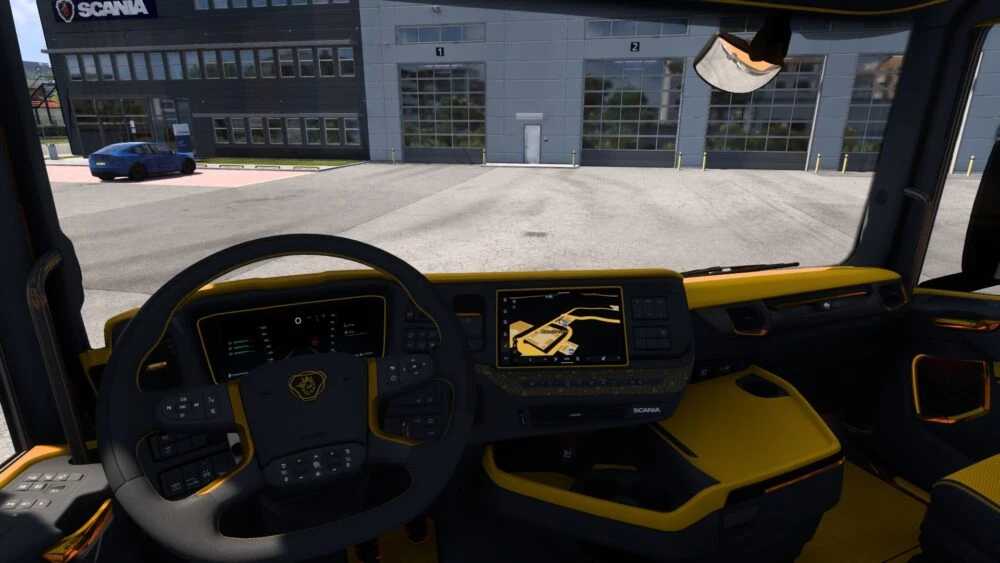
Insanux White/Blue + Orange/Black S16 Super Interior 1.57 ETS2
Updates:
– Updated for version 1.57 of the game
Insanux Custom Interior designed for Scania NG 2016 EU with a Super Smart Dash
Available Colors:
– Orange and Black
– Blue and White
Credits: InsaneCallum
Installing ETS2 or ATS Mods
Installing mods for Euro Truck Simulator 2 is straightforward. Simply download the mod from here, and place/unzip the files into: “My Documents\Euro Truck Simulator 2\mod” folder; for ATS, use: “My Documents\American Truck Simulator\mod” folder. Use tools like WinRAR or 7zip for unzipping files. After that, activate the desired mods to start using them.