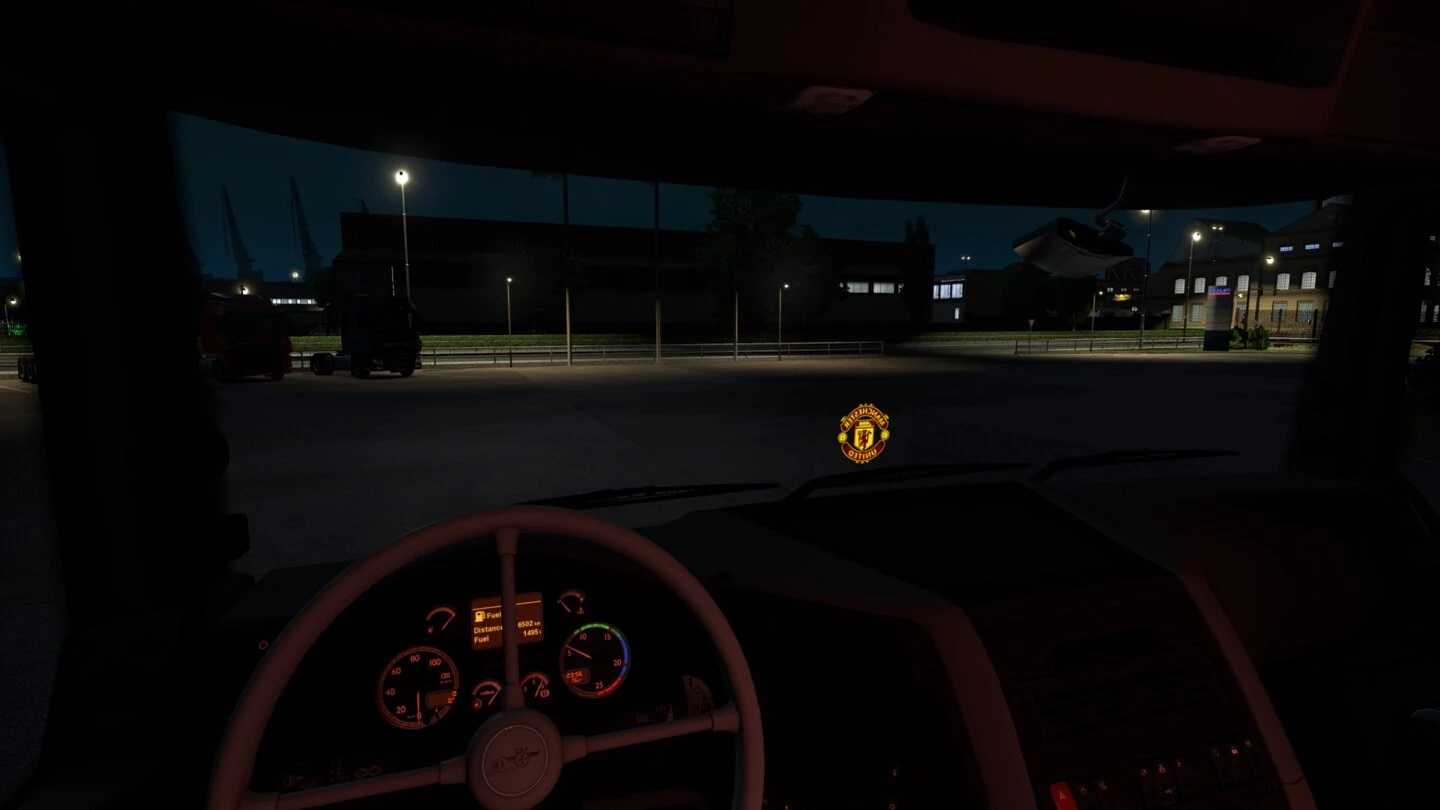
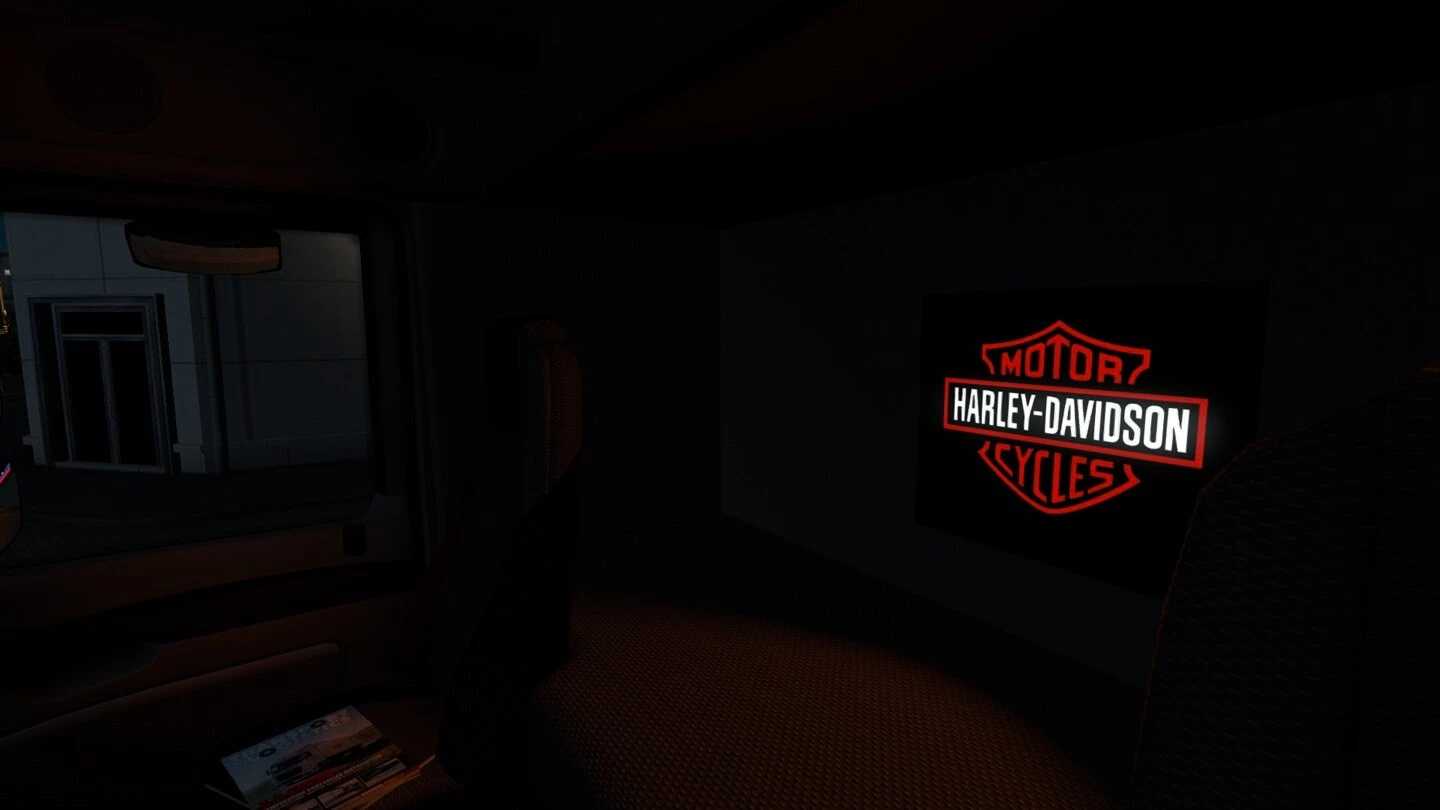
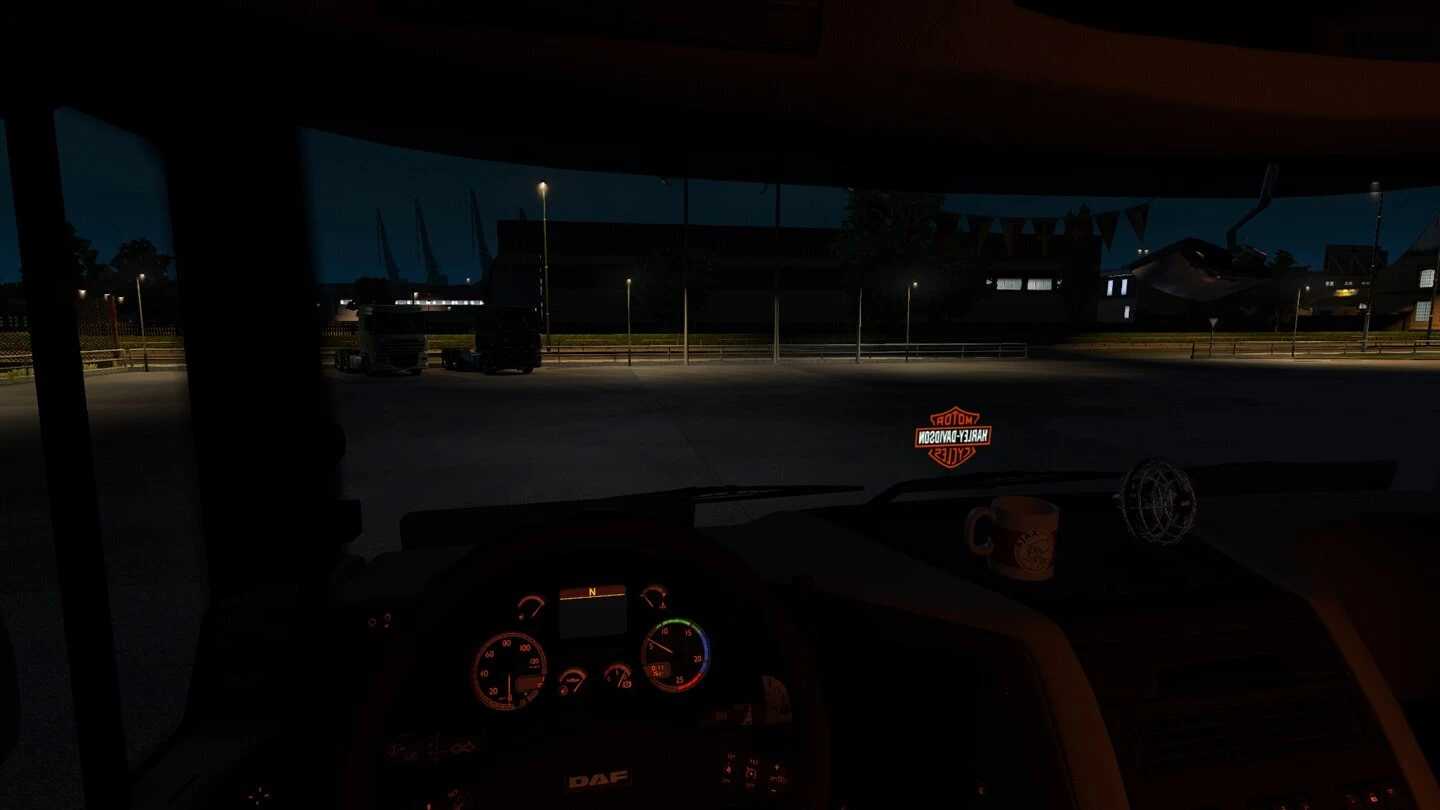
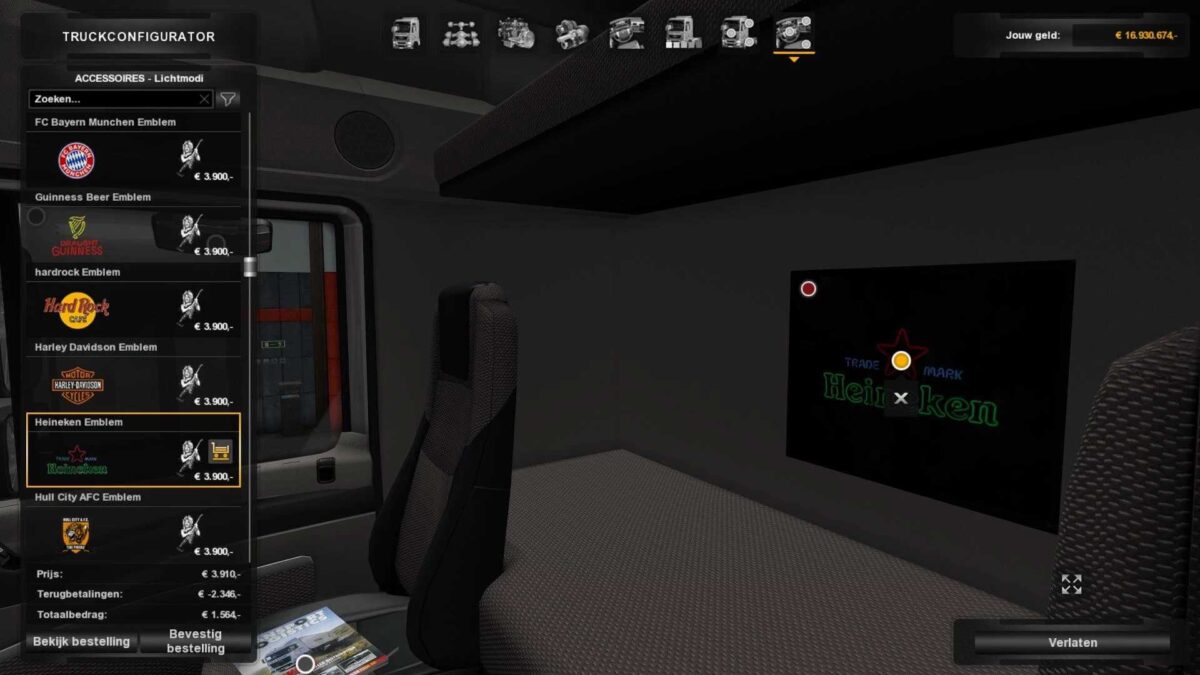
Interior Light & Emblems v25.03 for ETS2
Featuring Custom Emblems & LED Emblems for all SCS trucks and various custom builds.
This mod is fully standalone with no replacements.
Includes vintage logos for newer trucks.
Available in Part 1 and Part 2.
Credits: Braakie
Installing ETS2 or ATS Mods
Installing mods in Euro Truck Simulator 2 is straightforward. Simply download the mod from this page and copy/unzip the files into the “My Documents\Euro Truck Simulator 2\mod” folder. For American Truck Simulator, use the “My Documents\American Truck Simulator\mod” folder. To extract the files, you can use either WinRAR or 7zip. After extraction, remember to activate the mods you wish to use.