Interior Light & Emblems v25.07 ETS2
Update Notes for v25.07
Introduced 4 new emblems:
– Dundee United FC
– SMOOVE White-Dragon
– Southern Pacific’s
– Toronto Blue Jays
Interior Lights & Emblems Overview
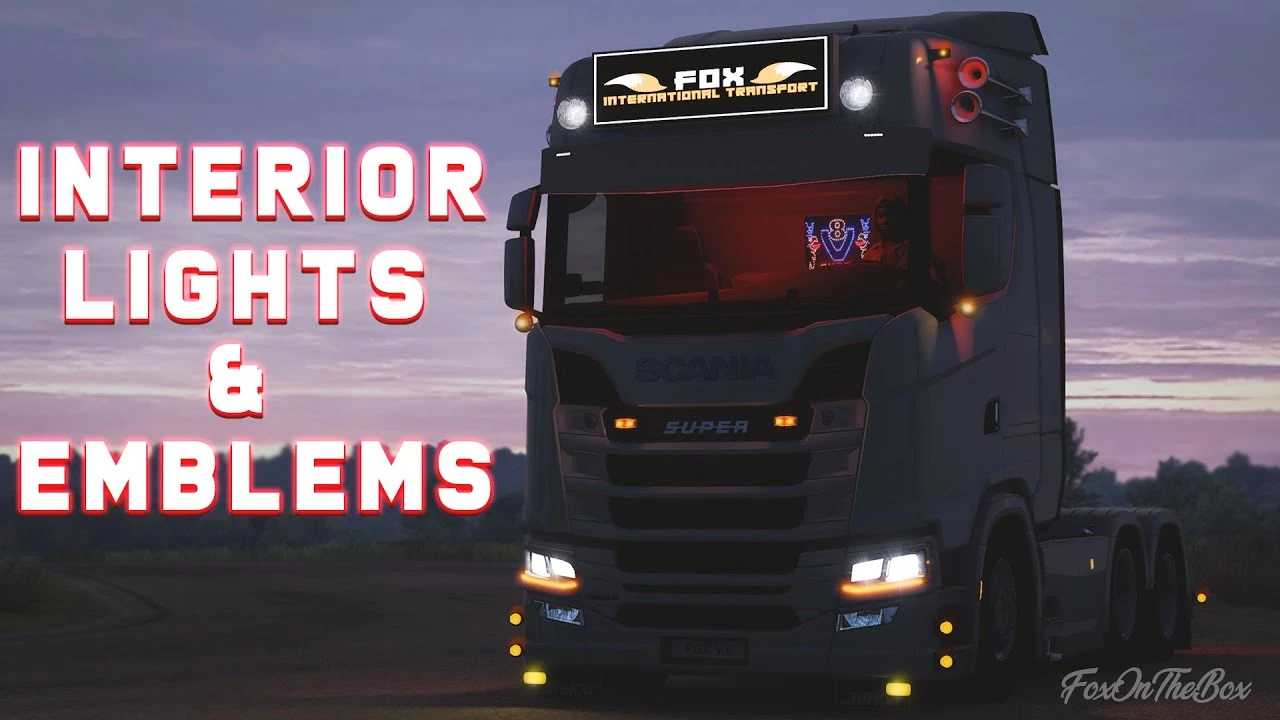
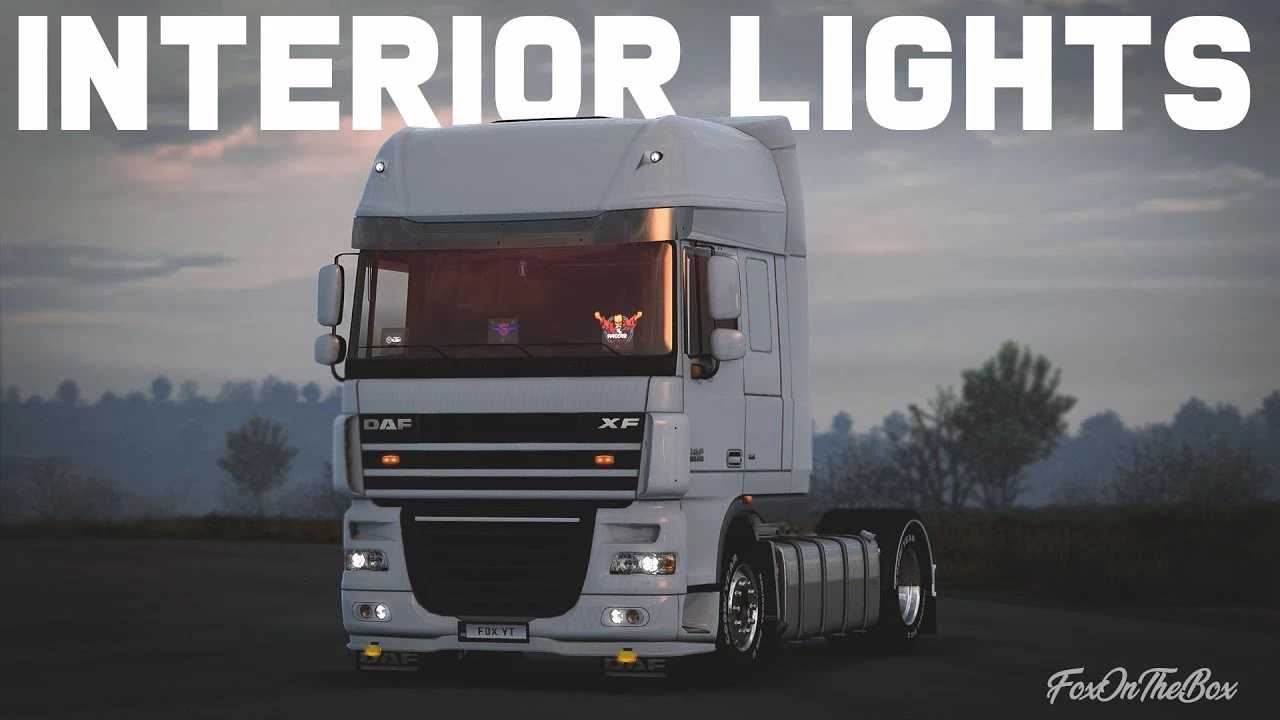
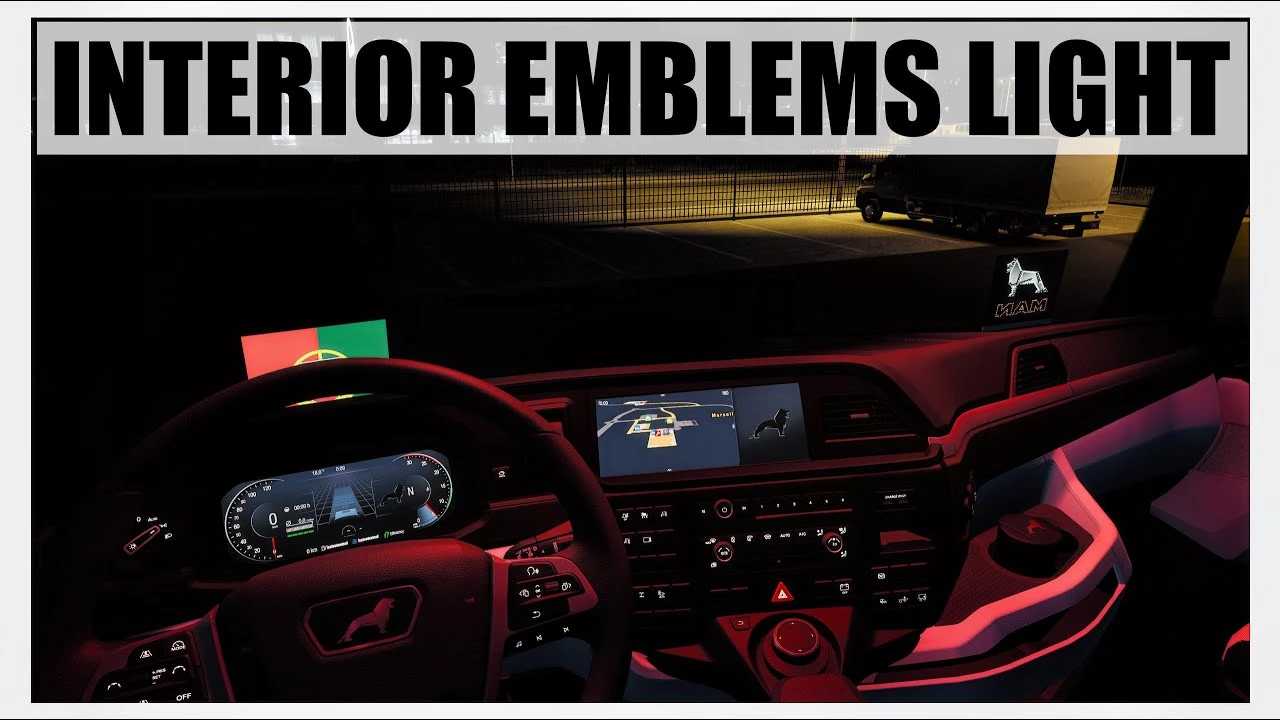
– Features Custom Emblems & Custom LED Emblems for all SCS trucks and various custom models. The mod stands alone without replacing any content.
– Fully compatible with all SCS trucks including:
– Scania RS & R4 (RJL), Scania T & T4 (RJL), Scania ST Cab 2016 Next Gen (Azorax), Volvo FH16 2013 (Ohaha), Volvo FH 2022 (Sanax), MAN TGA (Madster), Ford F-Max (SimülasyonTÜRK), Mercedes Benz New Actros 2019 (Actros 5 Crew), Mercedes-Benz Actros MP2 (Dotec), MAN TGX E6 by Gloover, Next Generation Scania P G R S (Eugene), Volvo FH 2020 by KP TruckDesign Rework (Sanax), MAN F2000 (XBS)
This mod is suitable for single-player and convoy modes only.
Current compatibility: 1.54
Credits: Braakie
Installation Guide for ETS2 and ATS Mods
Installing mods in Euro Truck Simulator 2 is straightforward. Simply download the mod from here, and copy or unzip the files into the following directory: “My Documents\Euro Truck Simulator 2\mod” folder. For American Truck Simulator, use the “My Documents\American Truck Simulator\mod” folder. Use software like WinRAR or 7zip to unzip files. Finally, activate the mods you wish to use.