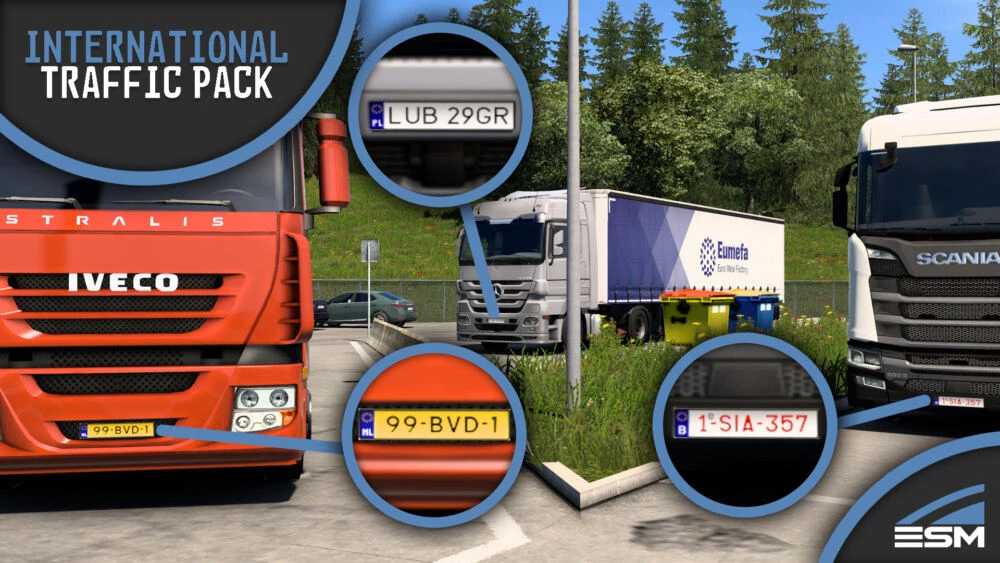
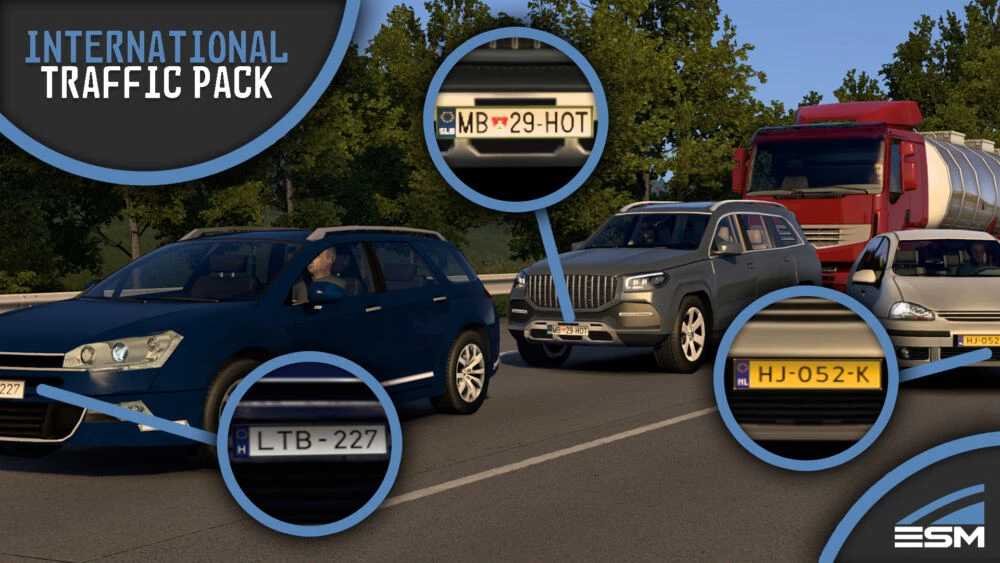
International Traffic Pack by Elitesquad Modz Vanilla Edition V1.1 ETS2
Features
– Introduces foreign vehicles, including cars, semitrucks, buses, vans, campers, and caravans to the countries available in the vanilla game (inclusive of all map DLCs).
– Implements spawn rates for foreign vehicles by country, based on statistics and expert analysis, ensuring a realistic traffic distribution.
– Incorporates random country traffic with a low probability.
– Allows foreign vehicles to appear at parking spots.
– Preserves the native spawn rate distribution for various vehicles, maintaining high/low spawning rates abroad.
– Ensures that vehicles follow their country’s steering wheel orientation while driving in foreign nations.
– Exclusively features vehicles from the vanilla game.
– Includes a selection of trailers to appear abroad to prevent memory overload and filter out national-only trailer types.
Compatibility
Tested with version 1.53.
Map mods:
Currently tailored for the vanilla game but can be utilized with any map mod that includes (a subset of the) vanilla countries.
Please note, vehicles from non-vanilla countries will not appear abroad. A version aimed at ProMods is in progress, designed to add vehicles from all countries featured in their main map mod.
Traffic mods:
This mod enhances AI traffic by introducing country-specific variants of traffic vehicles. Spawn rates were designed with vanilla vehicles in mind.
As a result, any mod that adds extra AI vehicles may reduce the international traffic proportion. Mods that modify overall traffic density should function well alongside this mod. Several add-ons have been developed to enhance this mod’s functionality to third-party integrations.
Credits: Elitesquad Modz
Installation Guide for ETS2 or ATS Mods
Installing mods in Euro Truck Simulator 2 is straightforward. Download the mod, then place/unzip the files into: “My Documents\Euro Truck Simulator 2\mod” folder or if you are using ATS, place them into: “My Documents\American Truck Simulator\mod” folder. You can use WinRAR or 7zip to unzip files. After that, activate the mods you wish to use.