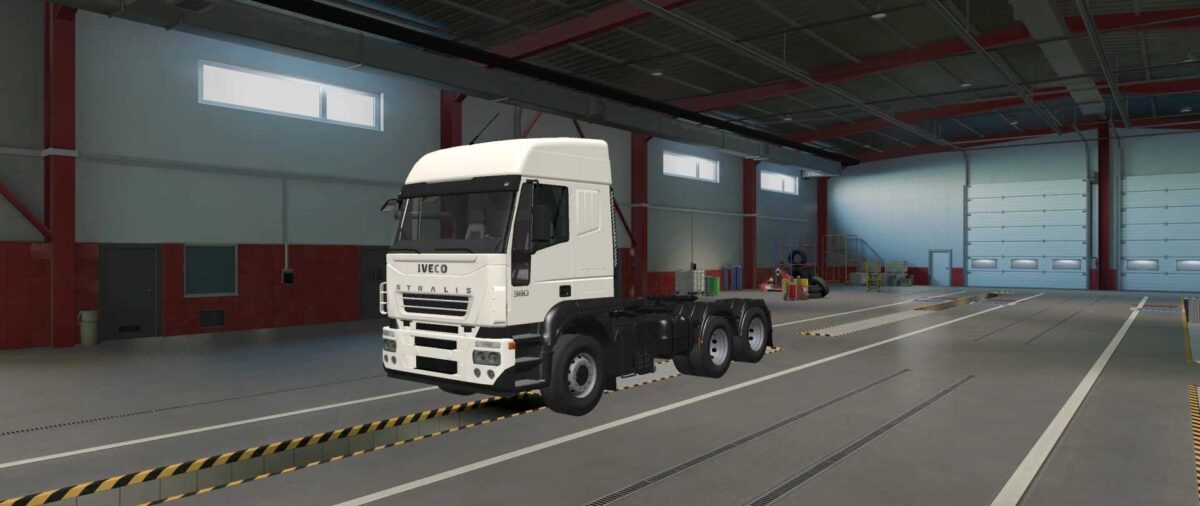
Iveco Eurotech e Stralis HD 1999-2006 1.53 ETS2
Complete mod
Two different models
Four cabins
Multiple chassis options
Various accessories
Unique sound system
Credits: alex
Instructions for Installing ETS2 or ATS Mods
Installing mods in Euro Truck Simulator 2 is straightforward. Simply download the mod, then copy or unzip the files into the “My Documents\Euro Truck Simulator 2\mod” directory. For American Truck Simulator, place the mods in the “My Documents\American Truck Simulator\mod” folder. You can use programs like WinRAR or 7zip for unzipping files. Afterward, remember to activate the mods you’d like to use.