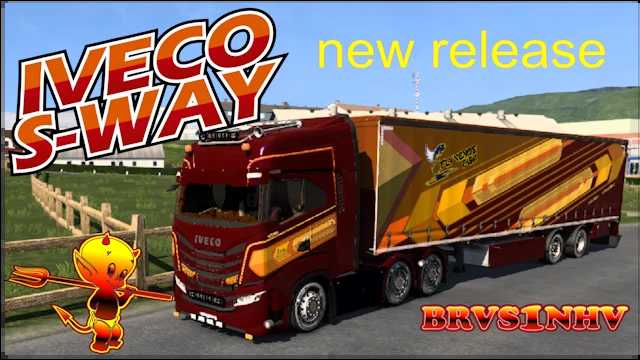
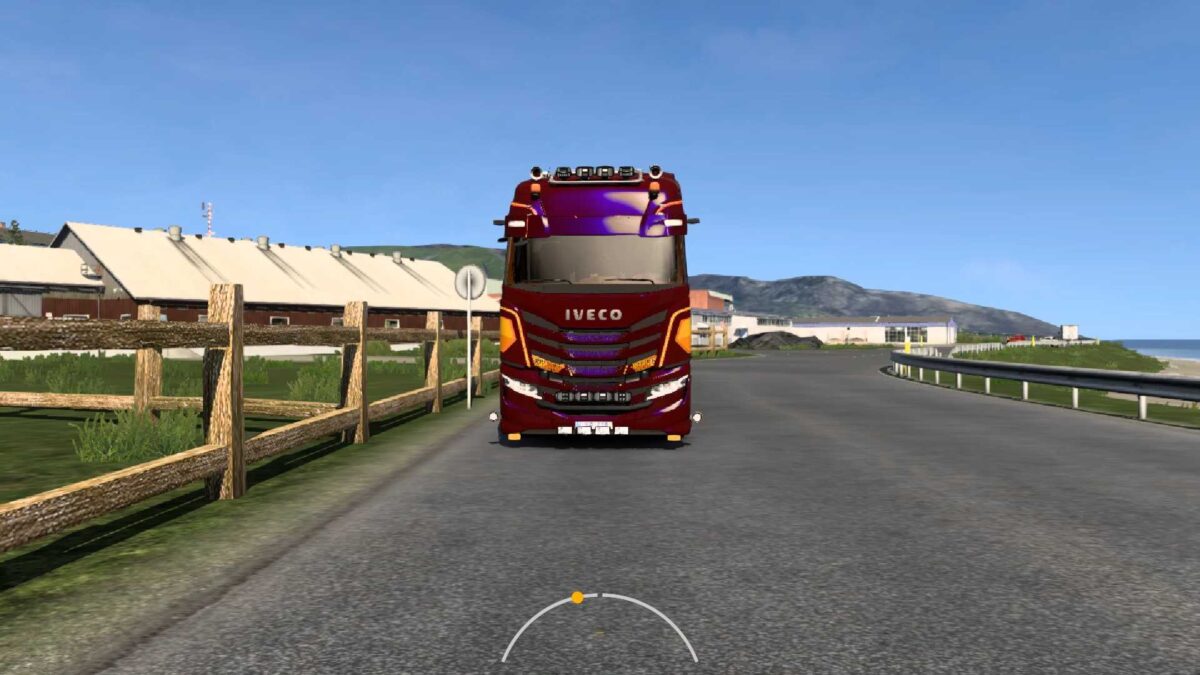
Iveco S-Way Hi-Powered v1.0 for ETS2
This is our Iveco S-Way Hi-Powered v1.0 mod for ETS2, compatible with versions 1.49, 1.50, 1.51, and beyond. It features:
– A truck with multiple skins;
– Standalone status;
– 4 Cabins;
– 8 Chassis options: 4×2/LNG, 6×2/Midlift/Taglift, 6×4, etc.;
– The 6×4 variant comes with a 1400-litre fuel tank capacity;
– Engine options: Cursor 9/11/13;
– FNM engines: 11 700 HP, Br V8 800 HP, Xtra 900 HP;
– Powerful braking service included;
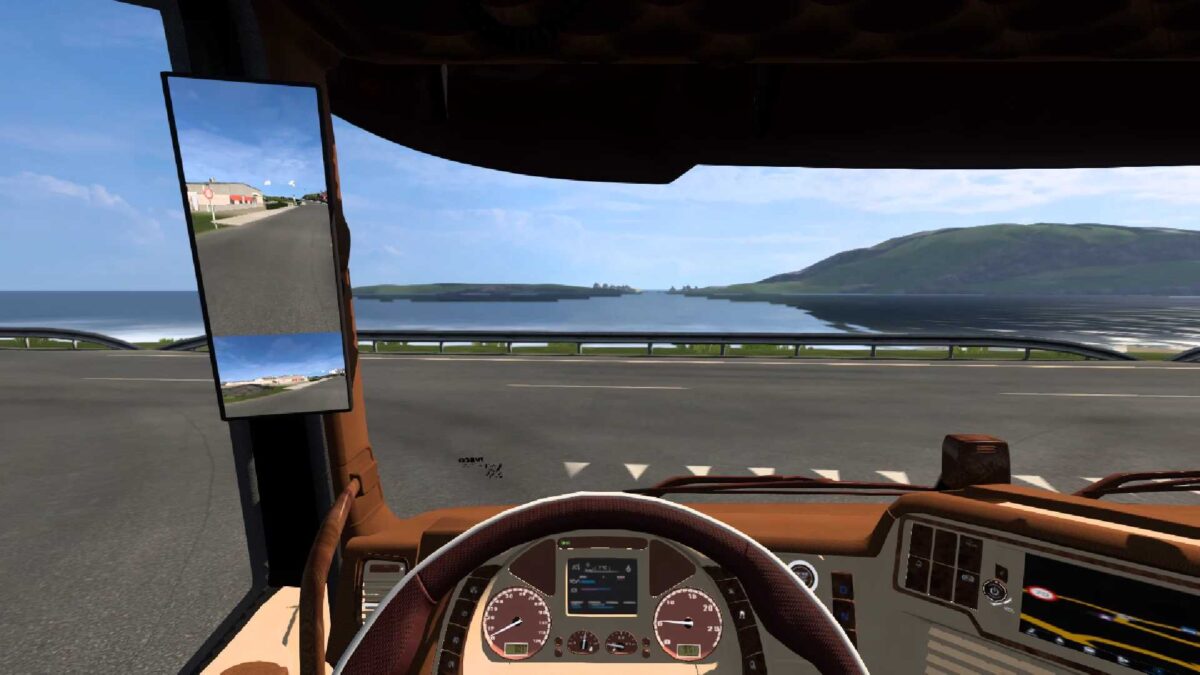
– Interior options: Stock and Weeda Custom;
*Old Owl brownish and cream color;
– 15 Transmission options: 6, 12, 15, 16, 18 speed;
– Customizable Weeda standalone, featuring almost all tuning options;
– Various skins included;
– Lightbox;
– Side skirts;
– Exhaust systems;
– Bumpers;
– Sunshields;
– Bullbars;
– No-damage-data system;
– Included trailer with skin;
– New dashboard design;
– New splash screen;
– Templates included in the archive;
– New wheels and rims pack;
– New lights pack;
– No-dead-ends system;
– New company logo for players;
– Universal fix and translation options, plus many more.
Credits: SCS, SoapModding, Weeda Transport – for the truck; DaStrobel – for the no-dead-ends feature; kworey – for universal fixes and translations; Mvrkvr1n – for special wheels and lights; Brvs1nhv – for various other works, including skins.
How to Install ETS2 or ATS Mods
Installing mods in Euro Truck Simulator 2 is straightforward. Simply download the mod from this site, then copy/unzip the files into the “My Documents\Euro Truck Simulator 2\mod” folder. For American Truck Simulator (ATS), place the files in the “My Documents\American Truck Simulator\mod” folder. You can use software like WinRAR or 7zip to unzip files. Afterward, activate the mods you wish to use.