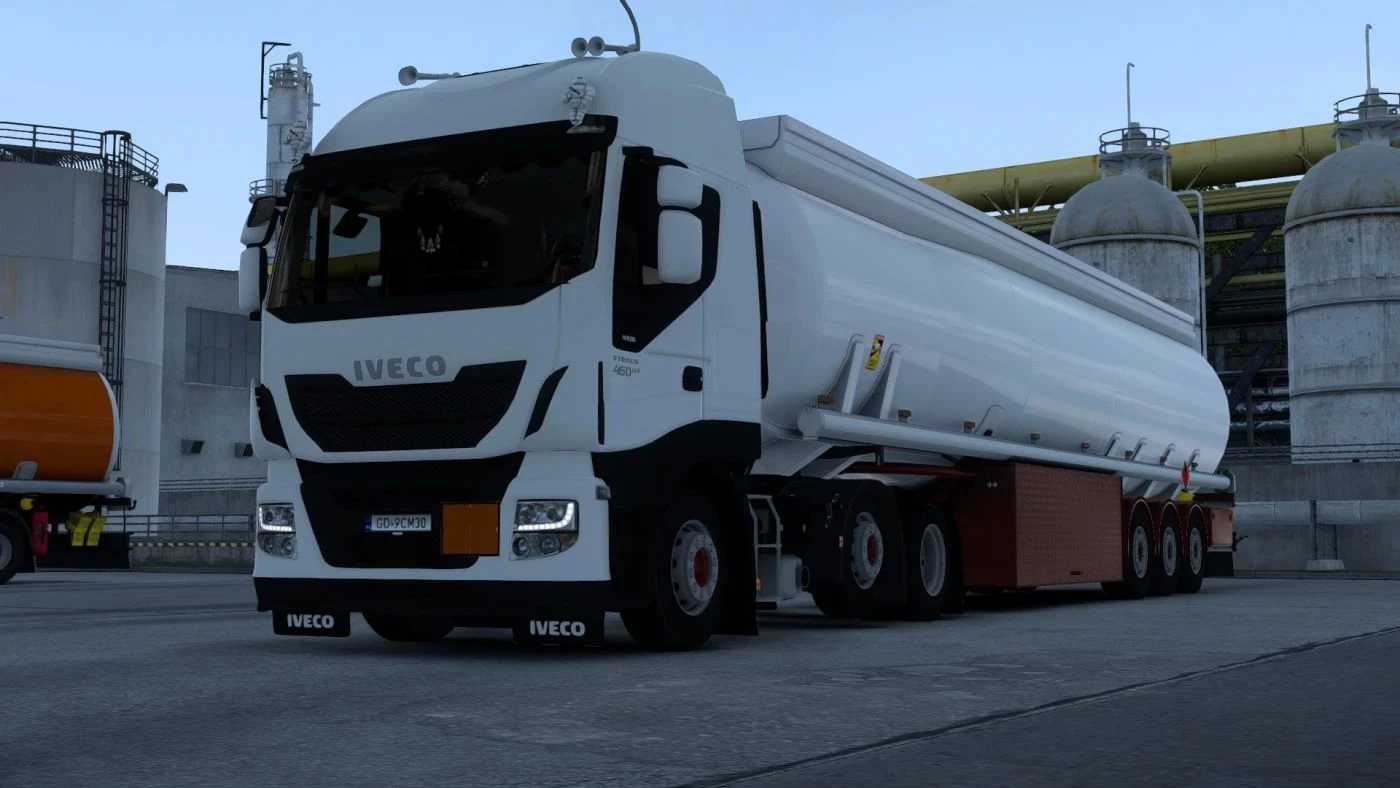
Iveco Stralis Hi-Way Enhanced v1.1 ETS2
Enhanced textures and inclusion of previously absent models,
Seats have been updated (currently featuring those from S-Way; in version 2.0, original seats from the older generation will be included but enhanced),
Introduction of slots and a dashboard table,
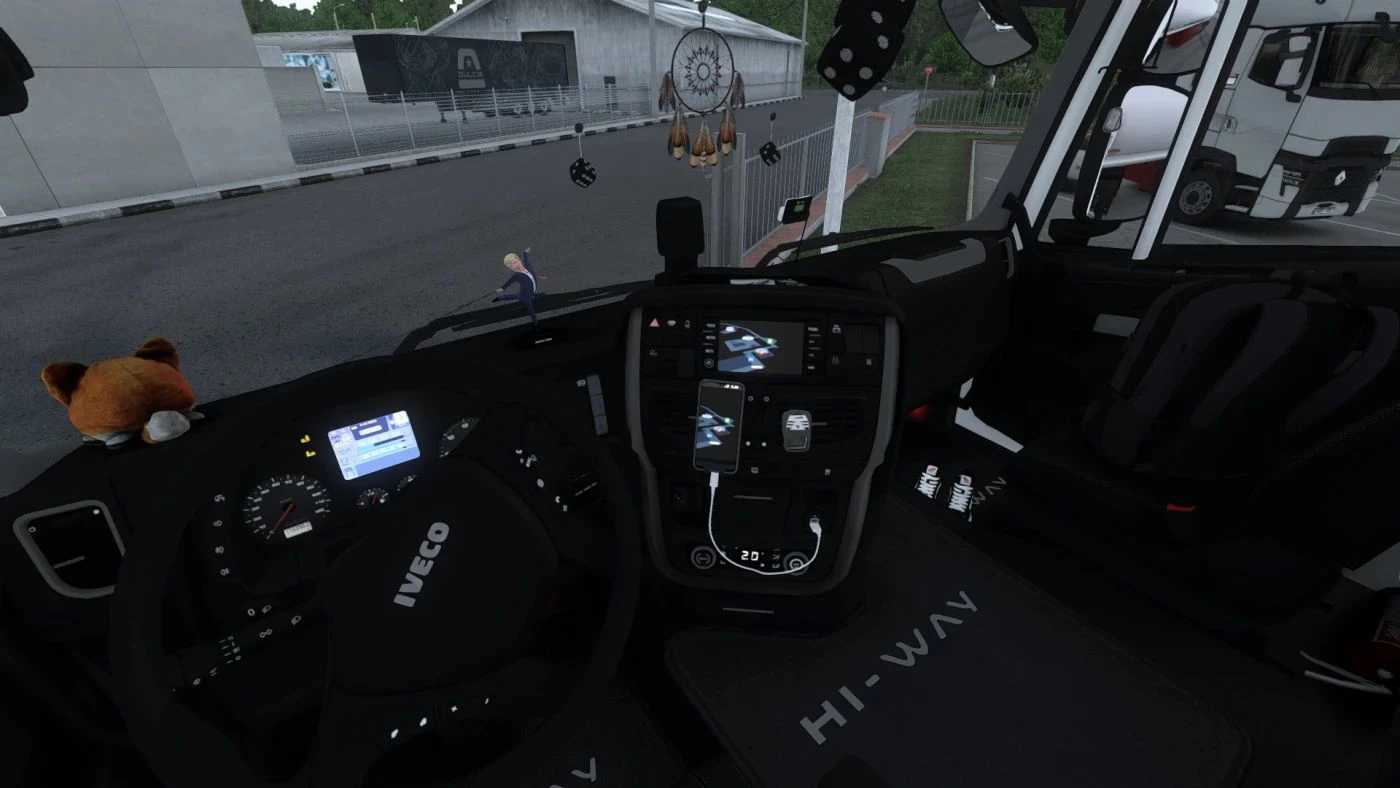
Additional slots for toyac and toyhangs,
Bedding in two styles,
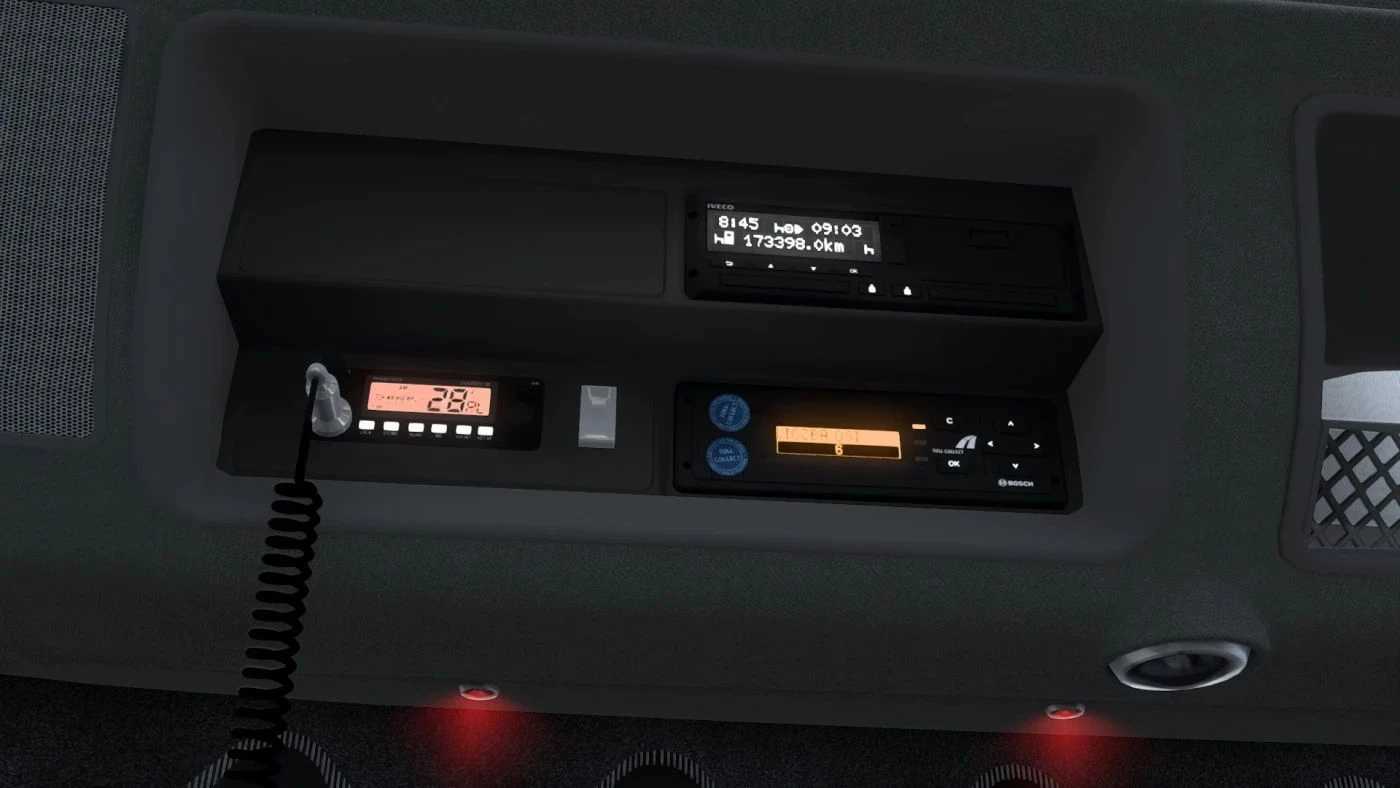
Tollcollect system,
Functional tachograph in two formats (showing either speed or remaining driving time),
Upgraded wipers,
Expanded front mirror,
New curtains (including the frontal ones),
Entirely revamped exterior,
Crimson cabin illumination,
Two options for intlight back (Metallica and Iveco),
Thicker glass panes,
Inclusion of a TV,
CB radio with a microphone featuring physics,
Mobile device with GPS mounted on the vent with a cable (showing distance to the destination),
Hidden feature,
Credits: Krislav
Installation Instructions for ETS2 or ATS Mods
Installing mods in Euro Truck Simulator 2 is straightforward. Simply download the mod from here, unzip or copy the files into: “My Documents\Euro Truck Simulator 2\mod” folder; or if you are playing ATS, place mods in: “My Documents\American Truck Simulator\mod” folder. You can use WinRAR or 7zip to unpack files. After unzipping, remember to activate the mods you wish to use.